
Description
XLN Audio RC-20 Retro Color is a creative effects plugin that brings life, warmth, and rich texture to any recording on your Mac. It effortlessly recreates the warm and cozy feeling of vintage recording equipment, yet it also performs beautifully within any modern production environment on macOS.
Key features of the plugin:
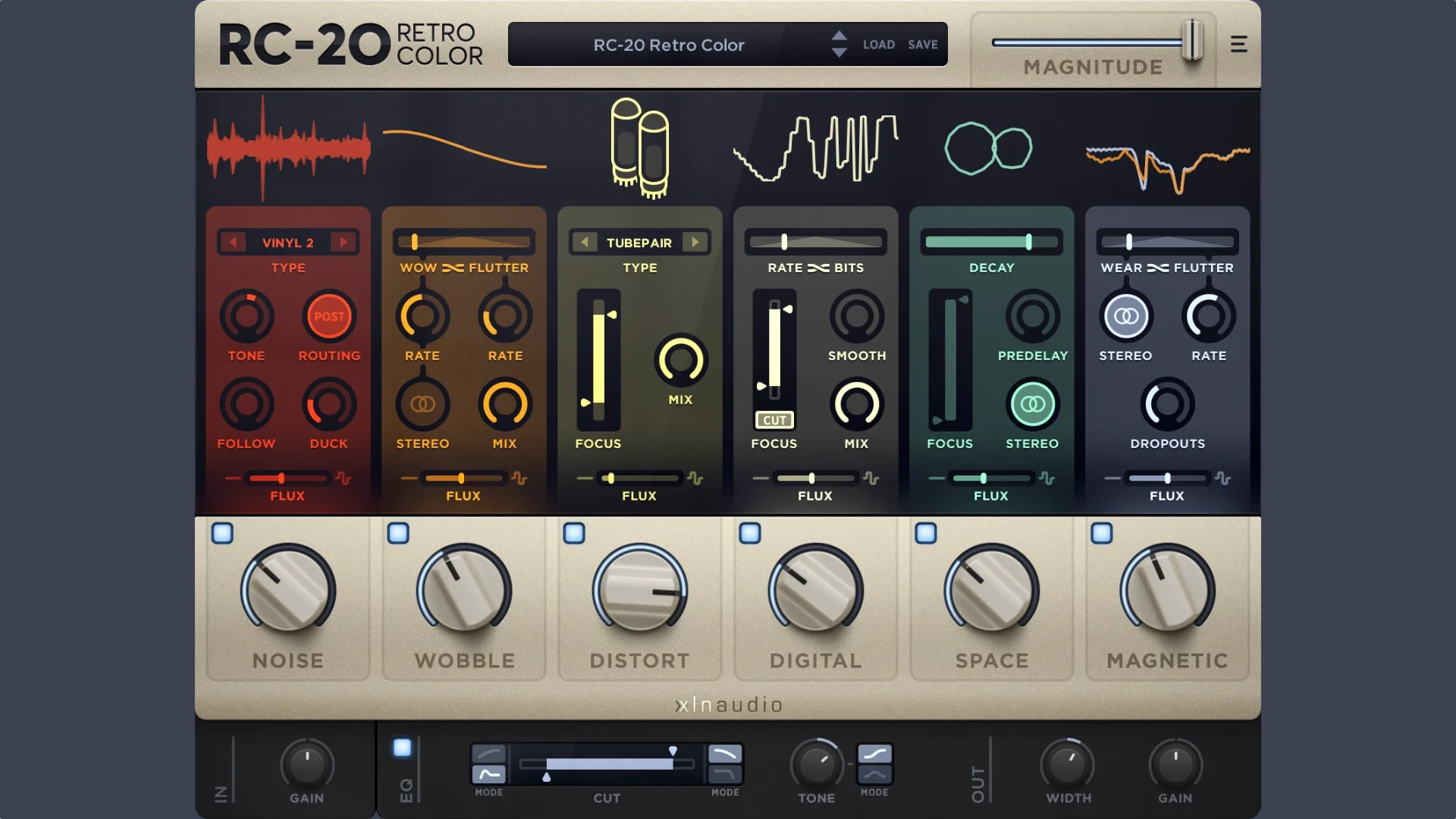
- Vintage processing modules. RC-20 Retro Color XLN Audio includes six dedicated modules for crafting a wide variety of vintage effects, such as noise, distortion, digital degradation, space reverb, and volume modulation.
- Flexible settings. Each module offers a comprehensive set of parameters for fine-tuning the sound, including level adjustment, modulation speed control, frequency focus, and many other detailed options for precise shaping.
- Master section. At the bottom of the XLN Audio RC-20 Retro Color plugin interface, there is a master section equipped with essential tools for shaping and adjusting the final signal output on your Mac system.
- Flux controls. Every module is also equipped with a Flux knob, which introduces random variations into the sound over time, adding even more organic character and pleasing unpredictability to the overall sonic result. The XLN Audio RC‑20 Retro Color plugin is an indispensable tool for any Mac-based producer seeking authentic vintage vibes.
Reviews & Comments
No comments yet. Be the first to share your experience.