
Description
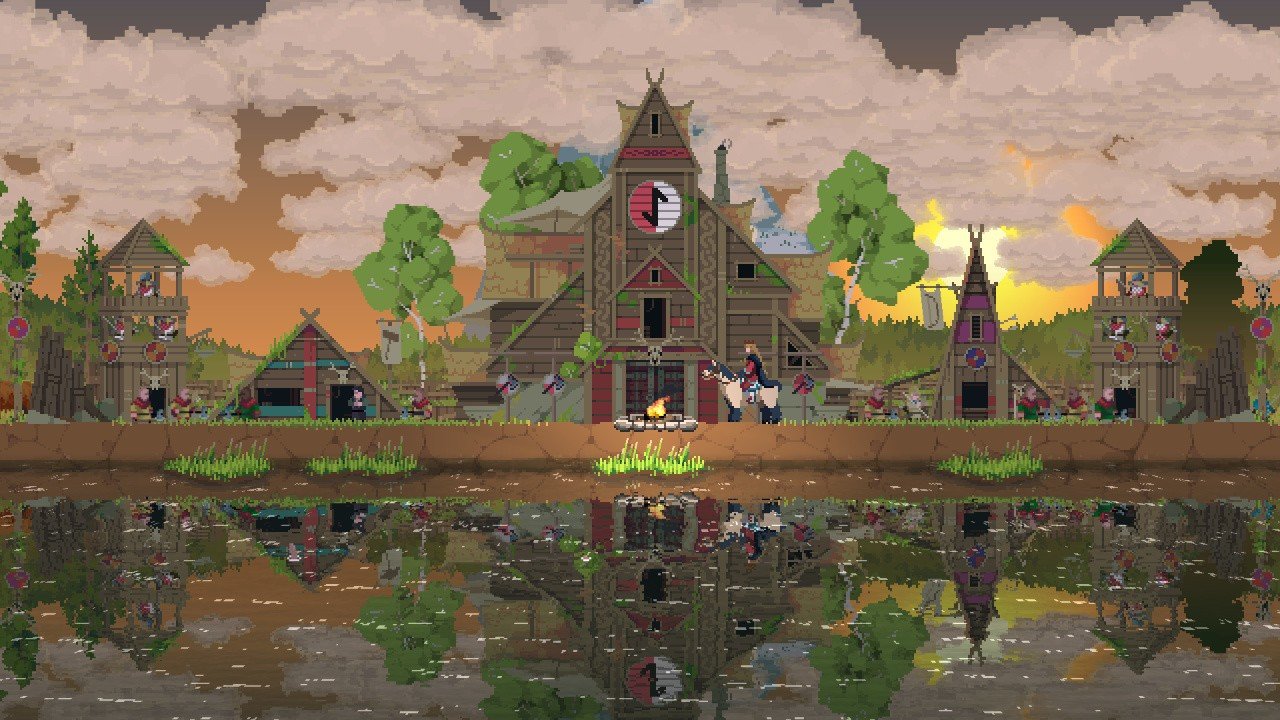
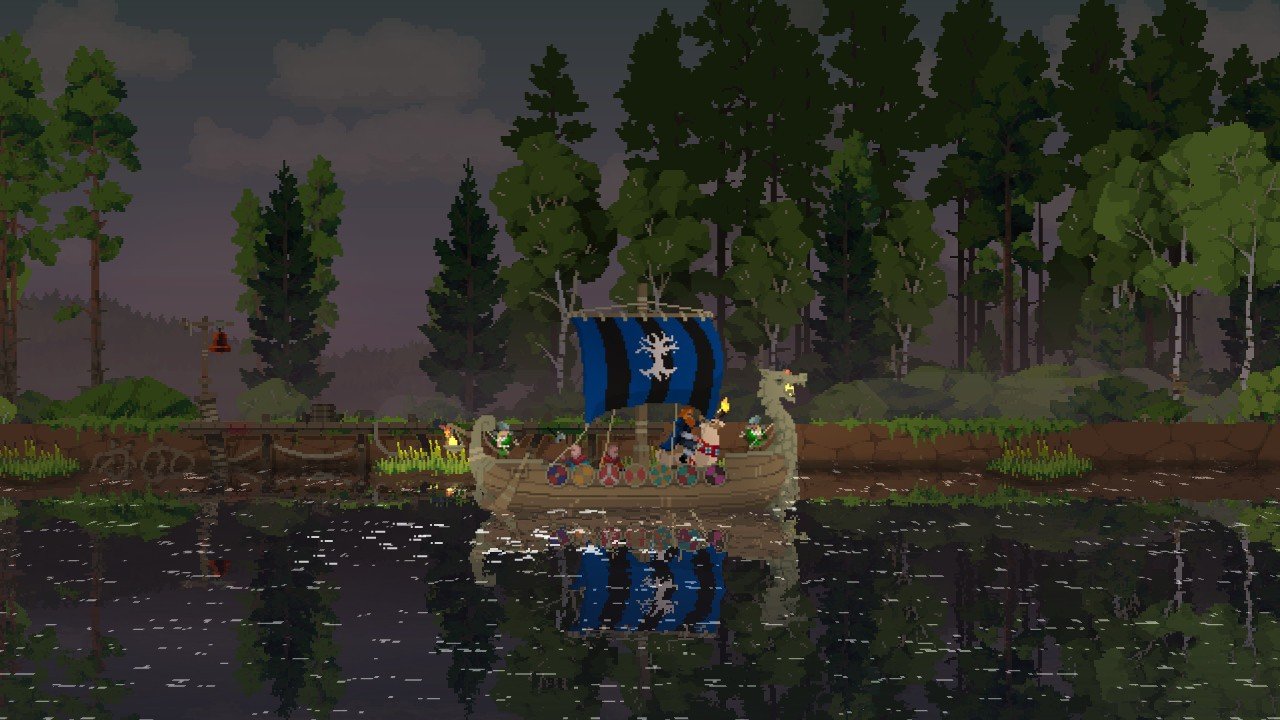
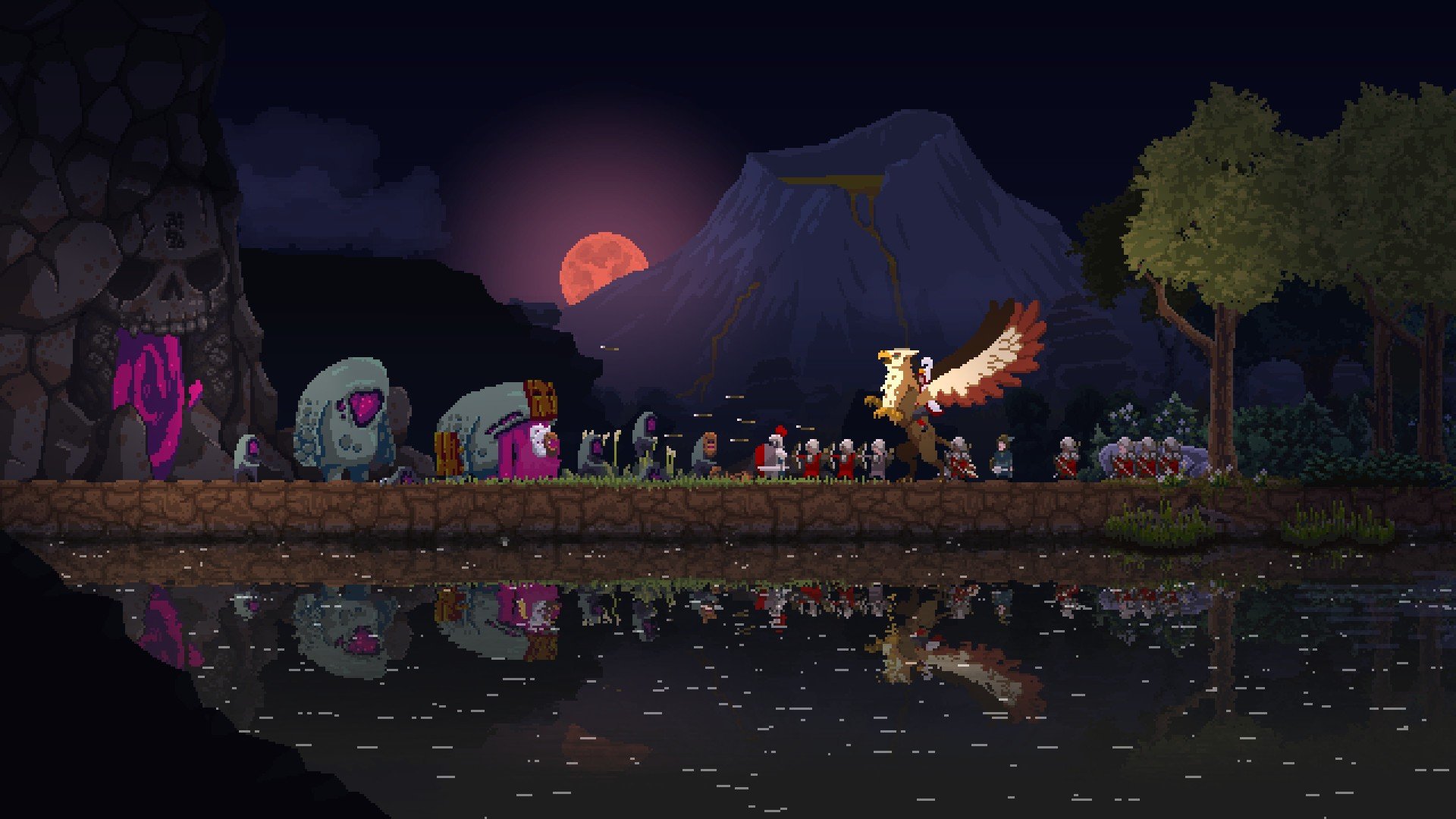
Kingdom Two Crowns is a minimalist side-scrolling micro-strategy game featuring stunning pixel art graphics, now available on your Mac. Take up the crown, mount your loyal steed, and set forth to recruit faithful subjects and build a thriving kingdom. But as you expand your borders ever further, never neglect your defenses – the hordes of the Greed are lurking just beyond the treeline, waiting for any chance to strip you of everything you have earned through tireless effort and careful planning.
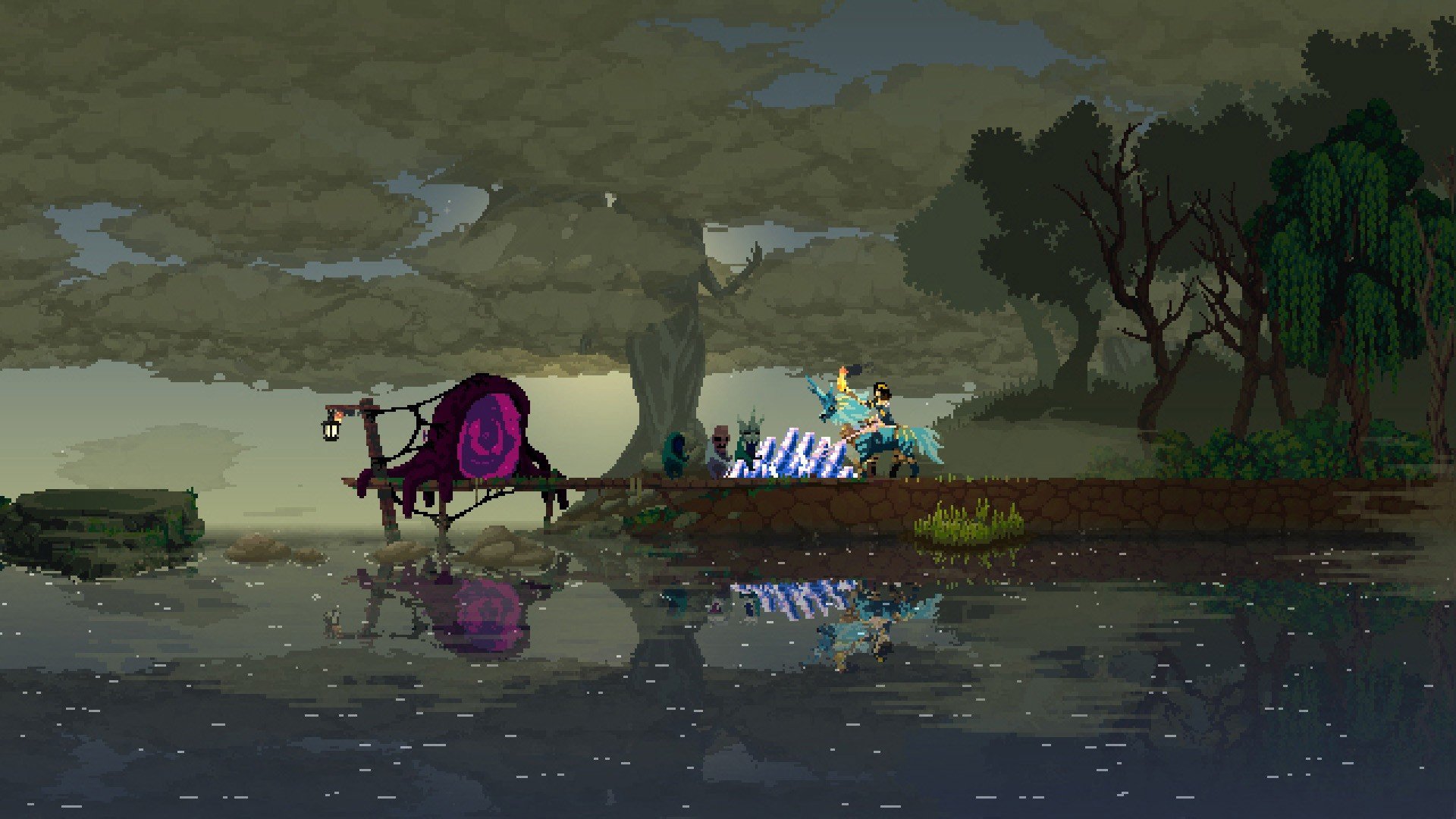
In the new campaign mode, the monarch will have plenty of work to do on their Mac. Your goal here is not merely to establish a kingdom of two crowns that will stand the test of time, but also to annihilate the forces of the Greed once and for all, putting a decisive end to their relentless attacks on your borders. And do not forget to explore the surrounding lands as you progress: new mounts and ancient secrets hidden deep beneath the earth await those who are brave enough to seek them out.
But fear not: you will not have to bear this heavy burden alone. Kingdom two crowns mac edition features a unique cooperative gameplay mode, and you are free to choose: face the countless challenges of ruling a kingdom by yourself, or call upon a trusted friend to join you online or by sharing the screen of your device. If one player needs to step away, the game will not be interrupted, as joining and leaving this cooperative mode can be done seamlessly at any moment without losing progress.
By the way, this experience is not limited to the traditional European medieval setting alone. For those who crave variety, the following themed expansions are also available in Kingdom Two Crowns on Mac:
Dead Lands: Welcome to a dark and foreboding kingdom. Here you will encounter unique monarchs who have arrived in this world straight from the gothic metroidvania Bloodstained. Notably, the shardbinder Miriam and other beloved characters from that renowned game have carried over not only their names but also a portion of their famous abilities upon crossing into the Kingdom universe. Furthermore, four new mounts will be at your disposal: a giant beetle that allows you to avoid deadly traps, an undead horse capable of creating barriers to block the advancing hordes of the Greed, and the demonic steed Gamigin who will lend his fearsome power in battle against your enemies. Begin constructing a dark, dark kingdom of your very own!
Shogunate: venture forth into lands crafted in the image and likeness of feudal Japan. Become an invincible warrior – or even a mighty warrioress – enlist the support of cunning ninja, command your troops while riding atop a magnificent qilin, and write your own new kingdom two crowns strategy treatise as you drive the forces of the Greed out of the serene bamboo groves and reclaim every inch of sacred ground.
These themed expansions will allow you to take a completely fresh perspective on the fine art of governing a nation and managing its resources on your Mac.
The challenge has been issued: it matters not whether you are a seasoned ruler with countless victories under your belt or a newcomer only just beginning to master this demanding and noble craft. We wish you the greatest success, courageous monarchs, for after all, as everyone surely knows by now: one crown is good, but two crowns are undoubtedly better!
Reviews & Comments
No comments yet. Be the first to share your experience.