


Description
Discover (or rediscover) the dark and haunting fairy-tale world of Little Nightmares running at a smooth 60 frames per second and stunning 4K resolution on your Mac.
Little Nightmares Enhanced Edition lets you boost your frame rate or enhance the visual quality for an even more immersive experience on macOS.
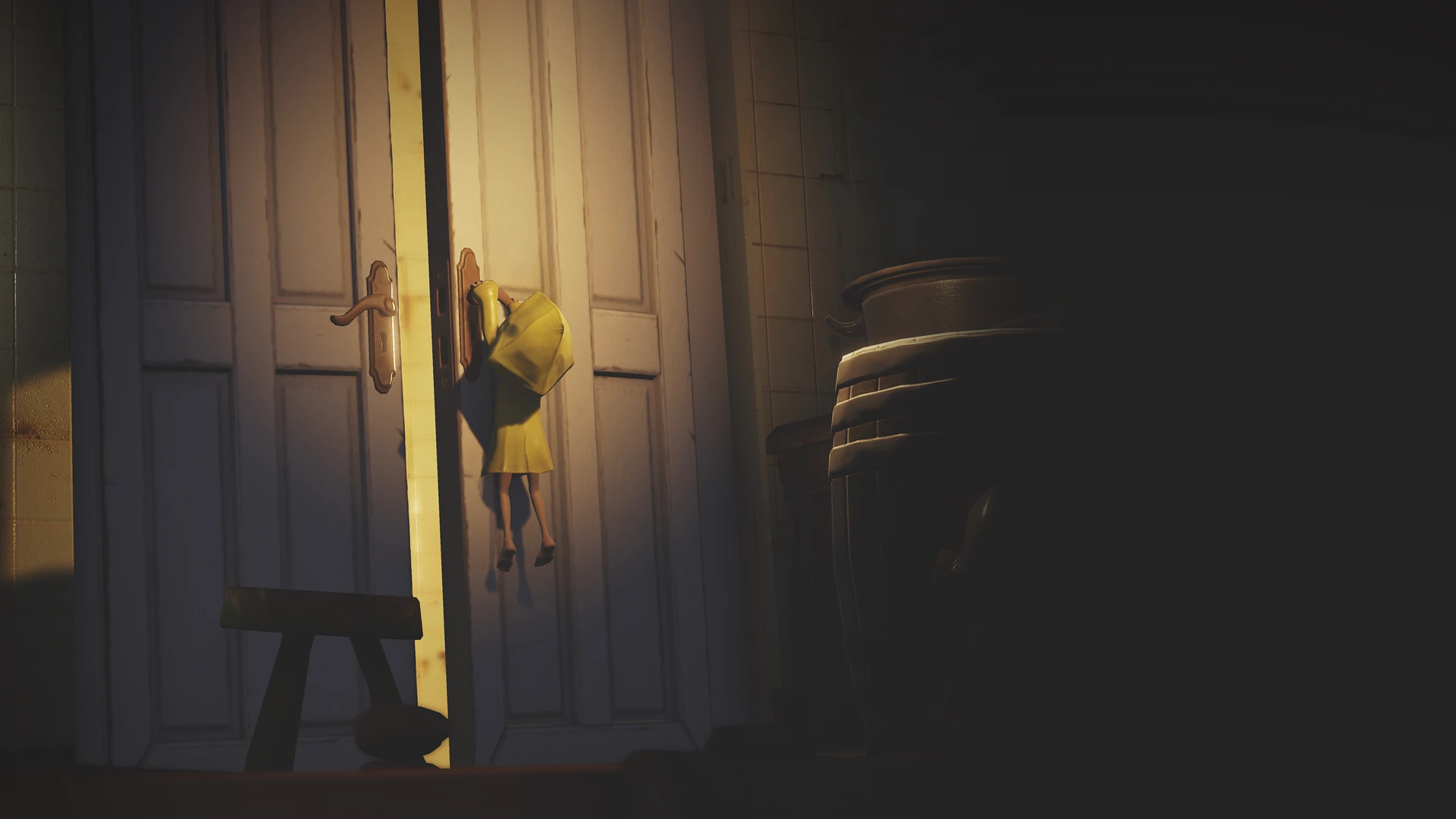
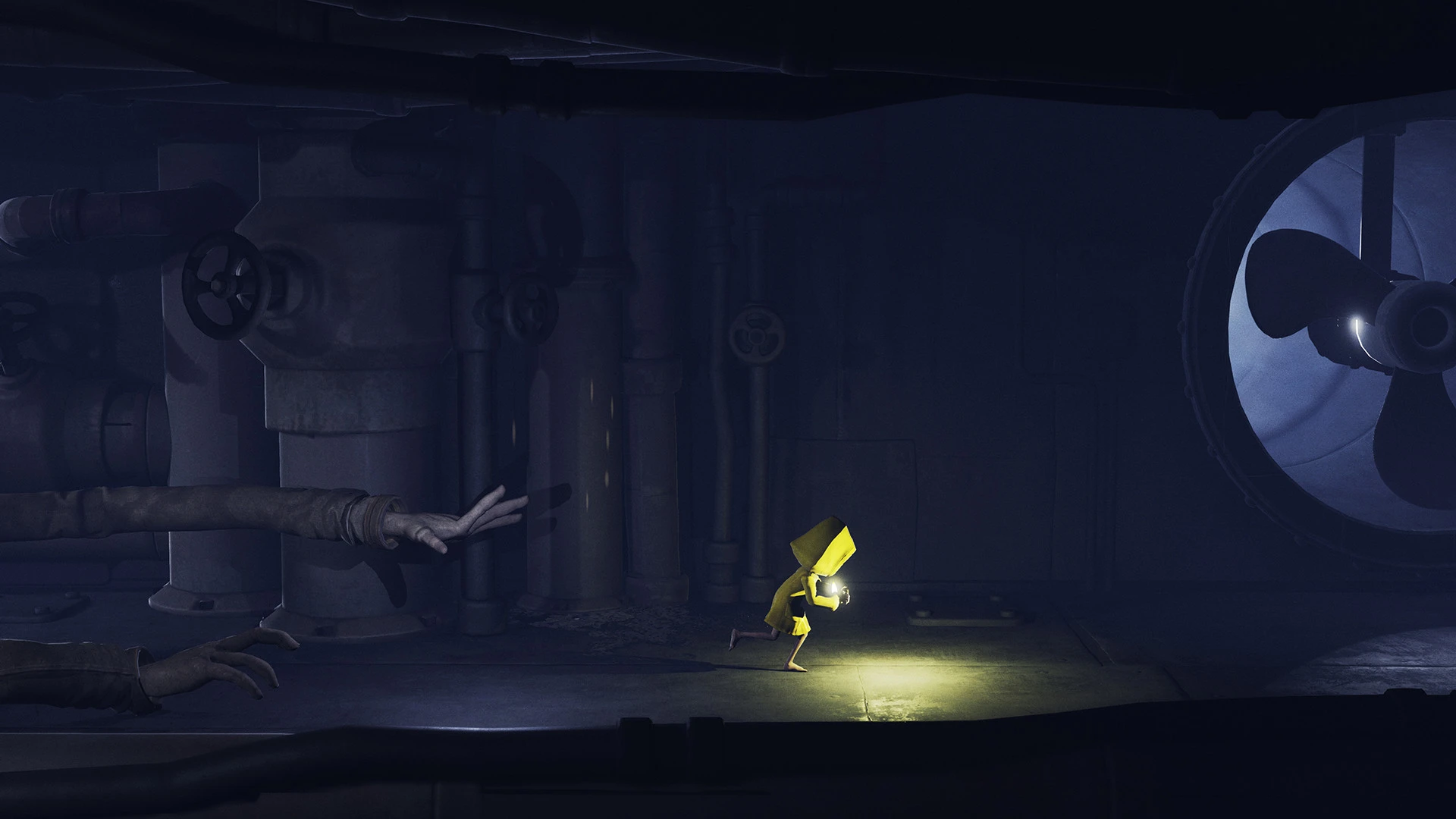
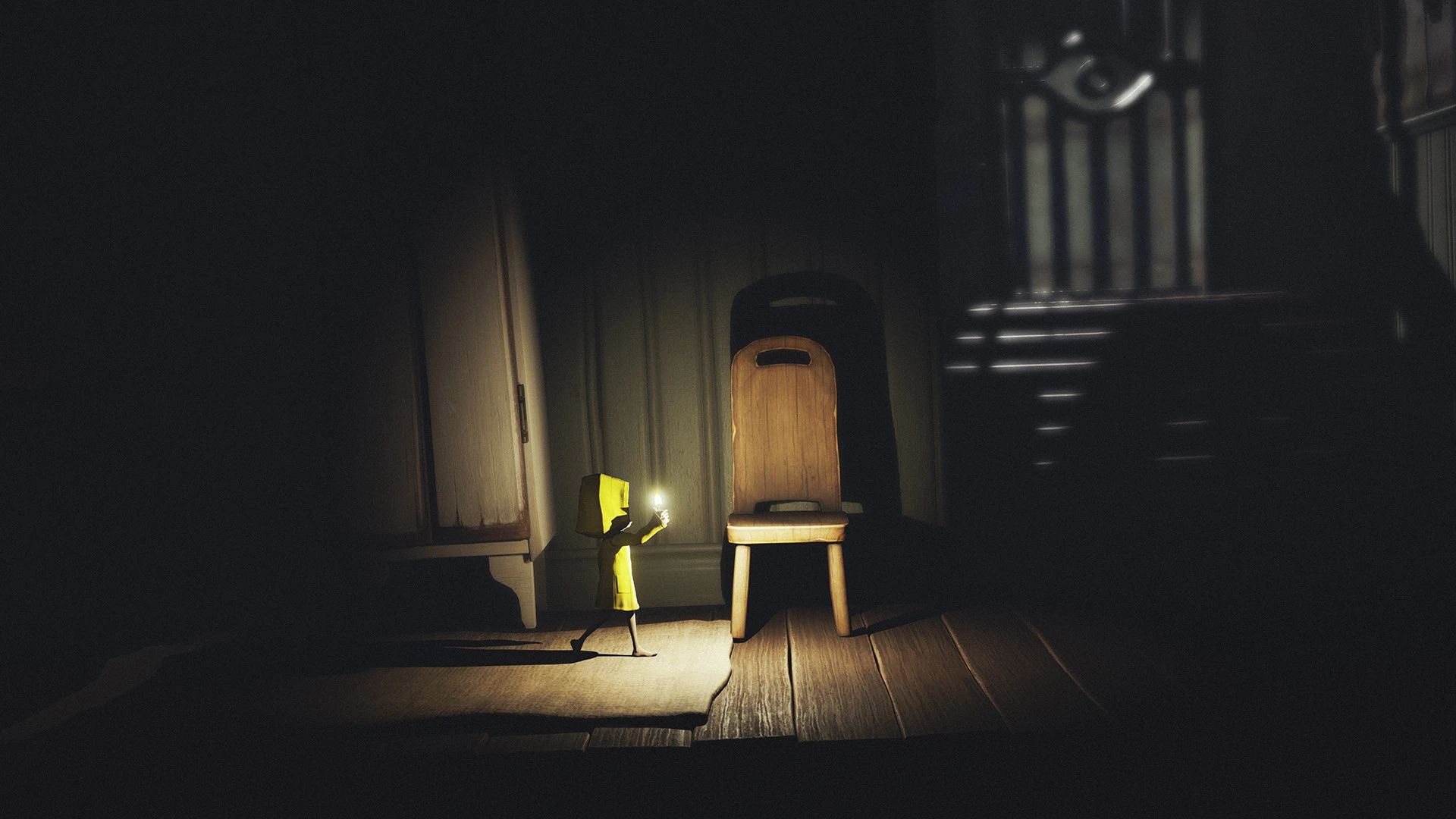
The little nightmares game now features upgraded visual effects, including ray tracing, volumetric light beams, refined water effects, and a significantly increased particle count that brings every scene to life.
You will gain access to new companions you can rely on throughout your perilous adventures in this eerie world.
The Little Nightmares series has been captivating millions of players around the globe since 2017. Now it is your turn to try and survive the very first installment of the most charming horror franchise ever created, right on your Mac.
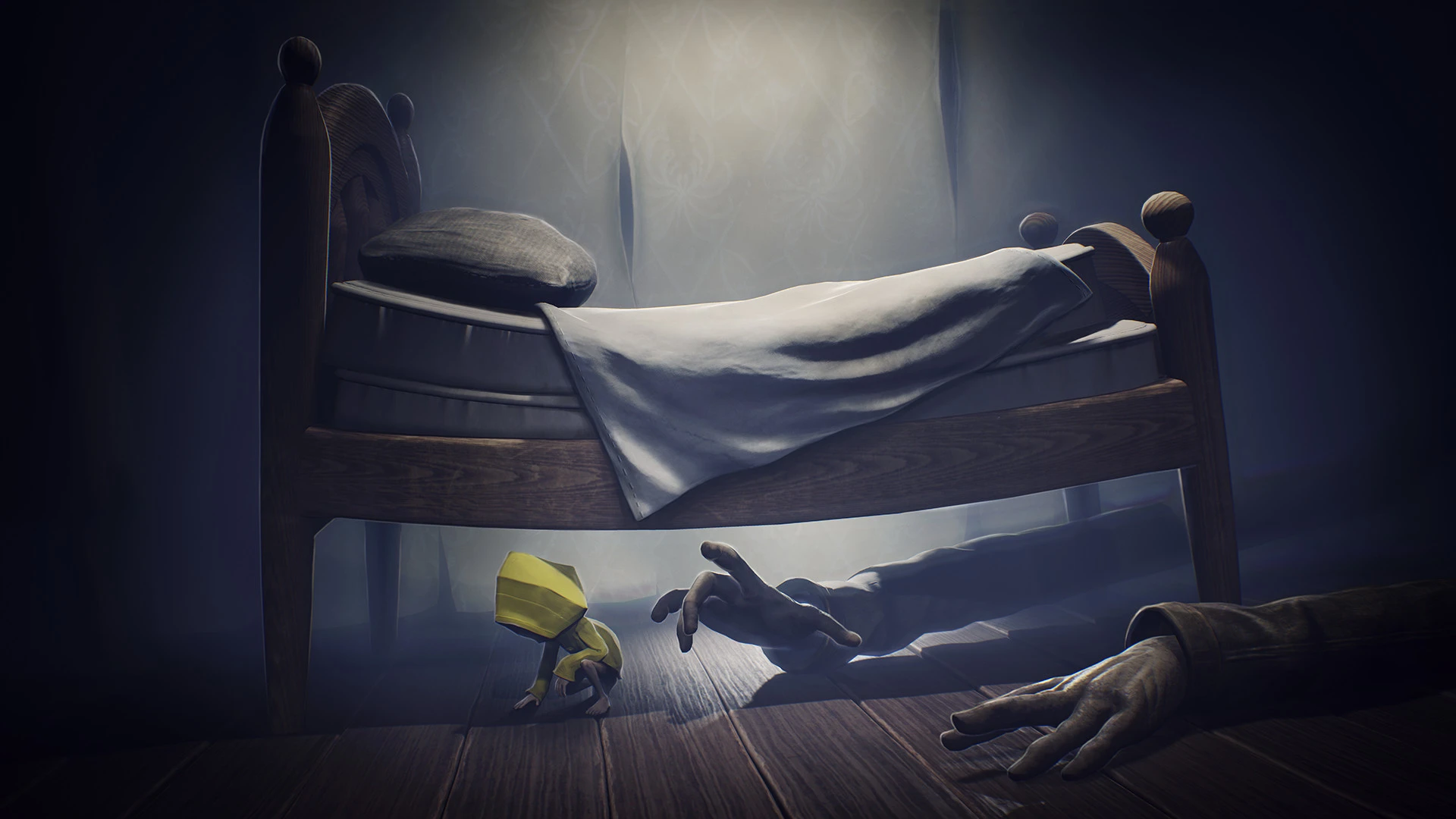
Step into the role of Six — a lonely little girl lost deep within the bowels of a vast mysterious vessel known as The Maw, surrounded on all sides by dangerous and grotesquely distorted versions of adults. Do everything in your power to escape this nightmarish place, or face a truly monstrous fate in little nightmares 1.
Reviews & Comments
No comments yet. Be the first to share your experience.