

Description
Fedora is one of the most widely popular GNU/Linux distributions, sponsored by Red Hat and actively supported by a dedicated open-source community. Its name was inspired by a soft felt hat, which has become an iconic symbol of the project.
The primary purpose of the project is to test and integrate cutting-edge technologies that are planned to be subsequently included in Red Hat products and solutions from other developers. Users of the distribution cannot receive direct support from the Red Hat company itself; instead, all assistance and guidance are provided by members of the open community.
The goal of this project is to build a complete, cohesive operating system based entirely on open-source software. A new version is released approximately every six to eight months, following a publicly available development schedule.
Fedora Workstation is a consumer-oriented operating system designed for laptops and desktop computers, including Mac hardware. Built upon Red Hat Linux foundations, the distribution relies on the RPM package manager to handle the installation, updating, and removal of software packages.
Distributed as Live Images
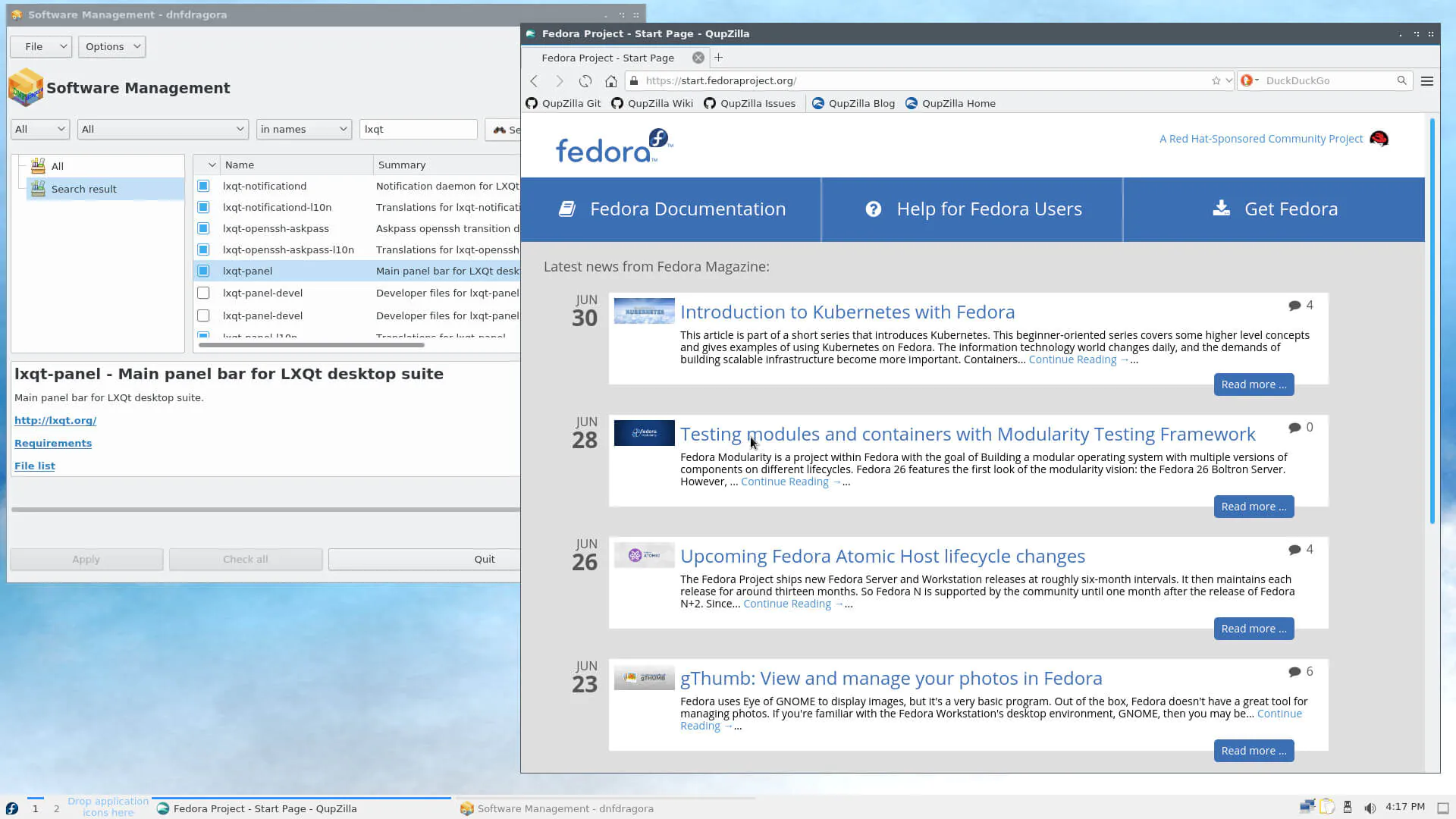
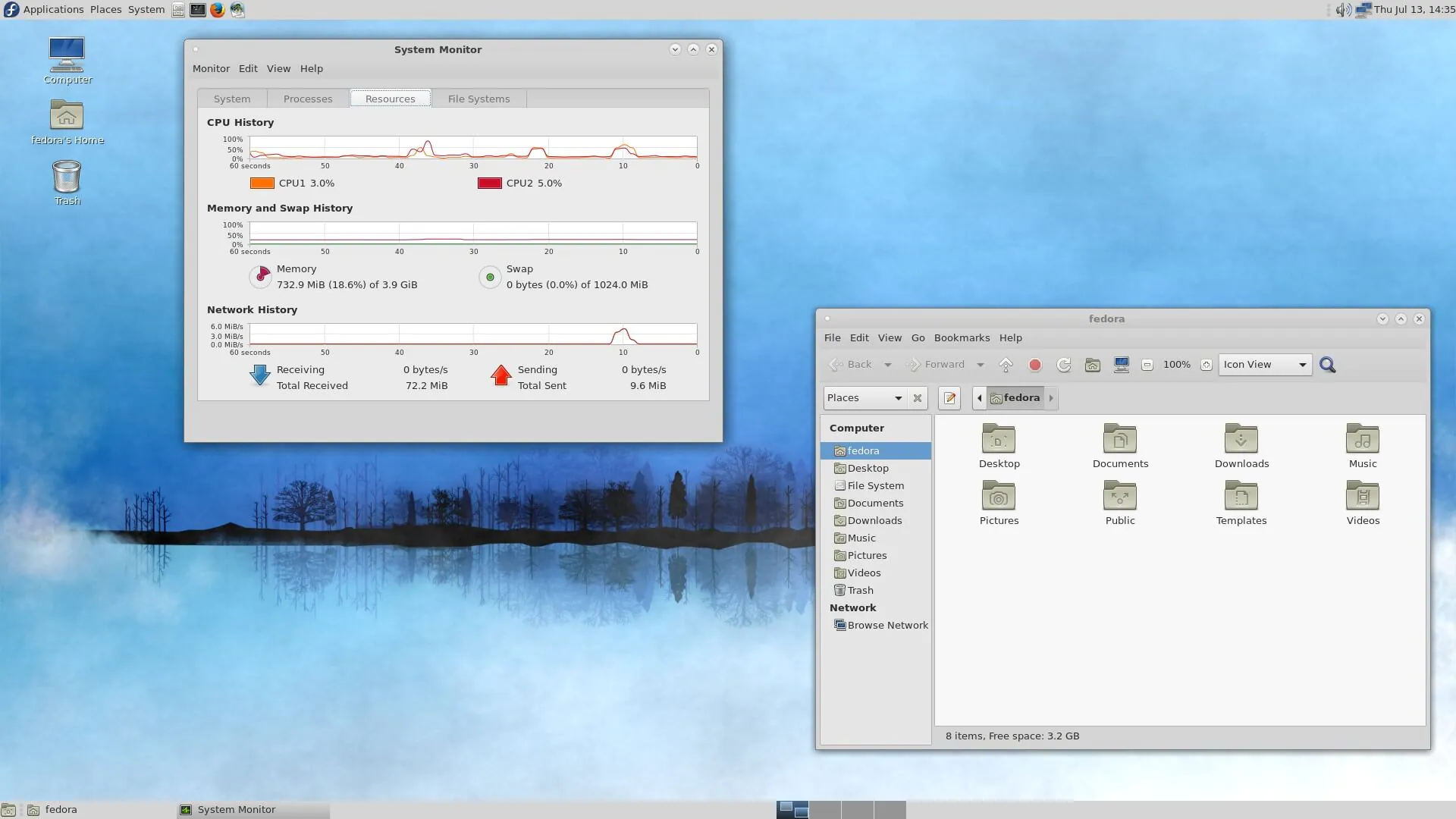
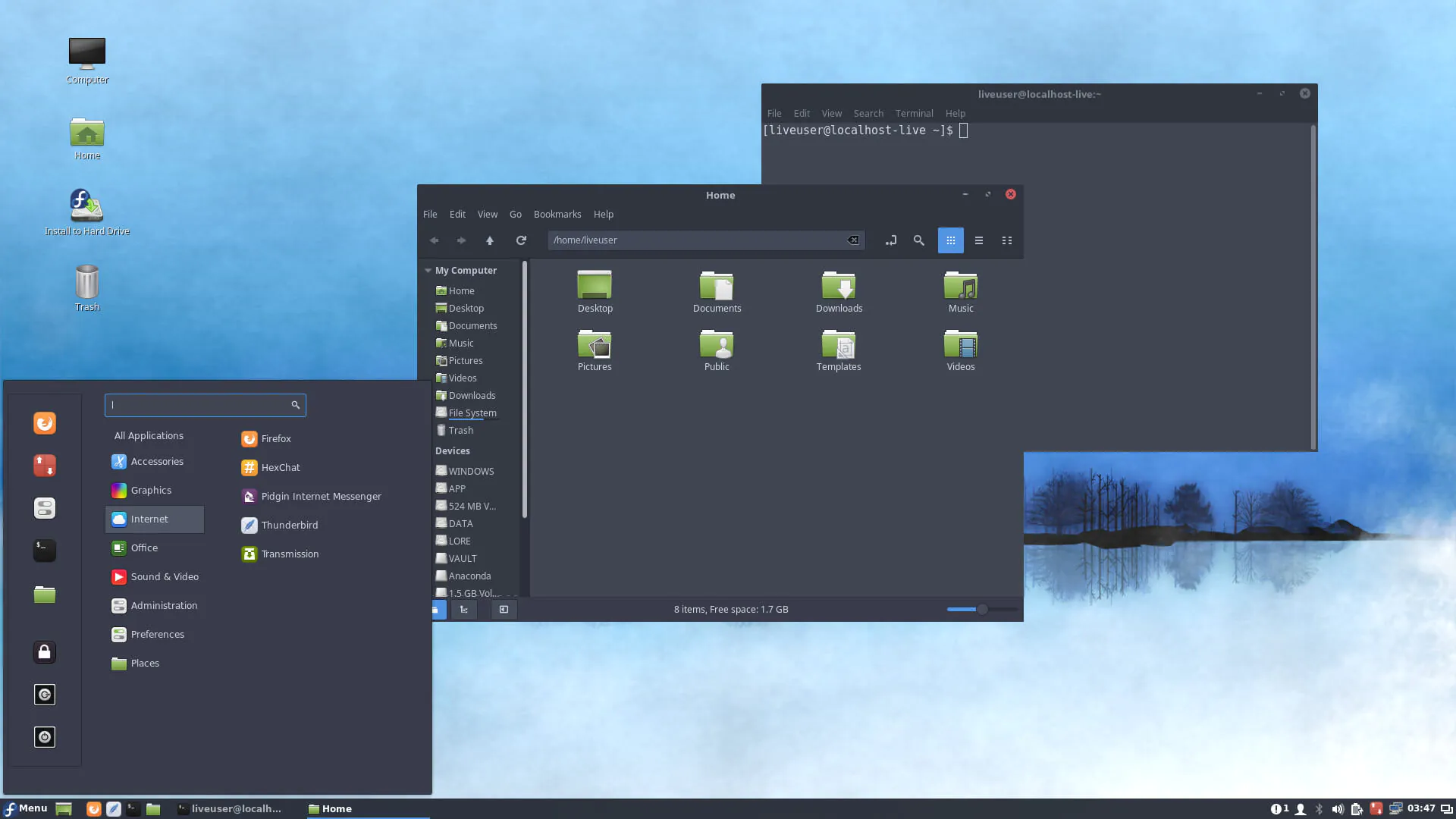
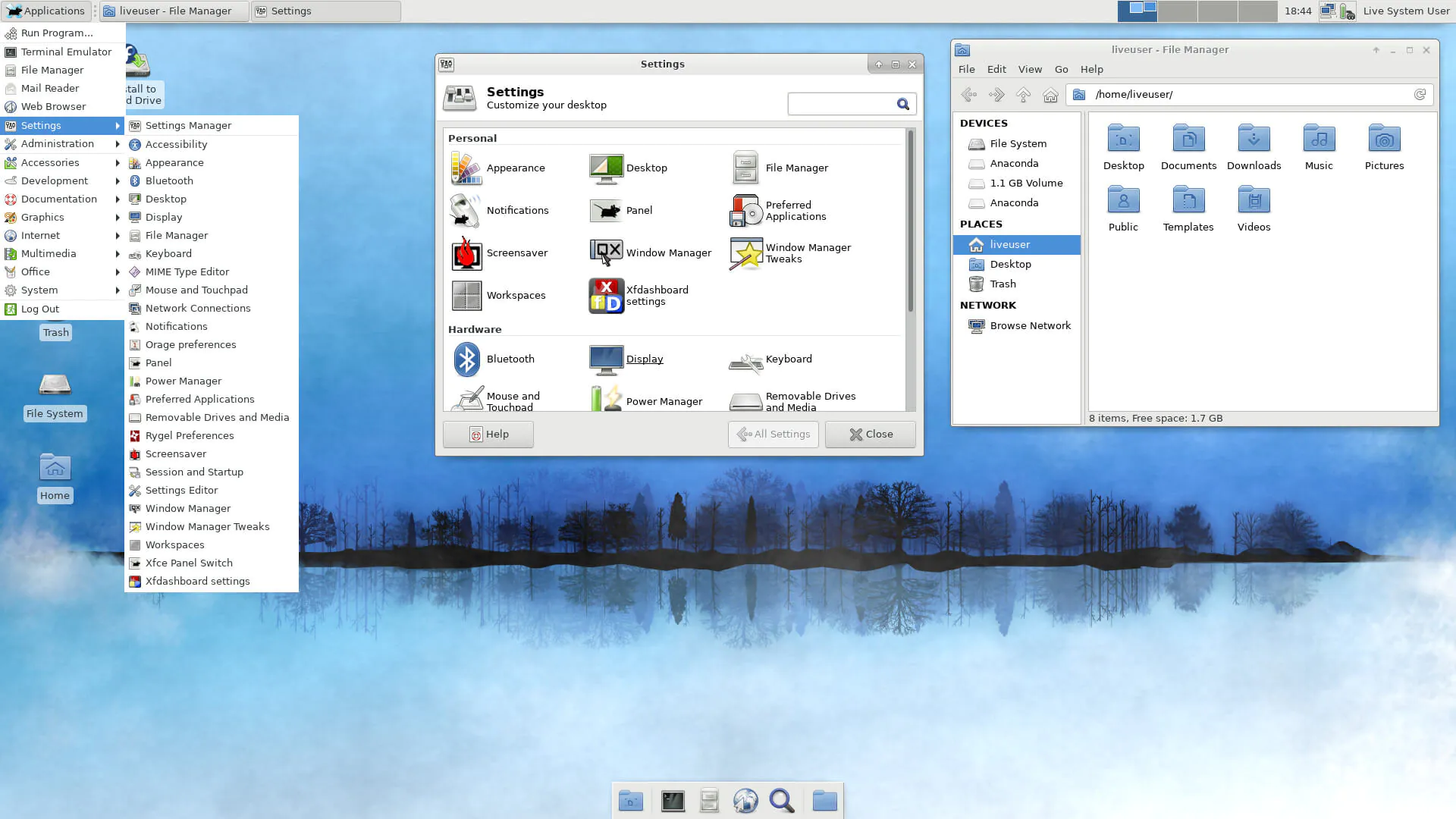
- Fedora is available as a Live DVD ISO image used for installation, as well as Live CD images for each of its numerous spins and variations (for example, netinstall for network-based installation on your Mac). A large ISO image containing the full distribution sources and installable DVDs are available for fedora download. The DVD image ships with all the fedora desktop environments supported by Fedora, including GNOME, KDE, Xfce, LXDE, and MATE.
Boot Options
- In addition to installing the latest version of Fedora Linux on your Mac, the bootable media can also be used to recover an existing Fedora installation, run memory diagnostics and testing, boot from a local disk, and install Fedora in a safe graphical mode for troubleshooting purposes.
Simple and Intuitive Installation Process
- Not only is the installation wizard modern and intelligent, but the entire installation process itself is straightforward and highly intuitive, even on Mac systems. The installer automatically detects the majority of hardware components and presents users with a comprehensive summary of all installation parameters.
On the summary screen, you can modify the date and time settings, keyboard layout, system language, configure network connections, select the installation source, choose your preferred desktop environment and applications to be installed, and configure disk partitioning.
- Next, you can set up the root account (system administrator), configure a password, and create a new user profile. That is all there is to it — the installation process will then continue deploying files from the bootable media and will notify users when it is time to perform a system reboot.
One of the Most Influential Systems
- Fedora Linux is undeniably one of the most influential operating systems within the entire open-source software ecosystem. The system can be deployed on virtually any hardware, including Mac computers, and can be extensively personalized and customized to meet your specific requirements and workflow preferences.
Reviews & Comments
No comments yet. Be the first to share your experience.