

Description
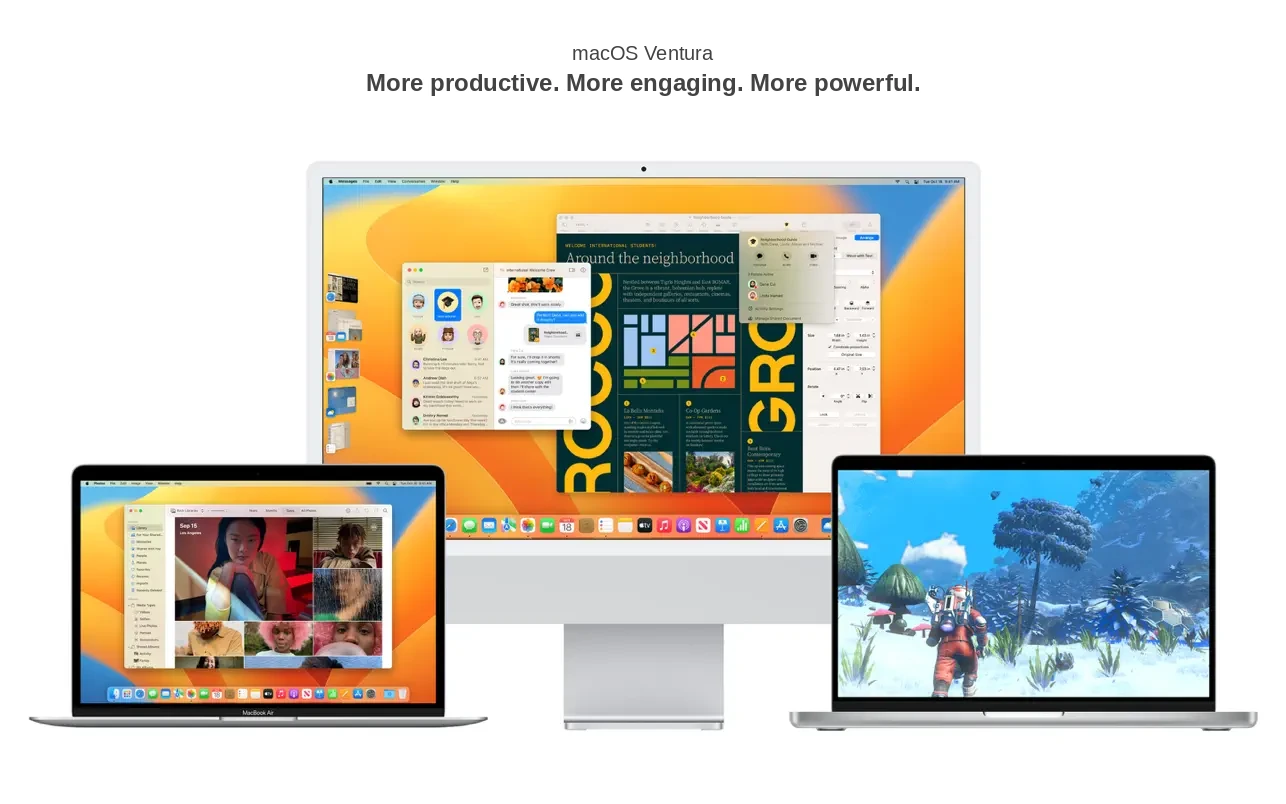
At the WWDC 2022 conference, Apple announced macOS Ventura, a brand-new operating system designed for the Mac platform. Since the transition from Intel processors to Apple's own Apple Silicon chips had already been completed and the M2 chip had just been released, this new operating system for Mac would be limited to newer devices. Unlike macOS Monterey, which supported a wide range of Mac computers, Apple significantly narrowed the macOS ventura compatibility list for the new release. For instance, the beloved trash-can-shaped Mac Pro would no longer be supported by macOS Ventura.
In addition to a refreshed interface design, the system introduced a number of new features aimed at enhancing user comfort within the operating system, expanding gaming capabilities on the Mac, and deepening integration with Apple's own smartphones.
One of the most prominent visual innovations was the Stage Manager feature, designed to help users work with multiple application windows simultaneously on their Mac. It places the currently active window in the center of the display, while thumbnail previews of background windows appear on the left side of the screen for quick and easy switching. A grouping function is also supported, allowing users to open and manage several windows together at once.
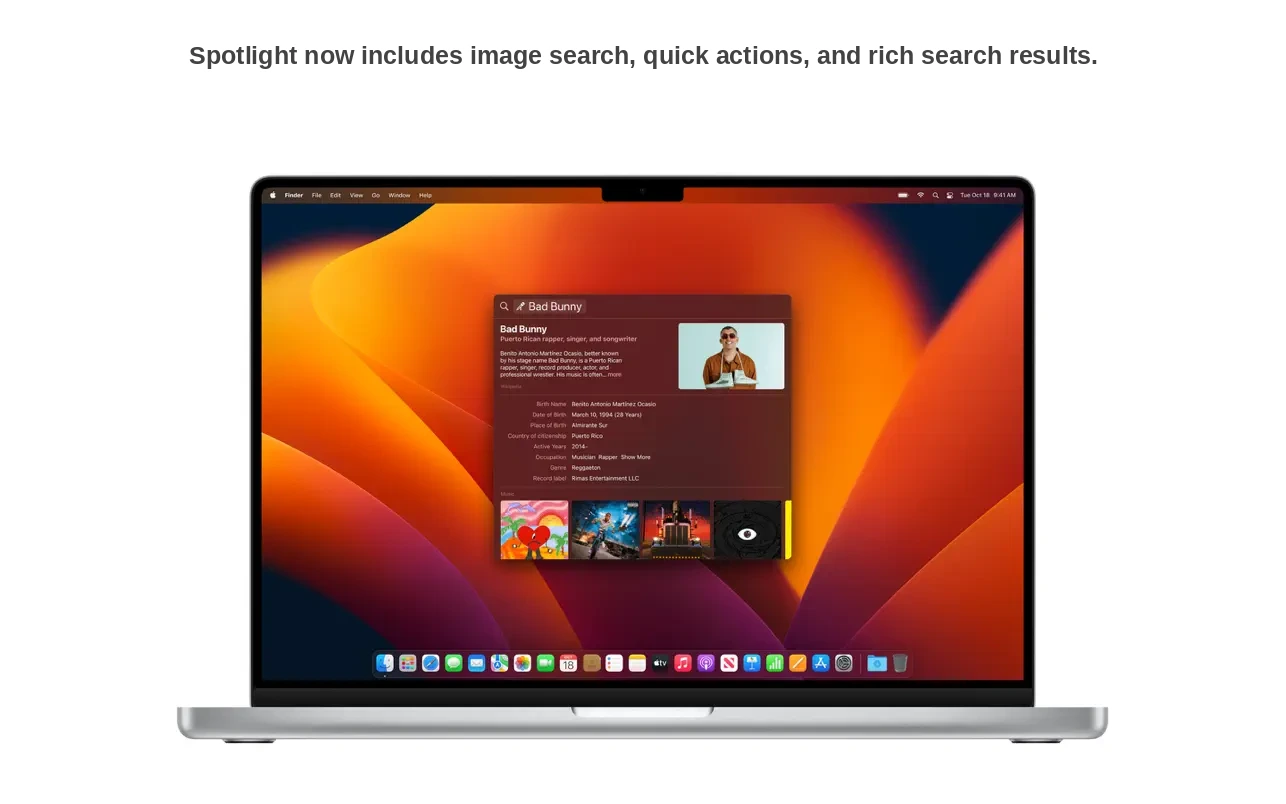
The system-wide Spotlight search also received a significant update. A dedicated shortcut now appears at the bottom of the home screen, and the search algorithm has learned to find images within the Photos library, including by location, people, scenes, objects, or text embedded within the image. From Spotlight, users can now perform various quick actions directly — for example, starting a timer or launching a shortcut. If you are looking to download macOS Ventura, these improvements make the upgrade especially worthwhile.
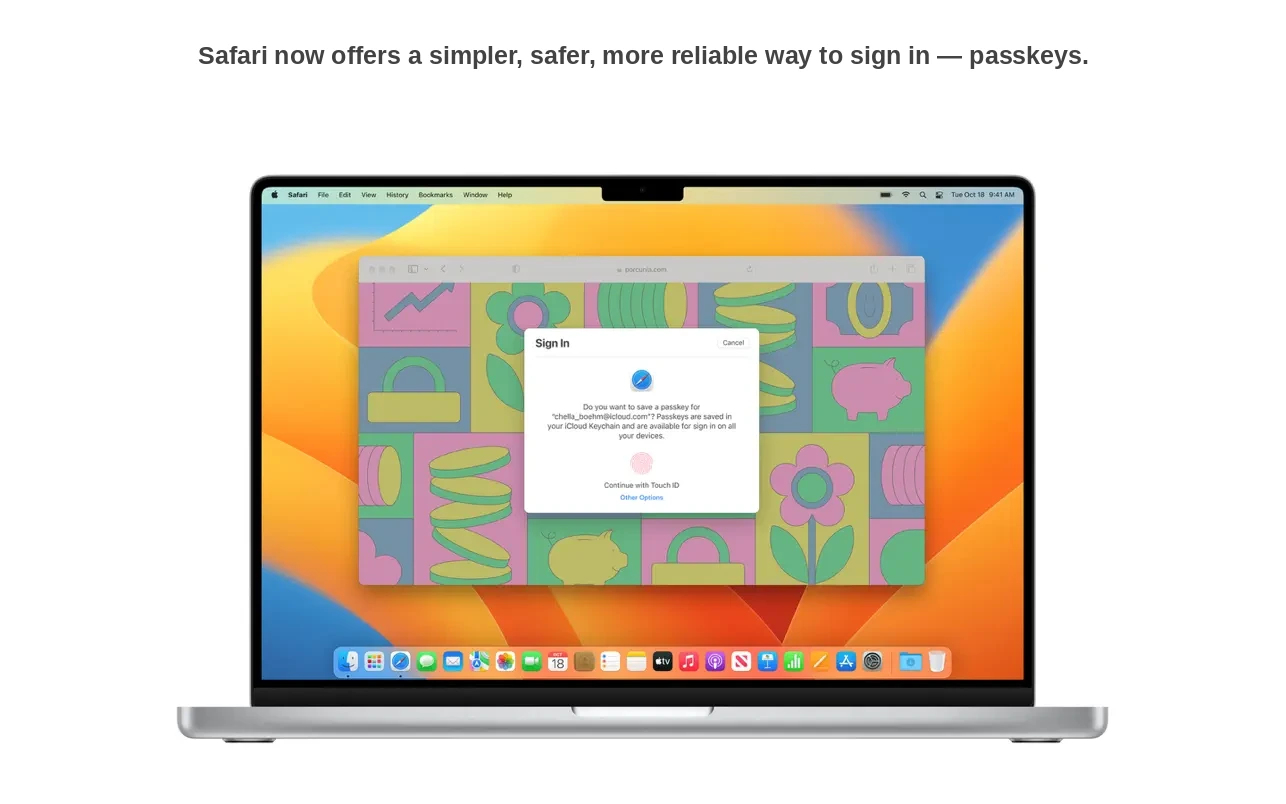
The Safari browser gained a new Shared Tab Groups feature for collaborative browsing on the Mac. Additionally, the application received support for biometric passkeys as an alternative to traditional passwords. Currently, authentication using Touch ID and Face ID works on a limited number of websites that support this particular functionality.
The operating system also gives users the ability to seamlessly hand off FaceTime calls between an iPhone and a Mac, and it allows Mac owners to use their iPhone as a high-quality webcam. The Continuity utility gained support for Apple Center Stage and Portrait Mode, along with a brand-new Studio Light feature that can illuminate the user's face while simultaneously darkening the background behind them.
Apple also announced the new Metal 3 API, which the company claims will unlock the full potential of its proprietary processors on the Mac. At the same time, Apple revealed upcoming releases of Resident Evil Village, GRID Legends, and No Man's Sky for the Mac platform. Finally, two applications previously exclusive to iOS made their way to macOS: Weather and Clock. Those who want to experience all these additions can look into a macOS ventura download to get started. Overall, the company continued its ongoing effort to redesign the desktop operating system to align more closely with its mobile software solutions.
Reviews & Comments
No comments yet. Be the first to share your experience.