
Description
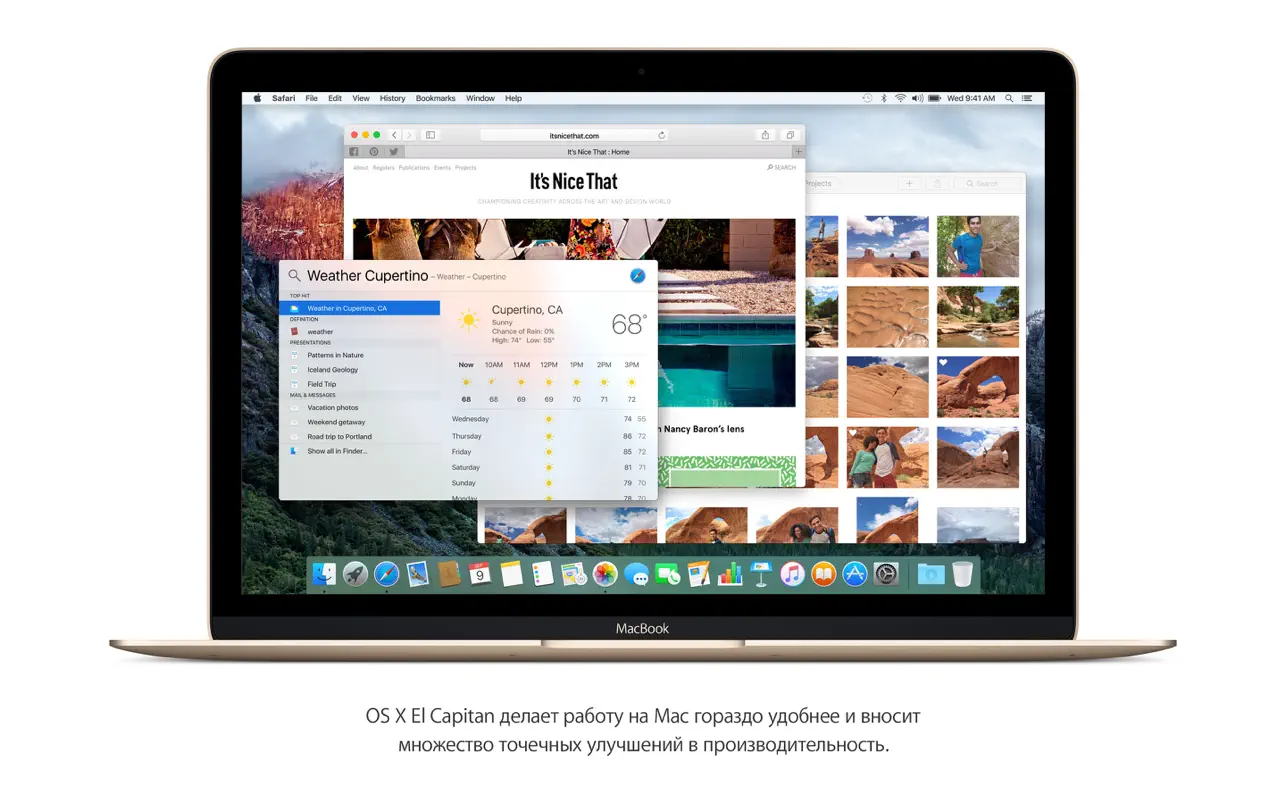
OS X El Capitan makes working on your Mac even more convenient and significantly boosts overall system performance. Mac OS X El Capitan was built upon the foundation of the previous year's OS X Yosemite and introduces a number of meaningful improvements: more intuitive window management, brand-new built-in applications, and a greatly enhanced Spotlight search experience.
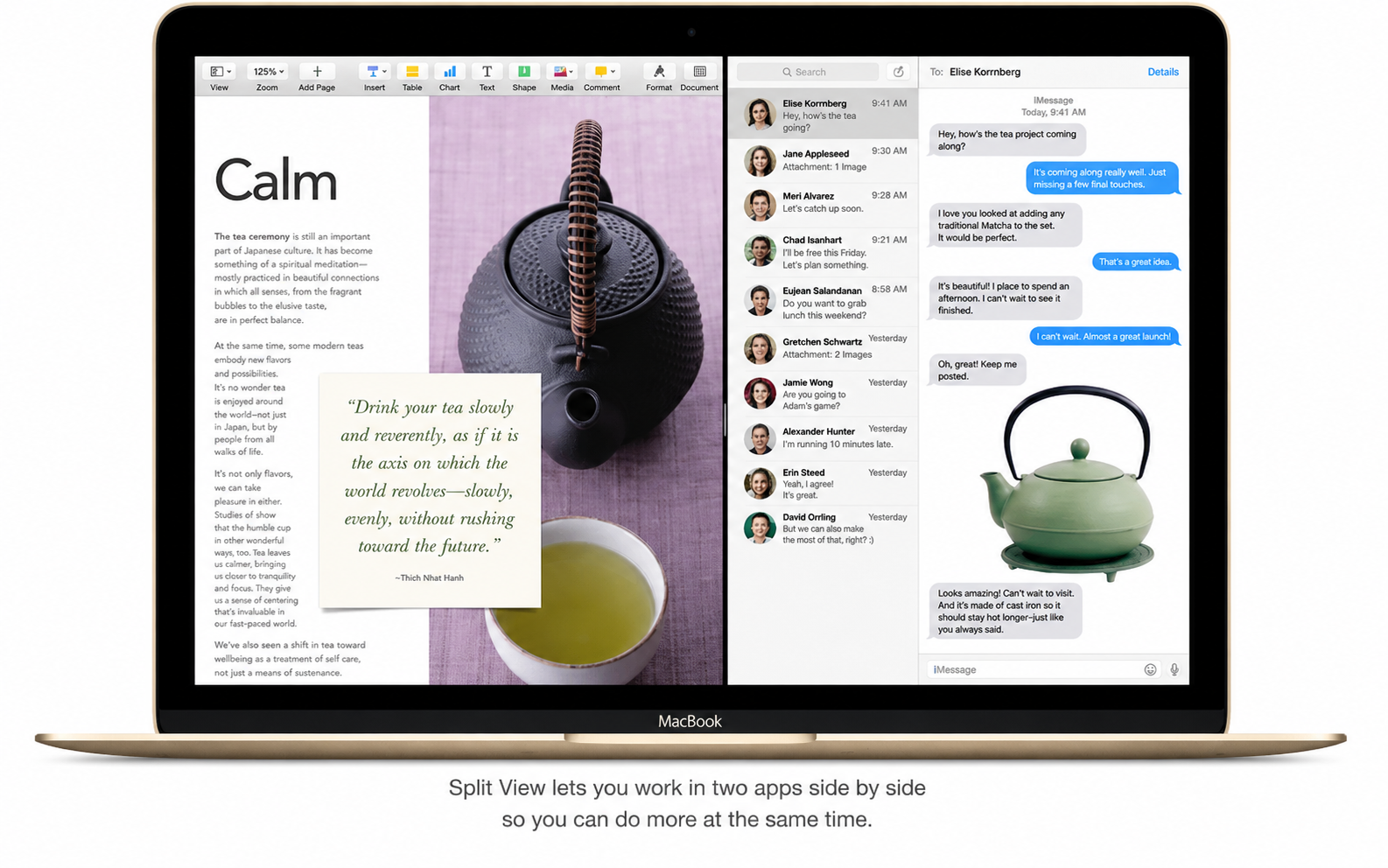
Split View mode allows you to make the most efficient use of your Mac screen.
Work simultaneously in two applications by placing them side by side on your display.
Improvements to the Mail application.
Manage your emails using swipe gestures on the trackpad — exactly the same way you already do it on your iPhone. Swipe right to mark a message as read or unread, or swipe left to delete it instantly.
The improved full-screen mode lets you quickly switch between your inbox folder and your drafts with ease.
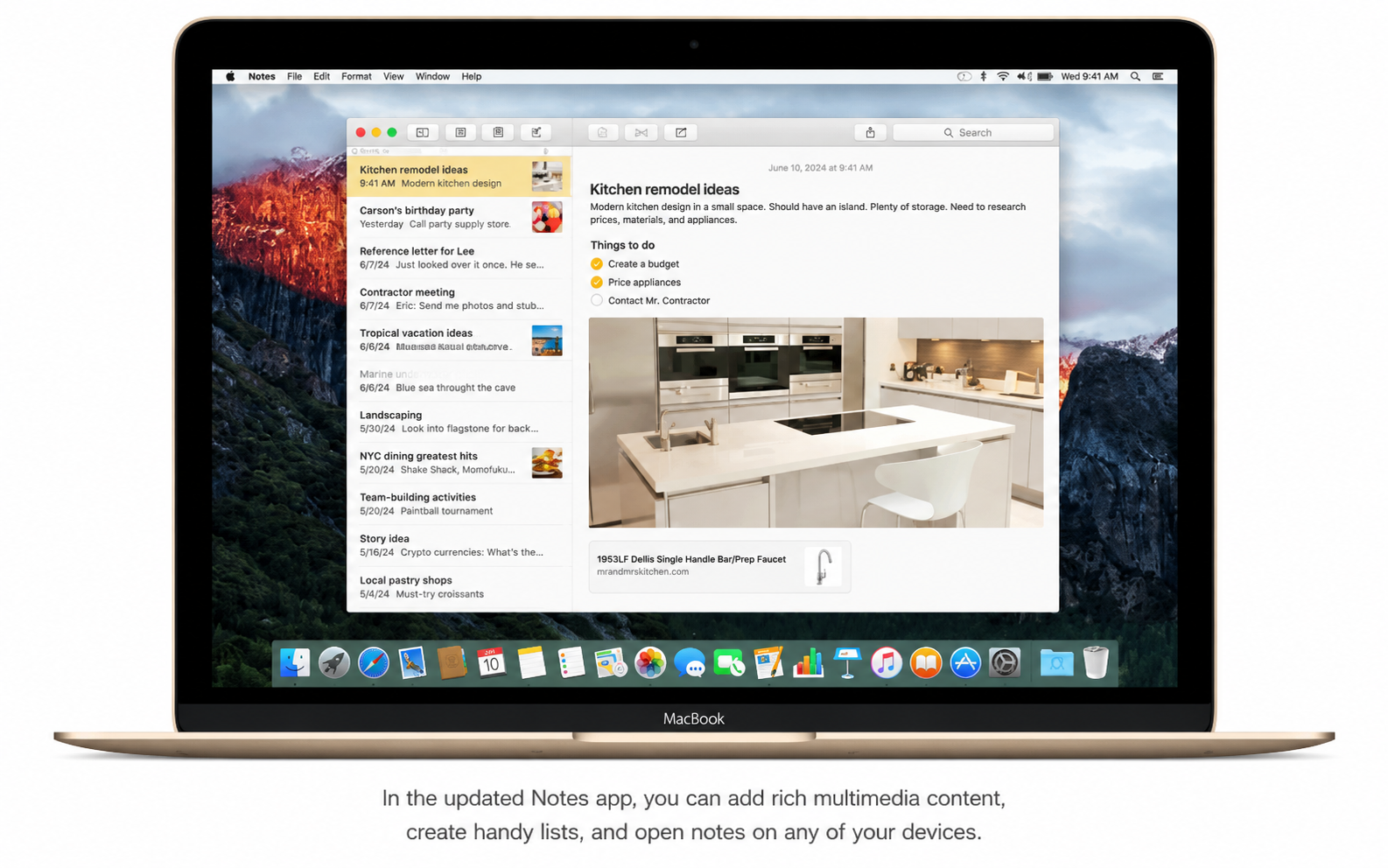
The Notes application: simple, powerful, and completely redesigned.
Format your notes freely: add titles, paragraph headings, bulleted and numbered lists, as well as handy to-do checklists.
Attach multimedia content such as photographs, videos, documents, PDF files, web links, and map location coordinates directly into your notes.
Quickly find and browse the contents of all your notes using the convenient attachments browser.
New ways to work with images in the Photos application on your Mac.
Add and edit location data, change titles, descriptions, and keywords for entire groups of photos at once with simple batch editing.
Take advantage of third-party developer extensions that unlock powerful new editing capabilities for your images.
Safari — a web browser of greater possibilities for your Mac.
With the Pinned Sites feature, your favorite websites will always remain open, up to date, and instantly accessible.
When reading articles in Reader, choose from different fonts and visual themes such as "Sepia" or "Night" for comfortable viewing.
Mute audio on any individual web page in Safari using the smart search field with a single click.
Graphics have become even faster thanks to Metal technology.
Rendering speed and efficiency have been dramatically improved at the core system level on your Mac.
Games have become far more realistic, immersive, and visually engaging than ever before.
Creating content is now even easier thanks to the accelerated performance of resource-intensive professional applications.
Instant solutions for your everyday tasks when you download OS X El Capitan.
Launch applications and switch between them effortlessly and with remarkable speed on your Mac.
Open email messages and PDF files even faster than before with the OS X El Capitan download.
Reviews & Comments
No comments yet. Be the first to share your experience.