

Description
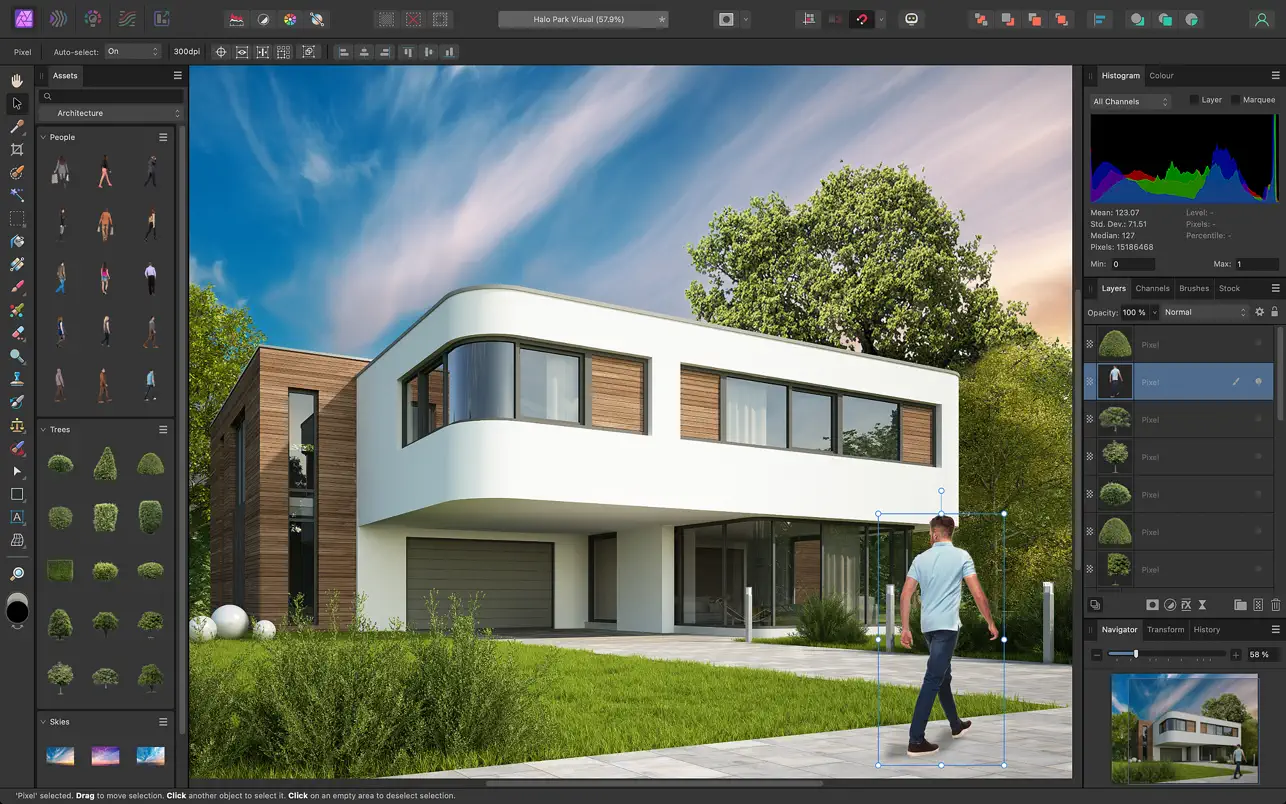
Affinity Photo for Mac delivers greater speed, stability, and workflow efficiency, pushing the boundaries of professional photo editing on your Mac. Whether you are editing images, retouching them, or creating full-scale multilayered compositions, this affinity photo editor comes equipped with an extensive set of tools specifically designed for creative professionals and photography experts, providing all the power and performance needed to accomplish any goal you set before you.
High Performance and Functionality:
• dynamic real-time editing on your Mac
• support for large images (over 100 megapixels)
• panning and zooming at a consistent 60 frames per second
• opening, editing, and saving Photoshop® files (PSD format)
• RGB, CMYK, LAB, and Grayscale color spaces
• full-featured editing of 16-bit and 32-bit images per channel
• compatibility with all standard formats: PNG, TIFF, JPG, GIF, SVG, EPS, EXR, HDR, and PDF
Unmatched Productivity:
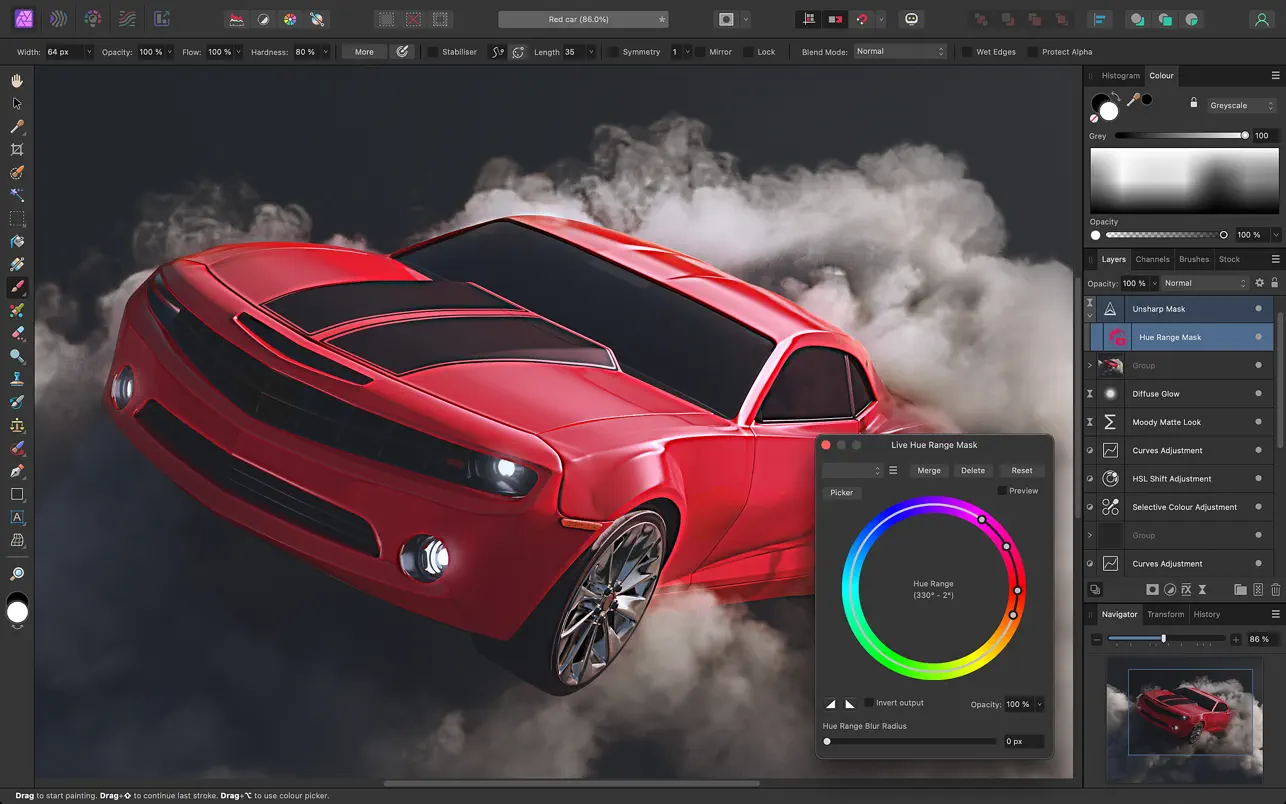
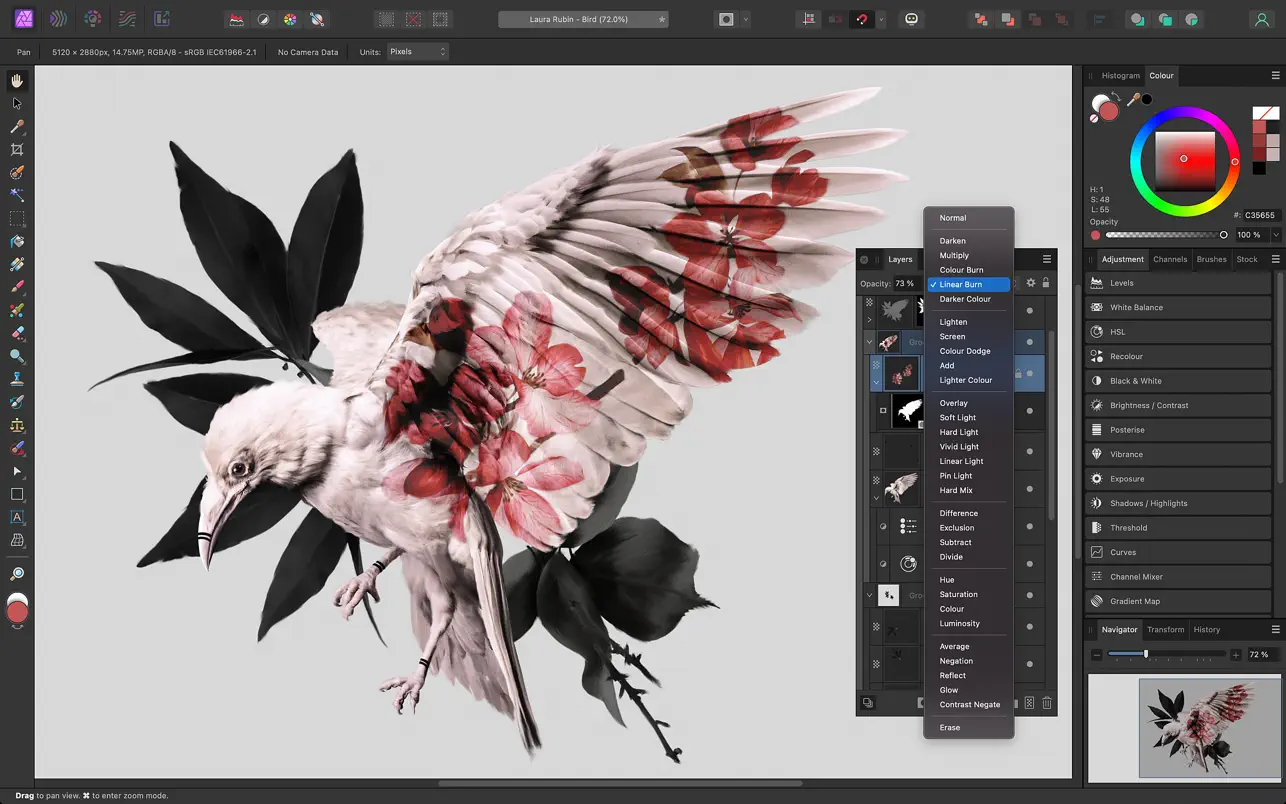
• a complete range of capabilities for working with an unlimited number of layers, layer groups, adjustment layers, filter layers, and masks
• non-destructive editing of live filters, adjustments, effects, blend modes, and masks
• history saved together with the document, allowing you to undo changes at any point in time
• recording and playback of macros for unmatched productivity and streamlined workflows
Professional Image Processing:
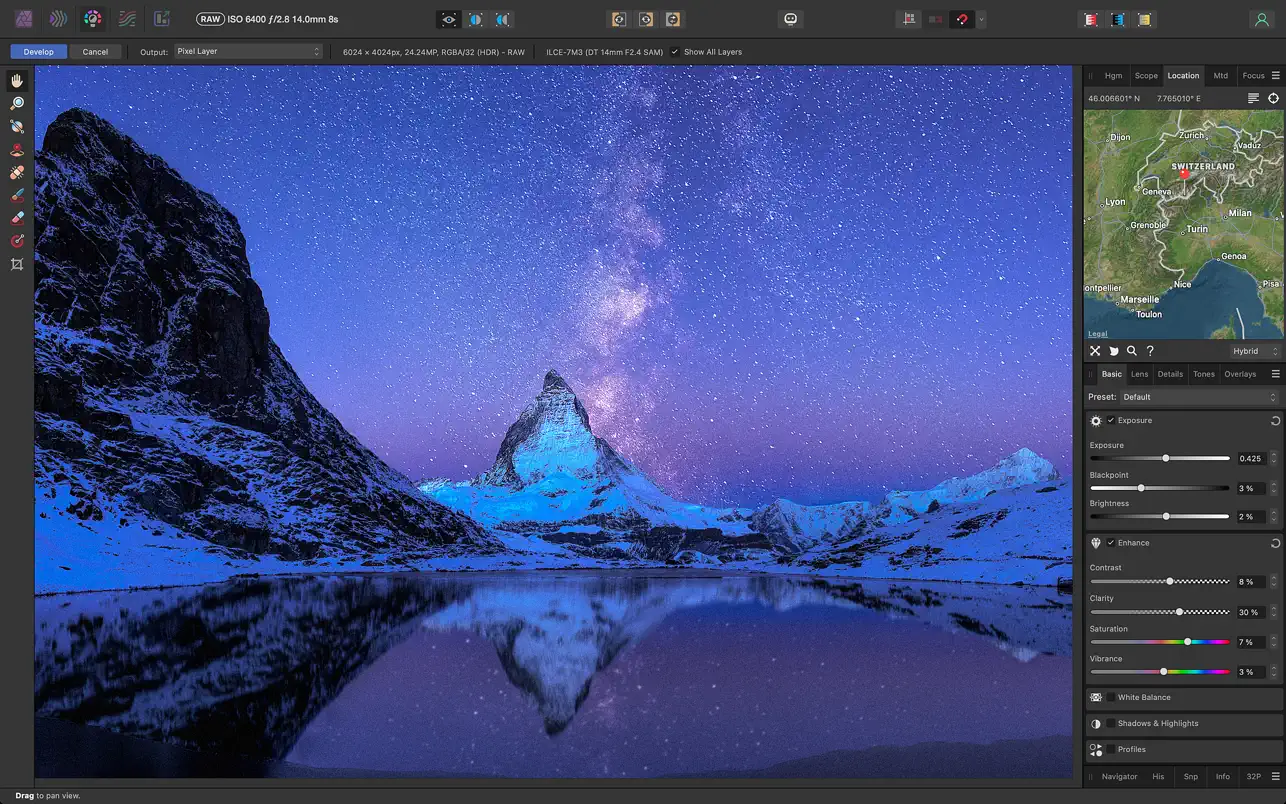
• opening raw (RAW) and other images in a dedicated workspace designed specifically for pre-processing files on your Mac
• adjustment of exposure, black point, clarity, vibrance, white balance, shadows, highlights, and much more
• advanced lens distortion correction capabilities, including chromatic aberration removal, defringing, vignetting control, and a best-in-class noise reduction tool
• solid color fills or fully customizable gradients for applying adjustment masks
• viewing histograms, blown-out highlights or crushed shadows and tones, as well as EXIF information
• focus merging, HDR image merging, and tone mapping for image processing at the highest professional level
Powerful Tools for Efficient Retouching and Corrections:
• simplified selection creation process, including even hair strand selections, using intuitive brush selection and refinement tools
• instant removal of unwanted objects using the most advanced inpainting brush available
• dodge, burn, clone, patch, blemish removal, and red-eye correction tools
• built-in frequency separation function for smooth skin retouching and perfecting
• manual control over warp, twirl, pinch, punch, and turbulence effects in a dedicated Liquify persona mode
Advanced Brush Engine:
• a vast library of tools for simulating pencil and paint strokes, along with textured and professional DAUB® brushes
• ability to create custom brushes and nozzles with full control over advanced dynamic functions and parameters
• combine multiple brushes into one and stroke with all brushes simultaneously for unique effects
• full support for Wacom and other graphics tablets on Mac, including pressure sensitivity, tilt recognition, and shortcut key combinations
• real-time preview of your brush nozzle — you can see exactly what you are painting or erasing even before you begin your stroke
Fast Customizable Effects:
• an impressive collection of available effects, including blur, distortion, tilt-shift, shadows, glow, lighting effects, and many others
• option to choose a non-destructive live effect layer mode, allowing you to erase or mask effects after they have been applied to your composition
With affinity photo mac, you get a truly professional-grade application. Affinity photo download is available for macOS, giving you immediate access to all of these powerful features on your desktop.
Reviews & Comments
No comments yet. Be the first to share your experience.