

Description
Since its initial release, AirBuddy 3 has helped countless AirPods and Beats users get the absolute most out of their products on Mac, dramatically enhancing the overall experience with the platform. With AirBuddy 3 mac takes this to an entirely new level, featuring a refreshed and modernized user interface, significantly improved reliability, and a wide array of powerful new features.
Features of AirBuddy 3
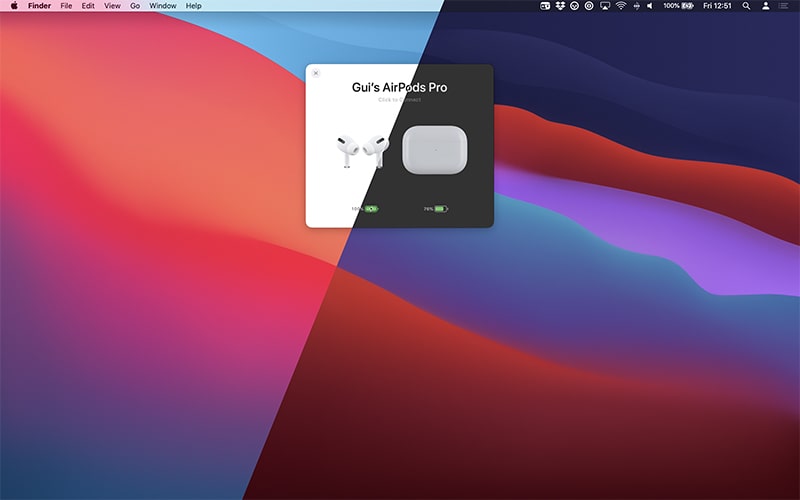
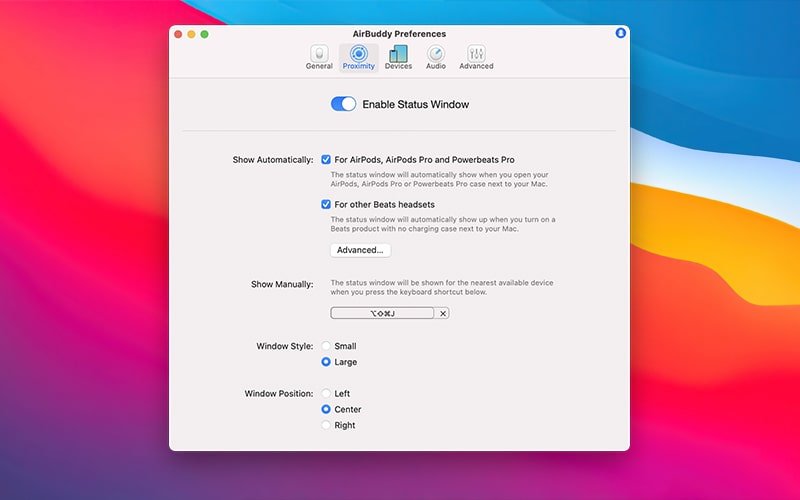
- Display the status of your AirPods Pro or other Apple and Beats headsets when they are in close proximity to your Mac, just the same way your iPhone does it natively
- Choose between two beautifully designed status window layouts — compact or expanded — complete with stunning animations and convenient one-click connection capability.
- Connect and switch between listening modes on your AirPods Pro with a single swipe gesture on your trackpad.
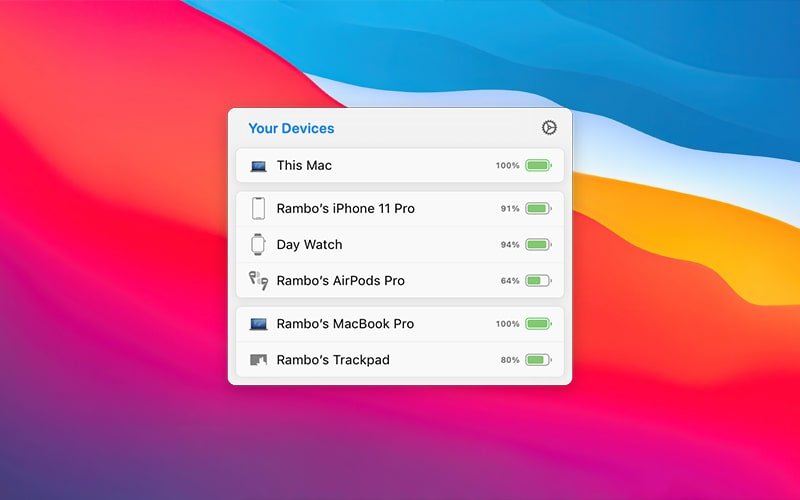
- See the status and battery levels of all your Apple and Beats devices at a glance through the menu bar, including your iPhone, iPad, and other Mac computers running airbuddy 3.
- The application intelligently groups your devices based on their relationship to each other, so if your AirPods are currently connected to your iPhone, they appear grouped together in the menu bar for easy identification.
- Magic Handoff: seamlessly transfer your Magic Mouse, trackpad, or keyboard between Mac computers with just a single click of the mouse
- Quickly connect to your AirPods, toggle between different listening modes, and access many more options using the menu bar or customizable keyboard shortcuts.
- Set up custom connection modes so that your devices automatically configure themselves whenever they connect to your Mac. Within connection modes, you can adjust the listening mode, volume level, and whether the device's built-in microphone will be enabled or disabled.
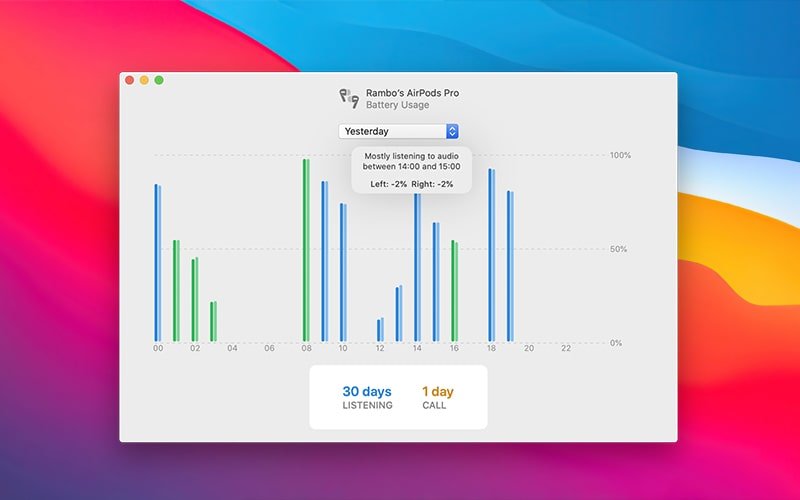
- Explore historical usage data for your headsets, including detailed listening time, talk time, and battery consumption over the previous 12 hours, 24 hours, or the entire previous day. View a comprehensive summary of your usage patterns, including total accumulated listening time and total talk time, as well as insightful information about which of your AirPods (left or right) tends to drain its battery faster than the other one
Reviews & Comments
No comments yet. Be the first to share your experience.