
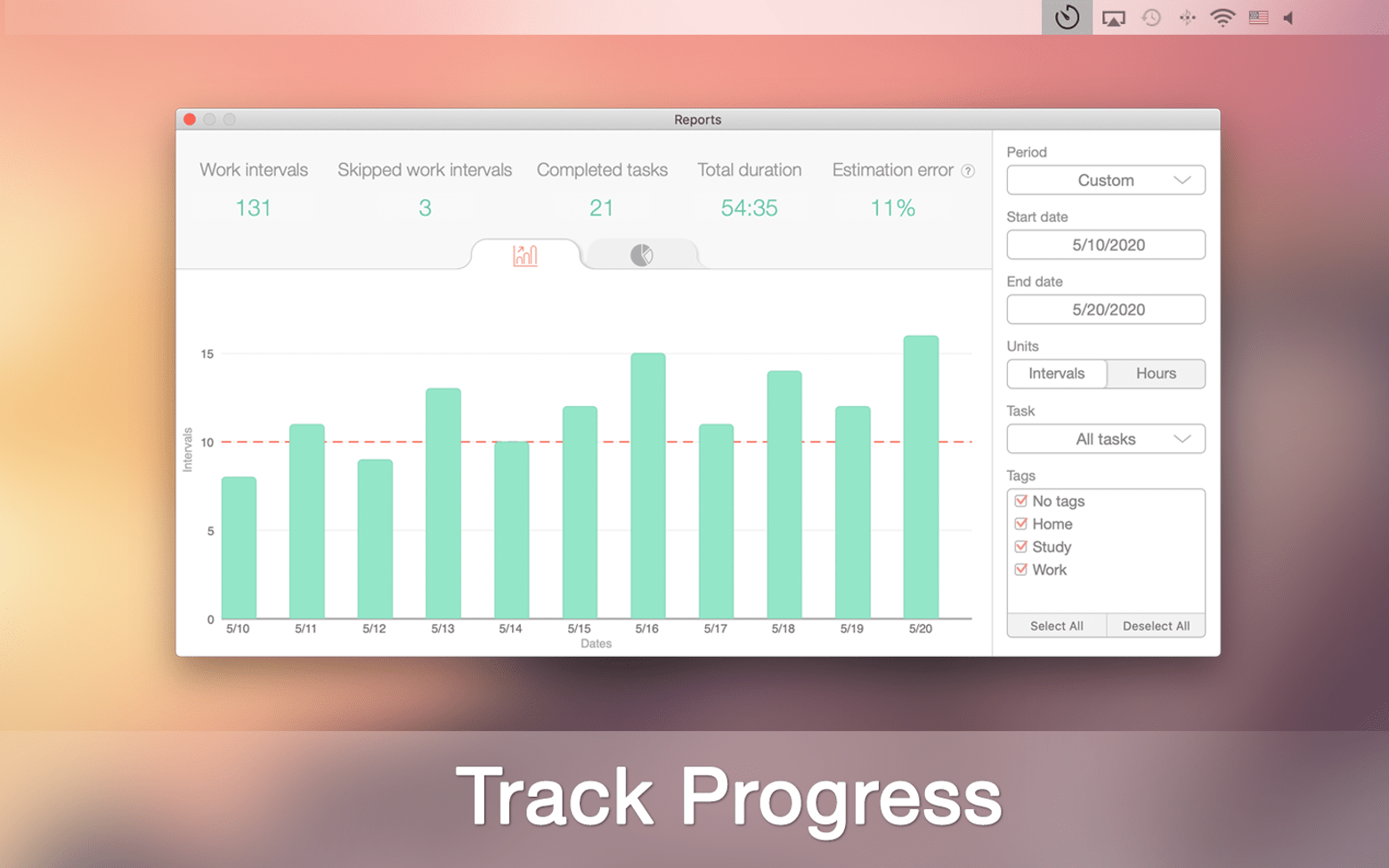
Description
Do you find yourself wondering how to keep track of everything that needs to be done? Are you looking for an elegant and intuitive way to remember your tasks and actually follow through on your plans? Try Be Focused Pro — a powerful planner designed to help you eliminate distractions on your Mac. This task-tracking application will simplify your everyday workflow and help you identify your core priorities. It can be used for a wide variety of purposes. Define the scope of your work, create assignments, and monitor your progress with ease. Break down large goals into smaller, manageable steps so they never feel overwhelming or intimidating. Use the built-in timer to set regular breaks and periods of intense focus to achieve the best possible productivity. Now staying on task is both easy and enjoyable!
Key Features of Be Focused Pro
Clear and Effective Task Manager
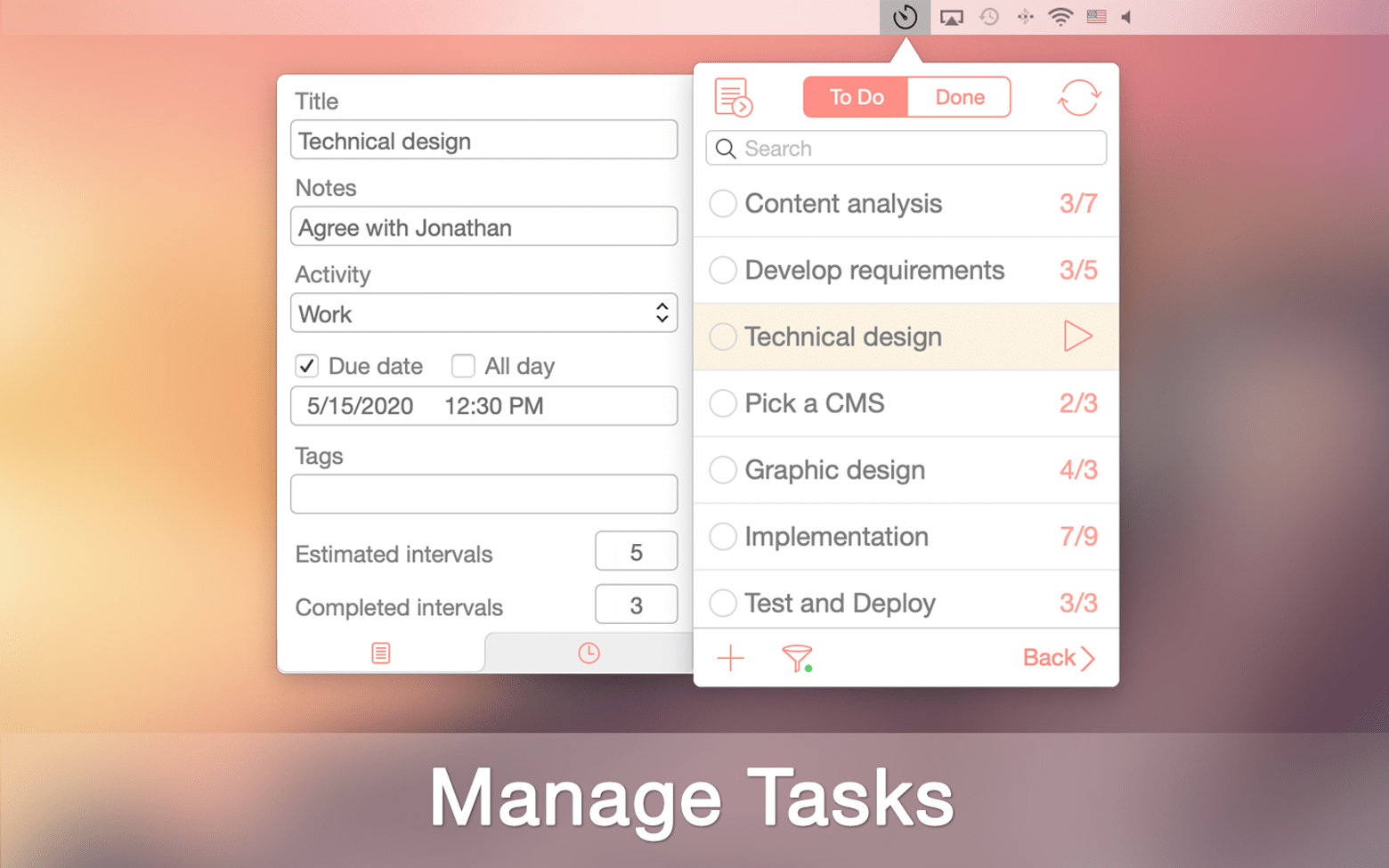
Effortlessly manage your current to-do list right on your Mac. Capture new ideas and write them down so you never forget what truly matters. Organize the things that are important to you and give them a structured, well-ordered appearance. Complete everything on time and enjoy the deeply satisfying feeling of checking off finished tasks from your list.
Structured and Flexible Focus Timer
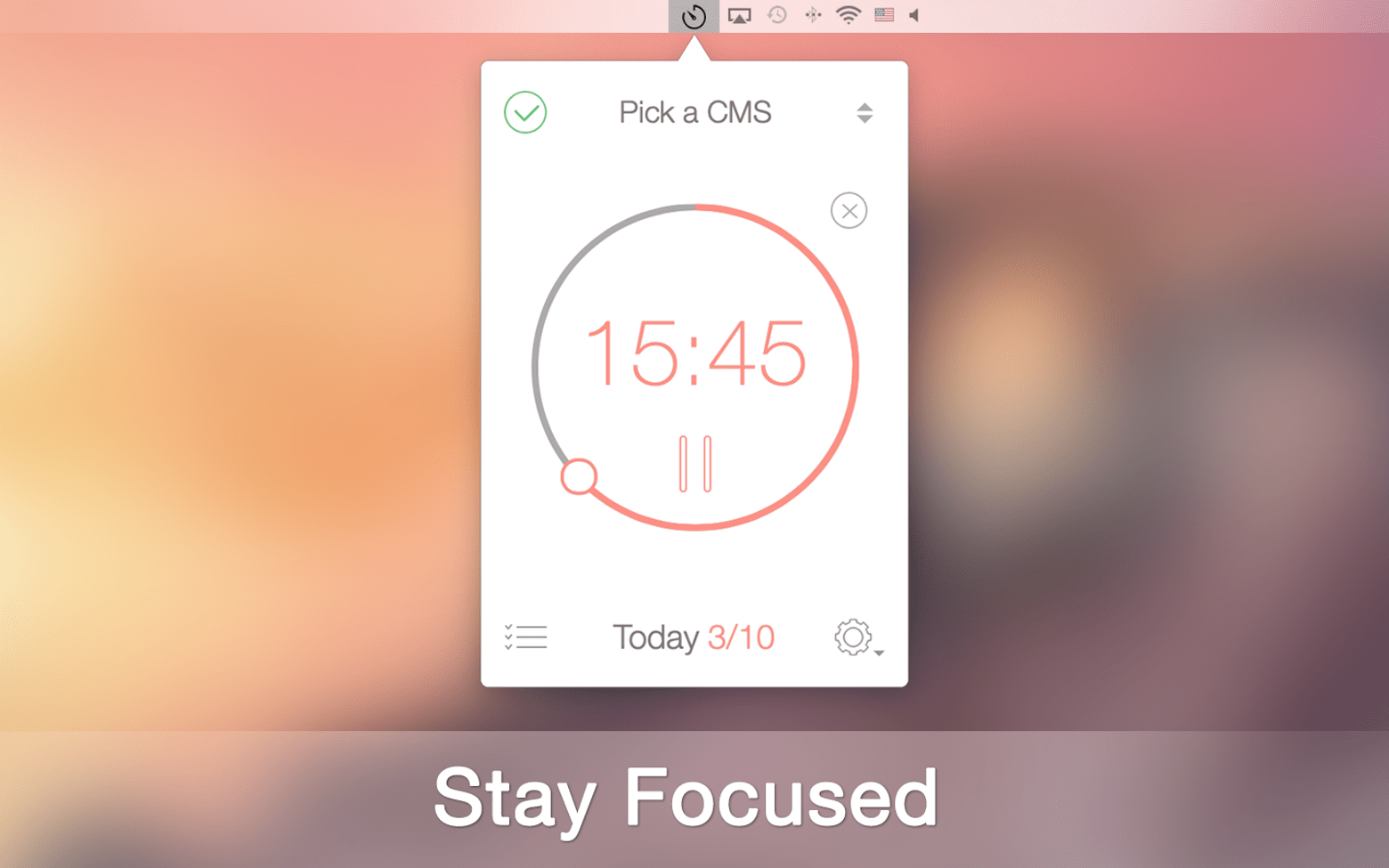
Set dedicated time for your work and concentrate on it without any distractions. Determine the number of breaks between tasks and adjust their duration precisely. Another great advantage — unlike apps that offer only basic to-do list functionality, the Be Focused Pro app helps you start, pause, or skip a work interval whenever you need to.
Your Personal Goal Tracker
Achieve your annual goals by breaking them down into quarterly, monthly, weekly, and daily tasks. Your assignments will be handled resourcefully, purposefully, and with remarkable ease. Schedule your tasks, and they will automatically appear in your to-do list. Stimulate your creativity and expand your capabilities to their fullest extent. Become a person of action rather than simply considering yourself one.
Tailored to Your Core Needs
Customize this helpful goal tracker exactly the way you want to organize your daily affairs in your preferred manner. Adjust the intervals and set the desired number of intervals per day to match your workflow. You will catch yourself getting accustomed to consistent productivity, and it will very quickly transform into a lasting, rewarding habit.
Works Brilliantly Across All Your Devices
Use this valuable time-tracking application whenever and wherever you like. With Be Focused Pro Mac, you can create tasks on your desktop, edit them during a lunch break at a café on your iPhone, and check your overall progress while relaxing comfortably at home on your iPad.
Generate CSV Files in Just a Few Seconds
Create and manage your assignments quickly and efficiently on your Mac. Easily export all necessary data into CSV format files for greater workflow flexibility or for any freelance and statistics-related tasks. When you proceed with the Be Focused Pro download, you will always stay on the right path toward achieving your carefully planned and well-structured goals.
Reviews & Comments
No comments yet. Be the first to share your experience.