

Description
Binary Ninja is an interactive disassembler, decompiler, and binary analysis platform designed for reverse engineering, malware analysts, vulnerability researchers, and software developers, running natively on macOS, Windows, and Linux. When you download Binary Ninja for your Mac, you gain access to a comprehensive suite of tools built to handle complex binary analysis tasks with precision and efficiency.
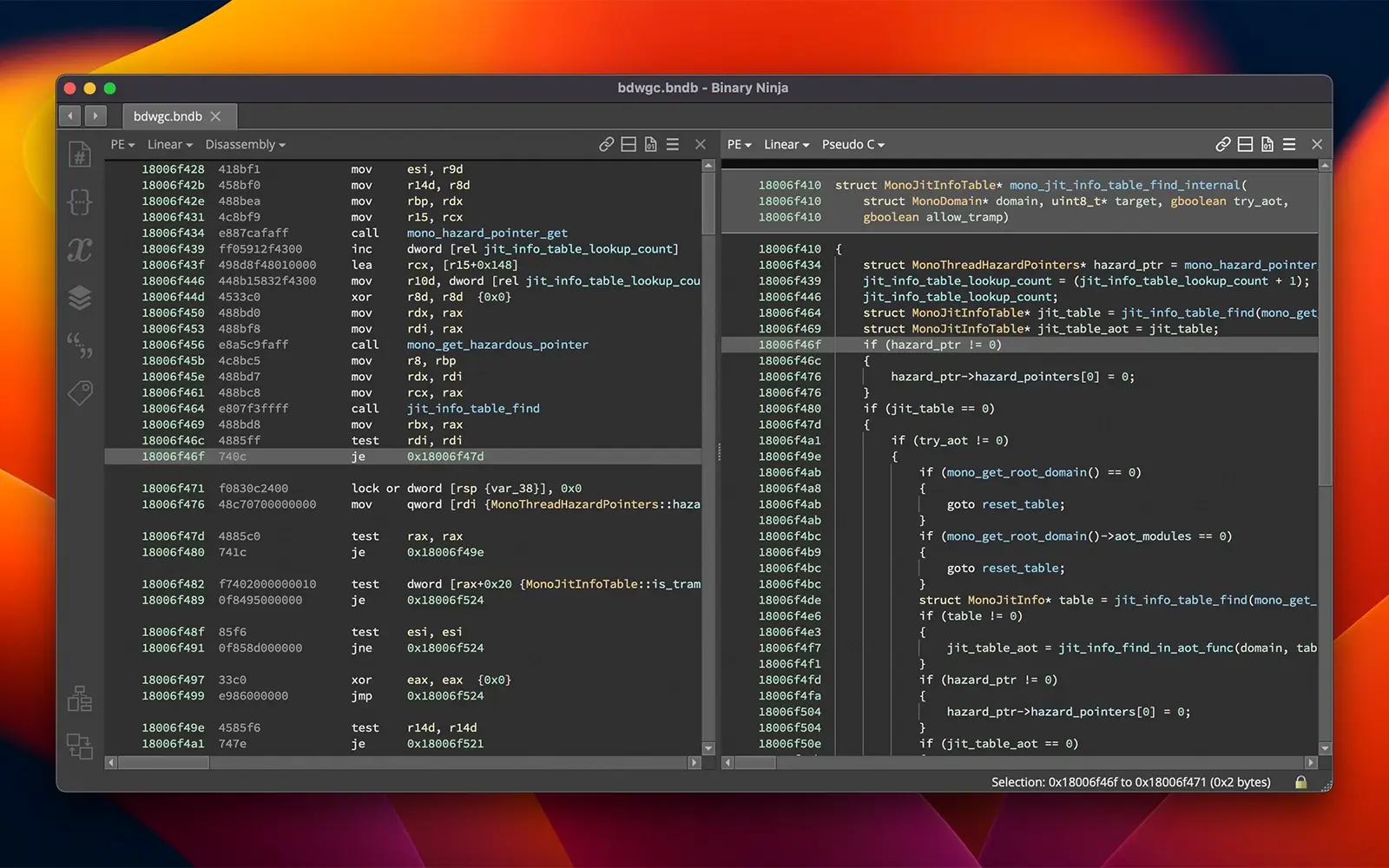
Disassembly: disassemble executable files and libraries across various formats, platforms, and architectures.
Decompilation: decompile code into C or BNIL for any supported architecture, including your own custom ones.
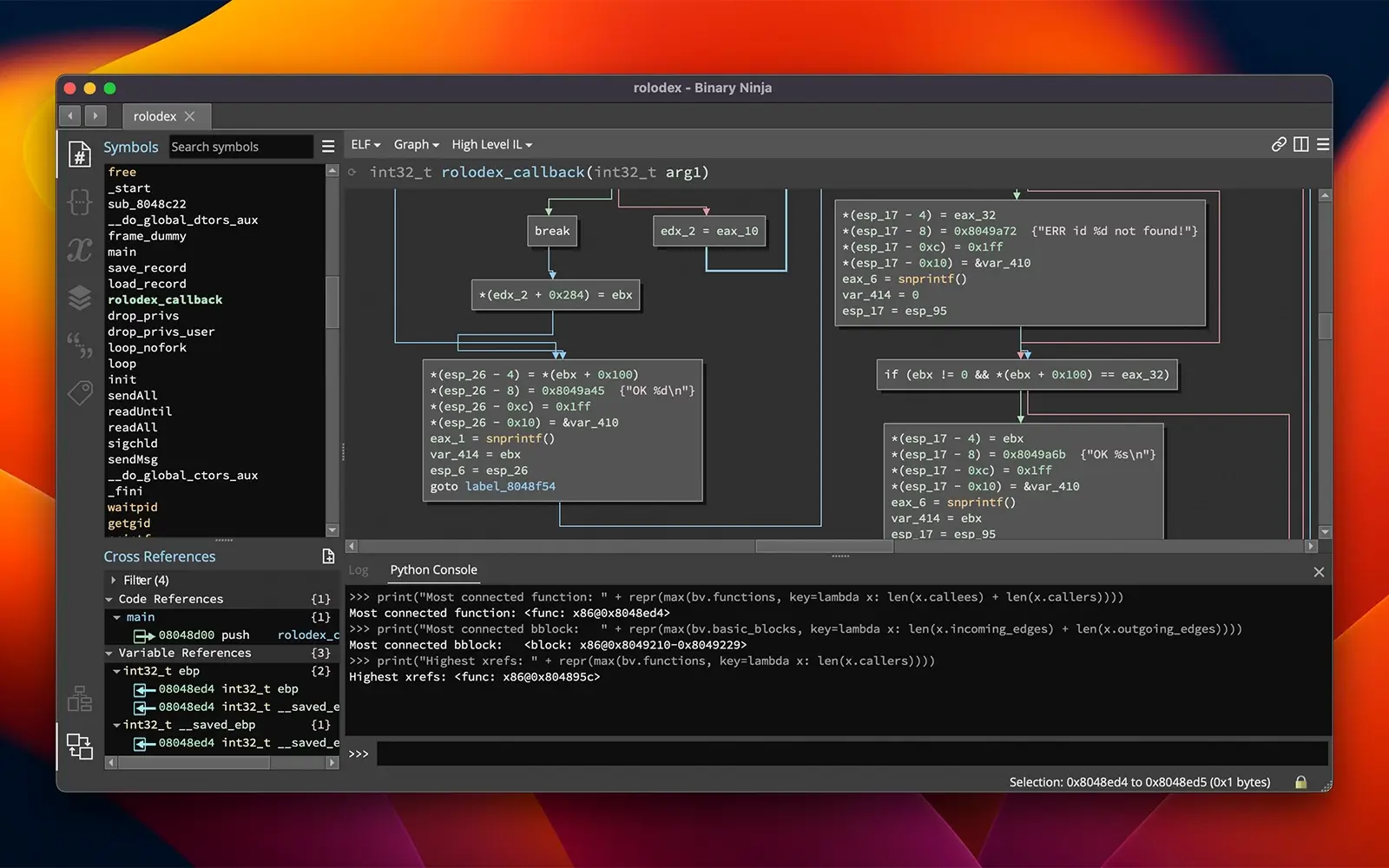
Automation: automate your analysis using C++, Python, and Rust APIs both inside and outside the user interface.
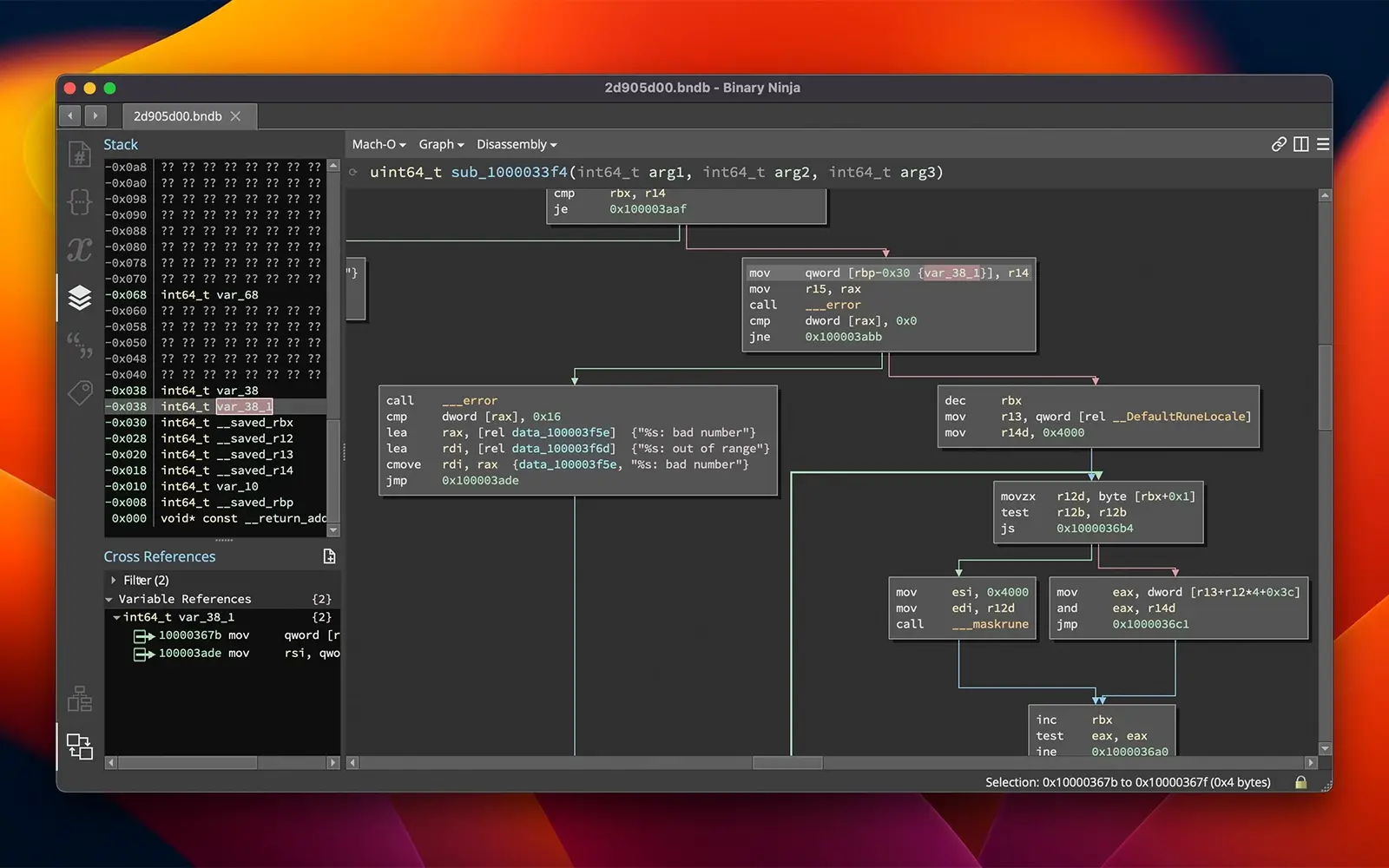
Analysis: Visualize control flow and interactively navigate through cross-references.
Annotation: name variables and functions, apply types, create structures, and add comments.
Collaboration: easily collaborate with synchronized commits using the enterprise product.
Features:
File Disassembly - Vector 35 provides native disassembly support for a wide range of architectures, including x86, x86-64, ARMv7 (with Thumb2), ARMv8 (AArch64), PowerPC, 6502, Z80, and MIPS. In addition, the community supports many other architectures through the publicly available plugin ecosystem. Loaders are available for all major platforms (PE, Mach-O, ELF) and can be extended or customized using the API. On macOS, Mach-O binary support is particularly seamless and well-integrated.
Code Decompilation - The built-in decompiler works with all officially supported architectures at a single price and is built upon a powerful IL family called BNIL. In fact, not only the native architectures but even community-contributed architectures can produce impressive decompilation output. The decompiler outputs both C and BNIL and can be enabled on demand.
Automate Anything - The extensive API can be used to create and customize loaders, add or extend architectures, customize the user interface, or automate any workflow (types, patches, decompilation… anything you need!). Bindings are available for C++, Python, and Rust.
Create Plugins - Built something great and want to share it? Publish your community plugin and list it in the Plugin Manager! These plugins can be installed (or updated) at any time by any user directly within the client application.
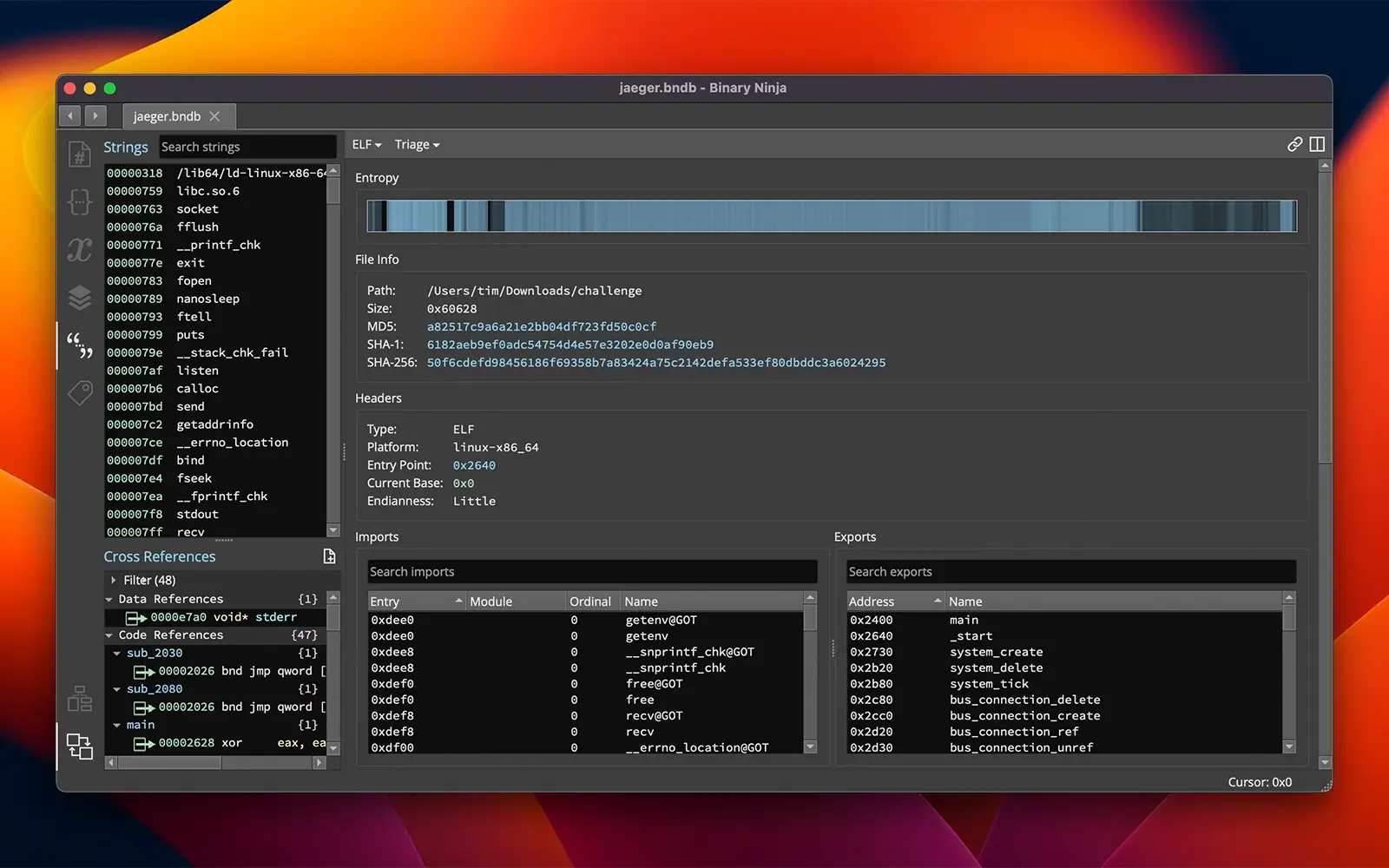
Quick Triage - Use the API for rapid batch processing of files and view the results in the triage view. Use the entropy graph to identify areas of interest, such as packed or encrypted data regions. Click anywhere to quickly navigate to that location.
Explore Interactively - This is not just the best automation and API for binary analysis — the user interface on macOS has been designed intentionally and cleanly. No distractions, but all the features you need for the most demanding tasks, including multiple tabs, synchronized and split views, customizable layouts, and much more.
Annotate Everything - Reverse engineering is the process of exploring the unknown. As your understanding improves, the platform gives you the tools to represent that knowledge and enhance the analysis. Add types, structures, comments, highlights, tags, and much more.
Patch Efficiently - Create binary patches quickly and efficiently with a variety of tools specifically built for speed. Edit assembly lines directly, choose a preset patch, edit raw bytes using the hex editor, or even compile C into an executable directly using the built-in SCC compiler.
Cross-Platform Support - You are never locked in. Binary Ninja Mac edition runs flawlessly on macOS alongside Windows and Linux support, and all three platforms are included at a single price. The binary ninja download includes everything needed to get started on your Mac immediately.
Run Headless - There is no need to perform analysis only within the graphical interface. Instead, integrate the platform into your existing analysis environment. Use the Python REPL of your choice, or even statically compile the core analysis library into an existing framework — the analysis engine can be completely decoupled from the user interface for maximum flexibility in your macOS workflow.
Reviews & Comments
No comments yet. Be the first to share your experience.