

Description
Bitwig Studio — A fresh perspective on creating and performing electronic music on your Mac, both in the studio and on stage!
Bitwig Studio app offers a completely reimagined approach to music production on Mac, deepening your interaction with the software — from initial sketches to fully realized compositions! Record, arrange, improvise — or even do it all at the same time!
Flexible User Interface
A modular interface that adapts to your individual creative style.
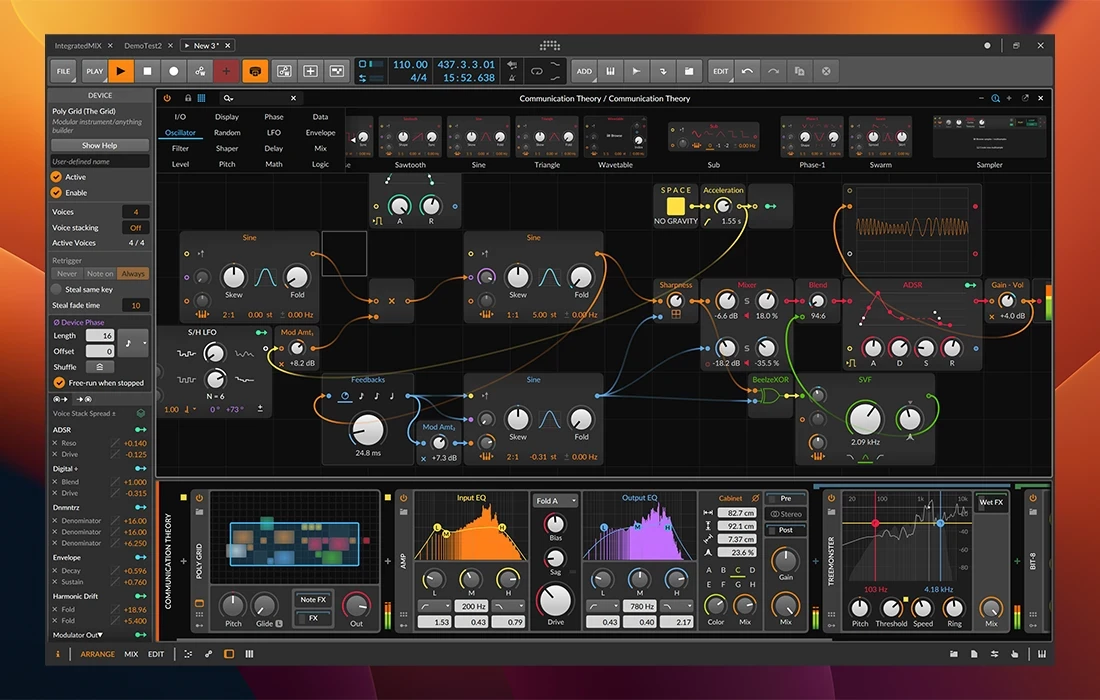
Bitwig Studio features a fully customizable window-based interface on Mac.
You choose exactly the elements you need for your workflow.
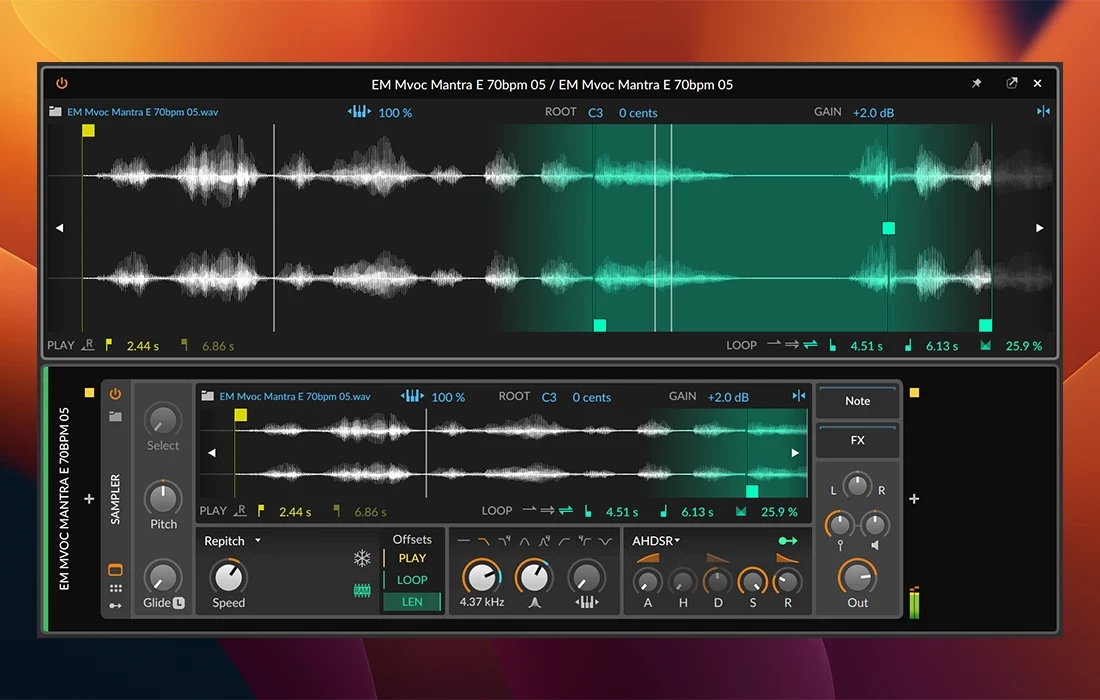
The Detail Editor allows you to streamline your audio workflow, supporting non-destructive editing of individual clips. Stretch, merge, pan, copy, reverse, and move clips in whatever way works best for you!
Edit multiple files within a single window, focusing on one clip at a time, or work across your entire track simultaneously.
Quickly switch between the three main workspaces — Arrange, Mix, and Edit — or activate all three at once, placing each on a separate monitor for maximum efficiency on your Mac setup!
The Most Cutting-Edge and Modern DAW
Bitwig Studio lets you record and edit Velocity, Gain, Pan, Timbre, and Pressure data for each individual note. Beyond standard note messages, the application includes a wealth of unique MIDI tools, such as a microchromatic editor, and stands as a leader in MPE (Multidimensional Polyphonic Expression) support. Bitwig Studio mac seamlessly integrates with the most advanced MIDI controllers like Roli Seaboard and Linnstrument.
External Hardware Support
Send and receive MIDI notes and timing signals, manage MIDI latency, and synchronize your external devices using Sync and Ableton Link protocols. And don't overlook the unique collection of specialized plugins with full CV/Gate and Clock protocol support for your hardware setup.
Time-Stretching
Synchronize the tempo of your samples with your project tempo using the advanced time-stretching engine.
Let Bitwig Studio handle the synchronization process automatically, correcting clip timing on the fly, or fine-tune everything manually using the comprehensive built-in tools available on Mac.
Bitwig Studio download includes 8 different stretching algorithms for every possible scenario, including the powerful Zplane Elastique algorithm for pristine audio quality.
Here are just a few standout features of Bitwig Studio:
- Professional digital audio workstation (DAW) optimized for Mac
- An ideal environment for audio recording, creative sound design, and live musical performances
- A powerful built-in toolkit featuring over 80 virtual devices and effects
- Intuitive support for most audio interfaces and MIDI controllers on Mac
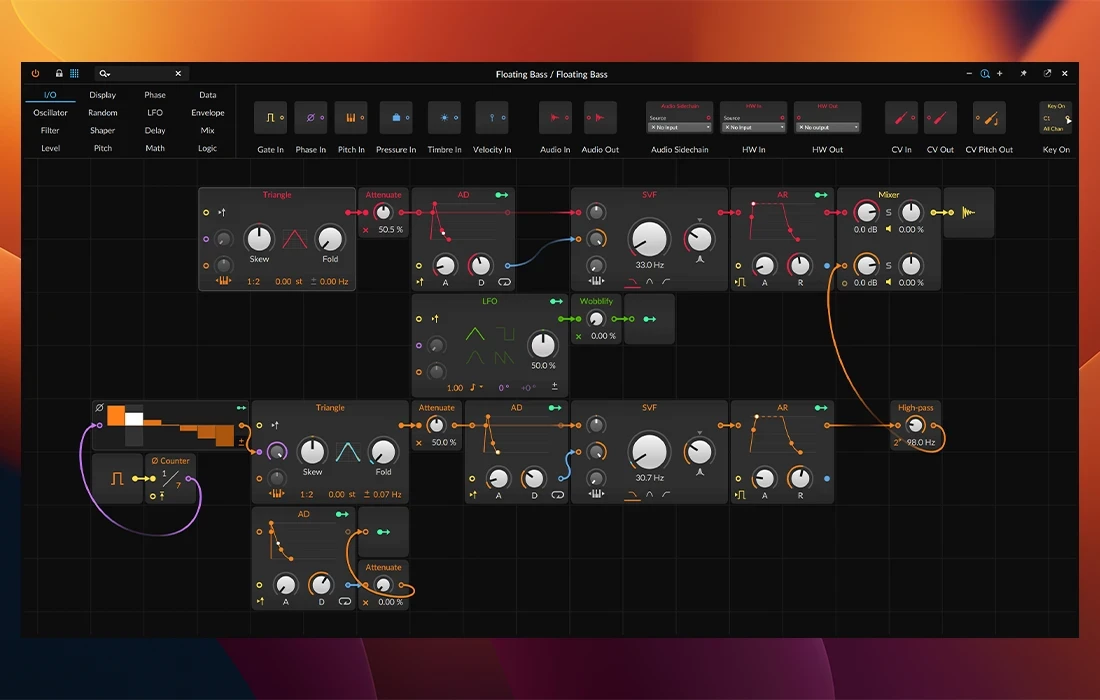
- Flexible modulation capabilities that inspire new musical experiments and creative exploration
Reviews & Comments
No comments yet. Be the first to share your experience.