

Description
Caffeinated prevents your Mac from going to sleep, dimming the screen brightness, or launching the screensaver.
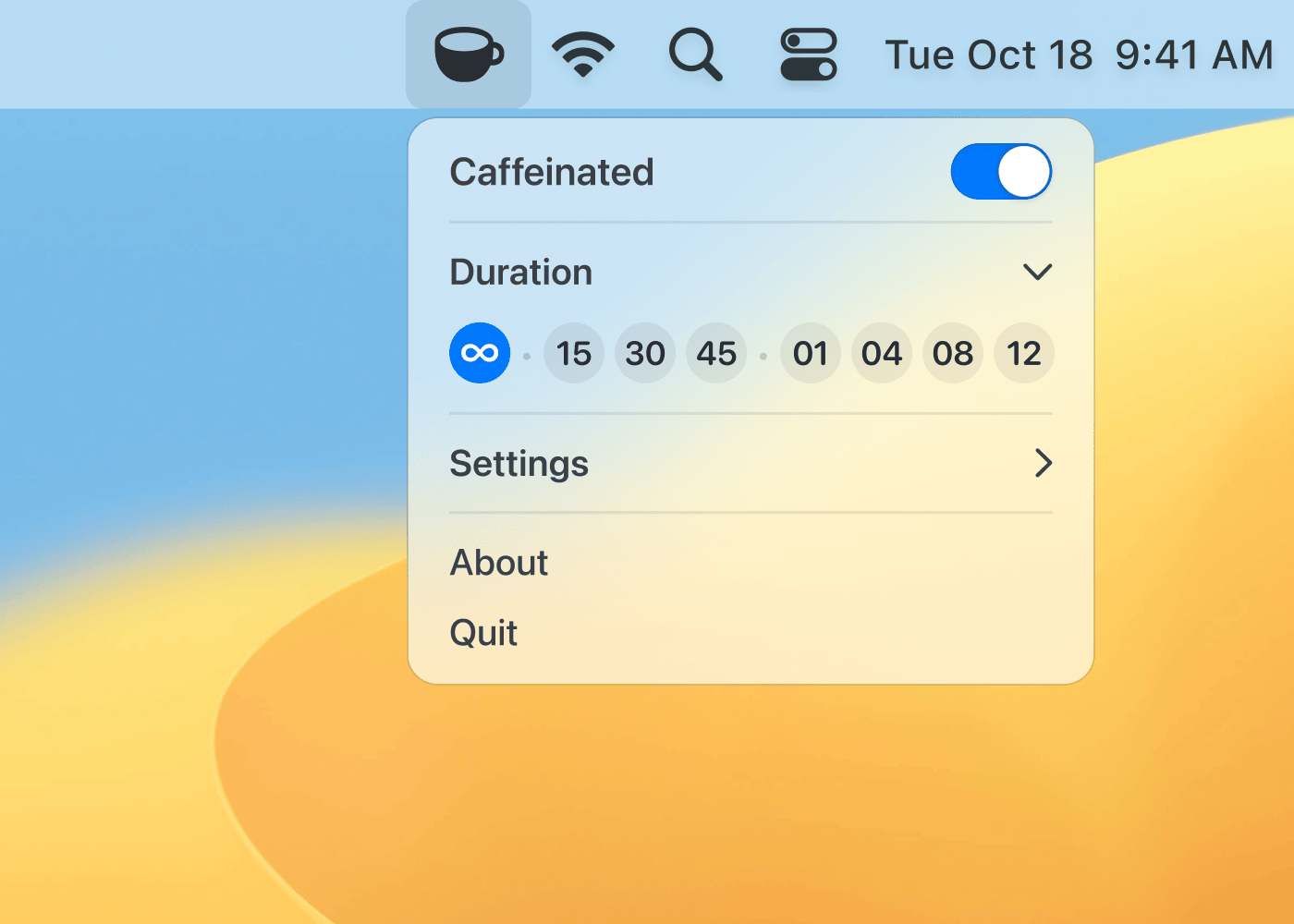
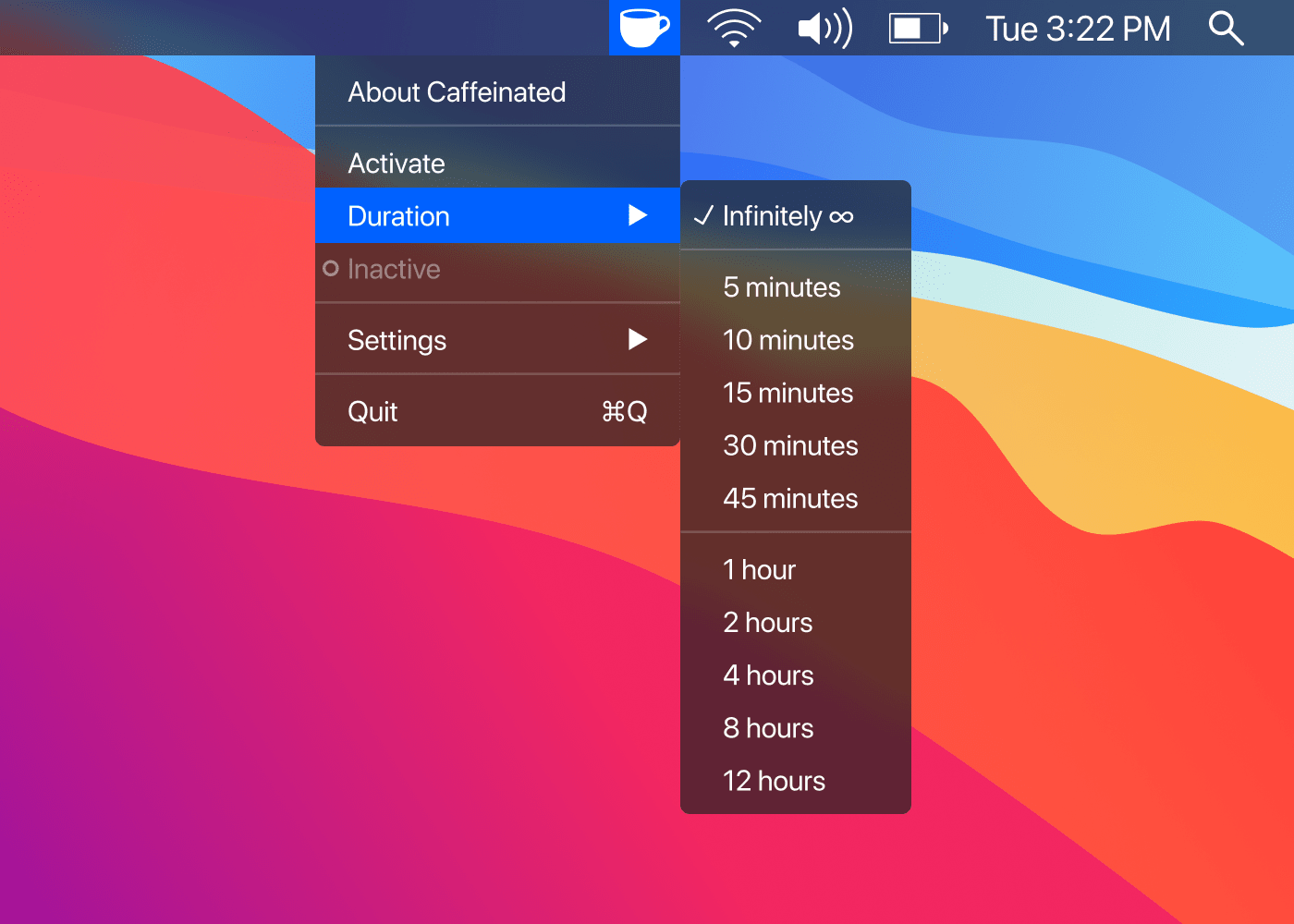
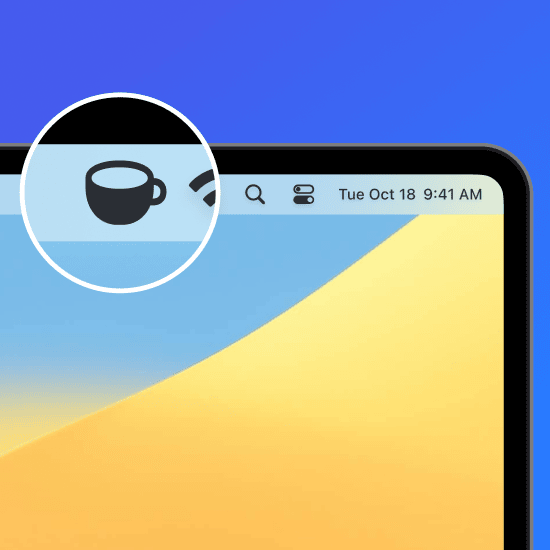
Have you ever experienced your screen going dark at the most inconvenient moment? Then Caffeinated is the perfect tool for you. This caffeinated Mac app was developed based on the well-known and useful Caffeine utility. Caffeinated brings back all the classic functionality to your Mac, only better and more refined. A single click on the coffee cup icon in the menu bar is all it takes to keep your Mac fully awake. Whenever you need more control, you can find additional options within the beautifully designed and easy-to-use application interface.
I always use caffeinated Mac when ...
... making a video call.
... downloading large files.
... giving a presentation at work.
... watching videos at home.
... listening to a podcast.
Features:
• One-click activation (using either left or right mouse button)
• Convenient control via the menu bar icon
• Built-in timer with optional notifications
• Various additional customizable options
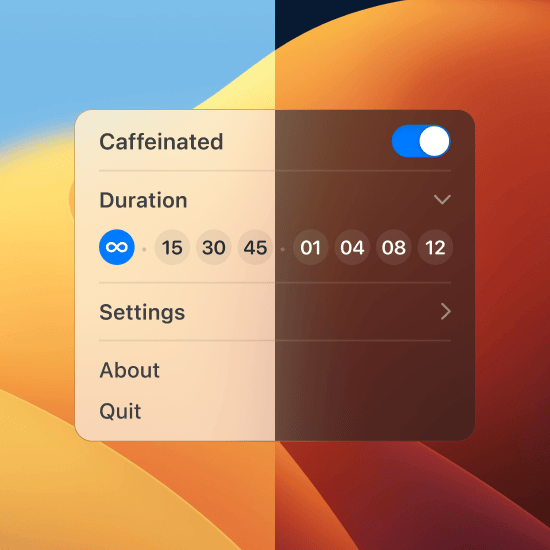
• Optimized for Retina displays and Dark Mode
• Fully optimized for Apple Silicon processors
• Compatibility with system accent colors
• Compatible with all modern versions of macOS — caffeinated download is available now
Reviews & Comments
No comments yet. Be the first to share your experience.