
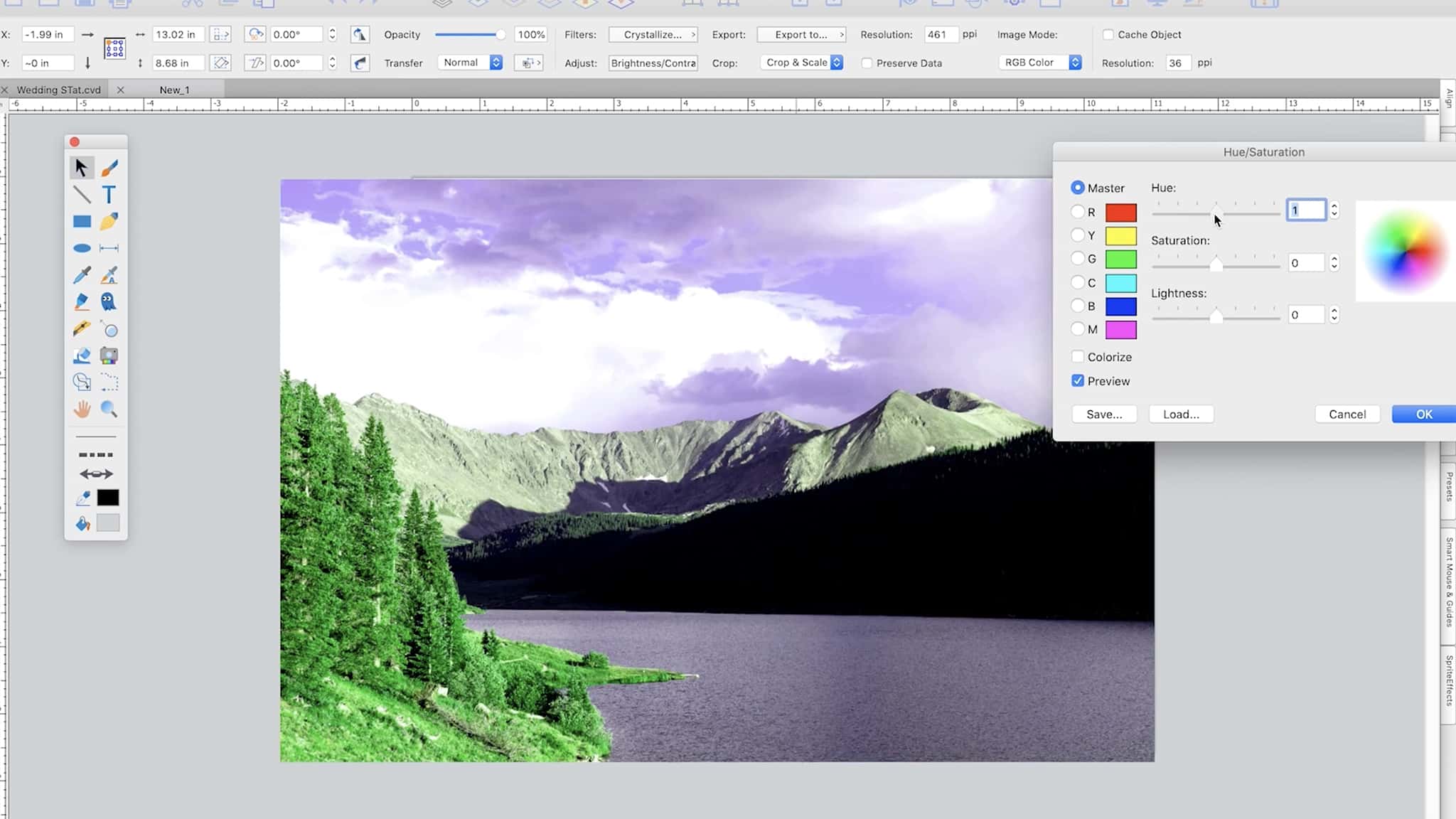
Description
Canvas X Draw is a professional technical illustration software designed specifically for macOS. This powerful solution for Mac, Canvas X Draw, delivers an unmatched level of functionality within a single robust application, built to streamline essential illustration creation and documentation workflows on your Mac desktop.
Key Features:
Technical Precision
Create detailed drawings, floor plans, scaled drawings, architectural designs, and other technical illustrations with absolute precision on your Mac. Snap objects to exact positions relative to one another, draw from center points, define scale ratios, systematically align elements, display dimensions, add labels, callouts or annotations, build flowcharts, and much more with complete confidence in every measurement.
Creative Impact
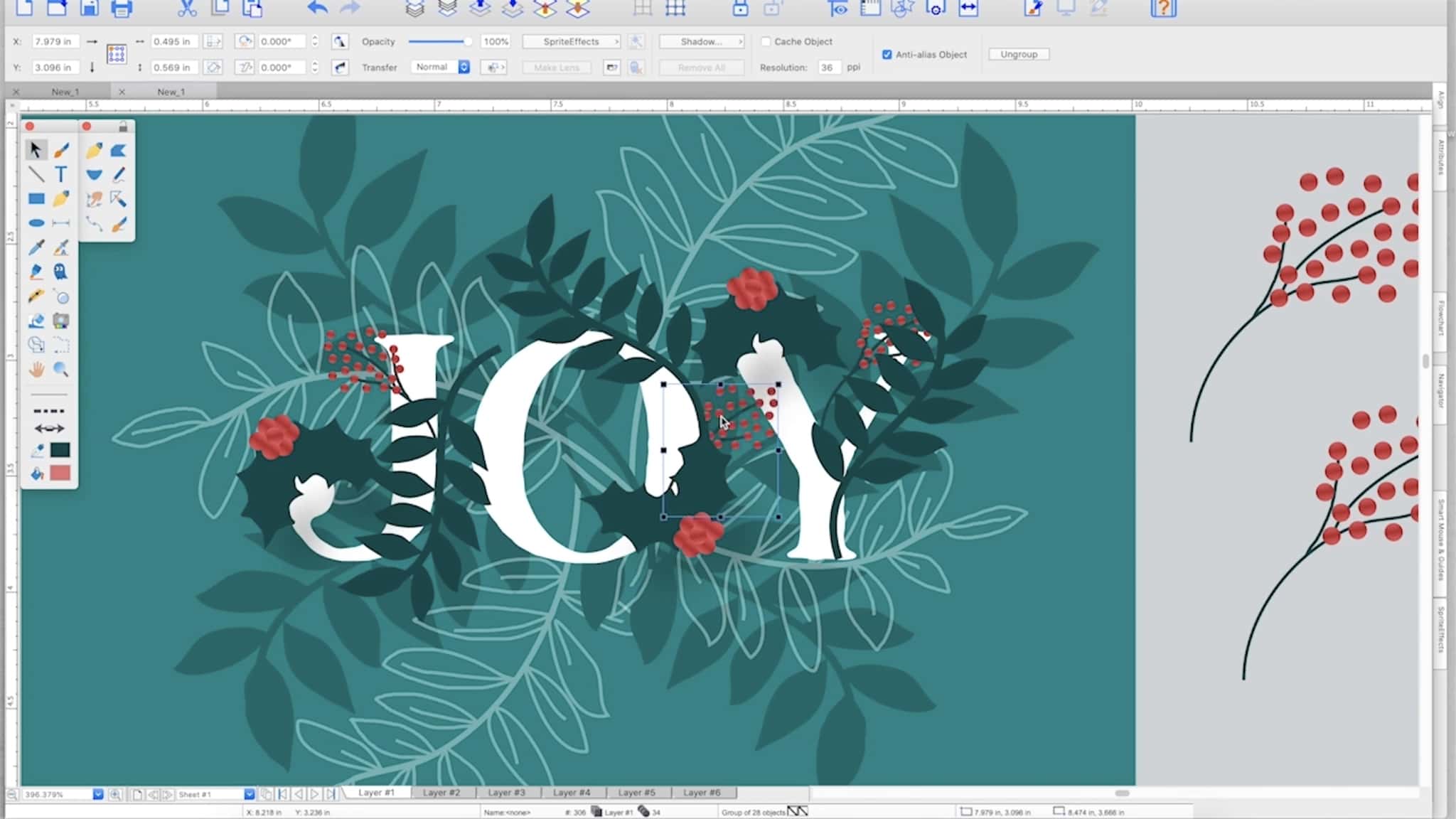
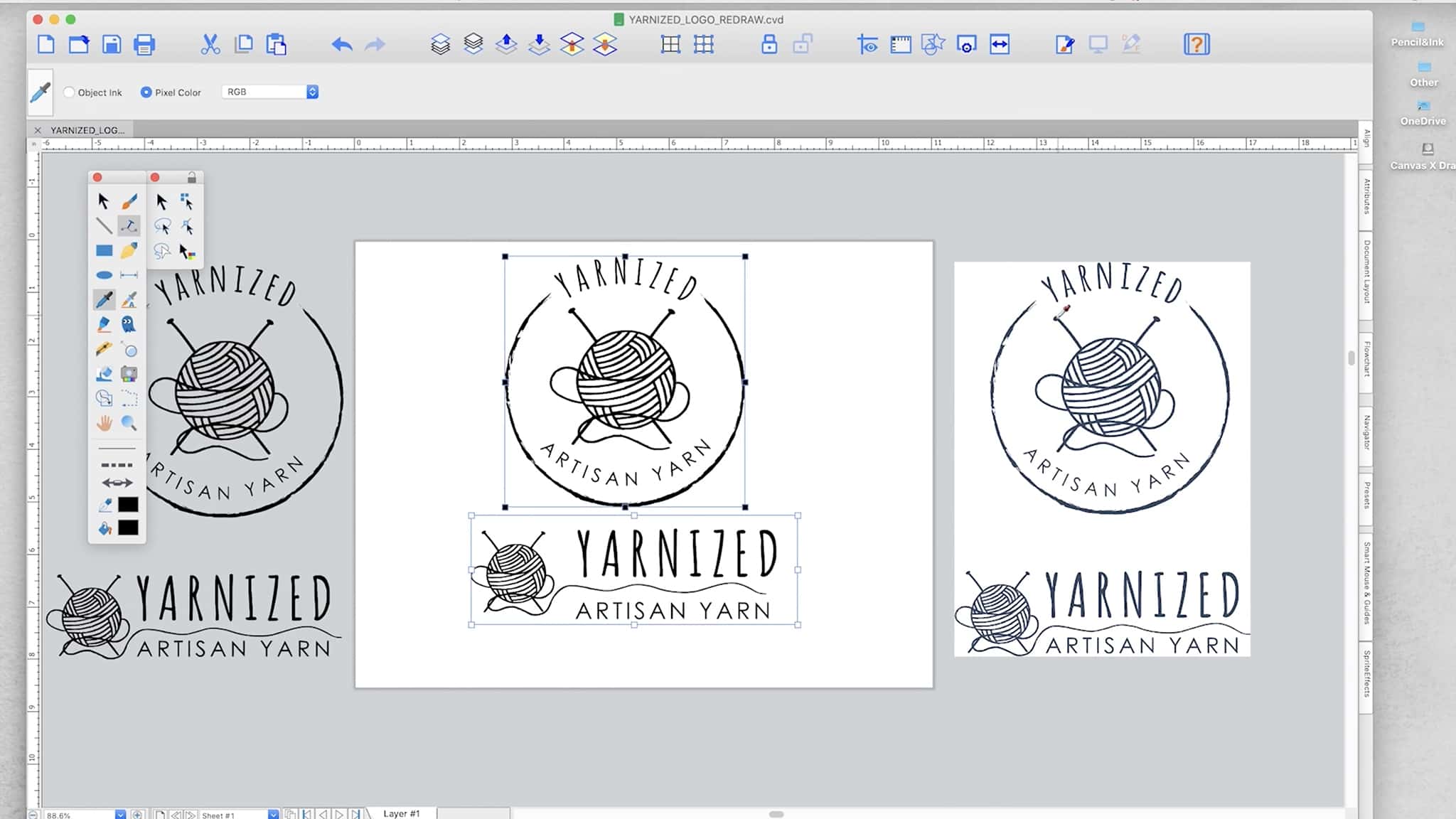
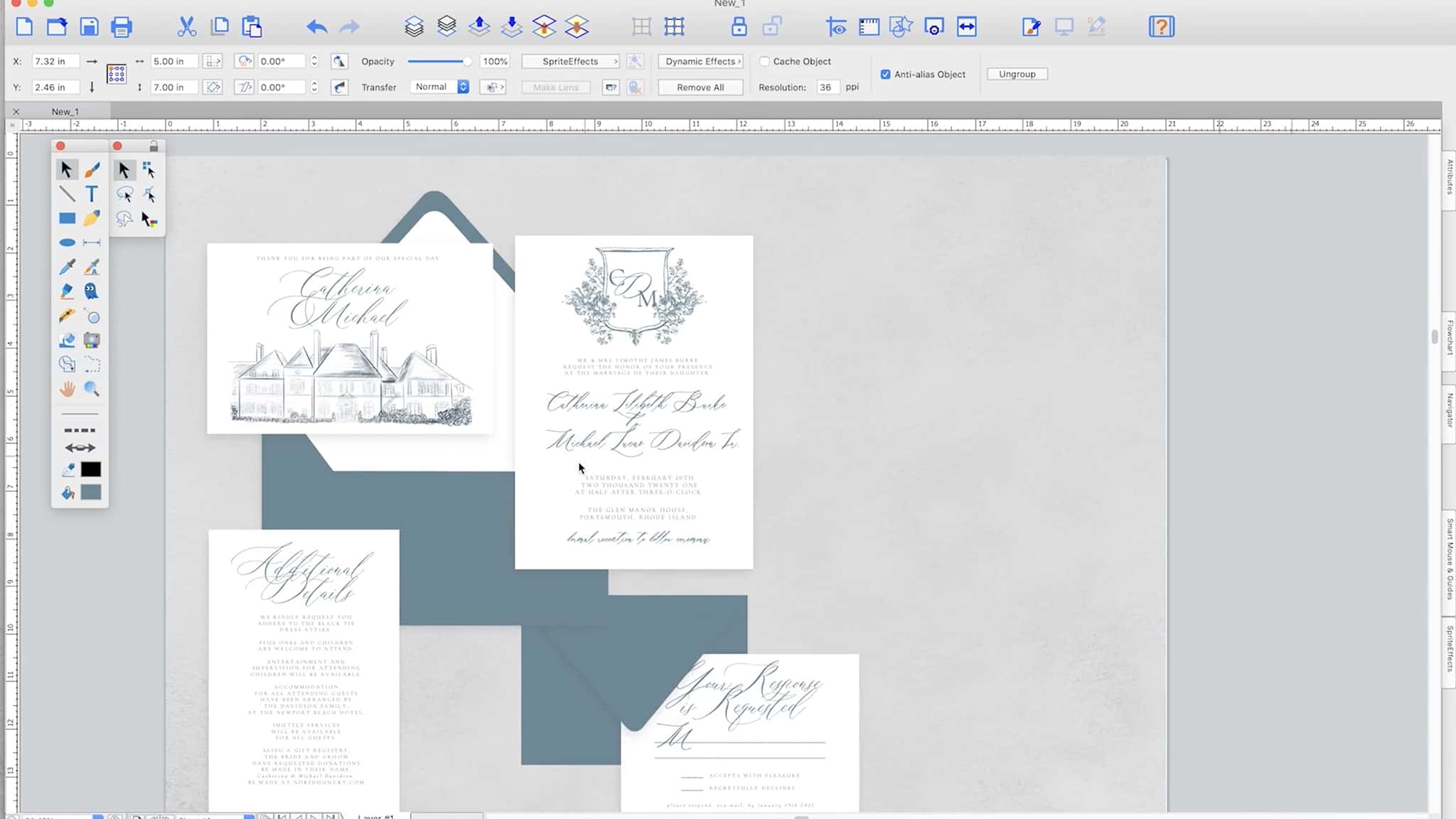
The integrated design environment of Canvas X Draw for mac is perfectly suited for marketing professionals and creative teams. With an extensive collection of symbols, a wide range of file format compatibility, and advanced editing tools at your disposal, you can draw, select, retouch, adjust color, and clone elements all within a single document to produce compelling visual assets that make your message stand out from the competition.
Mathematically Accurate
Canvas X Draw provides sophisticated measurement tools that calculate distances, compute angles, verify scale, connect objects with mathematical precision, and handle much more. All of this adheres to established industry standards and gives you complete control over units of measurement, ensuring every project meets the strictest accuracy requirements on macOS.
Multiple Symbols
When you canvas x draw download mac, you get a pre-loaded library containing countless commonly used and specialized symbols ready for immediate use. You can also create your own custom symbol sets from any vector, text, composite, or painted object and seamlessly add them to the symbol library for repeated use across all your projects.
Digital Drawing
Canvas X Draw delivers a complete palette of digital drawing tools for Mac users, including markers, airbrushes, brushes, and specialized tools for creating effects such as neon glows and blending transitions. And when you switch into image editing mode, you also gain full access to numerous image filters and visual effects that enhance your creative output.
Accessible Data
Make complex data accessible and easy to understand through intuitive flowcharts and visual diagrams. Create dynamic charts and data tables with information imported directly into Canvas X Draw. Collaborate on markup projects and produce beautiful, polished presentations tailored for diverse audiences. To get started, simply proceed with your canvas x draw download and begin transforming your workflow today.
Reviews & Comments
No comments yet. Be the first to share your experience.