
Charles icon

Description

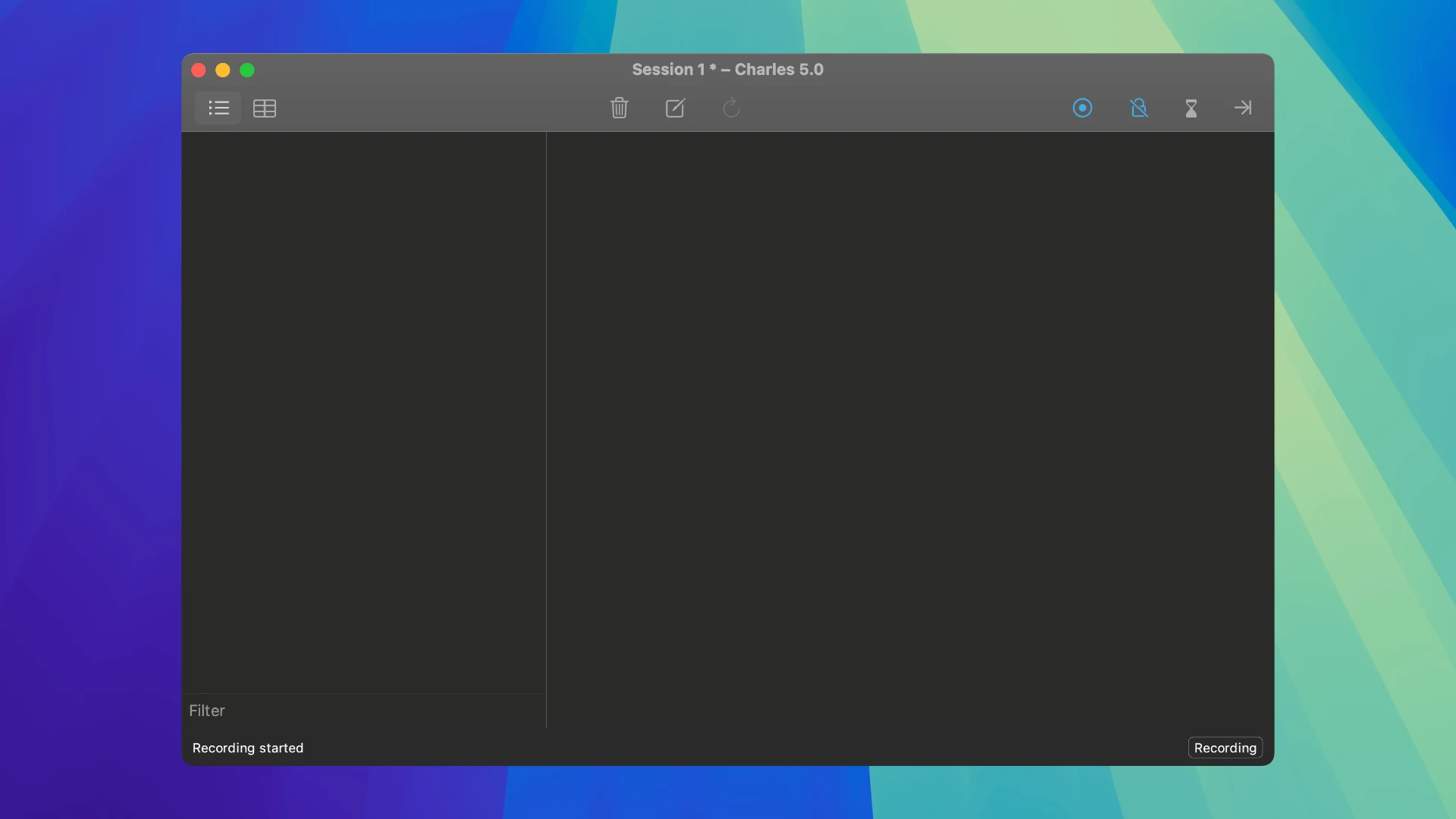
Charles is an HTTP proxy, HTTP traffic monitor, and reverse proxy server that allows a developer to view all HTTP and SSL/HTTPS traffic between their Mac and the Internet. With charles proxy for mac, you gain complete visibility into every network interaction happening on your machine.

This includes all requests, responses, and HTTP headers (which contain cookies and caching information).

During web development and everyday work with the Internet, it is usually impossible to see what data is being exchanged between your browser (the client) and the server.

Without this kind of visibility, it becomes difficult and time-consuming to determine exactly where an error occurs. Charles proxy simplifies the analysis of what is happening, enabling you to quickly diagnose and fix problems on your Mac.

With charles proxy download installed on your macOS system, debugging becomes fast, reliable, and advanced, saving your valuable time and eliminating unnecessary complications!


Frequently Asked Questions

Is Charles free?
Please check the developer's website for current pricing information.
The download seems damaged or won't open?
If the disk image won't mount, right-click the .dmg and choose Open — macOS Gatekeeper will then offer an override.
How do I install the app after downloading?
Mount the .dmg by double-clicking it, drag the application bundle into /Applications, then eject the disk image. For .pkg installers, double-click and follow the prompts.
Will this run on Apple Silicon (M1-M4)?
Check the Architecture line in the Specifications panel on this page. Universal binaries run natively on both Apple Silicon and Intel. Intel-only builds run through Rosetta 2 on M-series Macs.
How do I update the app later?
Re-download the latest version from the catalogue, mount the new disk image, and drag-replace the application bundle in /Applications.
Can I request an app that isn't in the catalogue?
The catalogue is curated by a small editorial team. Request lists are accepted by community comment threads on each macOS release roundup.


Reviews & Comments

No comments yet. Be the first to share your experience.