

Description
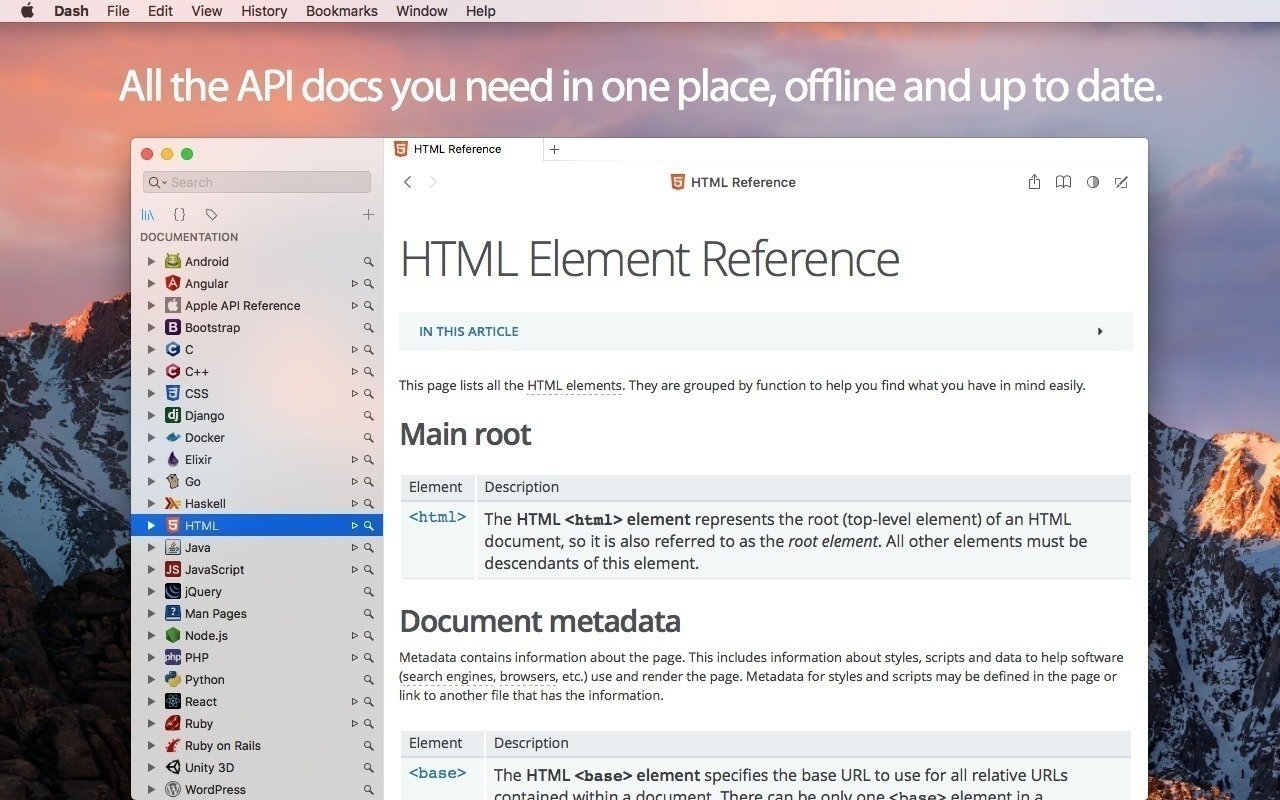
Dash is an API documentation browser and code snippet manager designed for Mac. This dash app stores your code snippets and instantly searches through offline documentation sets for over 200 APIs, more than 100 cheat sheets, and much more. You can even generate your own custom docsets or request that new ones be included in the collection.
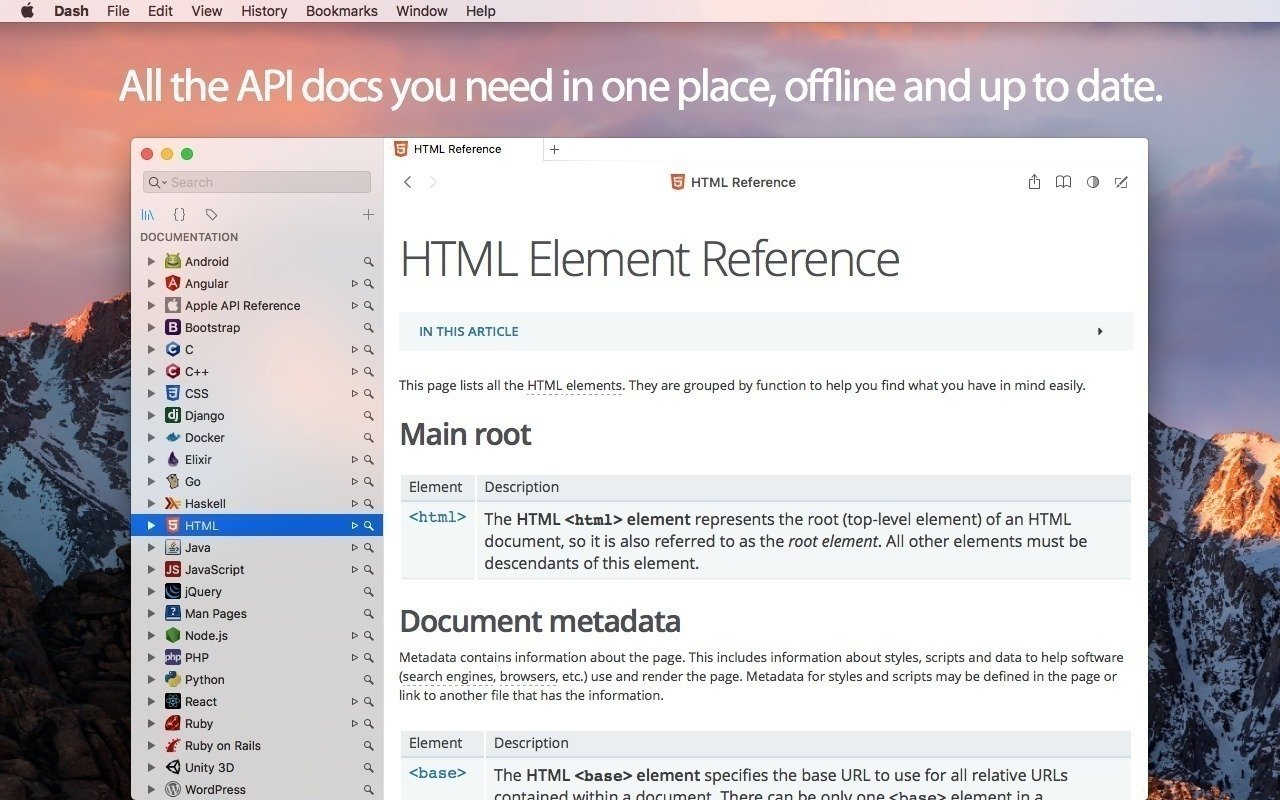
Dash comes bundled with 200+ offline documentation sets ready for dash download. You can choose exactly which documentation sets to download, and Dash will take care of everything else, making sure they stay fully up to date at all times. You also have the ability to create your own custom docsets, request new documentation sets, or load docsets from third-party sources directly into the application.
Listed below are all of the documentation sets that ship with Dash. Every single documentation set has been carefully created and meticulously maintained with great attention to detail and accuracy.
Documentation Browser
Offline Documentation: iOS, macOS, watchOS, tvOS, Swift, Man Pages, .NET Framework, ActionScript, Akka, Android, AngularJS, Angular.dart, Ansible, Apache, Appcelerator Titanium, AppleScript, Arduino, Backbone, Bash, Boost, Bootstrap, Bourbon, Bourbon Neat, C, C++, CakePHP, Cappuccino, Chai, Chef, Clojure, CMake, Cocos2D, Cocos2D-X, CodeIgniter, CoffeeScript, ColdFusion, Common Lisp, Compass, Cordova, Corona, CSS, D3.js, Dart, Django, Dojo Toolkit, Drupal, ElasticSearch, Elixir, Emacs Lisp, Ember.js, Emmet.io, Erlang, Express.js, Expression Engine, ExtJS, Flask, Font Awesome, Foundation, GLib, Go, Grails, Groovy, Grunt, Haml, Haskell, HTML, Jade, Jasmine, Java SE, Java EE, JavaFX, JavaScript, Joomla, jQuery, jQuery Mobile, jQuery UI, Knockout.js, Kobold2D, Laravel, LaTeX, Less, Lo-Dash, Lua, Marionette.js, Meteor, MomentJS, MongoDB, Mongoose, Mono, MooTools, MySQL, Nginx, Node.js, NumPy, OCaml, OpenCV, OpenGL, Perl, PhoneGap, PHP, PHPUnit, Play Framework, Polymer.dart, PostgreSQL, Processing.org, Prototype, Puppet, Python, Qt, R, Redis, RequireJS, Ruby, Ruby on Rails, Rust, Sass, SaltStack, Scala, SciPy, Sencha Touch, Sinon, Smarty, Sparrow, Spring Framework, SproutCore, SQLAlchemy, SQLite, Statamic, Stylus, SVG, Symfony, Tcl, Tornado, Twig, Twisted, TYPO3, Underscore.js, Unity 3D, Vagrant, Vim, VMware vSphere, WordPress, Xamarin, Xojo, XSLT, XUL, Yii, YUI, Zend Framework, Zepto.js.
Supports docsets generated using popular tools such as Appledoc and Doxygen.
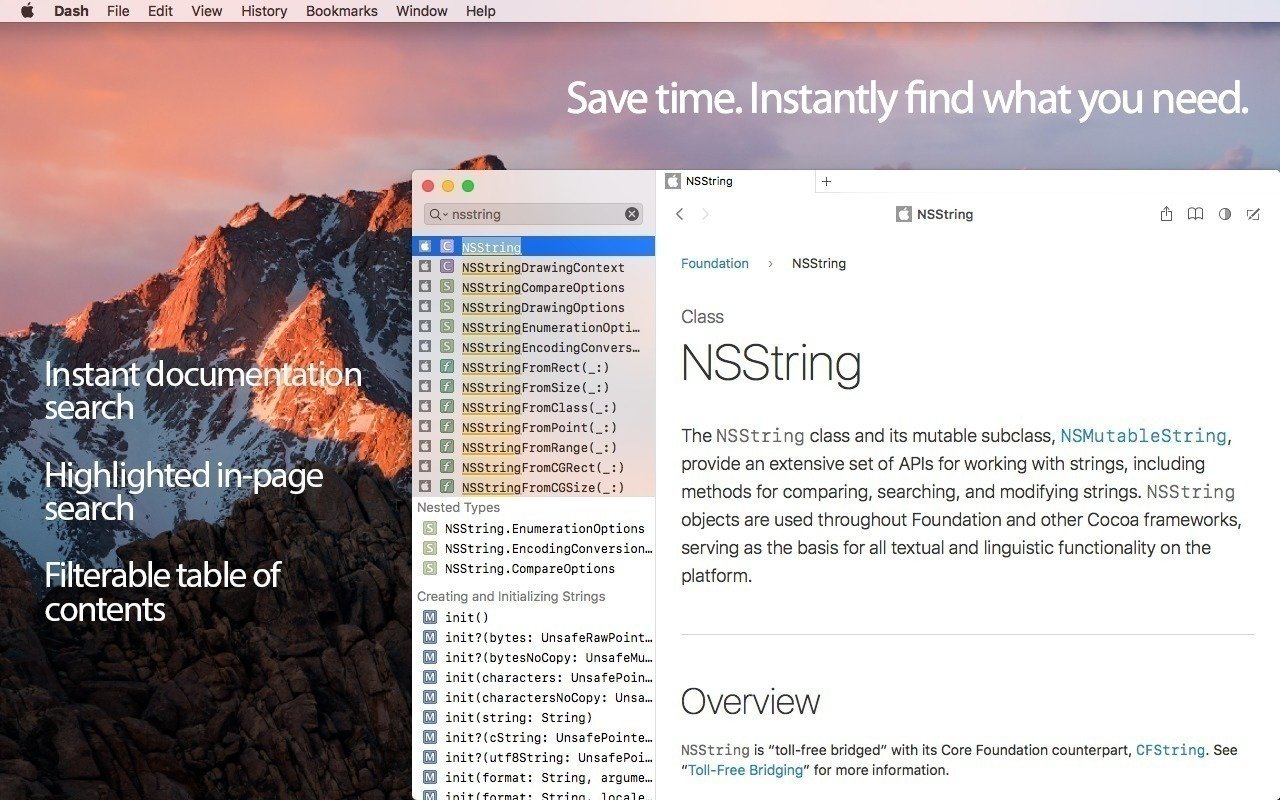
Methods are conveniently displayed in a dedicated table of contents for easy navigation.
Highlighted in-page search for quickly locating terms within documentation.
Save bookmarks of your most frequently used documentation pages for quick access.
Create search profiles to easily and quickly switch between different docsets.
Easily search specific docsets by defining keyword filters (e.g., start your query with "python:" to search exclusively within the Python documentation).
Integration plugins available for: Xcode, Alfred, Quicksilver, LaunchBar, PopClip, AppCode, Sublime Text, Emacs, Vim, TextMate, Eclipse, Terminal, AppleScript.
Easily integrate this dash mac tool with any other application using the "dash://" URL scheme or the "Look up in Dash" system service.
Fuzzy search capability. Don't let misspellings or typos get in your way.
Built entirely for speed. Searching through documentation is almost instant on your Mac.
Snippet Manager
Collect snippets of code that you reuse often in your daily workflow.
Sync your snippet library by saving it in Dropbox for access across devices.
Over 80 syntaxes supported for accurate code highlighting.
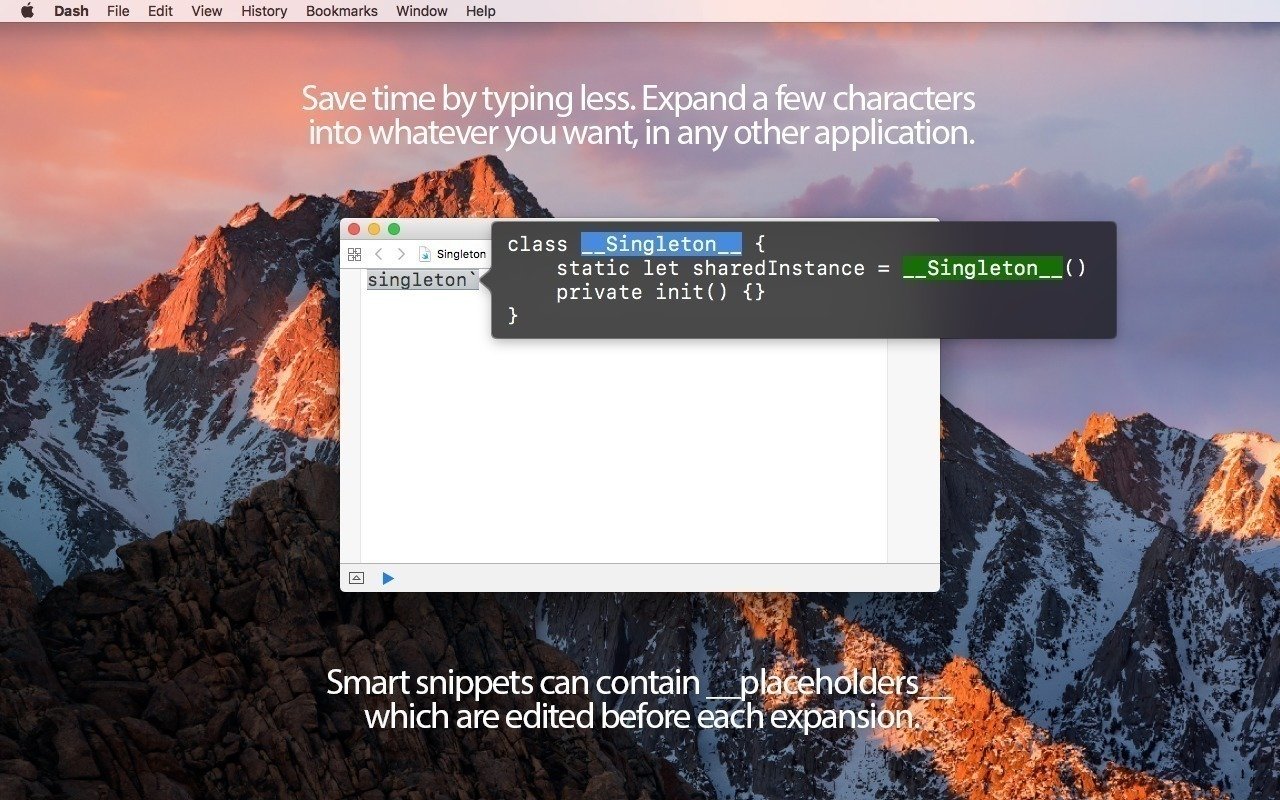
Variable placeholders can be conveniently edited before pasting into your code.
Abbreviations are automatically expanded wherever you type them on your Mac.
Special Snippet Placeholders
@clipboard expands into the current contents of the clipboard.
@cursor repositions the cursor to the desired location after expansion.
@date expands into the current date automatically.
time expands into the current time automatically.
Other Features
Retina-ready for crisp, sharp display on modern Mac screens.
Multi-touch gestures for intuitive and fluid navigation.
Menu item or dock application mode, always just one keyboard shortcut away.
Users that want to use Dash solely as a snippet manager or exclusively as a documentation browser, can absolutely do so.
Reviews & Comments
No comments yet. Be the first to share your experience.