

Description
Data Rescue is a powerful utility for Mac designed to recover data from damaged disks or after accidental deletion. As part of the data rescue project, this application provides reliable rescue data recovery services for Mac users.
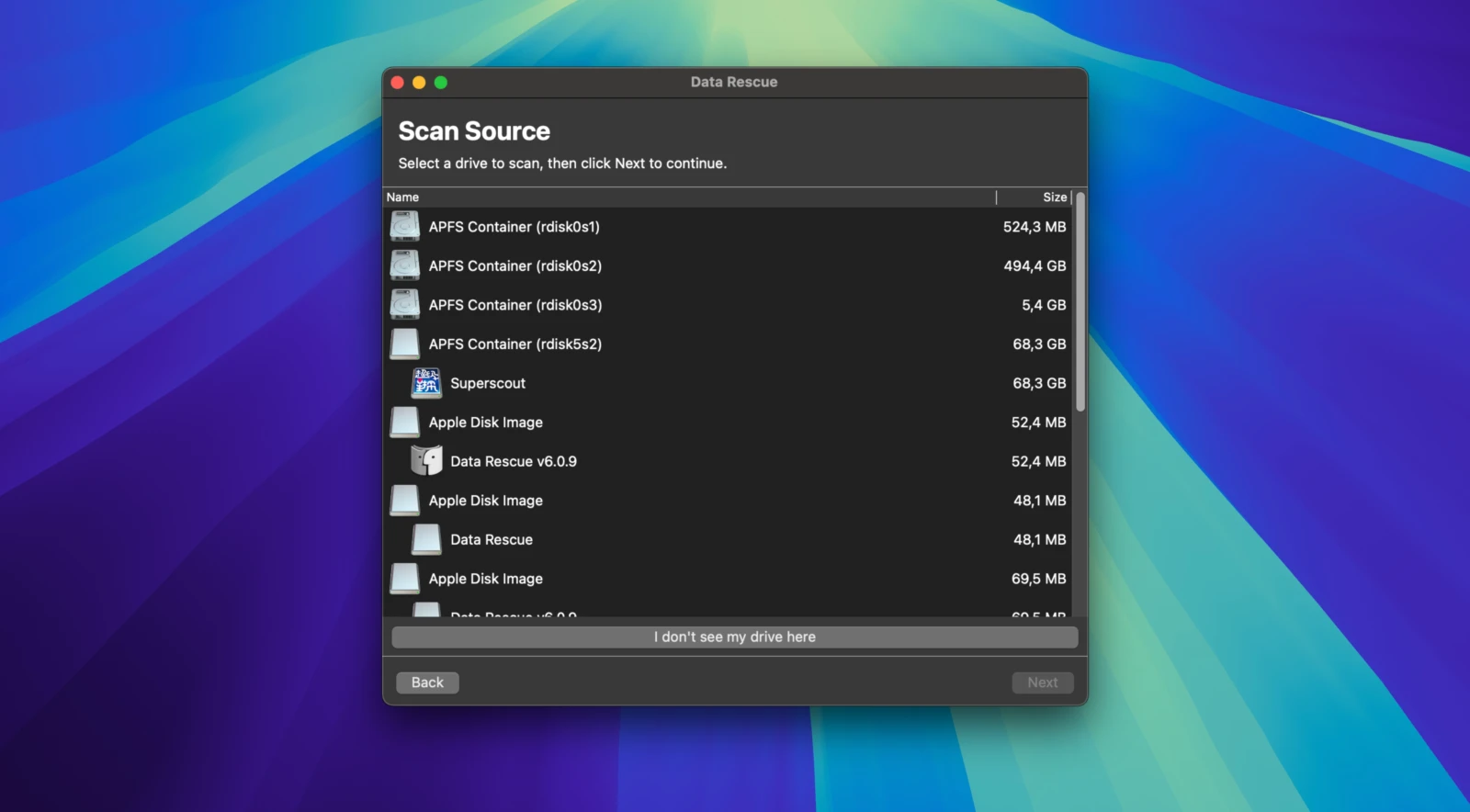
The program is straightforward to use and is divided into three simple stages: disk selection, analysis, and recovery. Before proceeding with recovery, you can preview any file to make sure it is exactly what you need, which makes the entire process more efficient.
Features:
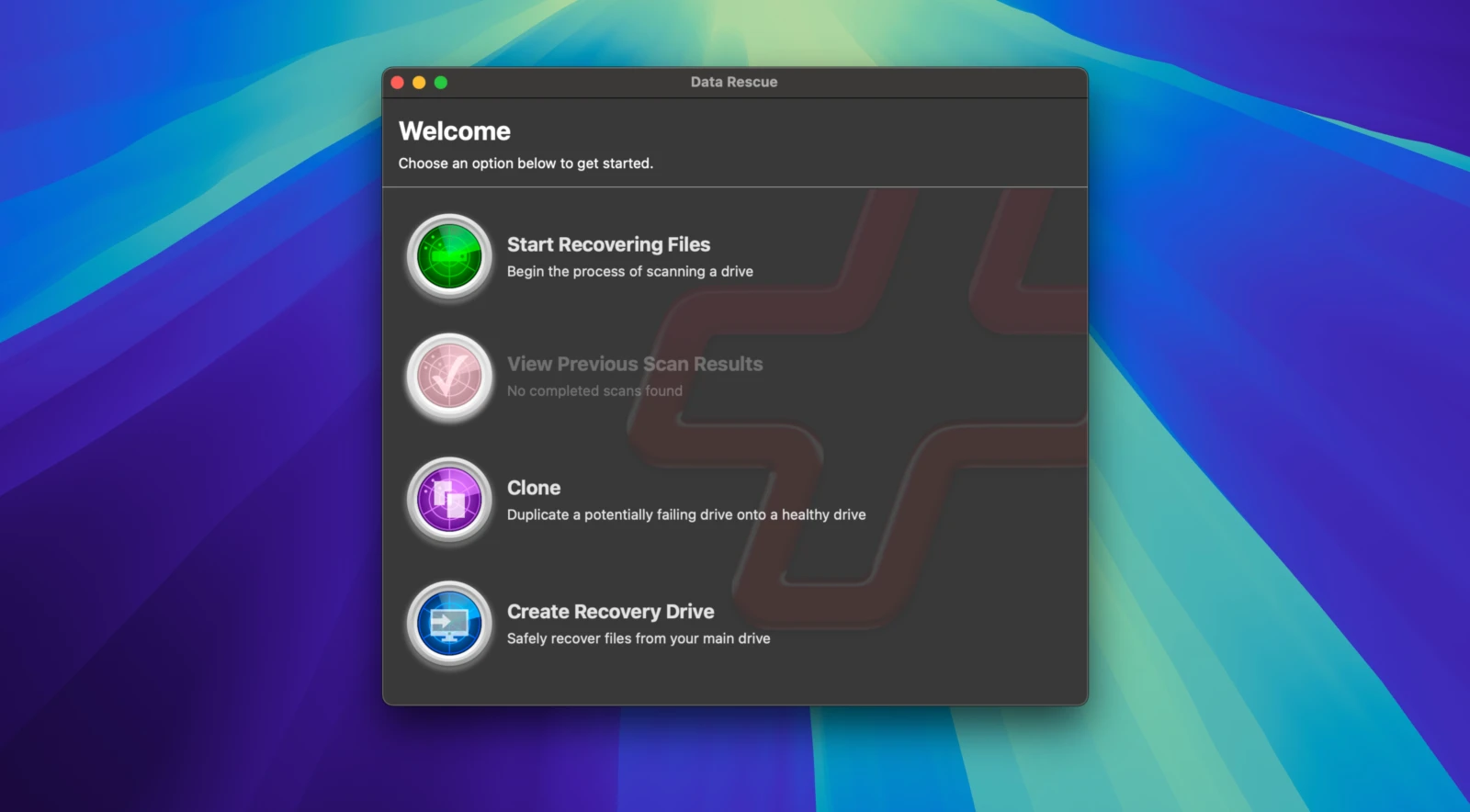
-Supported file systems: FAT, FAT32, exFAT, ext2, ext3, HFS+, APFS, and NTFS. -Scanning options: quick scan for fast recovery of existing files on your Mac and deep scan for finding all recoverable files across the entire drive. -Scan management: allows you to browse results from previous scans, which saves considerable time during complex recovery operations. -Disk cloning: enables you to clone failing or underperforming hard drives on your Mac, serving as an effective preventive measure against permanent data loss. -Bootable recovery drive: gives you the ability to create a bootable recovery drive for accessing and restoring the contents of your Mac hard drive if the computer experiences startup sequence issues.
Before recovering data, it is best to save the restored files to an external hard drive, a USB flash drive, or a network drive. Pro soft data rescue capabilities ensure your Mac files are retrieved safely and completely.
Reviews & Comments
No comments yet. Be the first to share your experience.