

Description
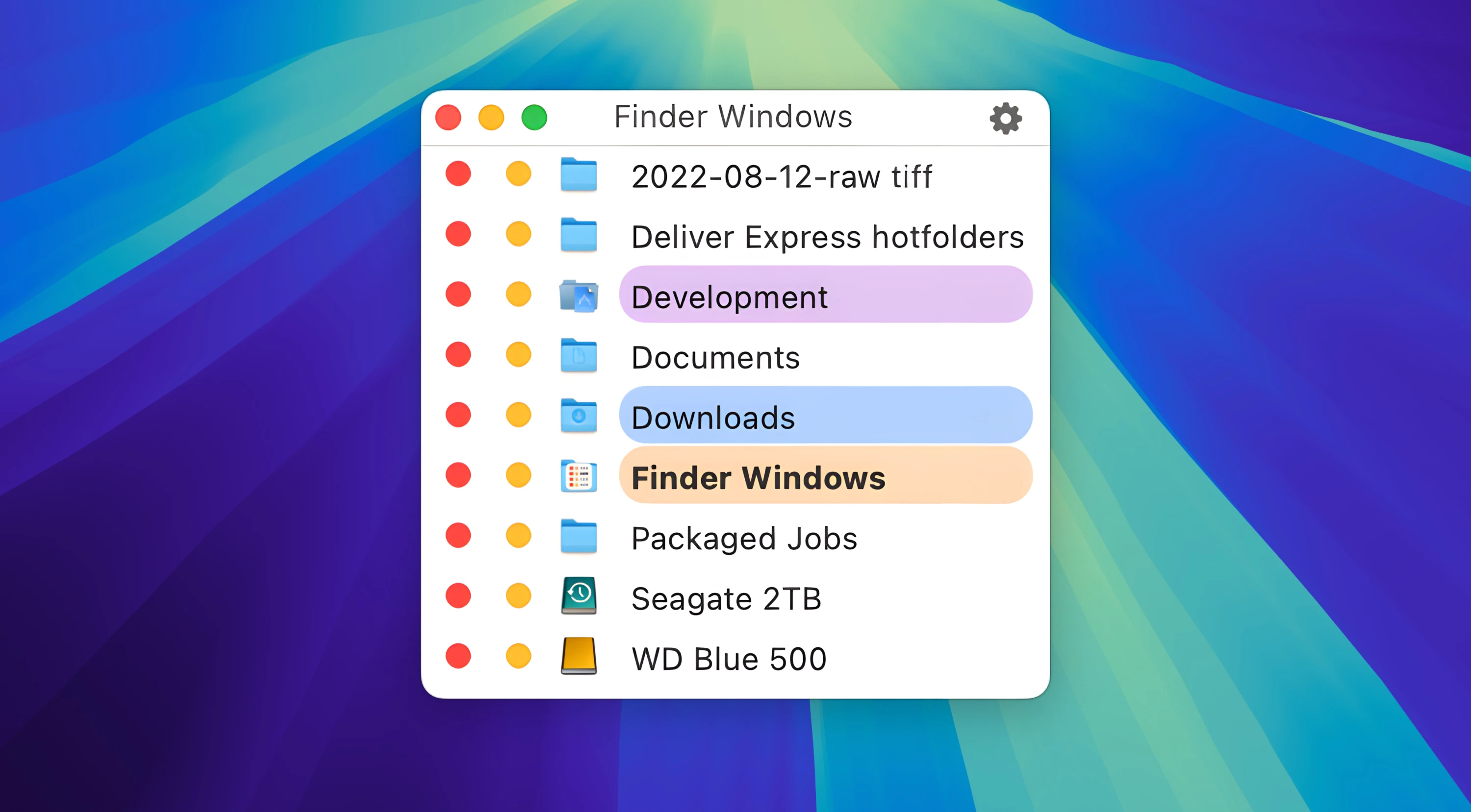
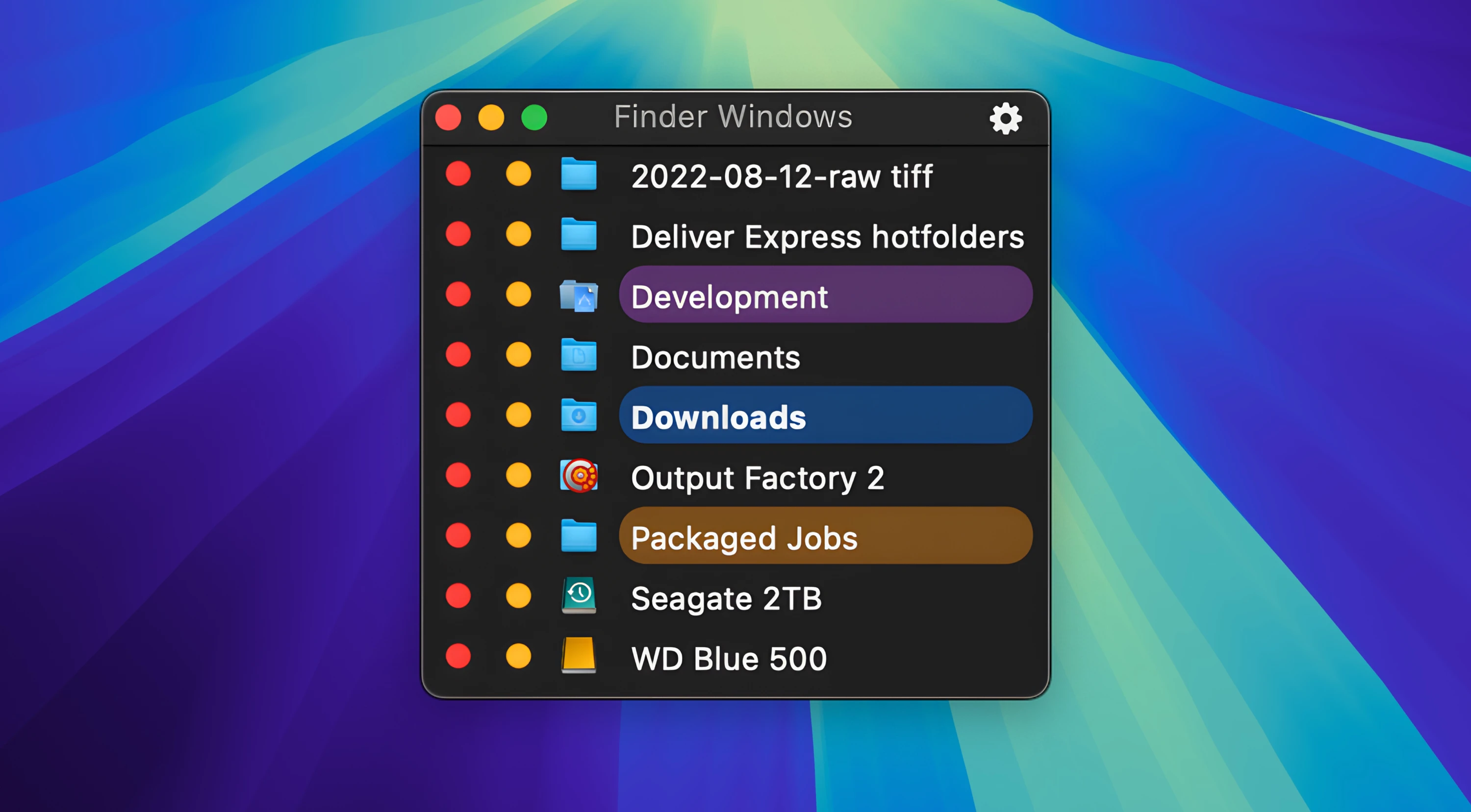
Put an end to your daily Finder frustrations once and for all! Finder Windows is a convenient floating panel that provides instant access to the complete list of open Finder windows at any time you need it. It eliminates the everyday struggle of searching for the right folders among a constantly changing array of open windows on your Mac. Now all you need to do is simply glance at the list and select the window you need, or instantly close the ones that are no longer necessary for your current workflow.
The Finder Windows app is the perfect tool if you: - regularly use Finder on your Mac for daily file management tasks - constantly keep several (or even a large number of) Finder windows open at the same time - do not use Finder tabs (because you find them inconvenient or unhelpful for effective file management) - constantly reach for the Finder Window menu, wondering why everything cannot be simpler and more straightforward
Now you always see the full list of your open folders and instantly find the one you need. Get the Finder Windows download and try it yourself to discover just how much Finder Windows for Mac simplifies and streamlines your everyday work with Finder on your computer.
Reviews & Comments
No comments yet. Be the first to share your experience.