

Description
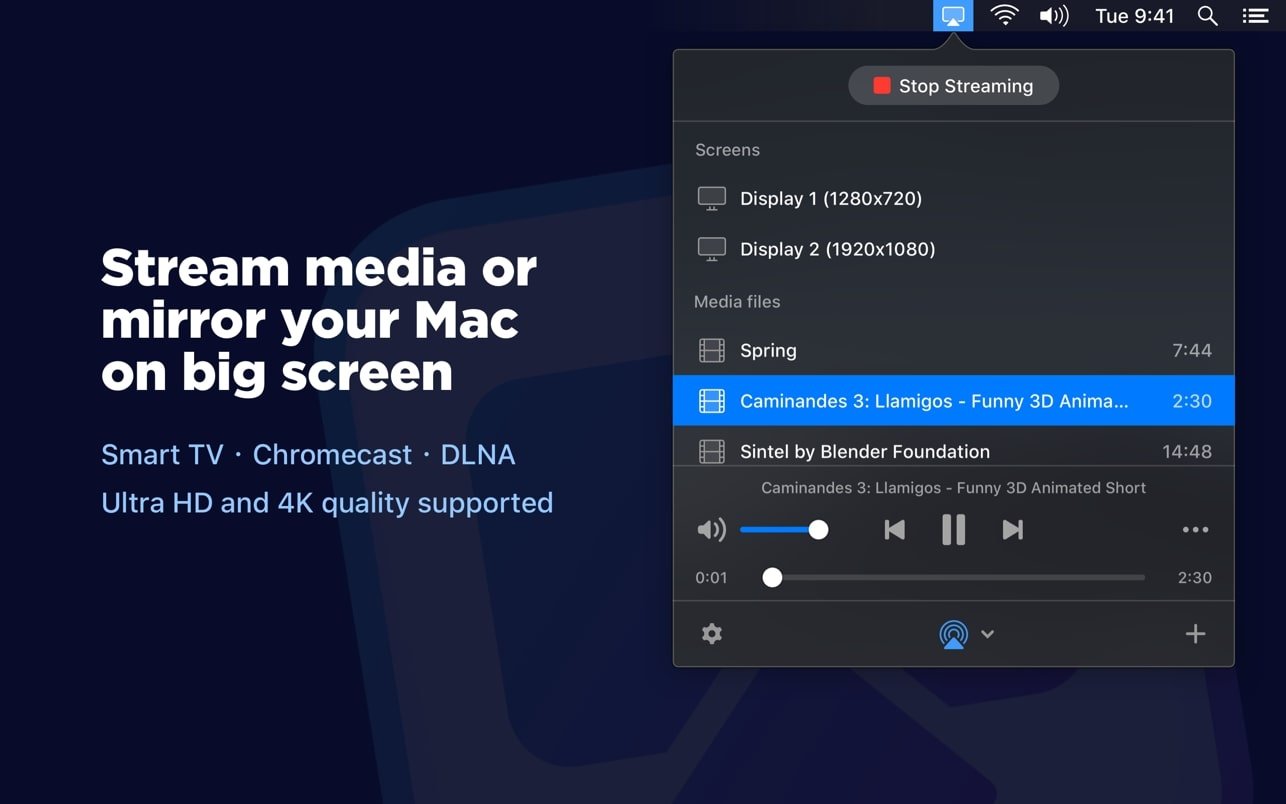
JustStream PRO is an incredibly useful application that can mirror your Mac screen to a TV, cast your Mac display to Chromecast, mirror your Mac screen to Apple TV, and much more. JustStream PRO makes it effortless to stream video content from your Mac to a TV and enjoy it on the big screen without any cables or additional hardware whatsoever.
A brief overview of JustStream PRO capabilities:
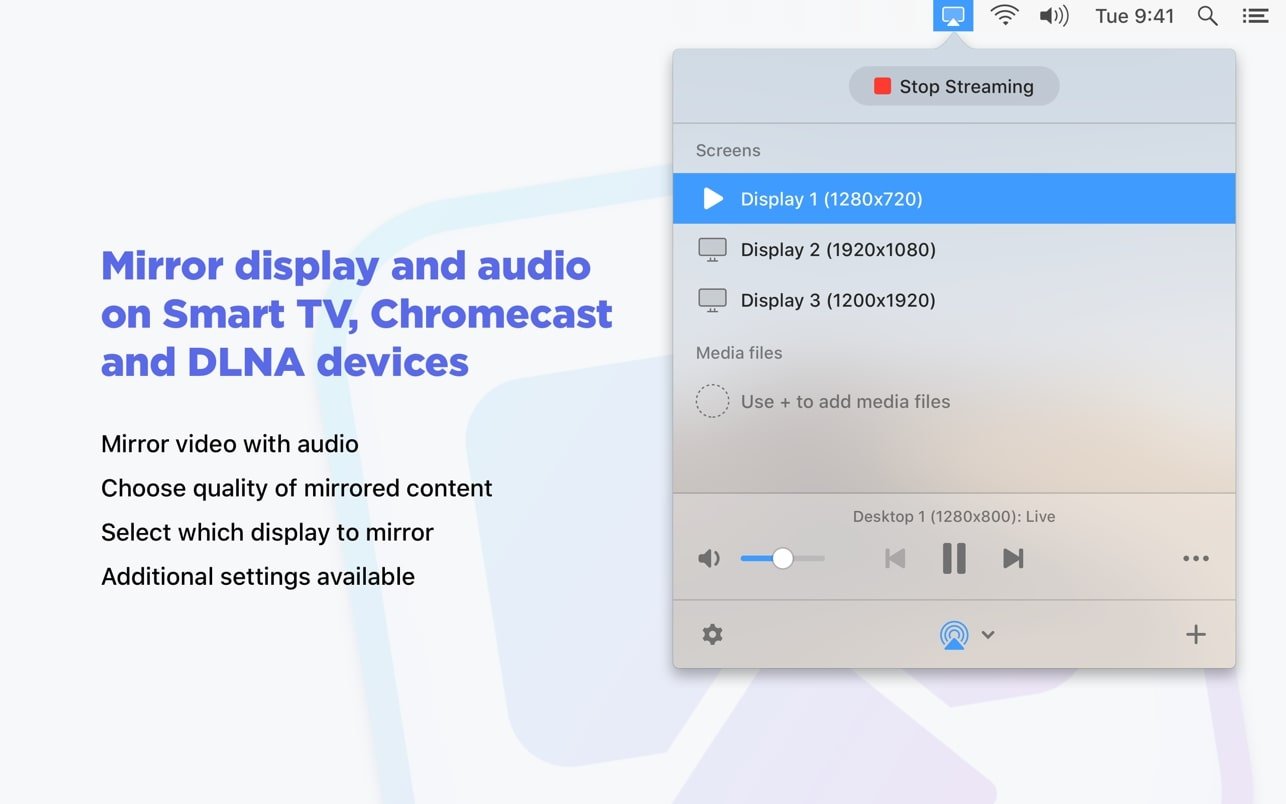
**Mirror Your Mac Screen with Audio to TV, Chromecast, and Apple TV**
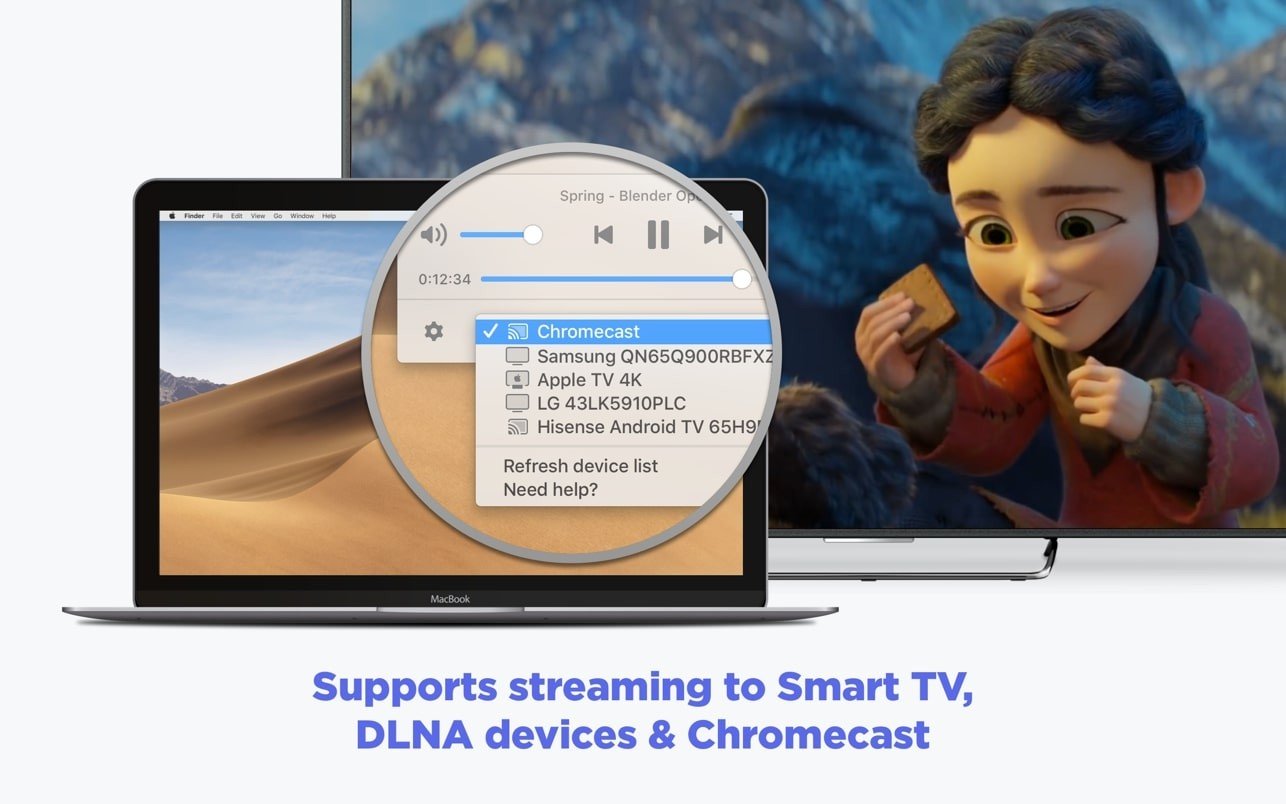
With JustStream PRO you can mirror your Mac or MacBook screen to Smart TV, Apple TV, or Chromecast devices. JustStream PRO works seamlessly with popular brands and services such as Samsung, Roku, LG, Sony, Panasonic, and a vast number of other DLNA-certified devices.
Thanks to full native support for M1 on Apple Silicon Mac computers, video transcoding is significantly lighter on the CPU.
**Benefits of Mirroring Mac to TV Using JustStream PRO:**
* Allows you to mirror any of the monitors connected to your Mac computer.
* Allows you to adjust the video to match the TV screen size.
* Allows you to capture mouse cursor movements.
* Allows you to capture mouse clicks.
* Allows you to select the output quality: Auto / Full HD (1080p) / HD (720p).
**A Huge Number of Video Formats Supported**
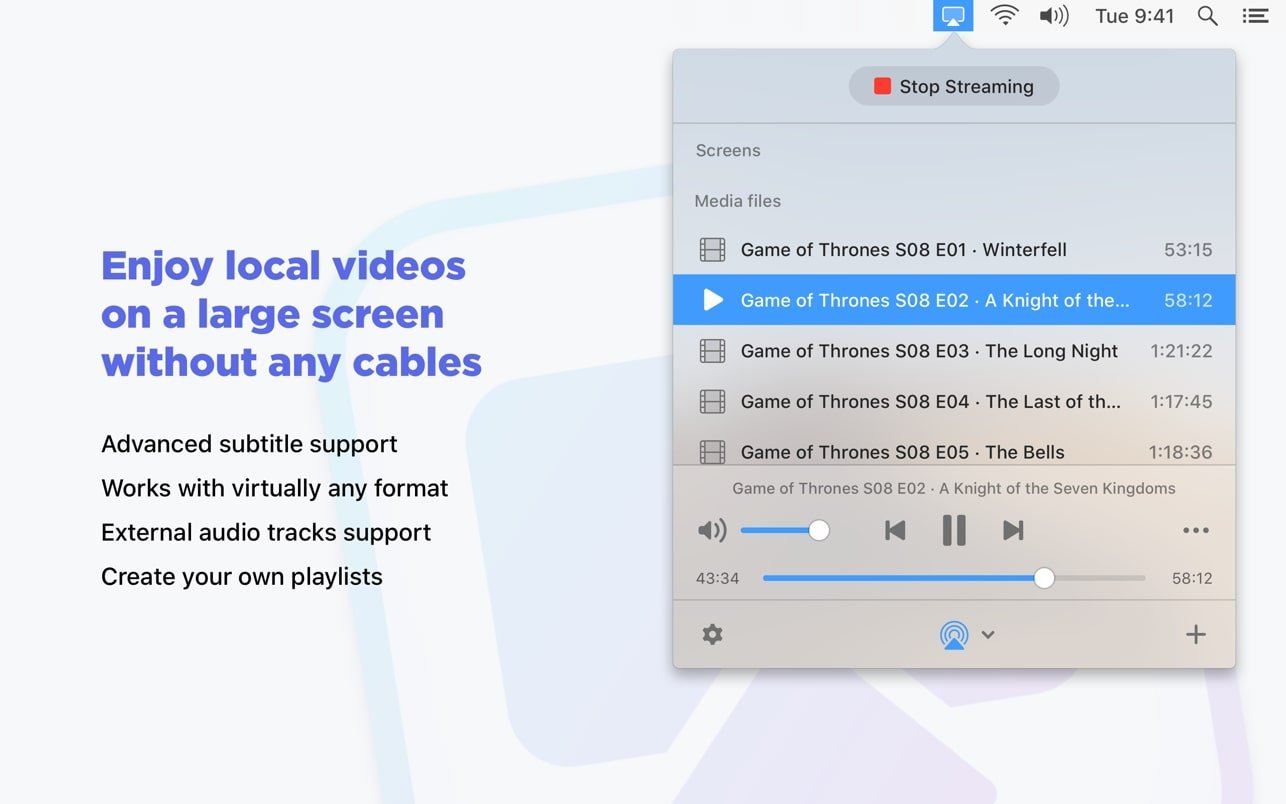
With JustStream PRO you can stream virtually any type of media file, including popular ones such as AVI, FLV, MP4, MKV, MKV, MOV, AVI, WMV, MP3, and WAV. A truly attractive feature of JustStream PRO is real-time transcoding of streamed content. This means that even if a video format is not supported by the receiving TV, JustStream will convert it during streaming without affecting the output quality in any way.
**Stream with Subtitles**
JustStream PRO offers advanced support for both embedded and external subtitles, depending on what comes with your video file. When streaming to Chromecast or Chromecast Ultra, you can customize the font, size, and color of the subtitles to your preference.
**Streaming Playlists**
You can create your own custom playlists for uninterrupted streaming sessions. This is quite useful when you have numerous short audio or video files that you want to play on a large TV screen for entertainment or other purposes.
**Supports External and Built-in Audio**
No matter what type of audio track is used in your video, JustStream PRO Mac will effortlessly stream it from your Mac to the TV without any issues.
**Pause/Resume at Your Discretion**
With JustStream PRO your streaming session is completely under your control. Pause or resume playback whenever it is necessary.
**JustStream PRO Is Made for You**
The application sits quietly in the menu bar, waiting until you need it, and springs into action the moment you do.
Reviews & Comments
No comments yet. Be the first to share your experience.