

Description
Keka is a full-featured file archiver for Mac that is as simple and intuitive as it could possibly be.
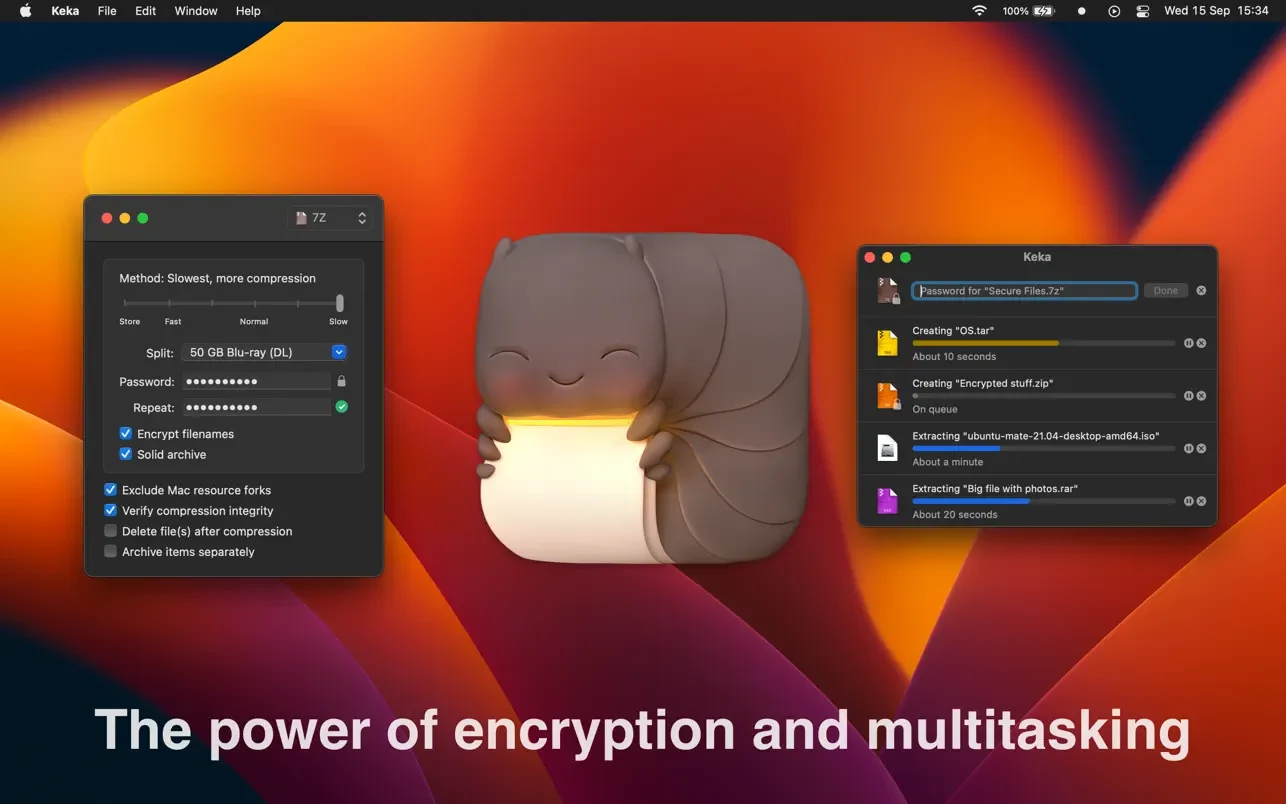
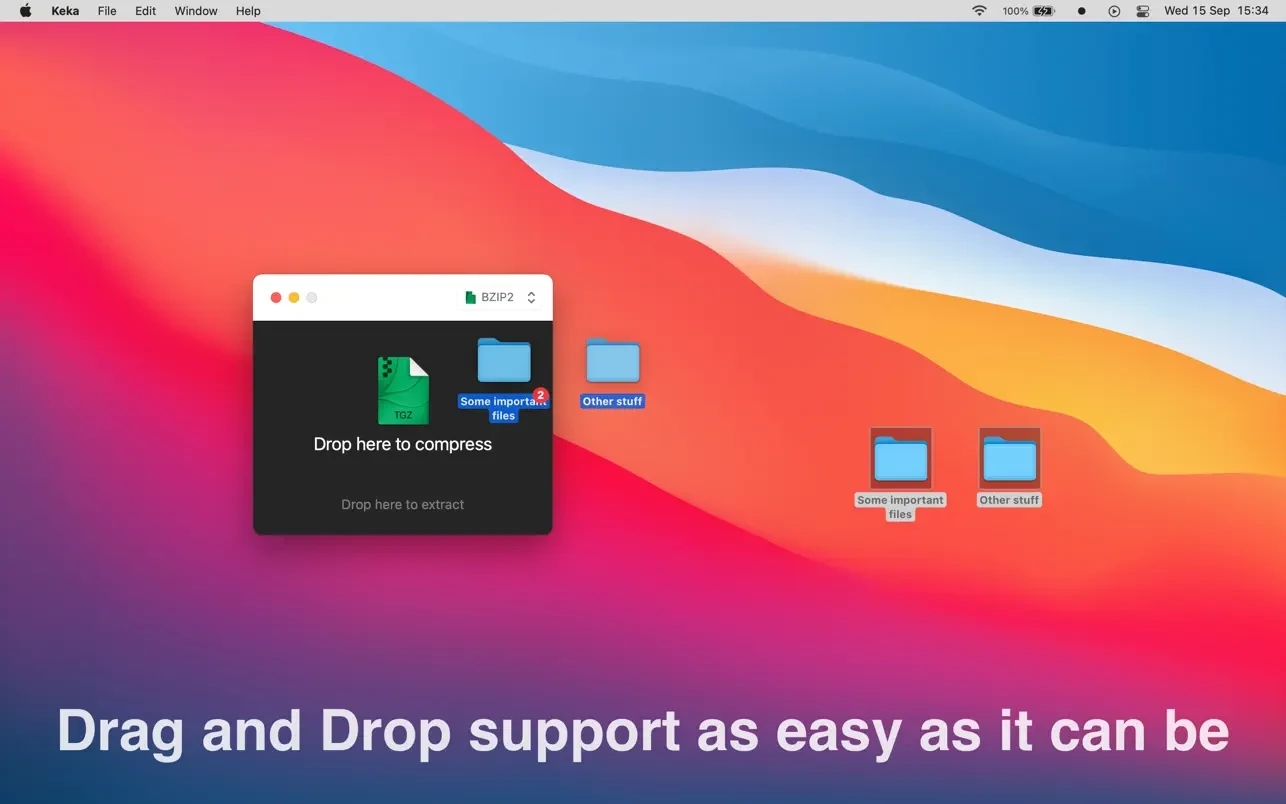
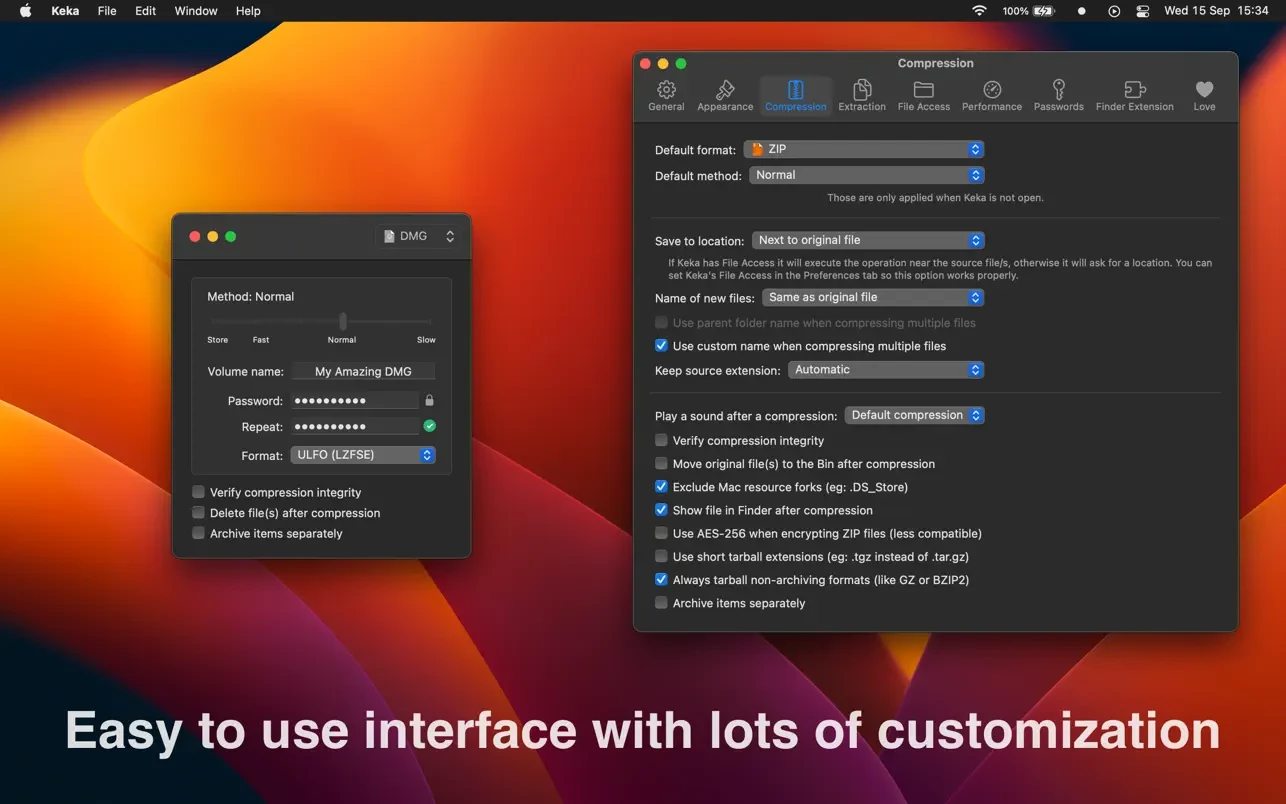
With the keka app, you can compress as many files as you need into a wide variety of formats. Splitting files into smaller parts and protecting them with a password is now child's play on your Mac. Simply drag and drop the files you want to compress onto the Keka icon in the Dock or into the main application window.
Keka mac also handles extracting numerous compressed files, ranging from ZIP and 7Z to RAR archives, even those that have been split into multiple parts. Just double-click on those files and they will be extracted using keka free, or drag and drop them onto the icon in the Dock or the main window for instant decompression.
Supported compression formats:
7Z, ZIP, TAR, GZIP, BZIP2, XZ, LZIP, LZ4, BROTLI, ZSTD, LRZIP, AAR, SNAPPY, WIM, DMG, and ISO.
Supported extraction formats:
7Z, ZIP, RAR, TAR, GZIP, BZIP2, XZ, LZIP, LZ4, BROTLI, ZSTD, LRZIP, DMG, ISO, LZMA, SNAPPY, EXE, CAB, WIM, MSI, PAX, JAR, APK, APPX, XPI, IPA, CPGZ, CPIO, XIP, CPT, and many more.
Reviews & Comments
No comments yet. Be the first to share your experience.