



Description
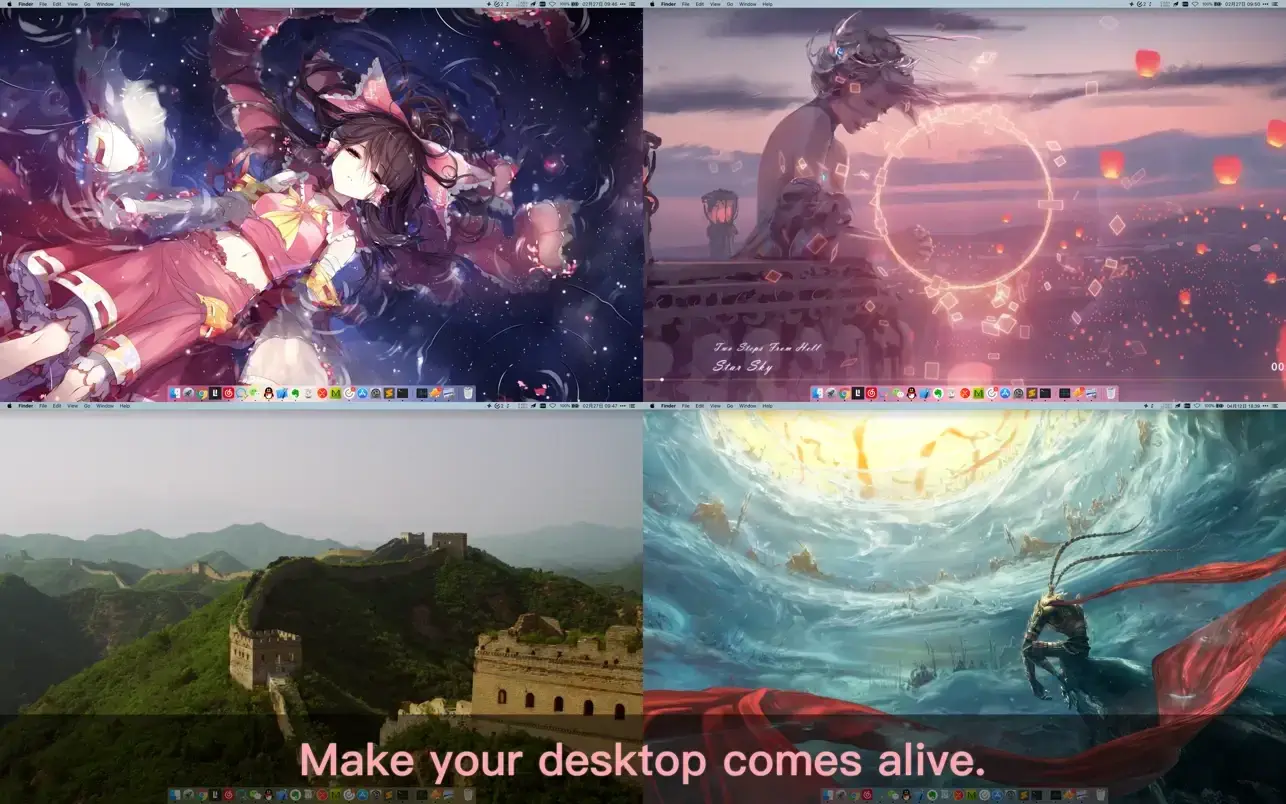
Live Wallpaper & Themes 4K Pro allows you to set live wallpapers on your Mac desktop and screensaver. It provides thousands of stunning live wallpapers in the Workshop while consuming as few system resources as possible. This is the ultimate Wallpaper Engine designed specifically for Mac.
Features:
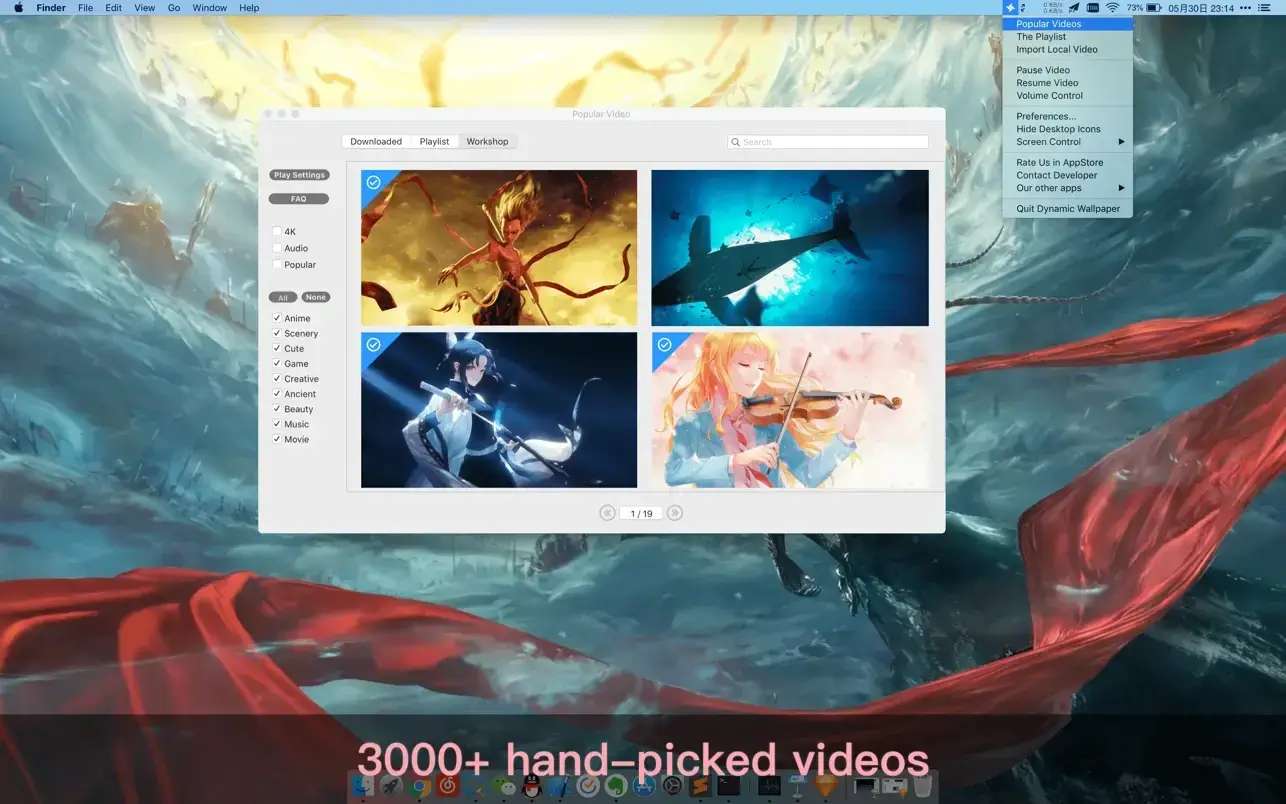
- 3000+ hand-picked videos that are updated every single day with fresh content.
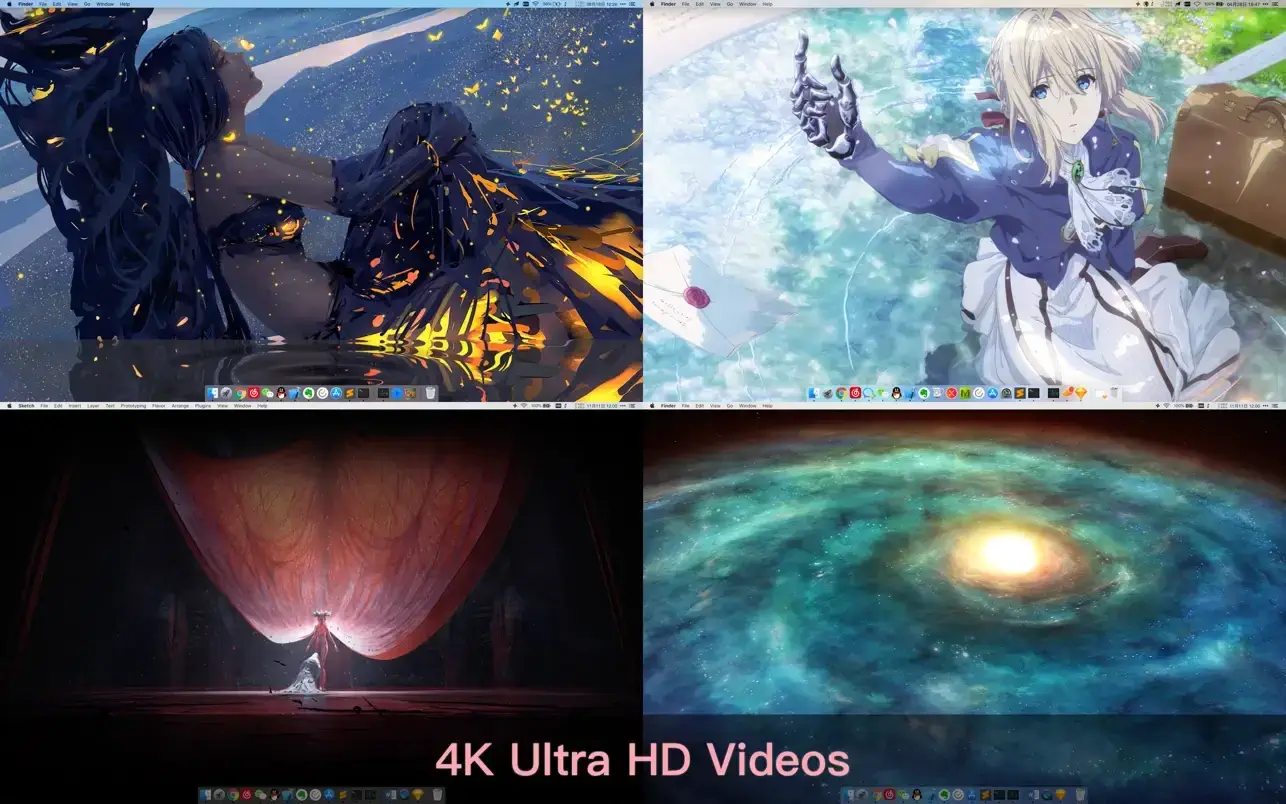
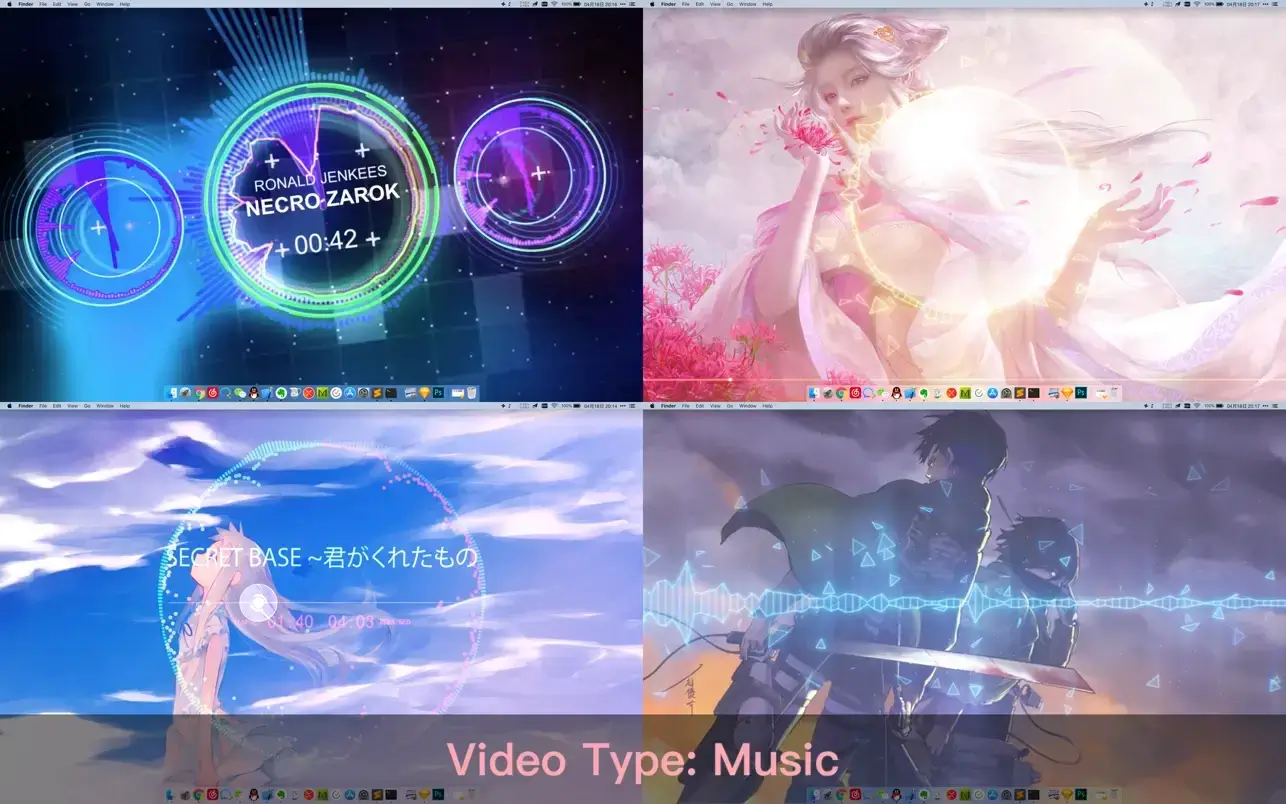
- Multiple video categories in 4K Ultra HD, including anime, landscapes, cute, games, creative, beauty, ancient, cinema, AI art, and more.
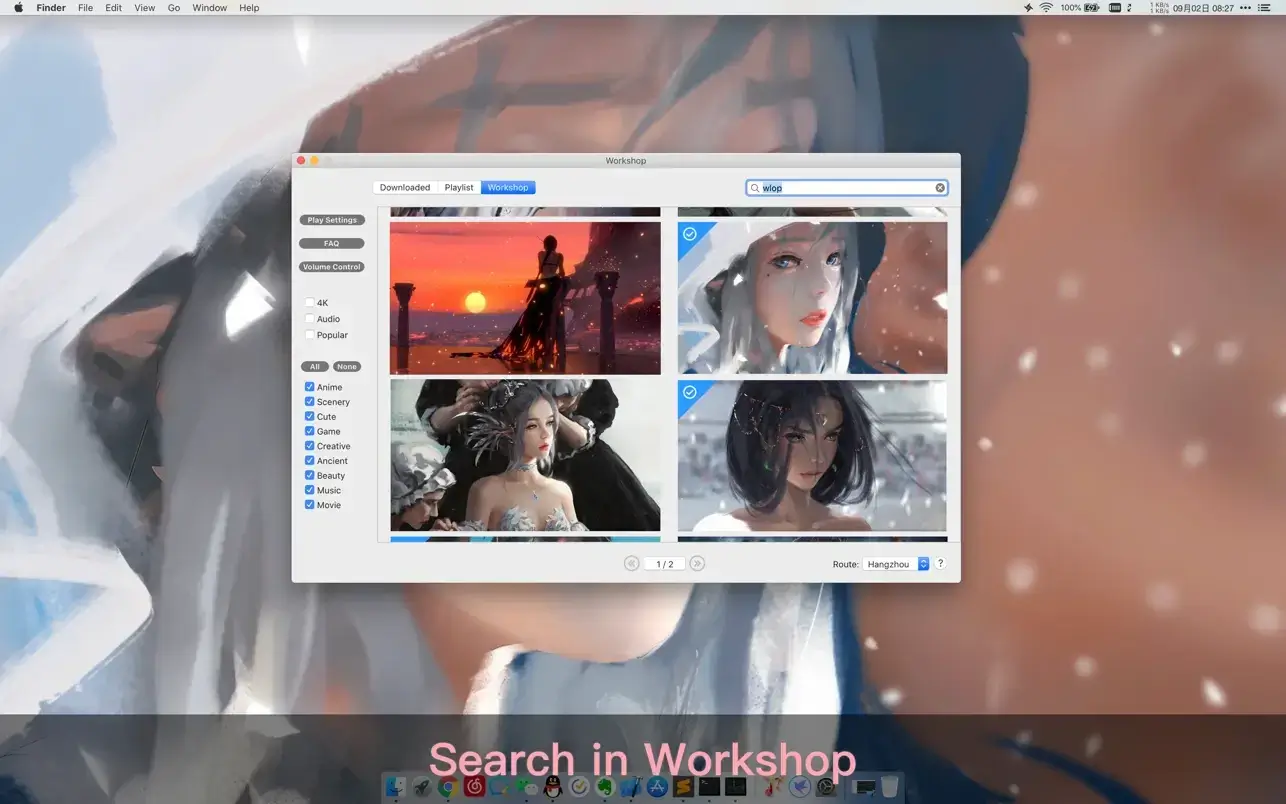
- Support for "keyword search" across all available videos in the library.
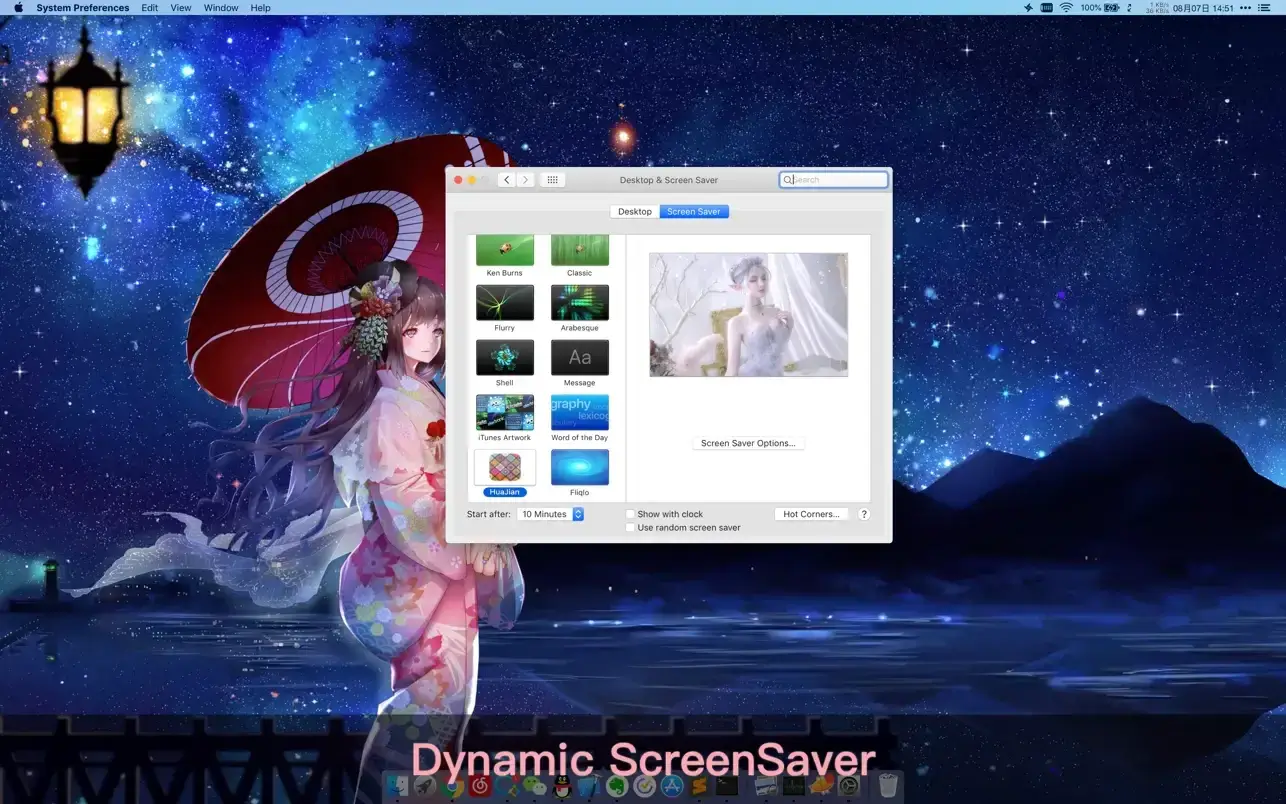
- Support for "Dynamic-ScreenSaver", allowing you to fully personalize your Mac lock screen.
- Easily import any local video file from your Mac storage.
- Support for playlists, list loop, and shuffle loop playback modes.
- Support for various screen aspect ratios and native video resolutions on your Mac.
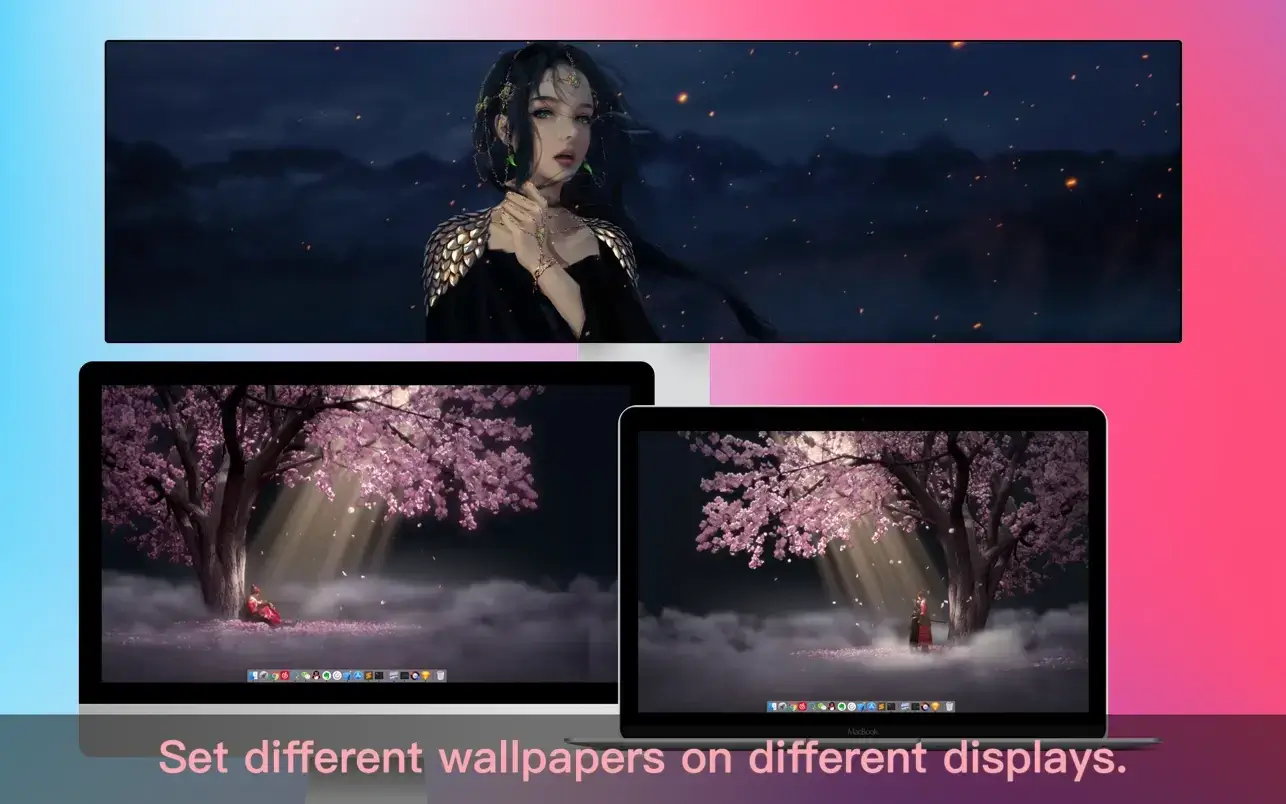
- Set different wallpapers on different connected displays for a unique setup.
- Manual controls for pause, resume, and mute at any time you need them.
- Break reminders with flexible customization options according to your personal preferences.
- Support for global hotkeys to control wallpapers, hide desktop icons, and trigger the screensaver instantly.
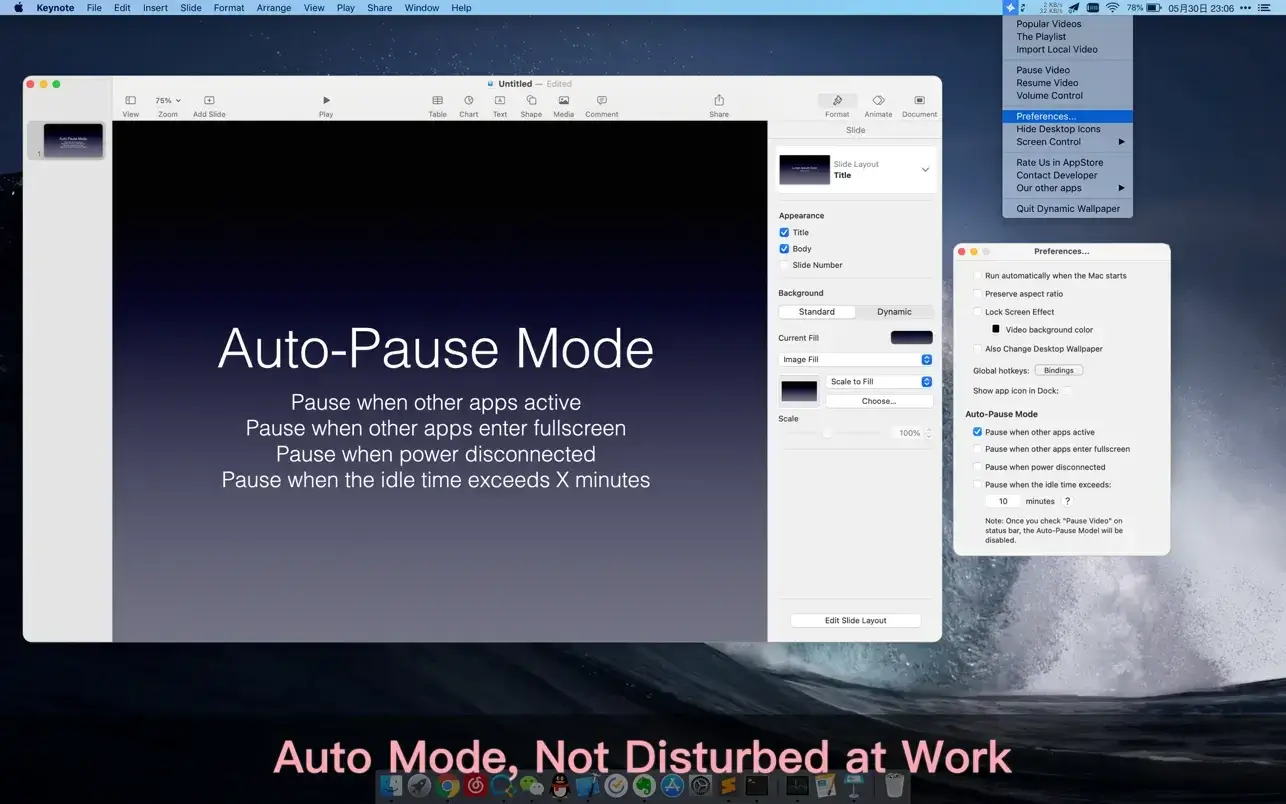
- Auto mode that pauses video playback when other applications are active, ensuring they do not interfere with your workflow.
- Auto mode that pauses video playback when your Mac is running on battery power.
- Auto mode that pauses video when idle time exceeds X minutes to save energy.
- Support for hiding desktop icons to keep your Mac workspace clean and organized.
- Live Wallpaper & Themes 4K Pro is engineered to deliver an engaging and visually captivating experience while consuming as few system resources as possible on your Mac.
Reviews & Comments
No comments yet. Be the first to share your experience.