

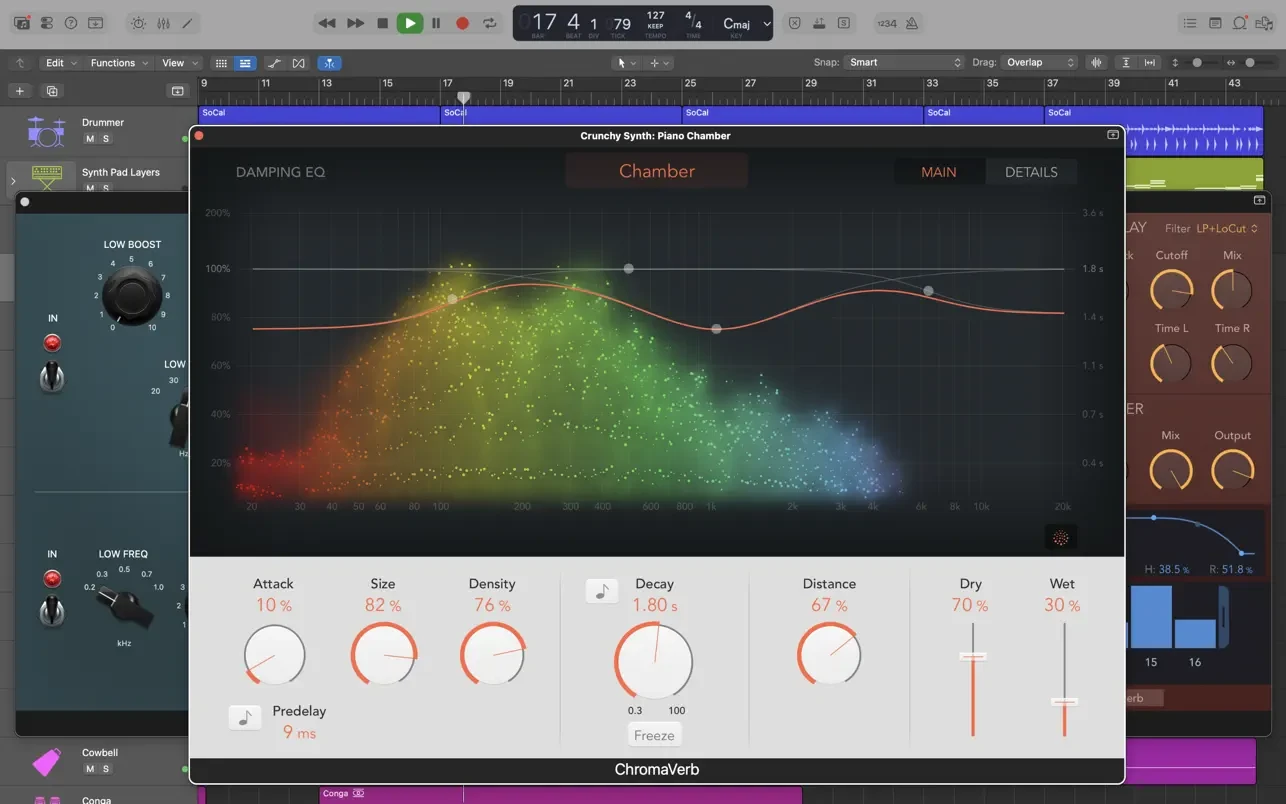
Description
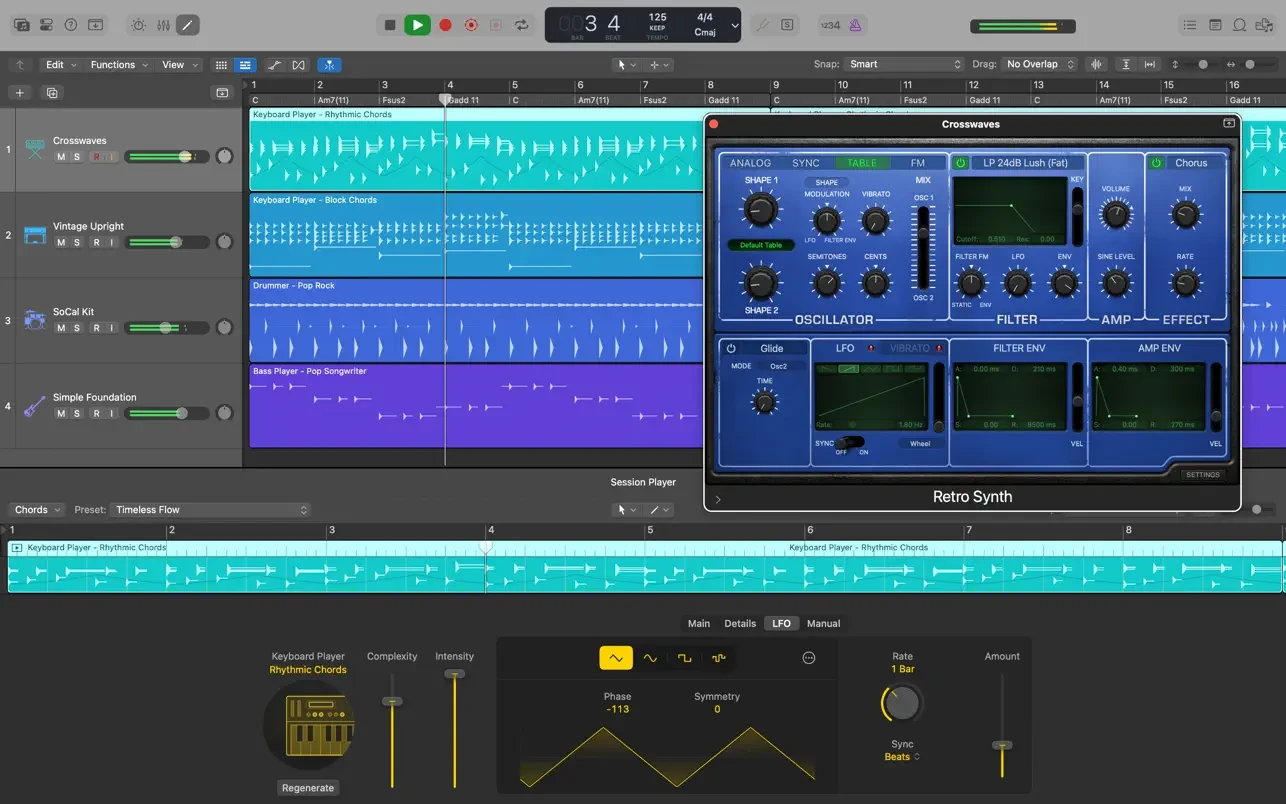
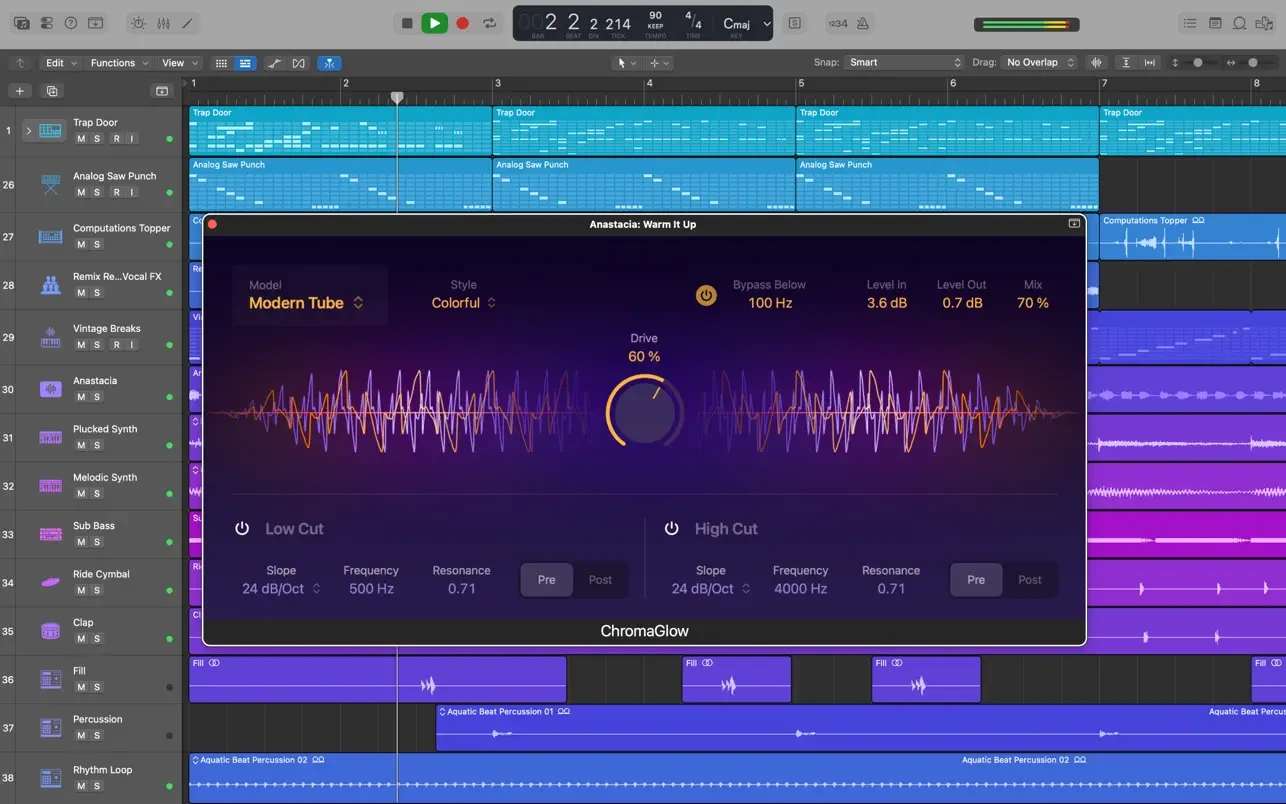
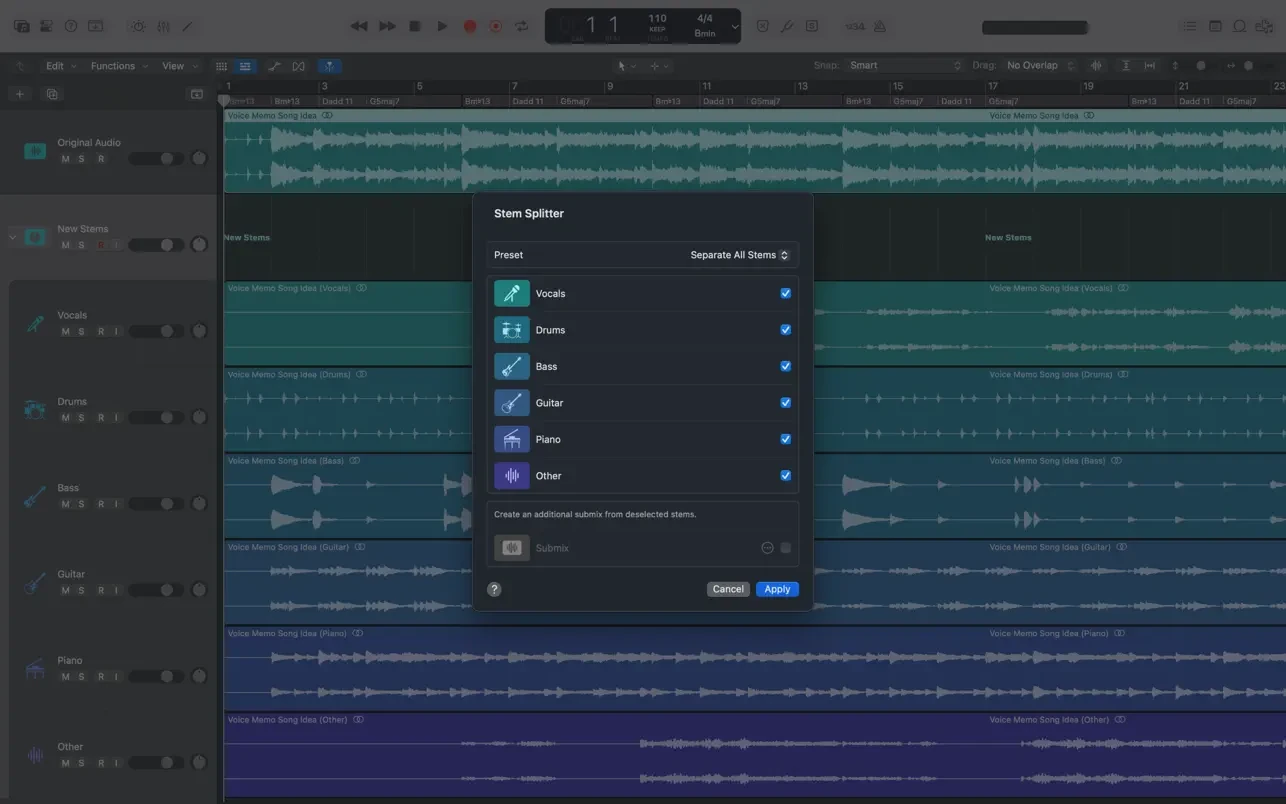
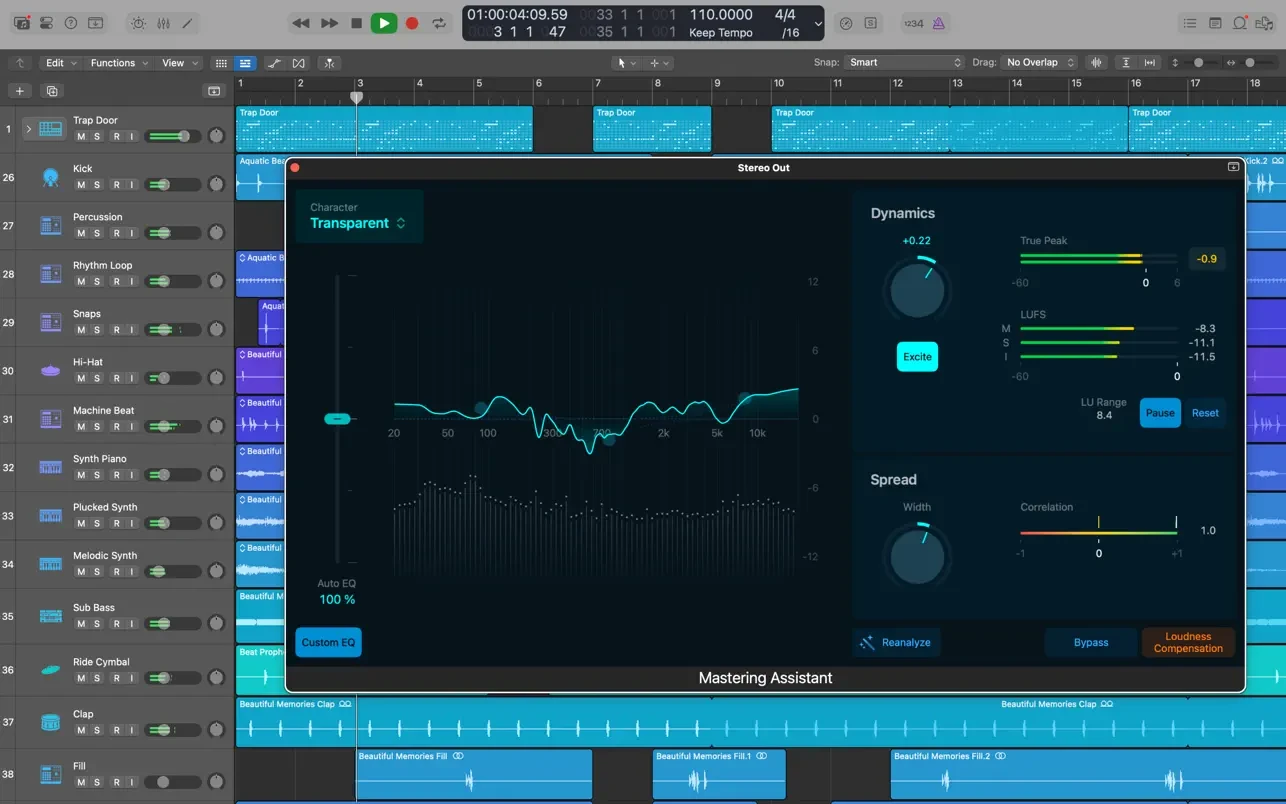
Logic Pro X is the most advanced version of Logic ever created. Powerful tools for professional music creation, audio processing, and sound mixing are built into a sleek, modern interface designed for achieving high-quality results quickly and working comfortably — no matter where you are. The logic pro app includes a massive collection of virtual instruments, audio effects, and loops — everything you need to produce outstanding musical compositions on your Mac.
Powerful Interface
• Group multiple tracks together and control them simultaneously, build complex layered instruments using the Track Stacks feature.
• Control multiple plugins and their parameters with a single gesture using the intuitive Smart Controls.
• Create, edit, and navigate through your compositions using the convenient Touch Bar controls available on MacBook Pro.
Professional Music Production
• Organize your takes into folders and effortlessly create compilations using the Quick Swipe Comping feature.
• Create new region and edit playlists for your tracks and switch between them seamlessly using the Track Alternatives feature.
• Render any combination of audio effect plugins onto selected audio files using the Selection-based Processing feature.
• Correct pitch imperfections in vocal performances and alter the melodies of recorded tracks with the Flex Pitch feature.
• Easily manipulate the timing and tempo of any recording using the Flex Time feature.
• Apply full automation of mixing parameters and plugin settings to any portion of a region or an entire track.
• Compose and mix music from anywhere in the room using Logic Remote on your iPad or iPhone.
Drums and Percussion
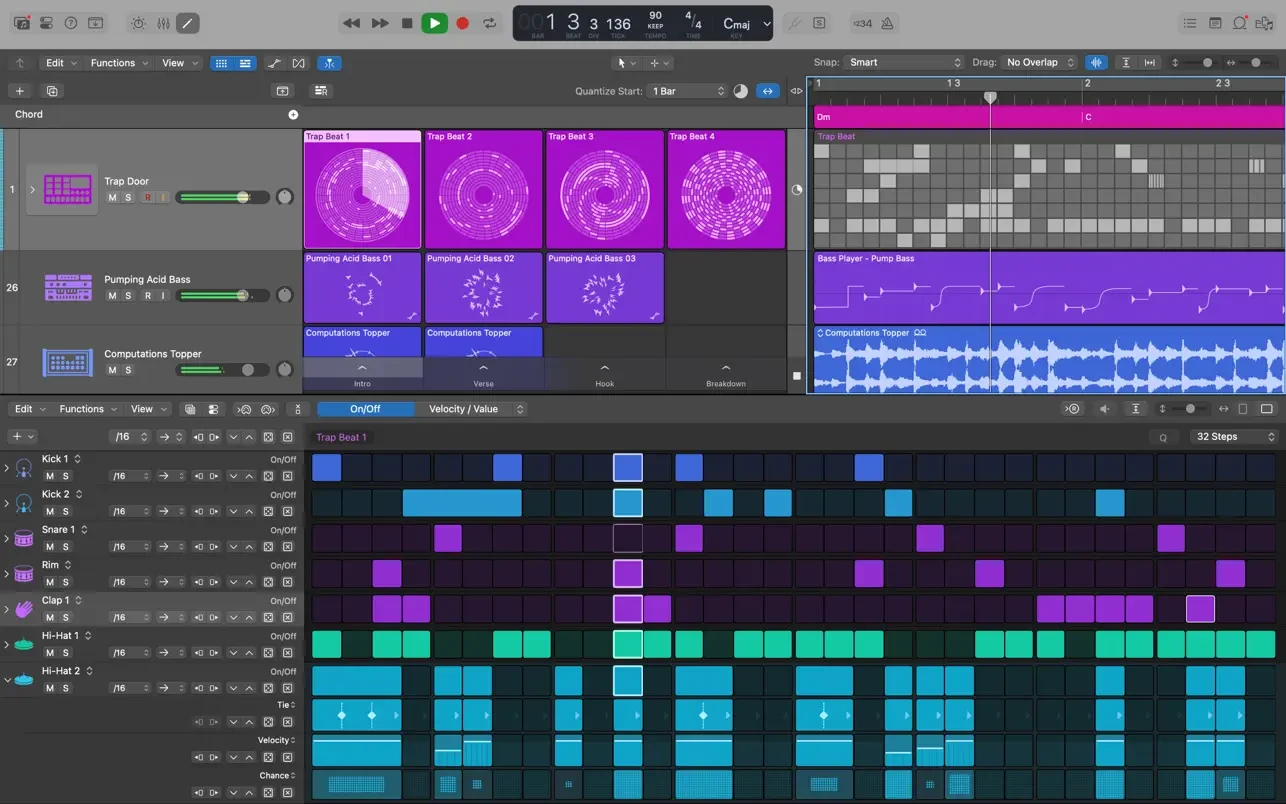
• Create realistic drum tracks — acoustic, electronic, or hip-hop style — using Drummer, a virtual session drummer and sophisticated beat producer.
• Choose from any of 28 unique drummers who set the groove and perform millions of distinct rhythmic variations.
• Build your own custom drum kits with Drum Kit Designer, drawing from a collection of meticulously sampled drum sounds.
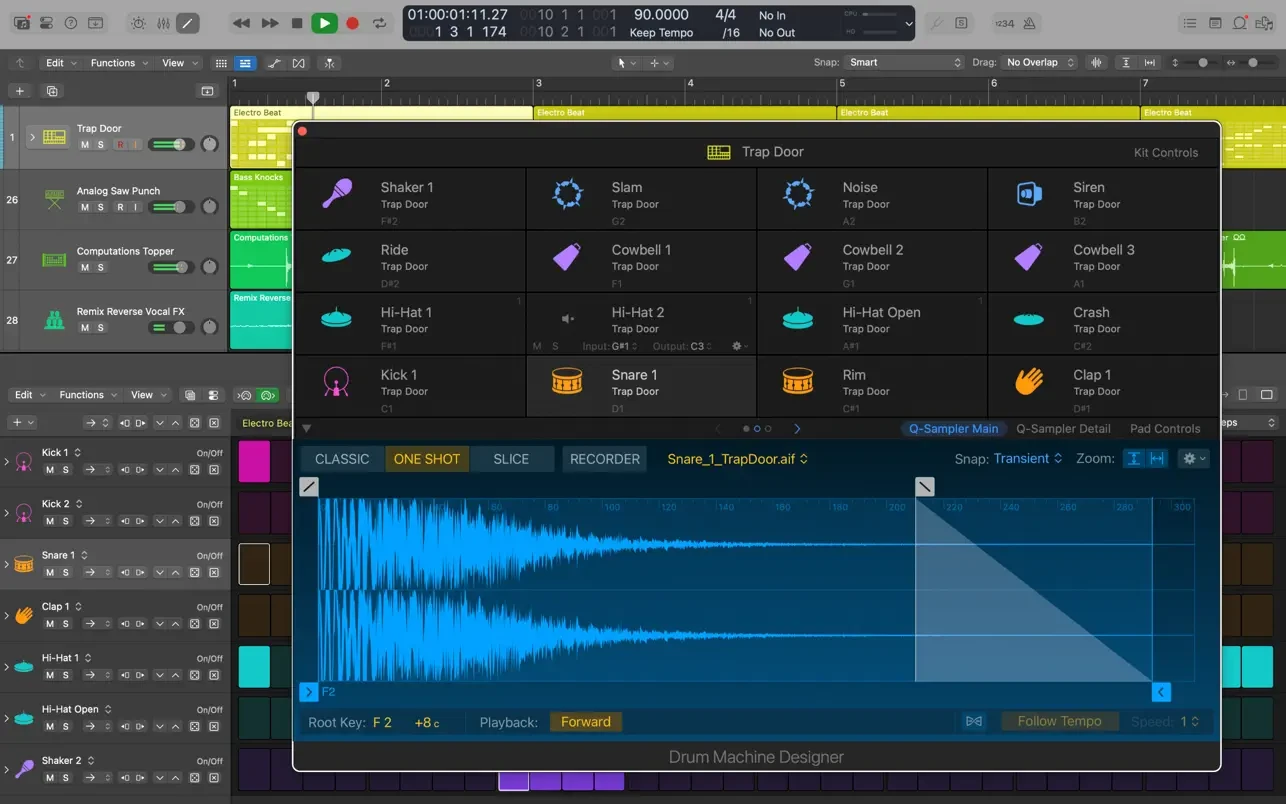
• Shape and modify the sound of electronic beats using the Drum Machine Designer.
Keyboards and Synthesizers
• Get inspired by an impressive selection of synthesizers — including analog, wavetable, FM, additive, granular, spectral, and physical modeling types.
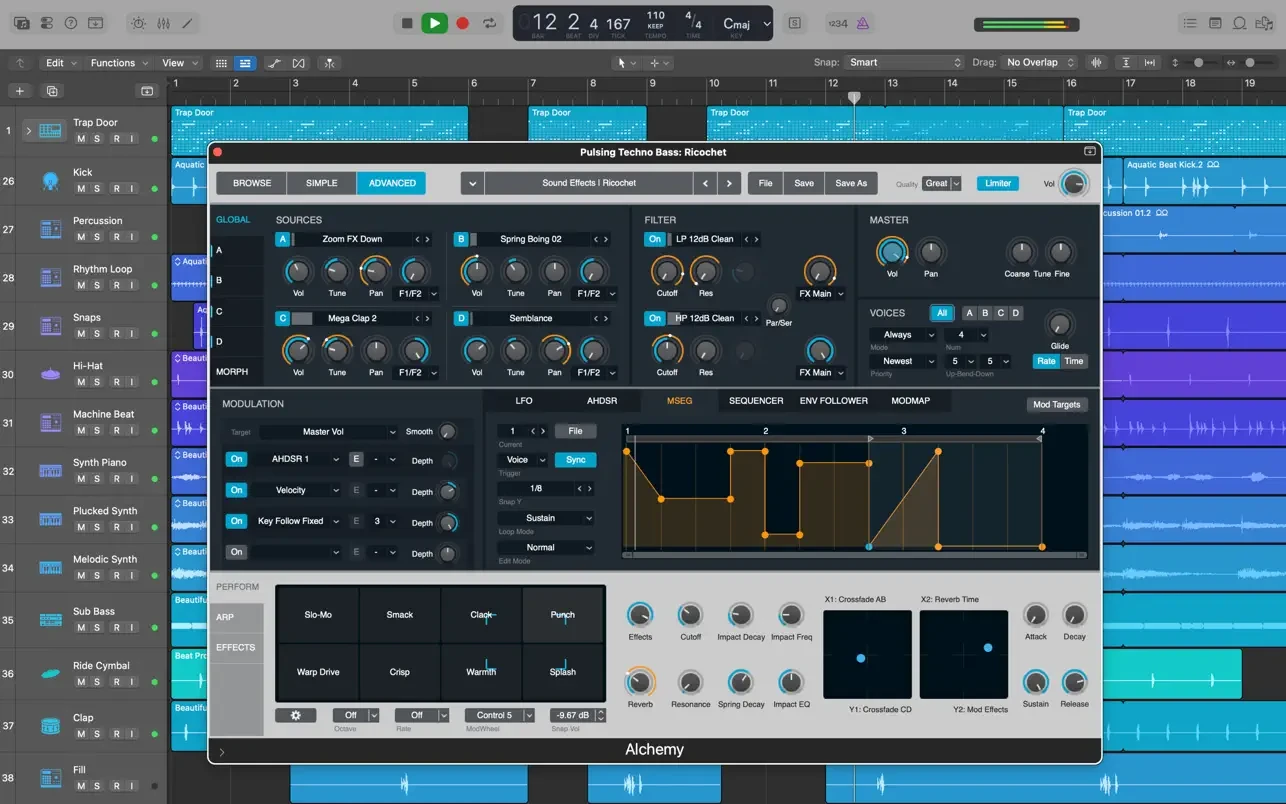
• Easily browse sounds or create entirely new ones using the remarkable sample-manipulation synthesizer Alchemy.
• Use a wide variety of sampled instruments or design your own with the EXS24 Sampler.
• Instantly transform simple chords into rich, elaborate harmonies using the Arpeggiator feature.
Guitar and Bass Gear
• Build your own custom guitar and bass rigs with Amp Designer, choosing from a range of classic and modern amplifiers, speaker cabinets, and microphones.
• Assemble your own custom Pedalboard from a diverse collection of stompbox effects, including delay, distortion, and modulation pedals.
Creative Audio Effects
• Place your compositions in realistic acoustic environments using the convolution reverb processor Space Designer.
• Take advantage of vintage tape delay, multi-tap delay, and stereo delay effects for rich sonic textures.
Sound Library
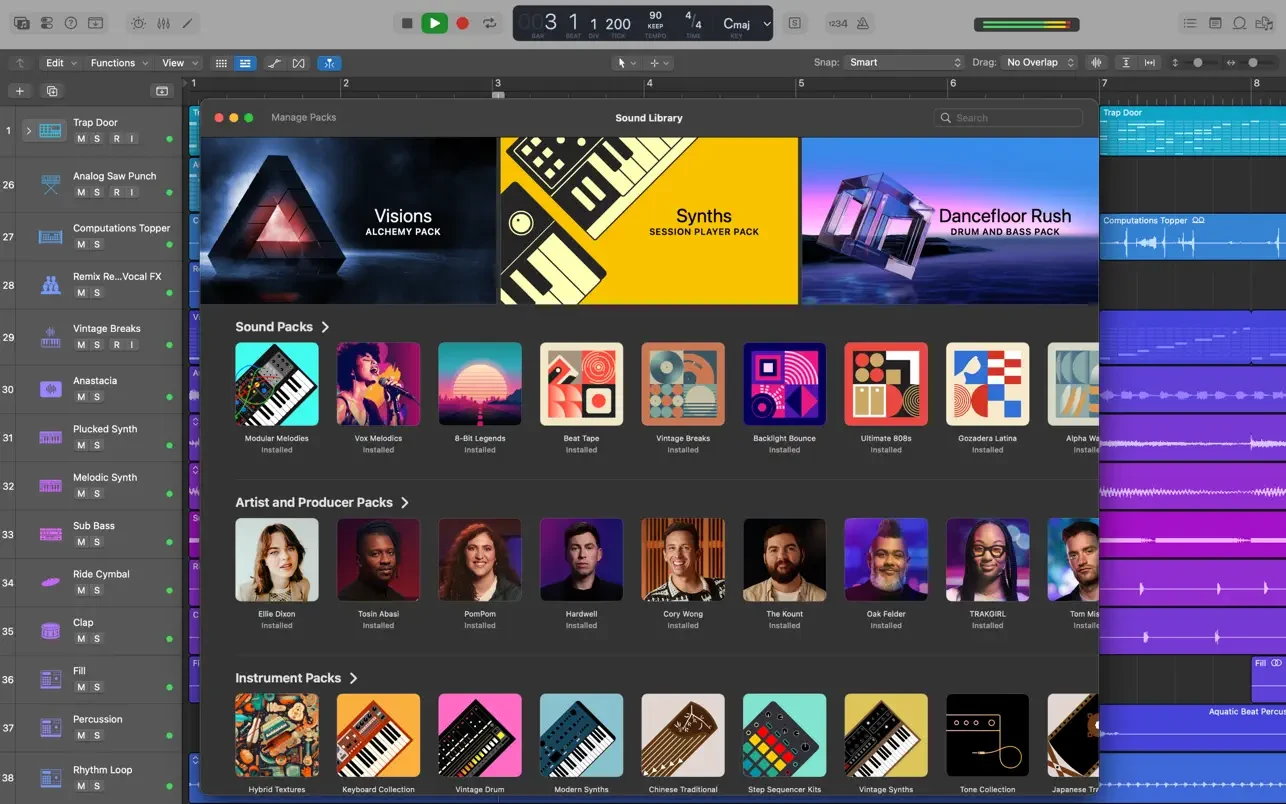
• Over 2800 instrument patches and audio effect presets included.
• 1000 meticulously sampled instruments ready to use.
• More than 7000 Apple Loops spanning a wide variety of musical genres and styles.
Compatibility
• Expand your instrument and effects library with compatible third-party Audio Unit plugins on your Mac.
• Remotely add new tracks to your Logic project from your iPhone or iPad via iCloud, using the export to GarageBand feature.
• Import and export XML files to support seamless Final Cut Pro X workflows.
• Open projects originally created in Logic 5 or any later version of the application.
Minimum System Requirements
4 GB of RAM.
Display with a resolution of 1280 x 768 pixels or higher.
macOS 10.12 or later.
64-bit Audio Unit plugins are required.
6 GB of available disk space for a minimal installation; 63 GB for the complete Sound Library installation. With logic pro download from AppStorrent, setting up the logic pro mac workspace on your computer is fast and straightforward.
Reviews & Comments
No comments yet. Be the first to share your experience.