
Description
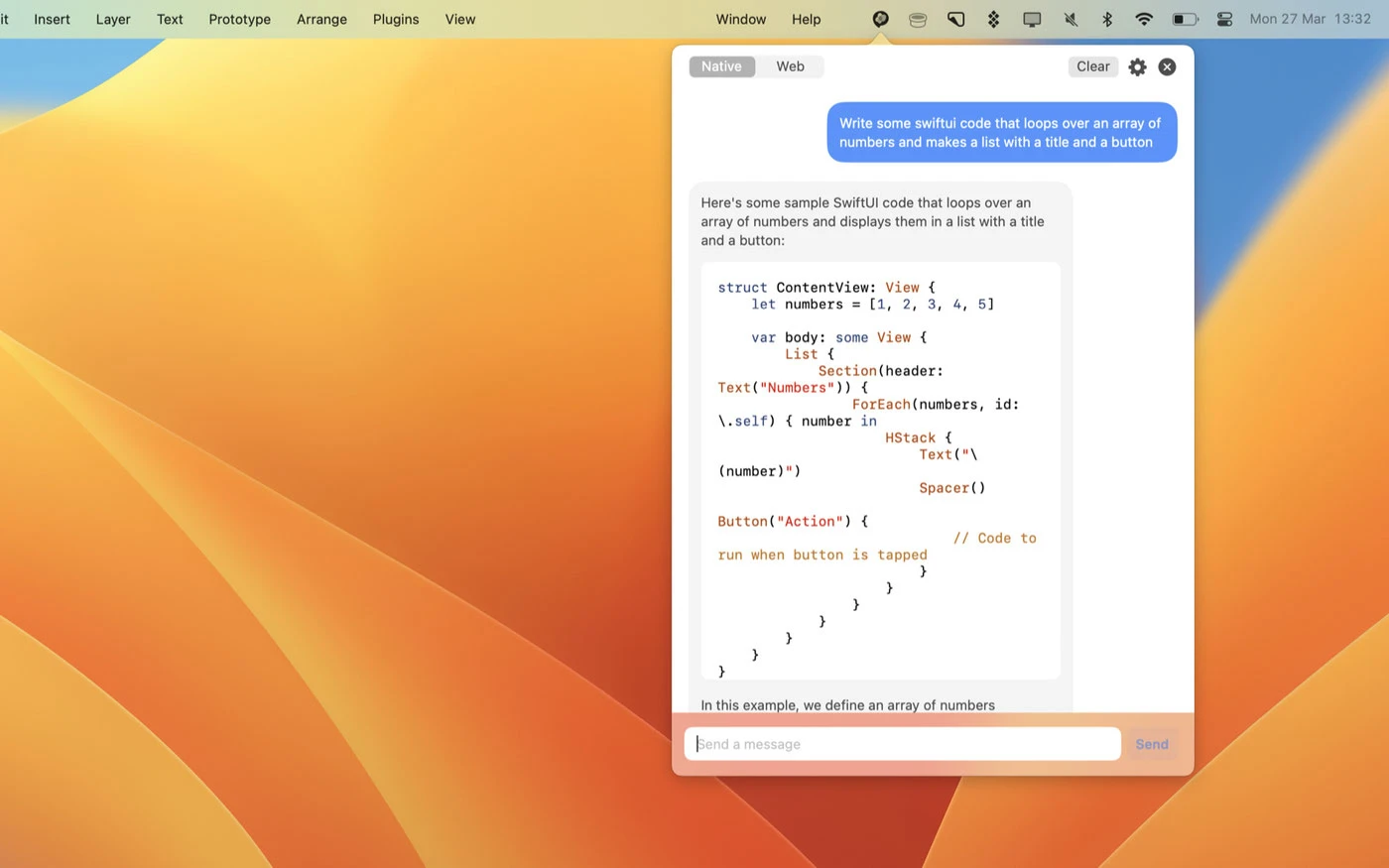
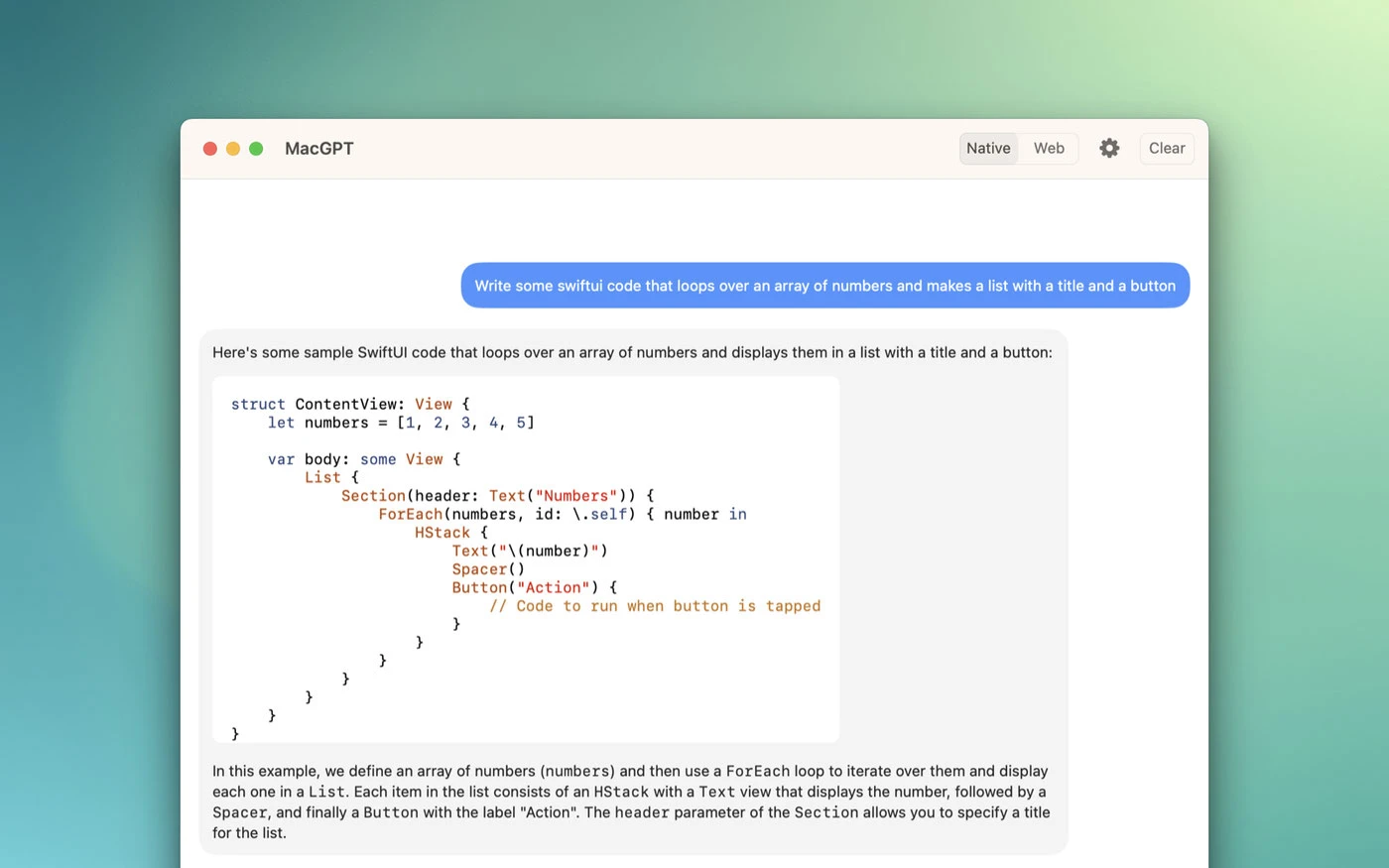
MacGPT is a simple native macOS application that gives you quick access to ChatGPT directly from the menu bar on your Mac. With just a single click, you can open ChatGPT and start chatting using the powerful Assistant language model. This macgpt app is designed to integrate seamlessly into your Mac workflow, making AI-powered conversations readily available whenever you need them.
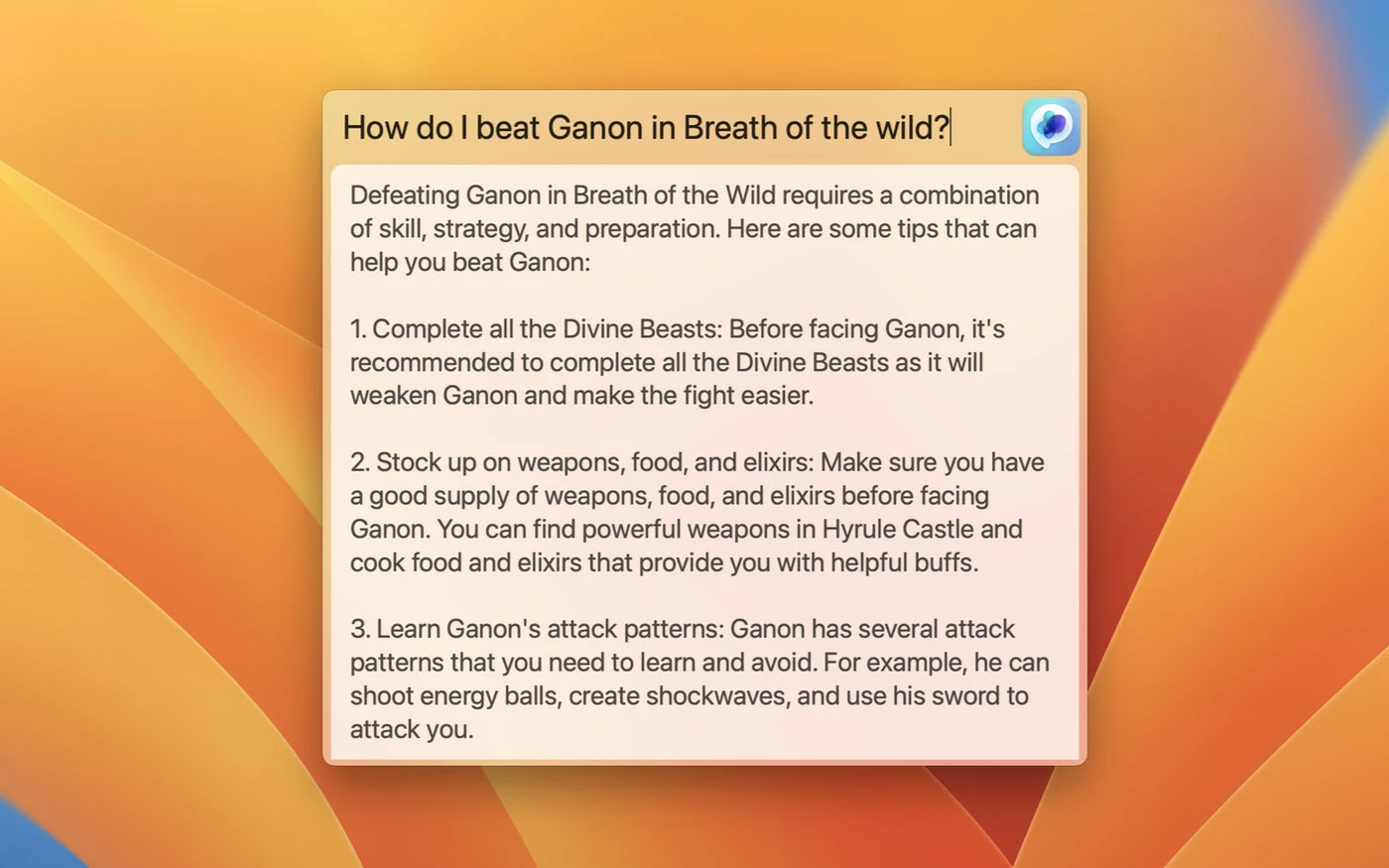
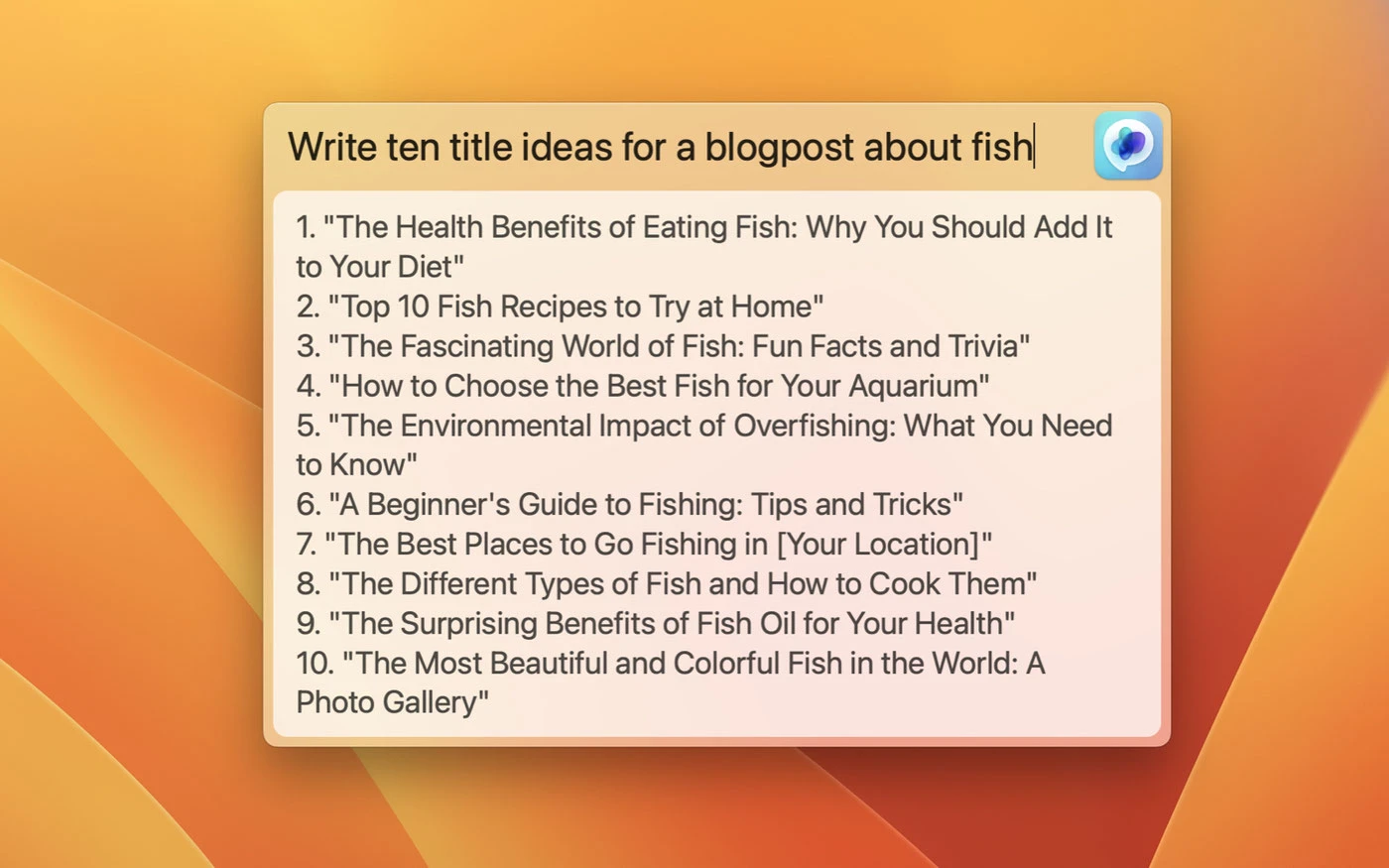
Access ChatGPT from anywhere on your Mac using the global feature. Simply activate the "Global" text field that appears in the center of your screen, and start communicating with ChatGPT instantly. This convenient macgpt chatgpt mac app functionality ensures you never have to leave what you're working on to get AI assistance.
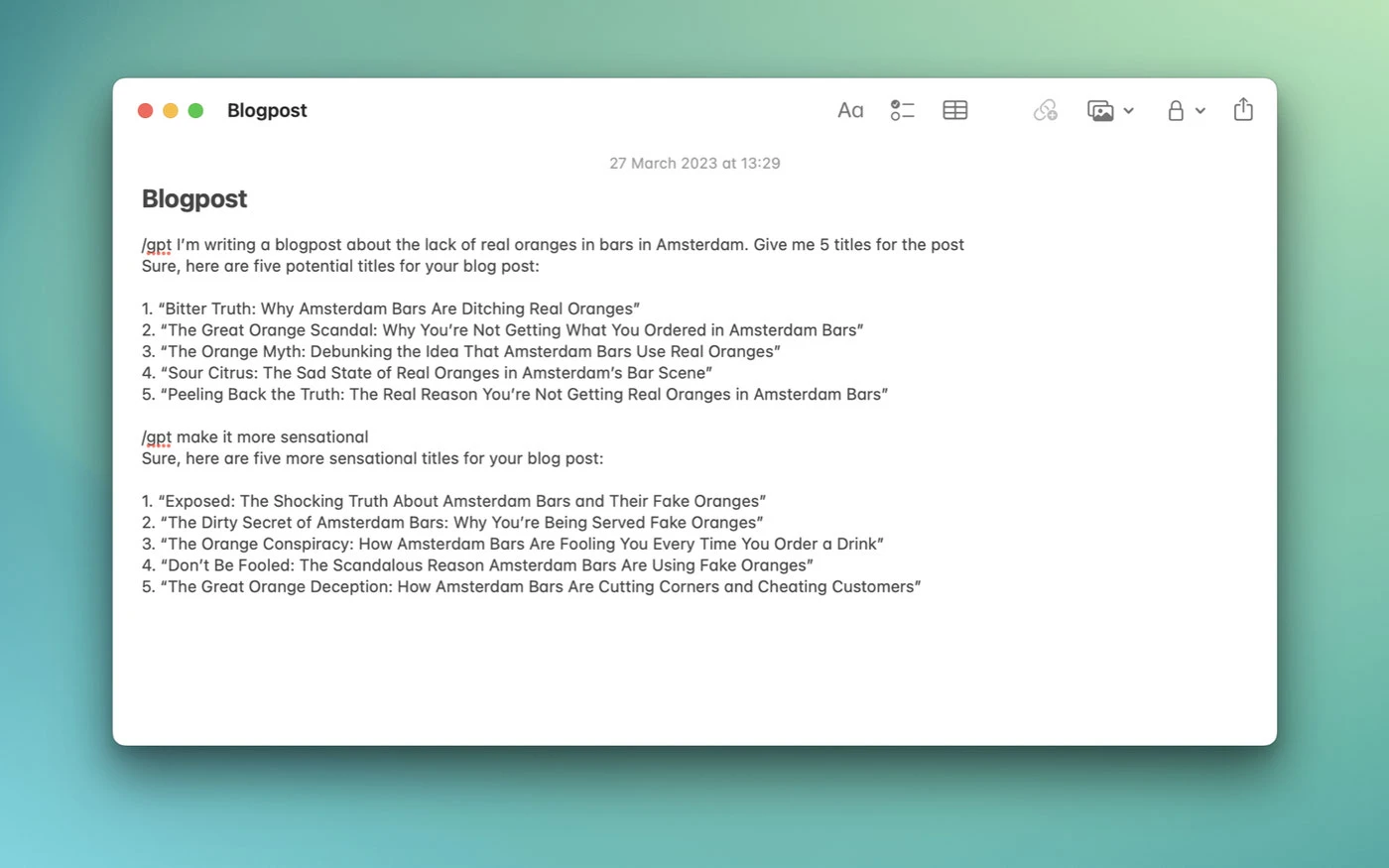
Add ChatGPT directly into your text fields using MacGPT Inline. Simply type the trigger phrase followed by your prompt, and ChatGPT will handle everything else for you! This inline feature makes it incredibly easy to generate responses without switching between windows on your Mac.
Get quick access to ChatGPT from the menu bar, through the web interface, or via the API on your Mac.
How to Use
MacGPT loads the ChatGPT chat interface within a web browser view. Sign in using your OpenAI credentials, and then simply click the icon in the menu bar to start a conversation. You can also assign a keyboard shortcut by clicking the gear icon to activate macgpt without even moving your mouse, keeping your hands on the keyboard at all times!
You can also use your own OpenAI API key for direct interaction with ChatGPT on your Mac. Please note that using an OpenAI API key requires linking your credit card to your account. If you want to use GPT-4, you will need to sign up for the GPT-4 waitlist. After you complete the macgpt download and set up your API key, you'll have full access to all available language models right from your Mac desktop.
Reviews & Comments
No comments yet. Be the first to share your experience.