
Description
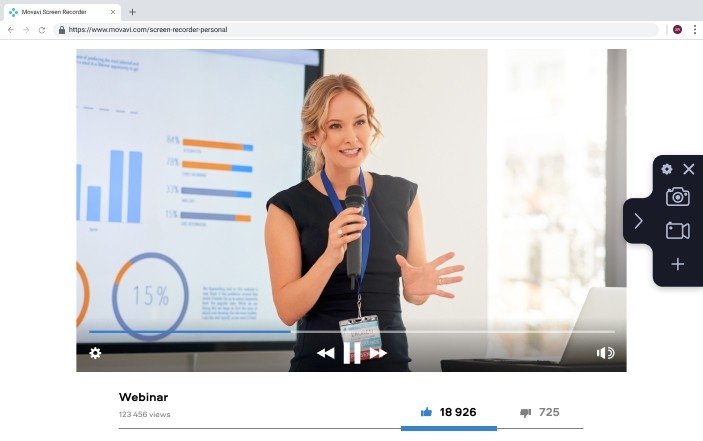
Capture screenshots. Record your webcam and microphone. Film your desktop and workflow in applications. Save your recording as a video file or GIF animation.
What can this Mac screen capture application do?
Helps create screencasts
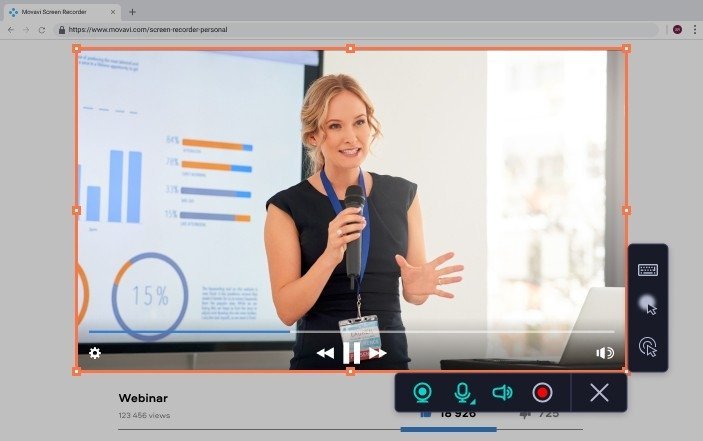
Create the perfect screencast with Movavi HD Screen Recorder. Record voice commentary using your microphone. Add your face to the video by connecting a webcam. Capture any audio playing on your computer with the System Audio feature.
Schedules recordings
The automatic recording scheduler lets you choose the exact date and time to begin capturing. You can also set a limit on the recording duration to stop it automatically.
Captures multiple streams
The application helps you record multiple video streams simultaneously. Capture your Mac screen with or without audio as needed.
Takes screenshots and lets you edit them
Take screenshots from your macOS display and edit the images before saving them to your preferred location.
Lets you share recordings quickly
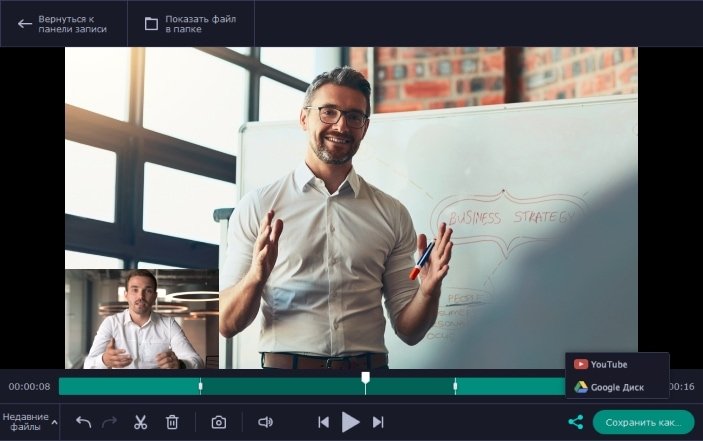
Upload your recorded videos to Google Drive or YouTube. Share links with friends, colleagues, and collaborators instantly.
Adds cursor effects
Highlight cursor clicks in your video. Add visual effects: color the entire cursor or only the clicks, and customize the click sound for better visibility.
Displays keystroke actions
Show everyone which keyboard shortcuts and key combinations you are using during your screen recording session.
Customizes hotkeys
Set up your own personalized hotkeys so that controlling the recording process on your Mac is more convenient and efficient.
Converts video in SuperSpeed mode
Use the ultra-fast saving mode. Export your videos without any loss in quality, preserving every detail of your recording.
Looking for a fast and straightforward screen recording application for Mac? Try Movavi HD Screen Recorder Mac — it is so user-friendly and intuitive that you will master it within just a few minutes of use.
After the movavi hd screen recorder download, you can record your Mac screen with audio, edit the resulting video, save your projects, and share them effortlessly with others.
Reviews & Comments
No comments yet. Be the first to share your experience.