

Description
The best video converter – designed to work flawlessly on your Mac!
Movavi Video Converter 22 Premium is the simplest and fastest way to change the format of video, audio, and image files without any quality loss. With movavi video converter 22 premium mac, you get a powerful all-in-one media conversion tool built specifically for macOS users.
FAST AND HIGH-QUALITY CONVERSION
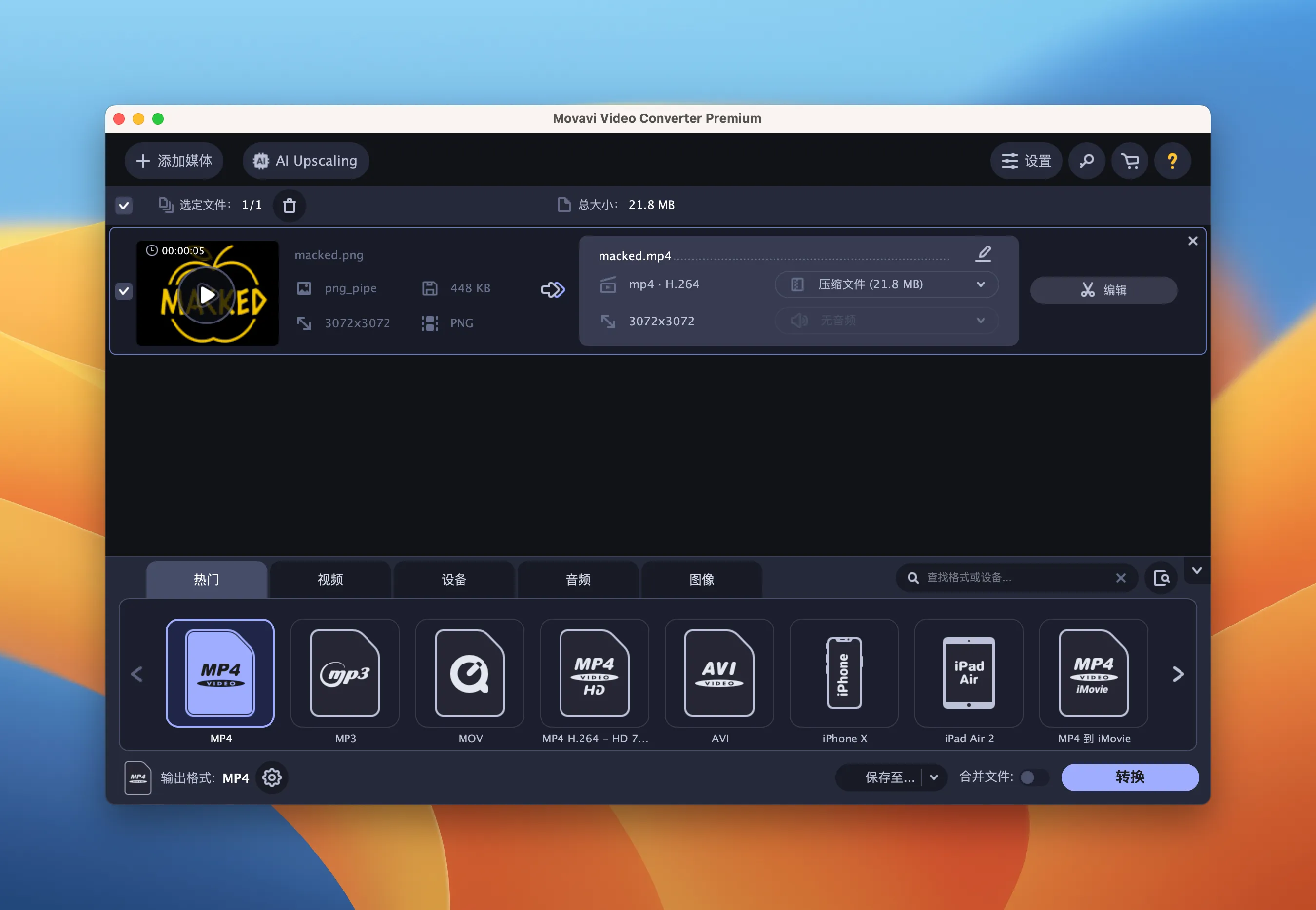
Convert video files into the most popular formats available today
Change video formats in just a few seconds using SuperSpeed mode without sacrificing quality: enjoy acceleration up to 81 times faster compared to standard conversion processes!
Automatically convert all files from a specified folder into your chosen output format
Effortlessly save multimedia content optimized for your mobile device on Mac
Extract audio tracks from video files and convert between various audio formats
Convert images and transform video clips into animated GIF files with ease
EDITING CAPABILITIES
Adjust audio volume levels, normalize sound, and remove unwanted background noise
Enhance image quality: stabilize shaky clips, fill edges in vertical videos, and perform color correction either manually or automatically on your Mac
Add or remove subtitles and synchronize them precisely with the video track
Overlay text captions and watermarks onto your video content
Crop video and image files to achieve the perfect frame composition
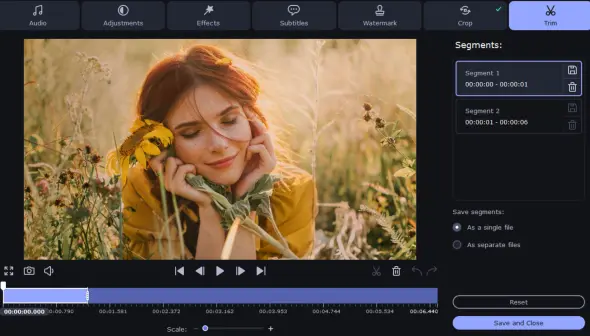
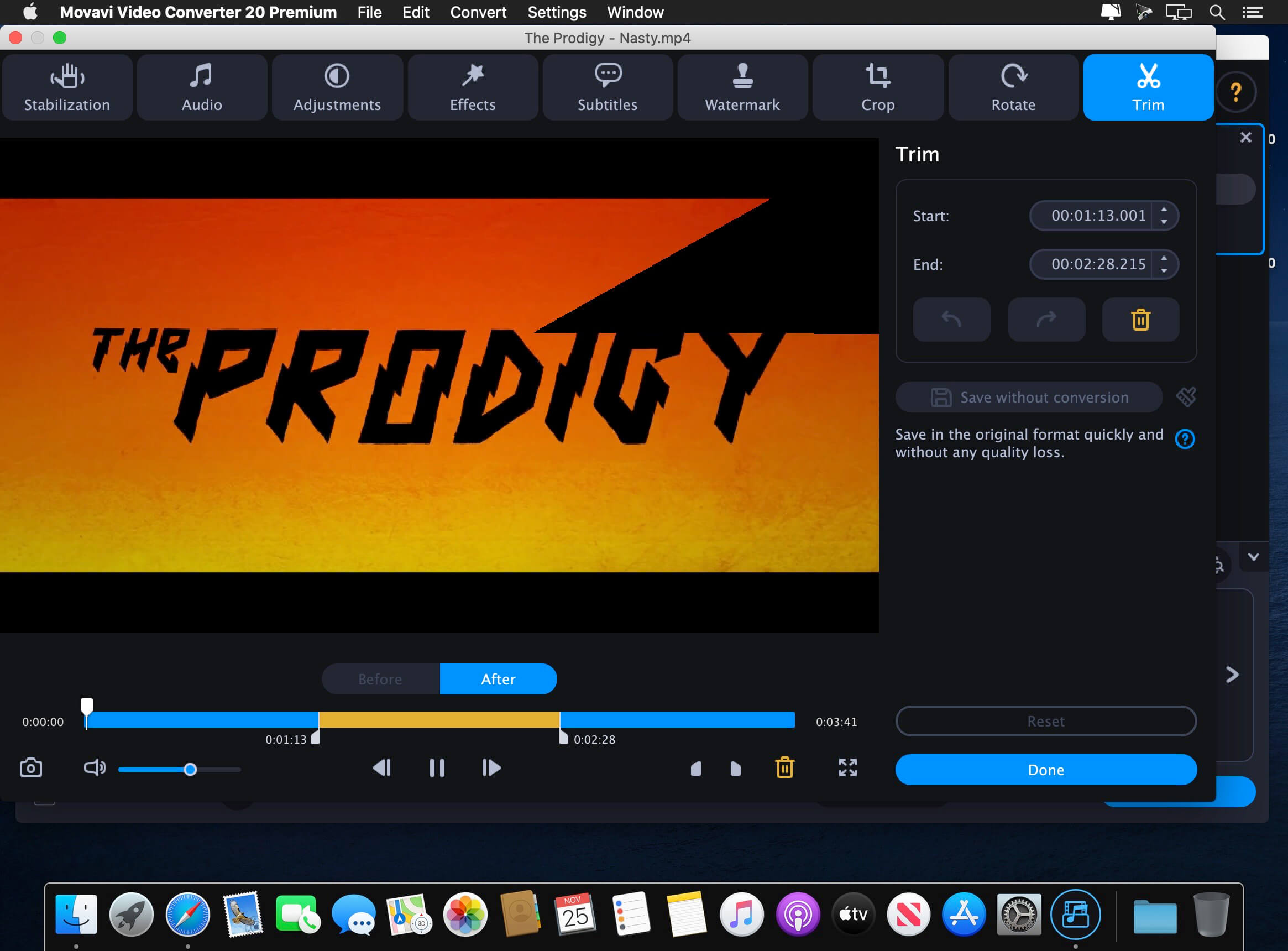
Trim and rotate videos without requiring any conversion whatsoever
AND THERE'S MORE
Create your own custom ringtones for iPhone directly on your Mac
Optimize video content specifically for Instagram sharing
Capture screenshots from video and save them in popular graphic file formats
Select variable bitrate settings and fine-tune the quality of the output file
Compare the original file with the converted result side by side in the preview window
Convert video, audio, and even image files into any popular format you need:
▶ Input Formats
Video: 3G2, 3GP, ASF, AVCHD, AVI, DivX, DVD, FLV, M2TS, TS, MTS, M2T, MKV, MOV, QT, MP4, M4V, MPG, MPEG, MPE, M1V, VOB, DAT, MOD, TOD, VRO, MXF, OGV, RM, RMVB, SWF, WebM, WMV, WTV, TTS, video with UT Video Codec
Audio: AAC, AC3, AIF, AIFF, APE, AU, SND, F4A, FLAC, M4A, M4B, M4R, MKA, MP3, OGG, Opus, WAV, WMA
Graphics: APNG, BMP, DPX, GIF, JPEG (.jpeg, .jpg, .jp2, .jls), Netpbm formats (.pam, .pbm, .pgm, .ppm), PCX, PNG, PTX, SGI, TGA, TIFF, WebP, XBM, XWD
▶ Output Formats
Video: 3G2, 3GP, ASF, AVI, FLV, M2TS, MKV, MOV, MP4, M4V, MPG, VOB, MXF, OGV, SWF, WebM, WMV
Audio: AAC, AC3, AIFF, AU, F4A, FLAC, M4A, M4B, M4R, MKA, MP3, OGG, WMA, WAV
Graphics: BMP, GIF, JPEG (.jpg), PNG, TIFF
Choose from ready-made profiles for mobile devices from Apple, Samsung, Nokia, Sony, and many other manufacturers. You can also take advantage of the automatic device detection feature when using movavi video converter 22 premium full on your Mac: simply connect your phone or tablet to your computer, and the program will automatically select the most suitable settings for saving your files. To activate all capabilities, you will need a valid movavi video converter 22 premium serial or movavi video converter 22 premium key, which unlocks every premium feature available in this comprehensive macOS conversion application.
Reviews & Comments
No comments yet. Be the first to share your experience.