
Description
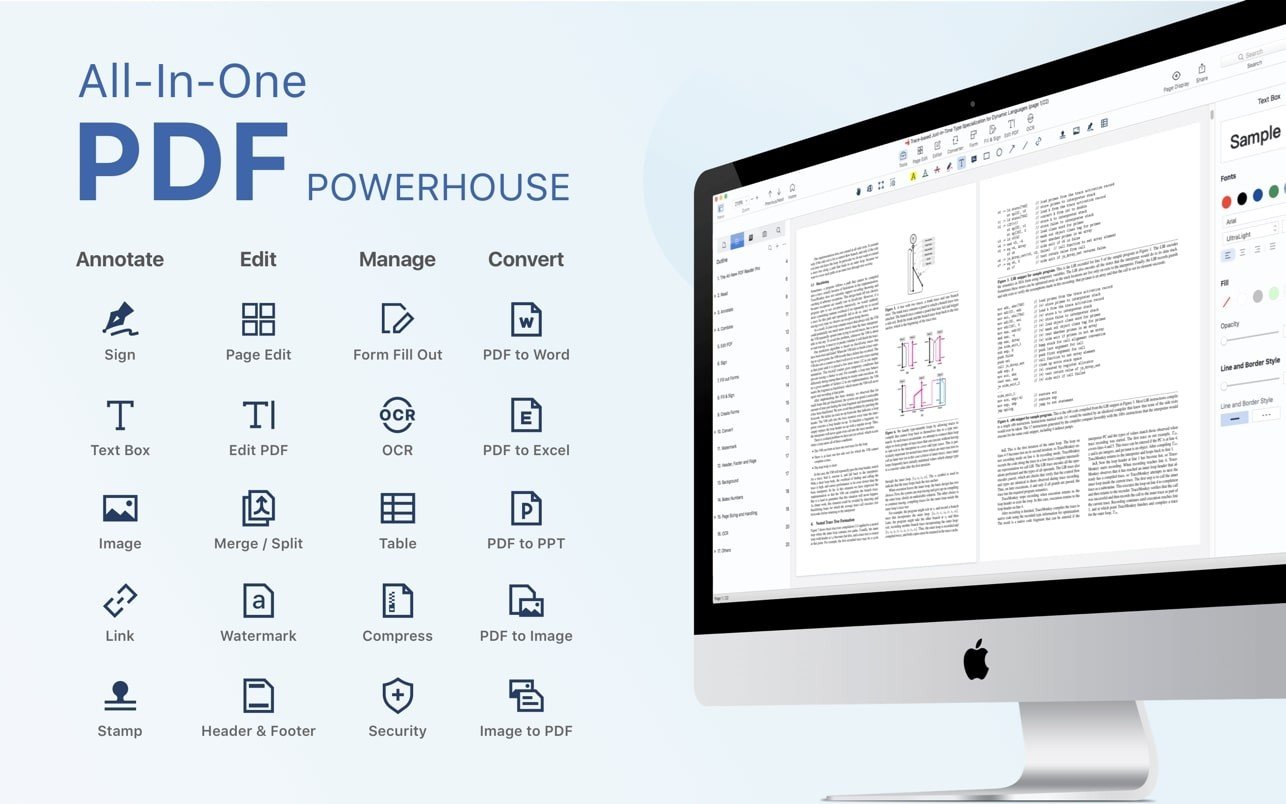
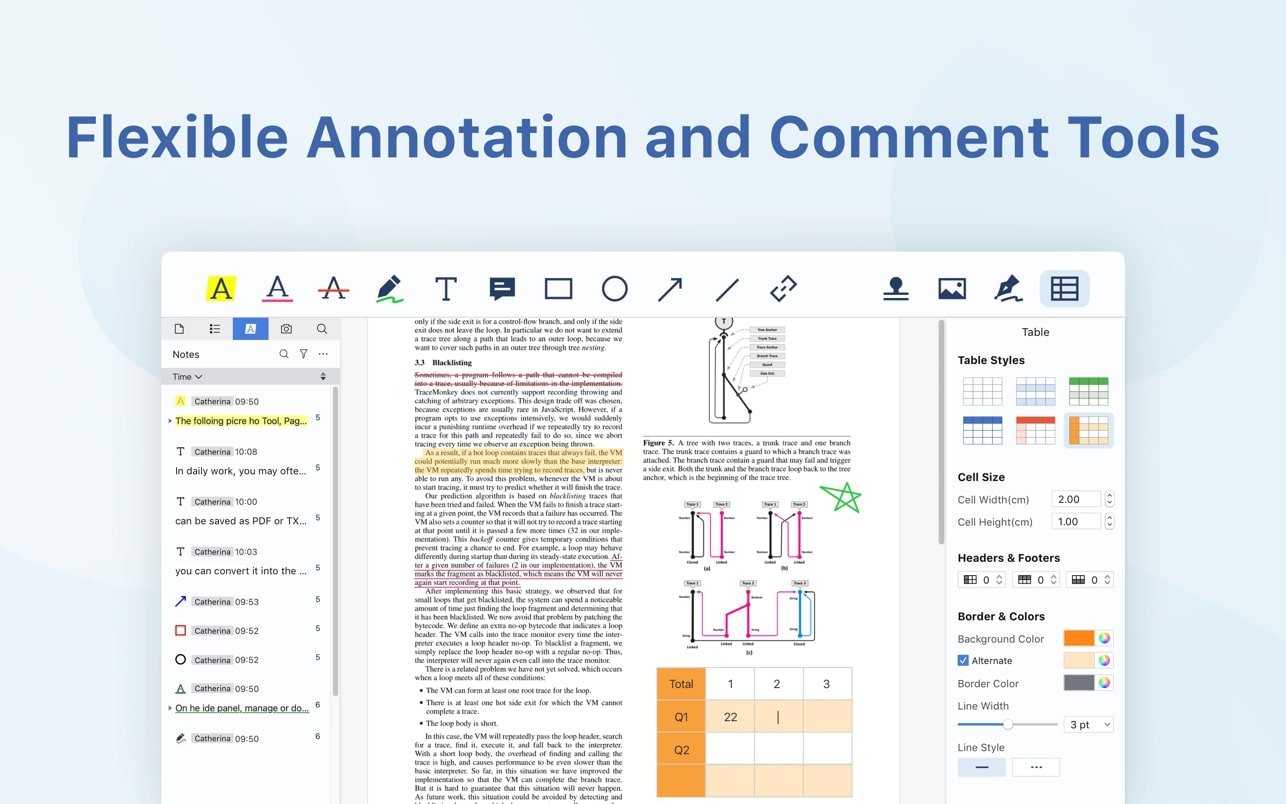
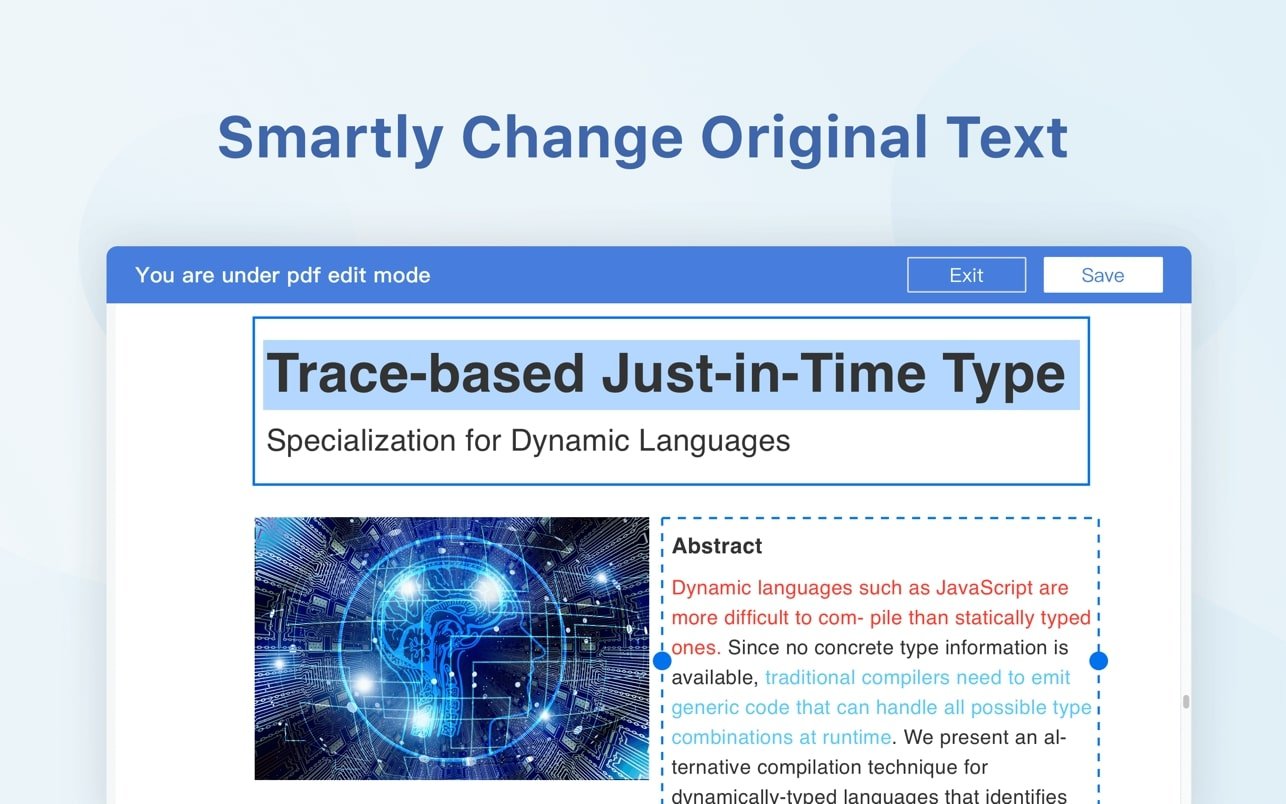
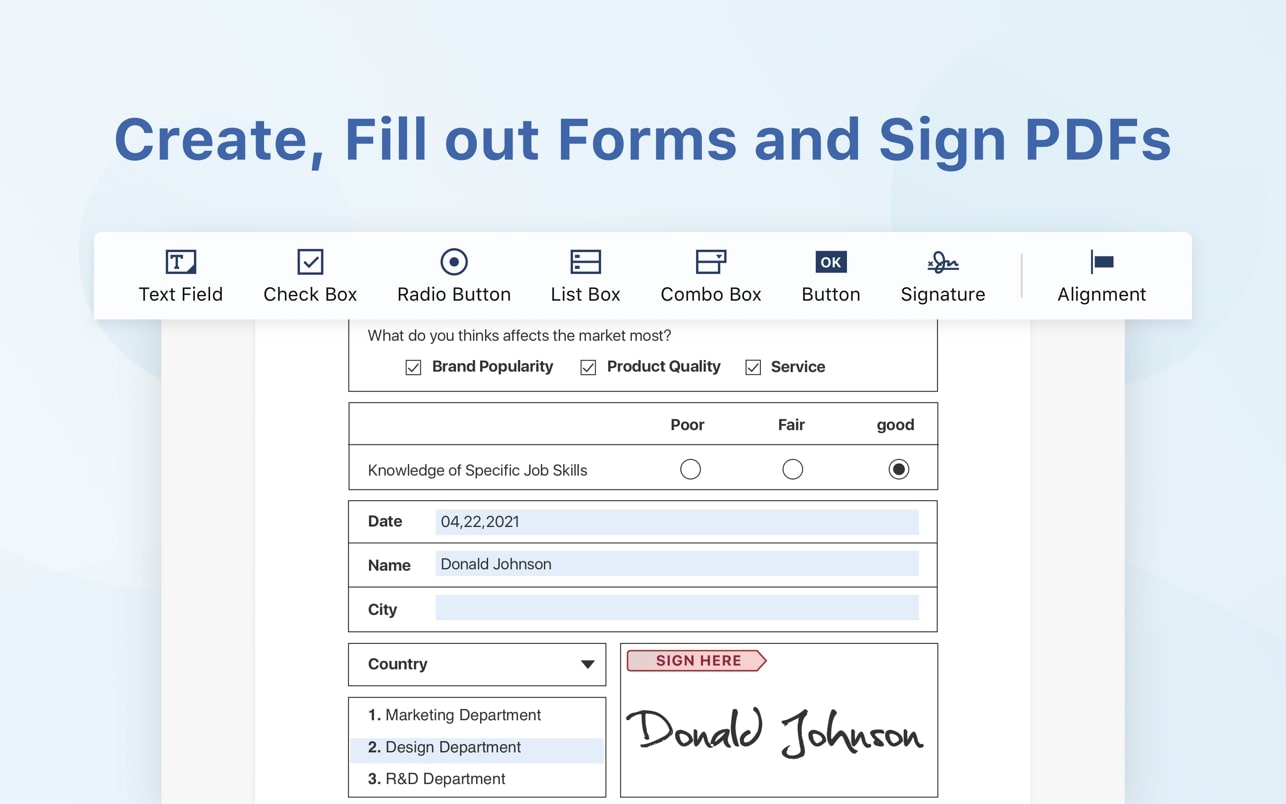
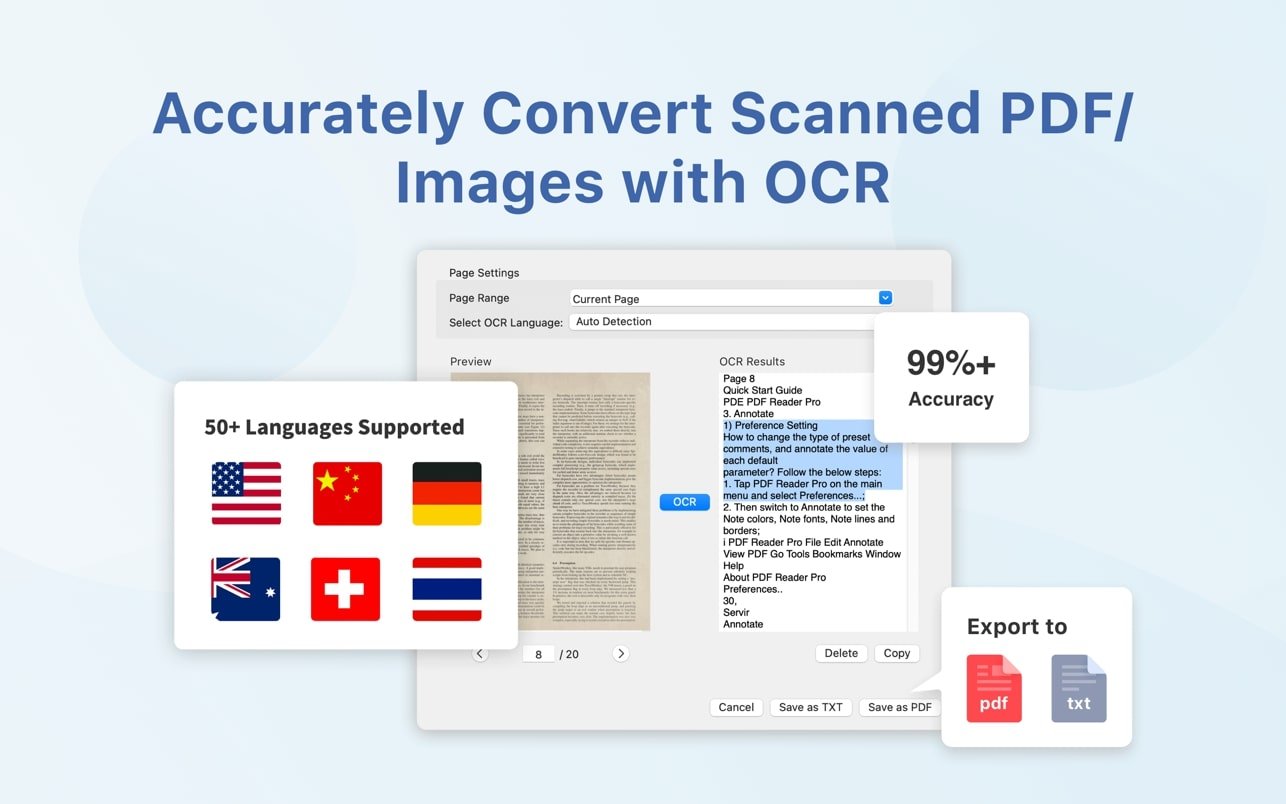
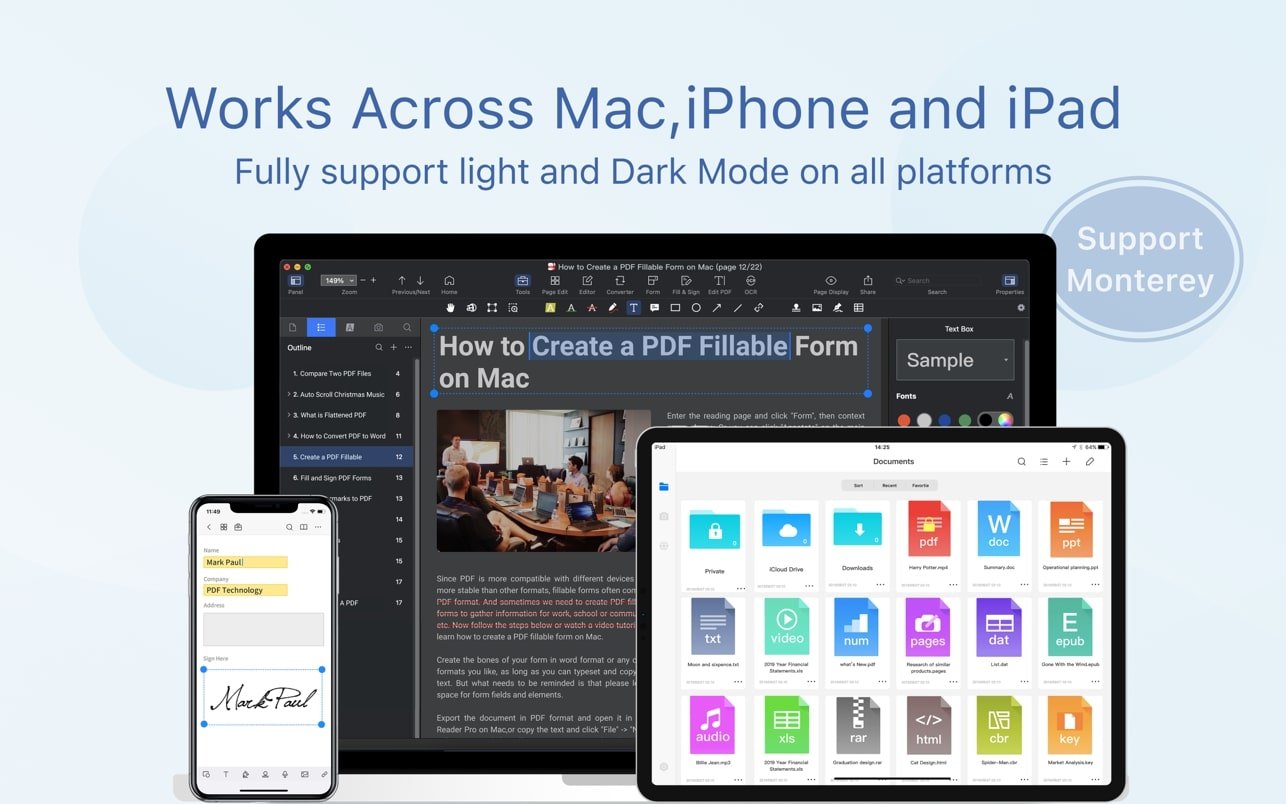
PDF Reader Pro is a powerful PDF editing application for Mac that offers a wide range of professional tools. Built upon reliable core features such as annotations, form filling, bookmark creation, and advanced text recognition (OCR), PDF Reader Pro allows you to effortlessly navigate and manage all of your PDF files on your Mac.
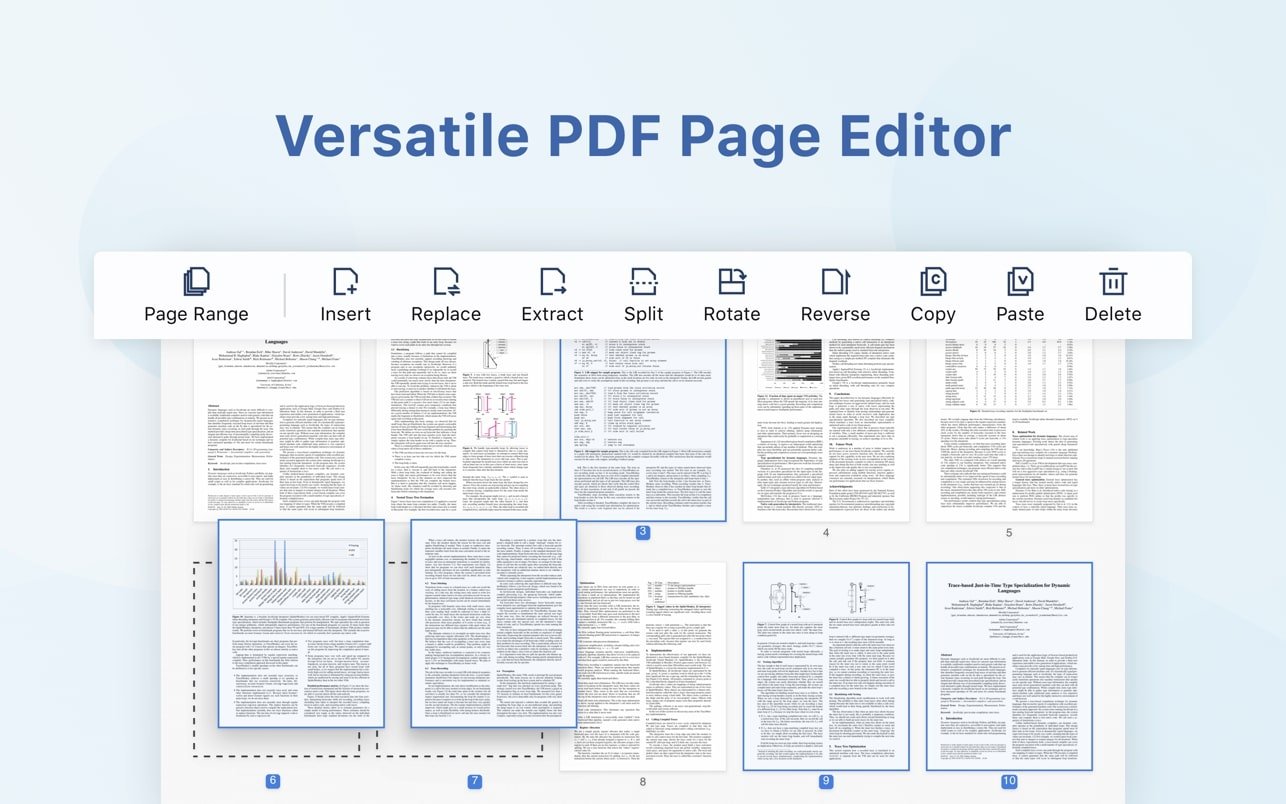
PDF Reader Pro Premium edition delivers even more capabilities — it merges multiple documents together, splits your PDF into several separate files, and inserts pages from other PDF documents with ease. The application also includes a built-in text-to-speech function that can read your document aloud in six different languages. You can simply sync your files with Dropbox to get the most out of PDF Reader Pro Mac Premium and streamline your workflow across devices.
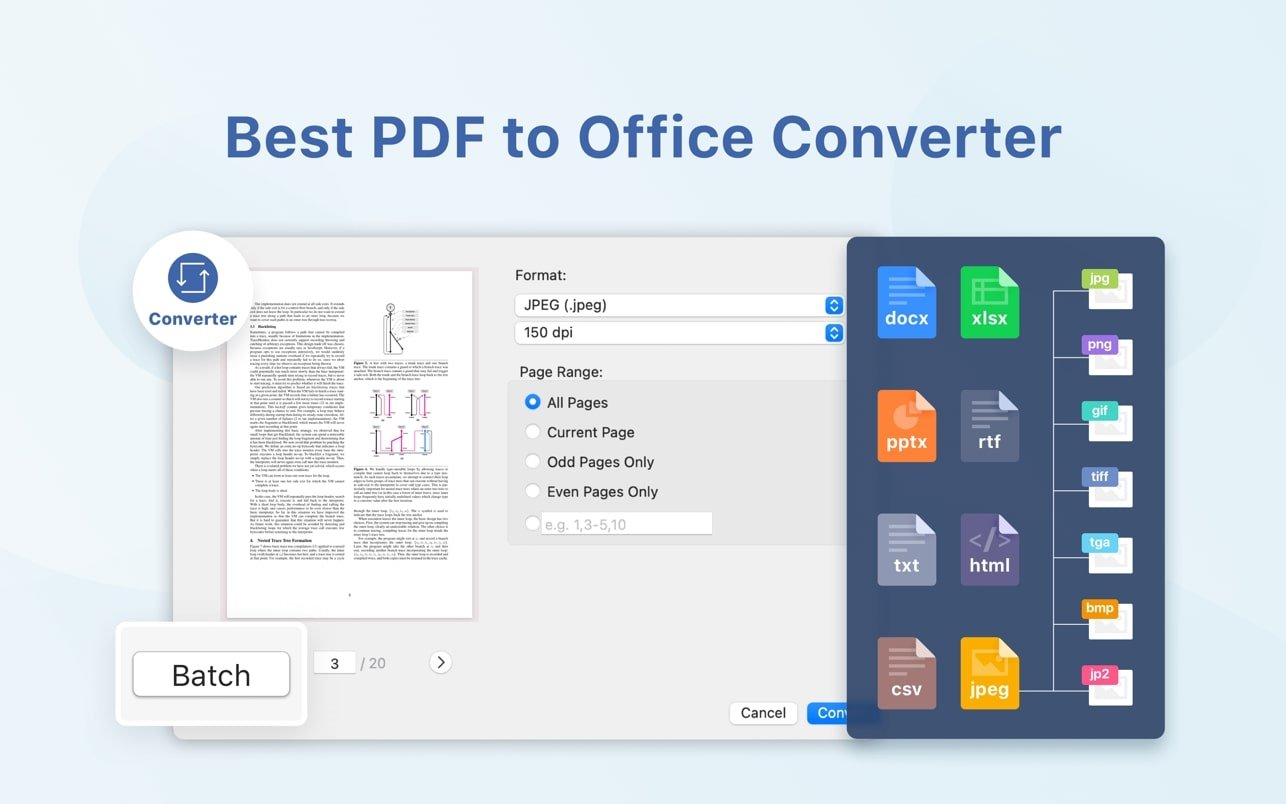
The application features a dedicated presentation mode, which allows you to showcase your PDF document to others directly from your Mac screen. Now you can enjoy the best PDF to Office conversion experience! After you complete your pdf reader pro download, export from PDF to Microsoft Word (.docx), PowerPoint (.pptx), Excel (.xlsx), RTF, HTML, plain text, images, CSV, and many other formats completely offline.
Reviews & Comments
No comments yet. Be the first to share your experience.