

Description
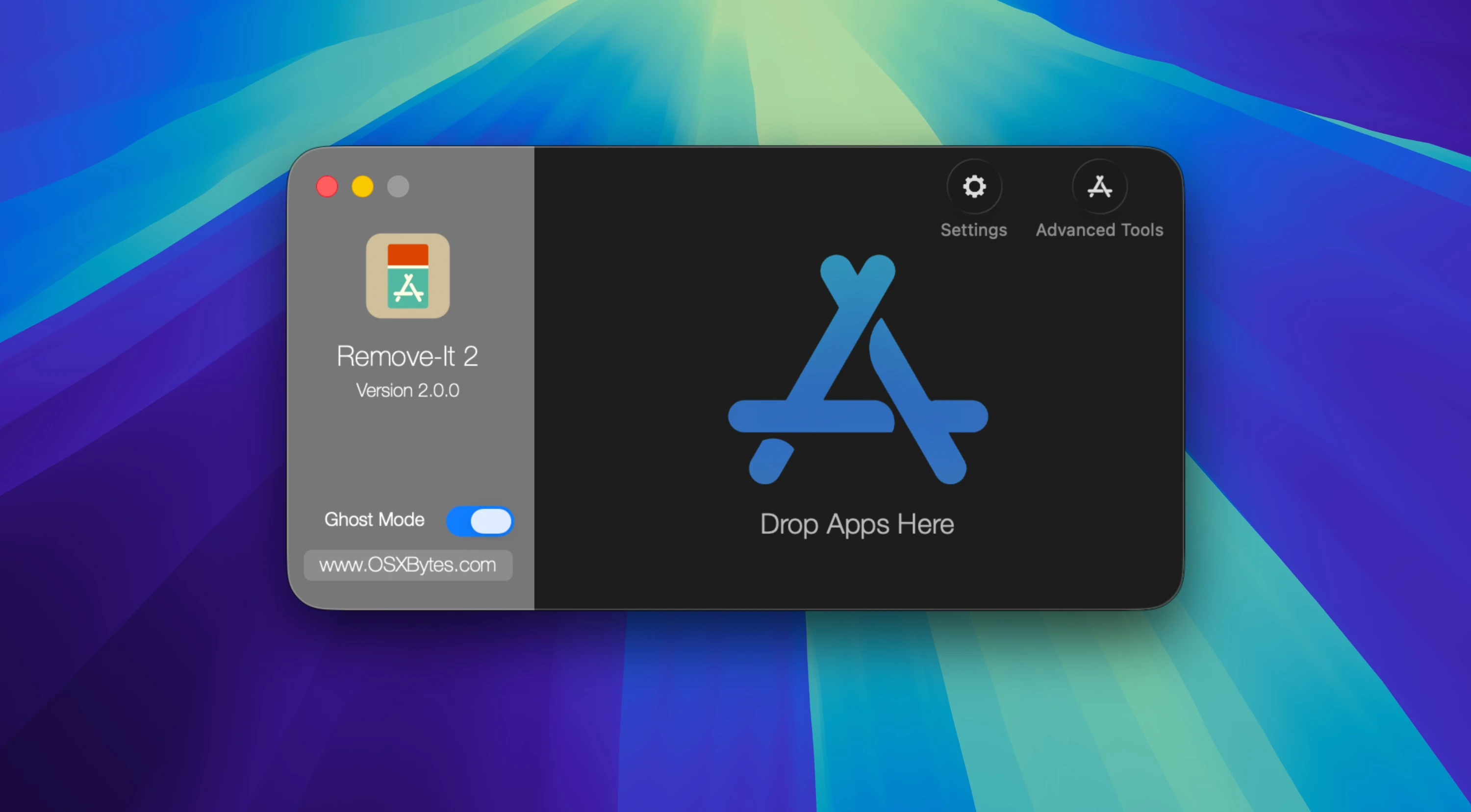
Remove-It is an uninstall utility for Mac that employs a specialized search algorithm (the Levenshtein distance algorithm) to locate all associated files and removes them upon your request.
Applications scatter multiple files across the storage devices of your Mac system. Removing the application itself is in most cases not sufficient, and several leftover files will remain untouched on your drive.
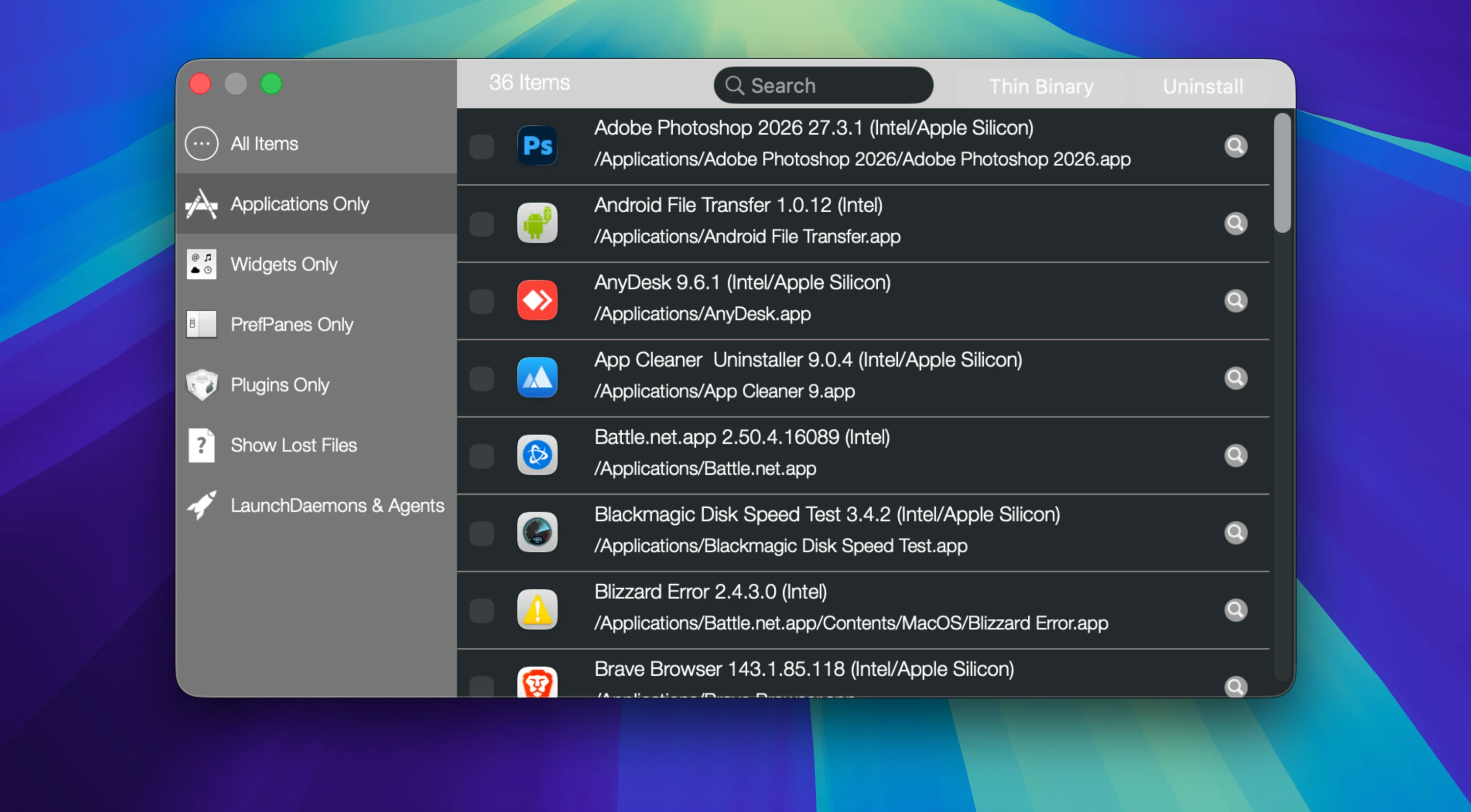
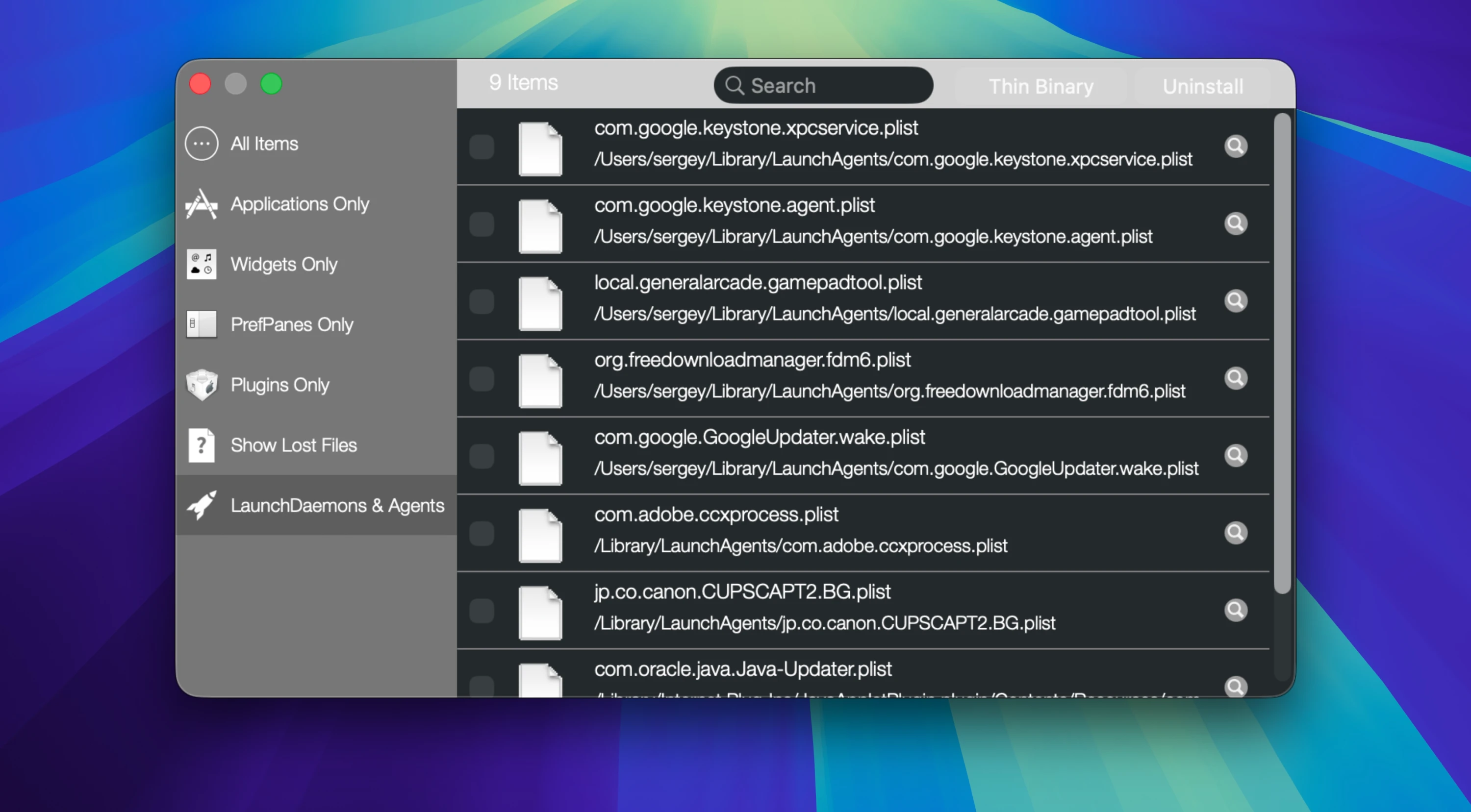
Features: Simple drag and drop. Ghost Mode: a background mode. Drop something into the Trash, and the remove-it app appears automatically. Works across all available volumes on your Mac. Expert Mode: designed to find even more possibly related files for thorough cleanup. Application List: displays all installed applications on all volumes (not just the Applications folder). Finds both visible and hidden files. Scans inside folders for applications. Protect default applications from accidental removal. Protect custom applications and folders. Protection of associated application files (.plist, Application Support, and more). Does not require Spotlight to be enabled on your Mac. The remove-it mac utility is localized: English, Dutch, Polish, German, Spanish, Portuguese, Italian, Slovak, Turkish, Persian, and French.
Reviews & Comments
No comments yet. Be the first to share your experience.