

Description
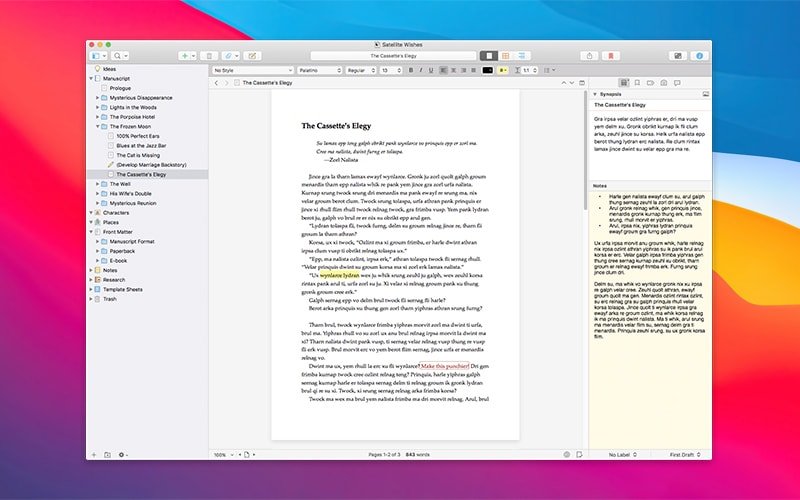
Scrivener 3 is a powerful word processor and project management tool designed for people who need to work with large volumes of text on their Mac.
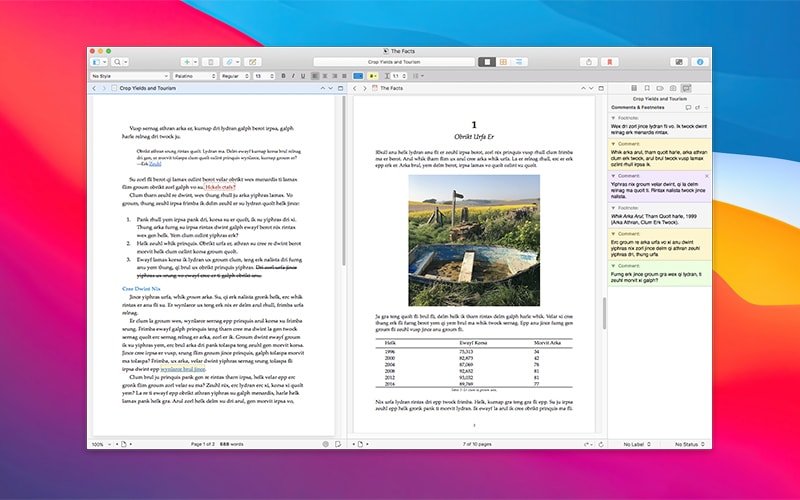
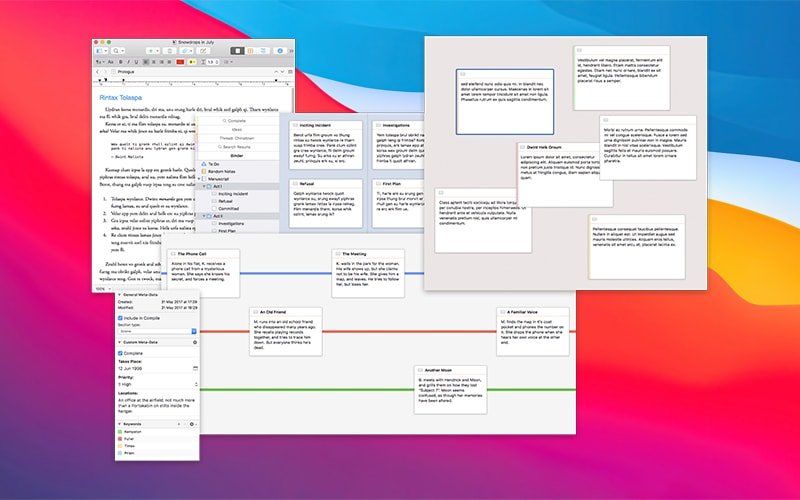
Scrivener 3 for Mac combines the capabilities of a full-featured text editor with the functionality of an organizer and robust project management tools. All of your notes, individual text documents, photographs, and creative ideas will be conveniently organized and always within easy reach. With the help of this application, you can bring together your texts, images, web links, PDF documents, and even audio files in one unified workspace.
The application has been developed with the goal of providing maximum functionality and can be useful for a wide variety of people — novelists, screenwriters, academic researchers, technical writers, journalists, and even university students and high school learners working on their assignments.
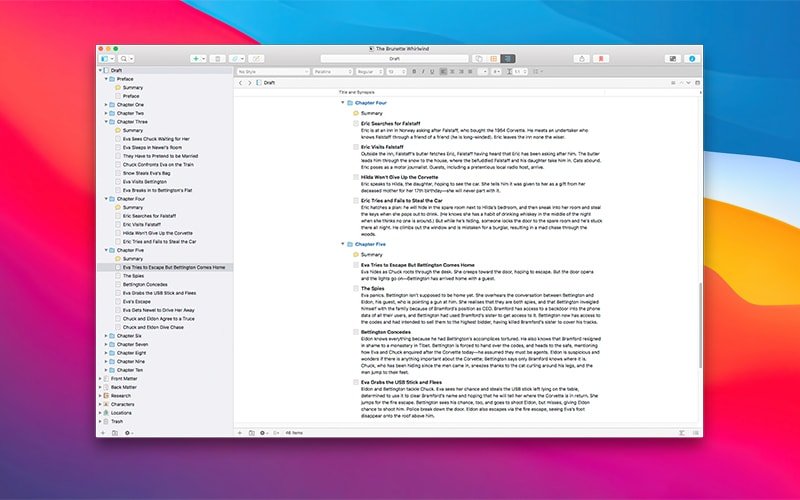
Scrivener 3 is of particular interest precisely as a data organizer on macOS. You can create as many projects as you need (for example, a single project can represent an entire book). Within each project, folders are created to group your data logically. For instance, a folder might represent a part of a book, which in turn contains individual chapters as separate documents inside it.
Any serious work on a book requires research and the study of supplementary materials. When you create a new project in Scrivener 3 download, you automatically receive a dedicated Research folder where you can store all of your additional data. These can include not only text-based notes but also PDF files, audio materials, and images that support your writing process.
Scrivener for Mac features automatic saving of your text, so your data will never be lost in the event of a power outage or unexpected shutdown. But what is even more important is the built-in snapshot system. With snapshots, you can maintain multiple versions of any document and, whenever necessary, roll back to an earlier revision of your work. Snapshots can be created for an entire note as well as for individual selected fragments within a document.
Reviews & Comments
No comments yet. Be the first to share your experience.