
Description
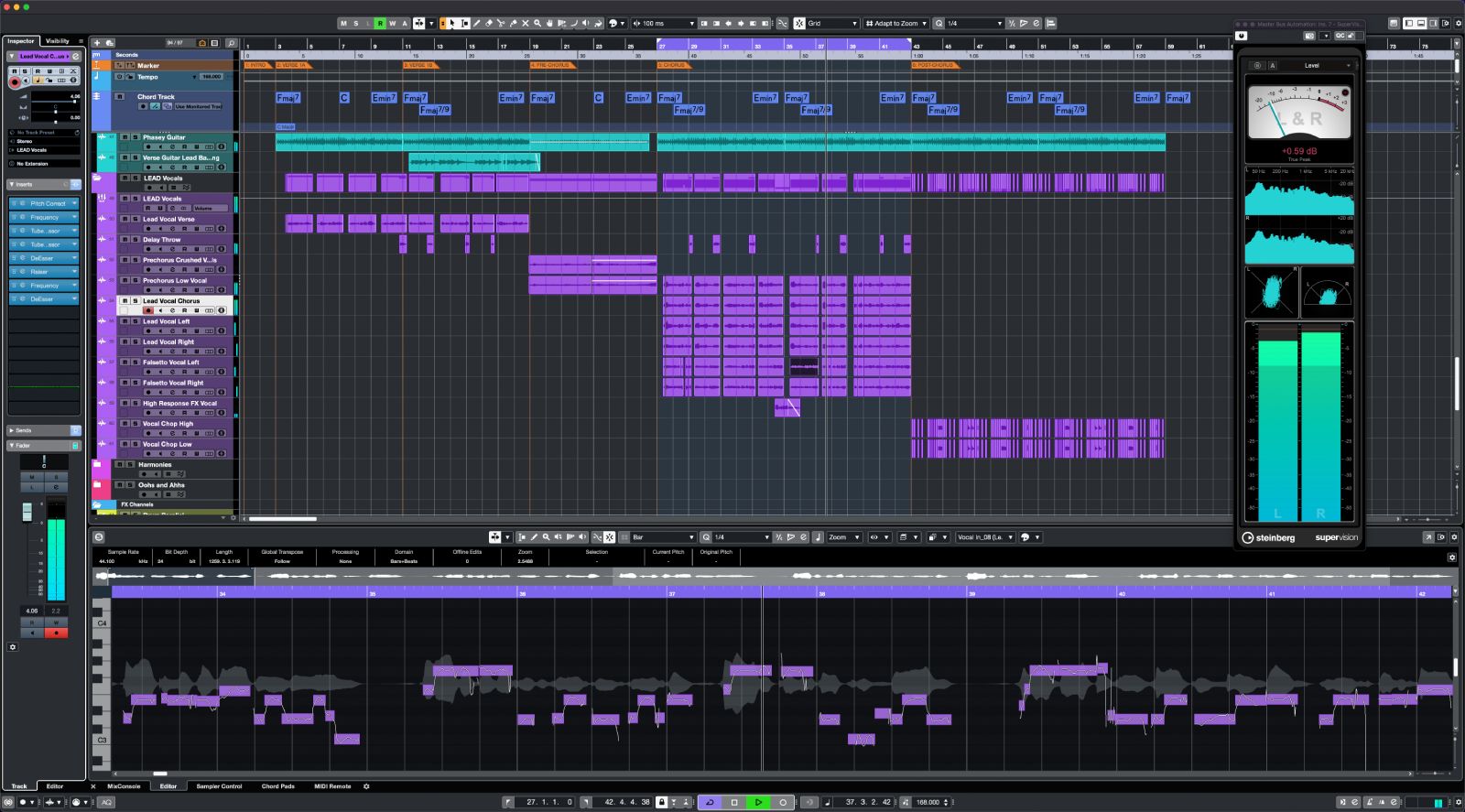
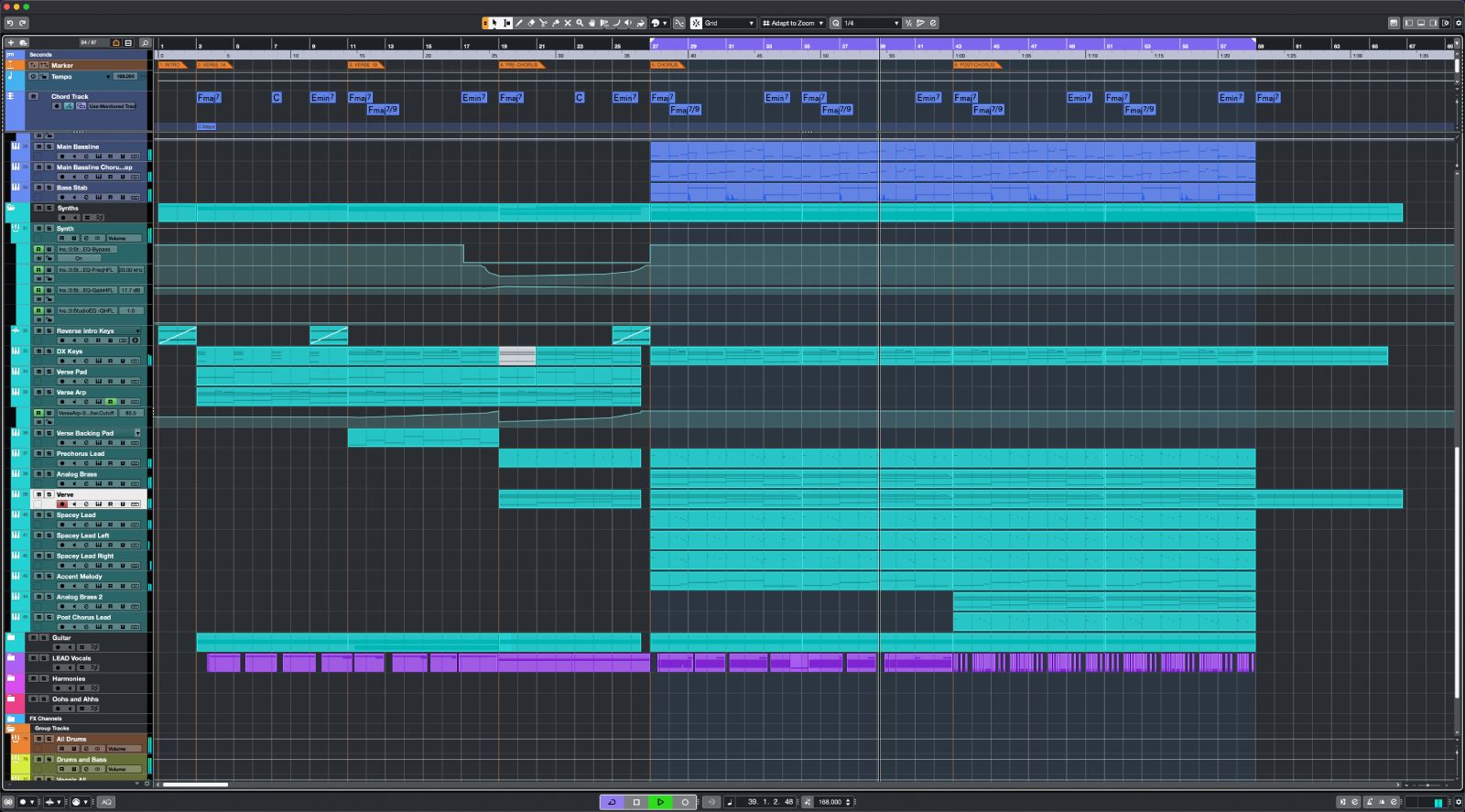
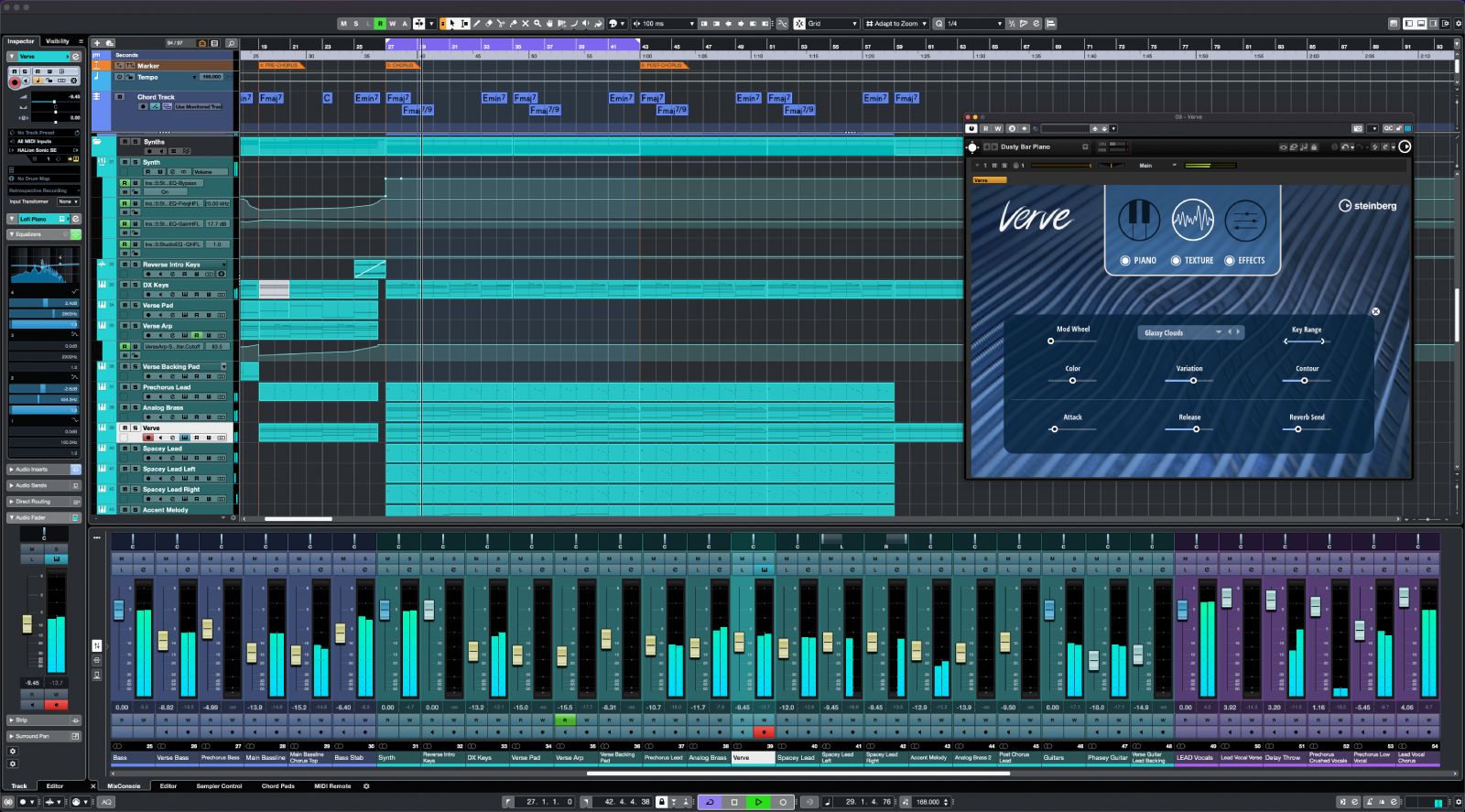
Steinberg Cubase Pro 15 — a full-featured DAW designed for professional producers, composers, and sound engineers working on Mac. Steinberg Cubase 15 Pro is built with a clean, intuitive interface and an extensive hotkey system for efficient navigation. The audio engine features 64-bit floating-point processing and sample rates up to 192 kHz, delivering truly professional sound quality on your Mac system.
The application includes dedicated Dolby Atmos tools, enabling users to create immersive surround sound projects with ease. Steinberg Cubase Pro 15 offers an unlimited number of audio channels and MIDI/instrument tracks, 256 group channels, 8 send channels, and 64 return channels. It supports up to 256 physical inputs and outputs, up to 16 insert effects per channel, and 64 slots for VST instruments, providing a comprehensive mixing environment.
Cubase comes equipped with a wide range of professional creative tools optimized for Mac workflows. The MIDI Remote integration feature allows you to instantly map MIDI controllers to Cubase and build custom templates with personalized assignments. For vocal pitch correction, the VariAudio tool and the Scale Assistant utility with preset musical scales are included. Recognizing the harmonic content of a track and converting it into notes is possible using the Audio to MIDI chords function.
Complex sonic textures can be generated through modulation capabilities in the FX Modulator instrument, and increasing the loudness of projects without sacrificing transients or transparency is achievable with the powerful Raiser compressor. Users can align audio to the grid and project tempo using the AudioWarp function. If you are looking for a steinberg cubase pro download solution for your studio, this DAW provides everything needed. Steinberg cubase pro for mac delivers a seamless production experience across all stages of music creation.
Reviews & Comments
No comments yet. Be the first to share your experience.