

Description
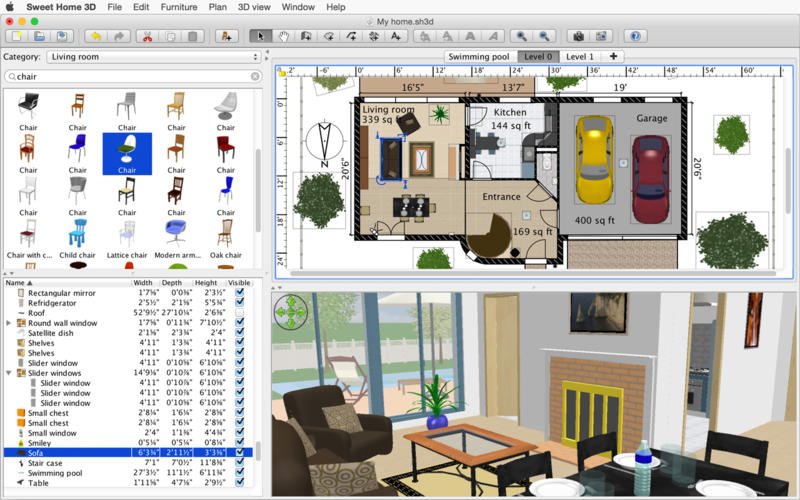
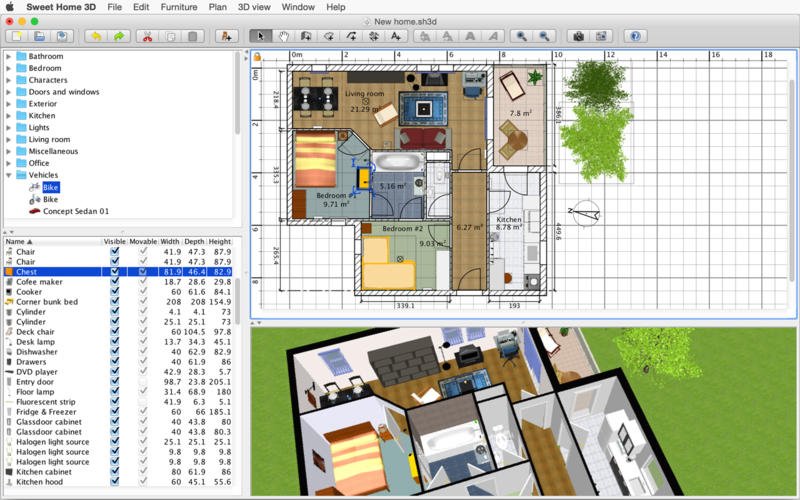
Sweet Home 3D is an interior design application for Mac that helps you draw the floor plan of your house, arrange furniture throughout the rooms, and view the final result in a fully rendered 3D environment.
The sweet home 3d mac application is designed for those who want to quickly design a brand-new home or redesign an existing one on their Mac. With sweet home 3d free, the user can:
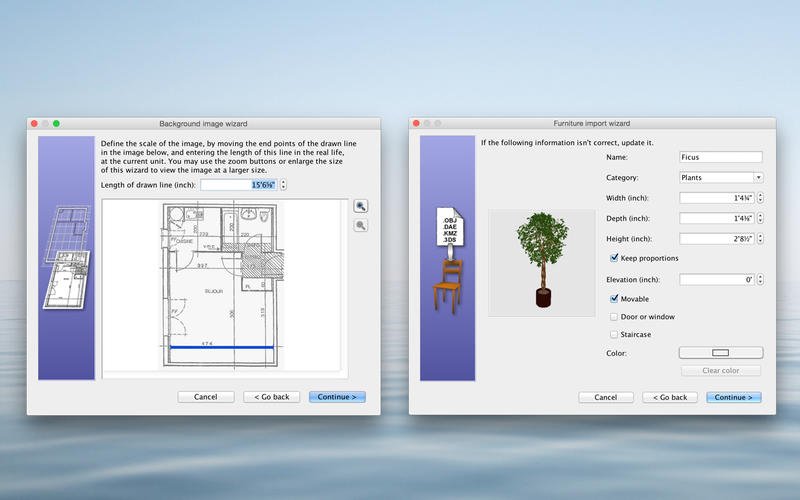
• Draw walls and rooms of the house on top of an imported image of an existing floor plan, working on one or several levels simultaneously.
• Change the color or texture of walls, floors, and ceilings to match your desired interior style.
• Drag and drop doors, windows, and furniture onto the plan from a built-in catalog containing more than 1,400 objects organized by categories, into which users can import 3D models they have created themselves or downloaded from the Internet.
• Modify the size, orientation, elevation, color, and texture for each individual piece of furniture placed on the plan.
• View all changes made to the floor plan simultaneously in the 3D view from an aerial perspective, or from the virtual point of view of a visitor walking through the space.
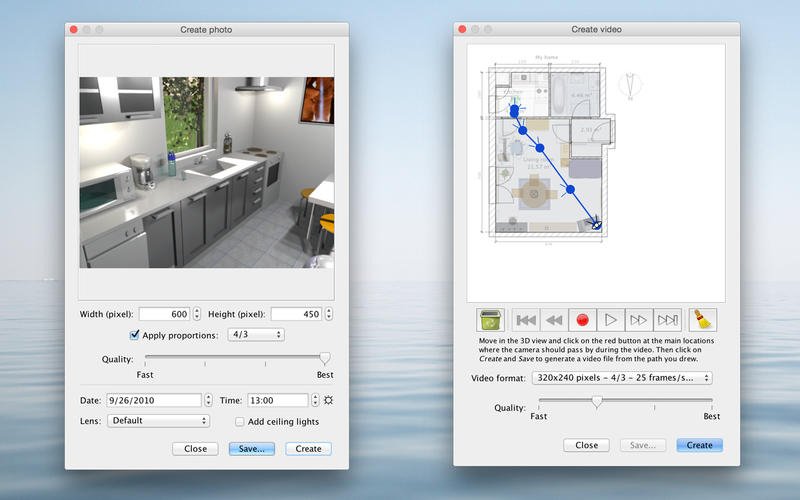
• Create photorealistic images of the scene being viewed, taking into account the precise placement of artificial light sources and the position of the sun.
• Create a video of a virtual walkthrough rendered in the immersive 3D view on your Mac.
• Print the house floor plan and 3D view or export them to files in PDF, PNG, JPEG, SVG, and OBJ formats, allowing further work on the home layout in other software. To start designing, complete the sweet home 3d download from AppStorrent and begin planning your perfect space right away.
Reviews & Comments
No comments yet. Be the first to share your experience.