

Description
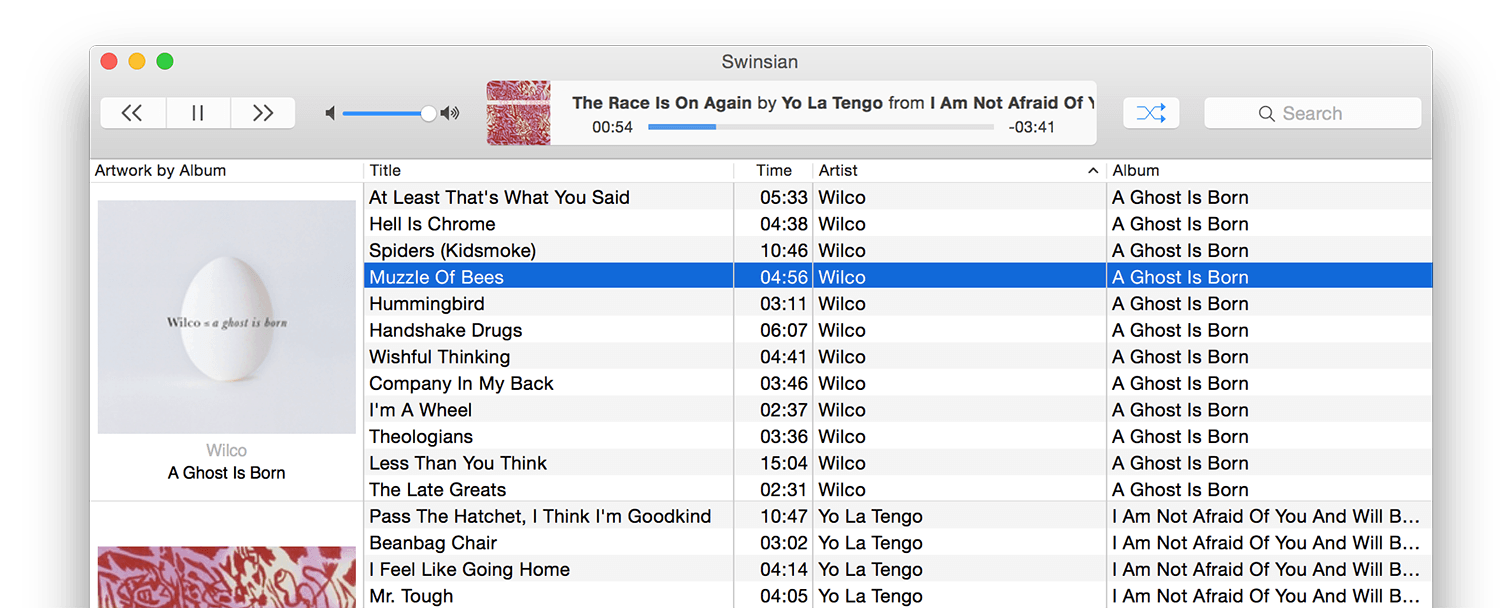
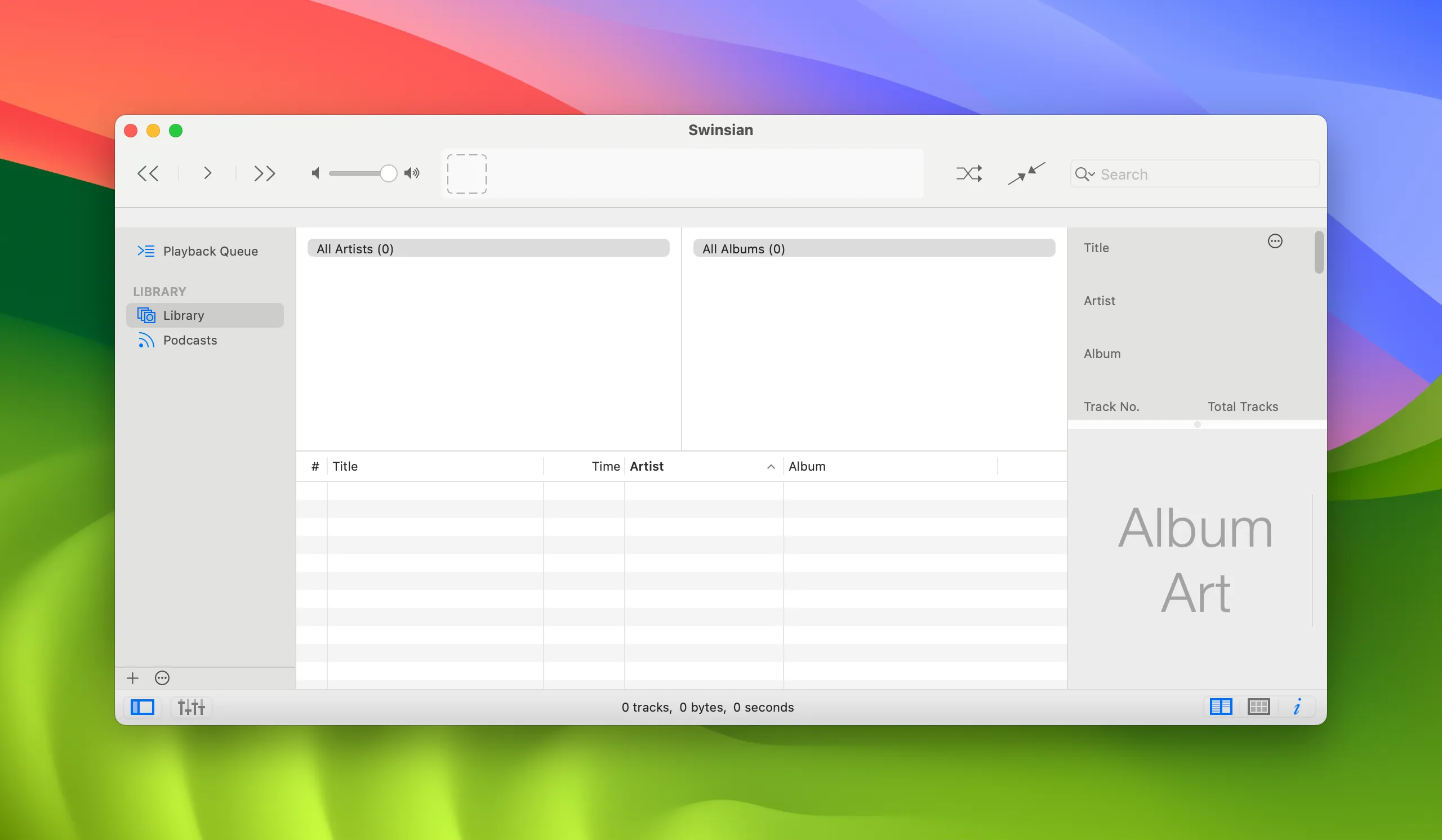
Swinsian is a sophisticated music player designed for macOS that offers wide format support, folder browsing, advanced tag editing, and is built to handle even the largest music libraries with ease. If you want to download Swinsian, you get a powerful audio tool tailored specifically for Mac users who demand flexibility and performance from their media player.
Features:
- 10-band or 31-band graphic equalizer - Supports FLAC, MP3, AAC, ALAC, Ogg Vorbis, WMA, WAV, Opus, AC3, AIFF, MusePack, DSF, and APE formats - Gapless playback for seamless listening - Automatic device sample rate switching - Full support for cue sheet files and embedded tag information
Functions:
- Folder browsing for easy navigation - iTunes library import for quick migration - Album artwork fetching from available sources - Global keyboard shortcuts for convenient control - Playback notifications on your Mac desktop - Duplicate track detection and search - Last.fm scrobbling integration - Separate playlist windows for multitasking - Regular expression search capabilities - Find and replace tag editing with full regular expression support - Smart playlists based on custom rules - Detailed library statistics overview - AirPlay streaming playback support - Automatic podcast downloading and management - AppleScript control for advanced automation on your Mac
Swinsian Mac edition remains a top choice for audiophiles who need a reliable, feature-rich music player. Swinsian for Mac combines an intuitive interface with professional-grade tools, making it an essential application for organizing and enjoying your entire music collection on macOS.
Reviews & Comments
No comments yet. Be the first to share your experience.