
Description
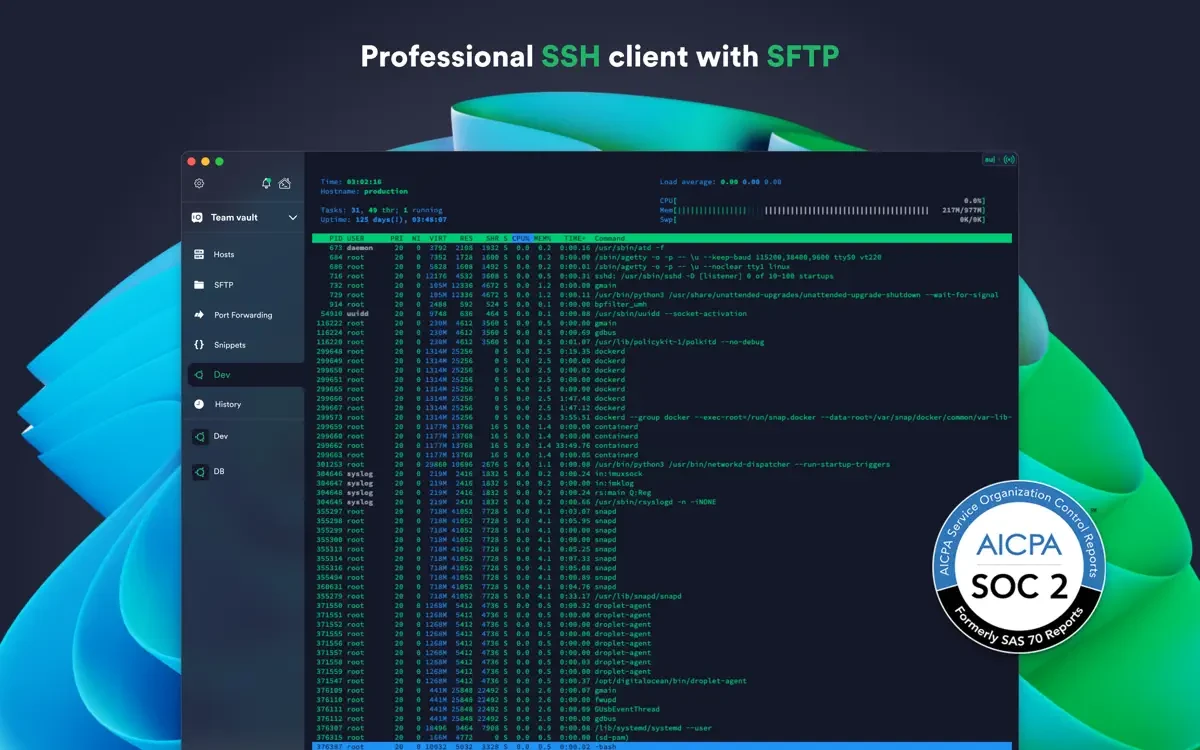
Termius is the SSH client and terminal the way it was always meant to be on your Mac. Connect with a single tap from your Mac desktop — without having to re-enter IP addresses, ports, and passwords every time you establish a new session.
With the Termius Starter plan, the termius app offers you the following capabilities:
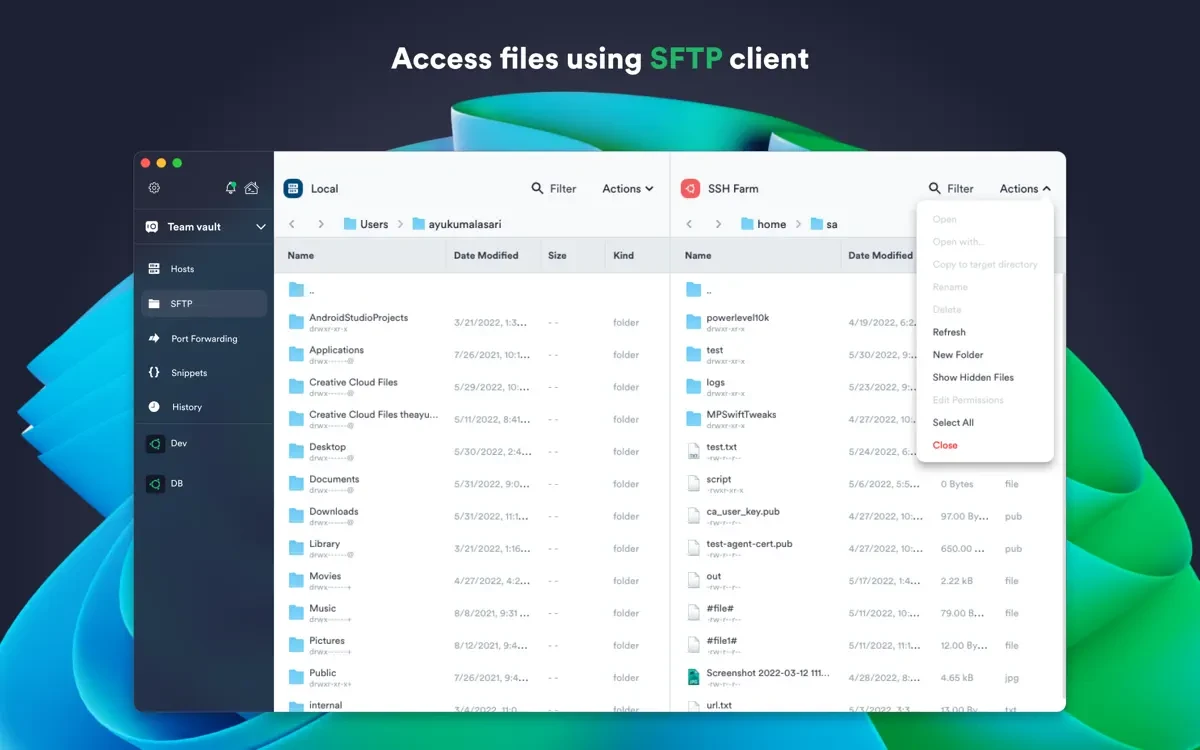
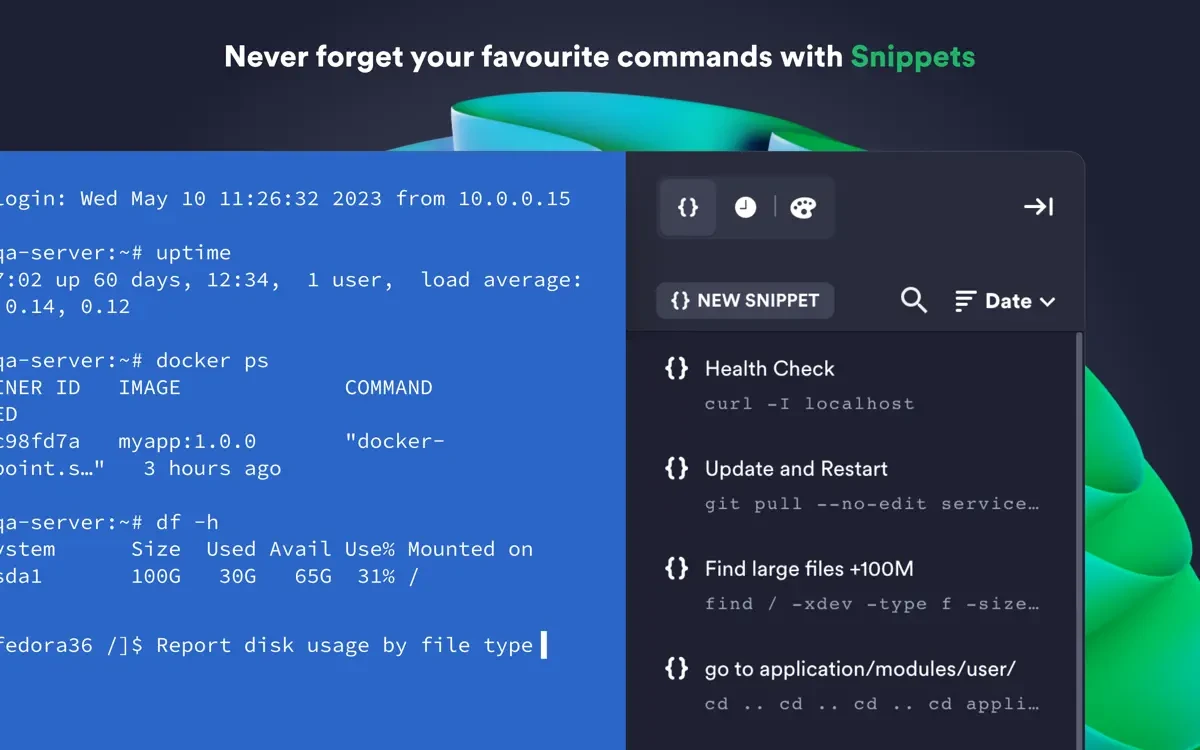
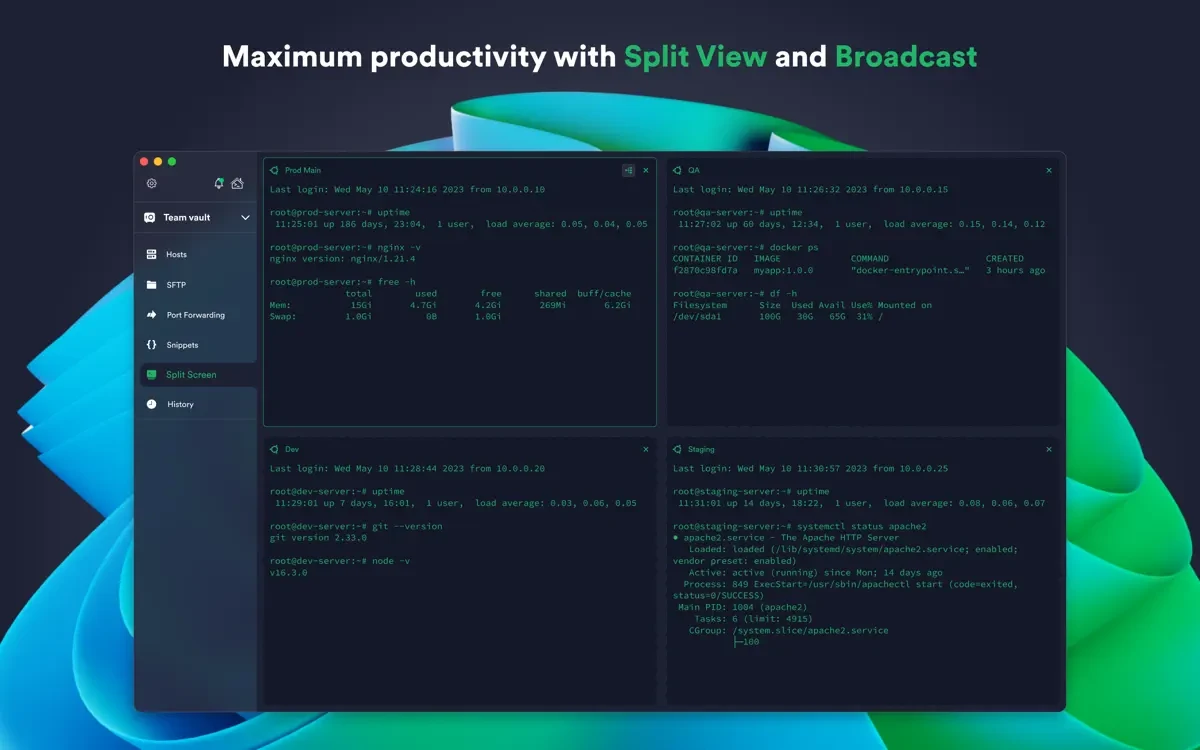
- Connect from your Mac or any other desktop and mobile device using SSH, Mosh, Telnet, port forwarding, and SFTP protocols. - Work across multiple sessions simultaneously thanks to a multi-tab interface with convenient split-view support for enhanced productivity. - Customize your terminal themes and fonts individually for each connection to create a comfortable working environment. - Save your favorite and most frequently used commands and shell scripts so you can execute them with a single tap instead of typing them out manually each time. - Enjoy quick and easy access to a unified history of all your terminal commands in one convenient location. - Take advantage of full support for ECDSA and ed25519 keys, as well as the modern chacha20-poly1305 cipher for robust security. - Experience a completely ad-free working environment.
With the Termius Pro plan, you can additionally unlock these powerful features:
- Access all your connection settings and credentials from any device at any time through secure, end-to-end encrypted cloud storage. - There are no limitations on the number of devices you can synchronize your data across. - Run your saved commands across multiple sessions or servers, or instantly autocomplete them right within the terminal window. - Connect directly to your hardware equipment using a serial cable for local management tasks. - Authenticate securely using FIDO2 hardware security keys for an extra layer of protection. - Connect through proxy servers and jump hosts to reach machines behind firewalls. - Set custom environment variables tailored to your specific workflow requirements. - Integrate seamlessly with AWS and DigitalOcean cloud platforms for streamlined server management. - Protect your stored credentials using Touch ID or Face ID on your Mac, and safeguard your account with two-factor authentication. - Store your SSH keys locally on your Mac computer using the built-in SSH agent for secure key forwarding.
Termius reimagines how professionals interact with the command line on Mac. If you are looking for termius download for your macOS machine, this is the ideal solution. Termius for mac is designed to make remote access for system administrators and engineers a significantly more productive, efficient, and enjoyable experience every single day.
Reviews & Comments
No comments yet. Be the first to share your experience.