

Description
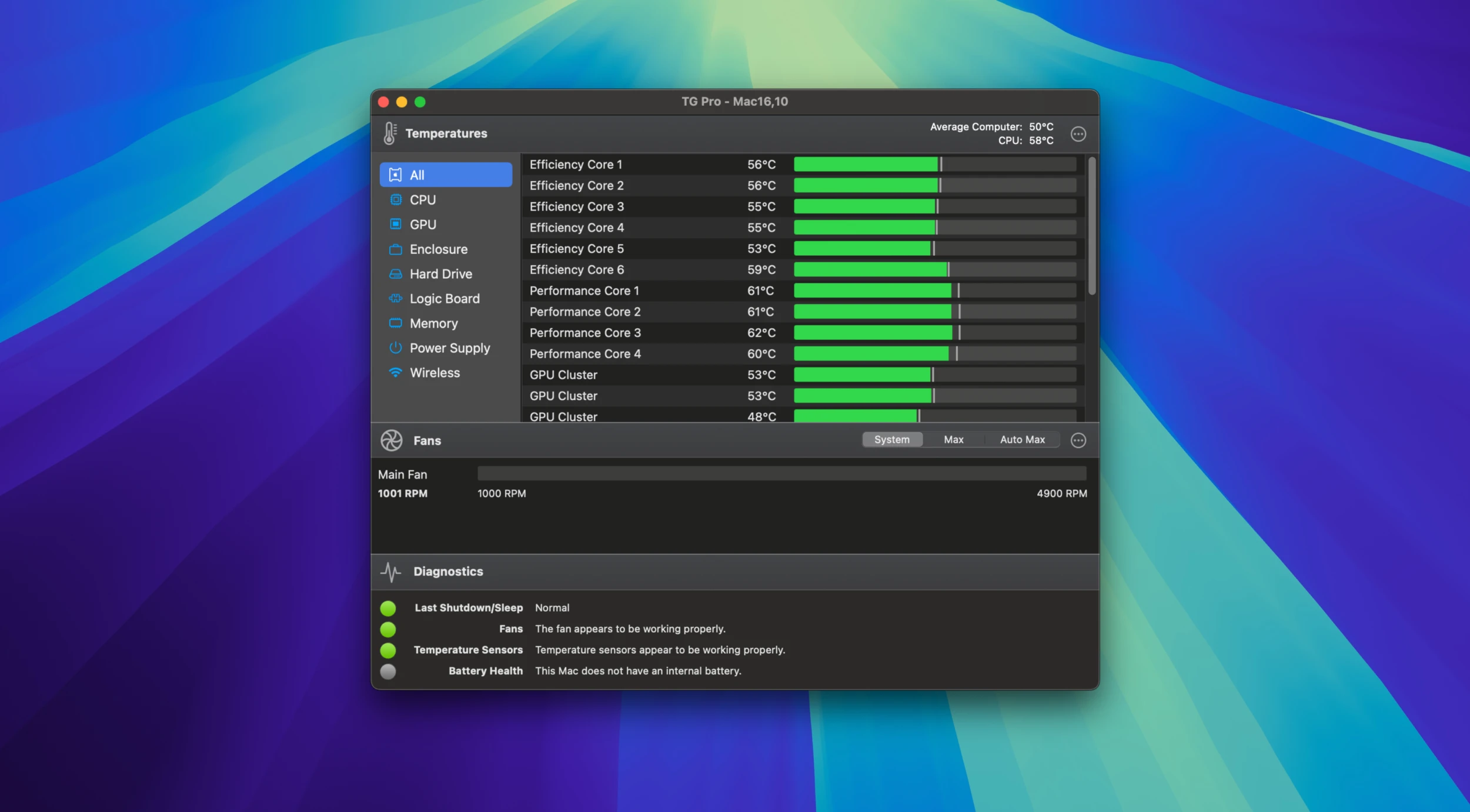
TG Pro (Temperature Gauge Pro) — a powerful utility for Mac that allows you to monitor the temperature of various hardware components (CPU, GPU, logic board, memory) and run comprehensive diagnostic tests. With this tg pro mac app, you can make the necessary adjustments, primarily related to fan speed control and thermal management.
Boost the performance of your Mac with TG Pro. This all-in-one solution delivers comprehensive fan management and advanced temperature monitoring across a wide range of Mac models and processors. Keep tabs on key components such as CPU, GPU, WiFi, drives, and battery (for laptop models), along with much more. Take charge of cooling through both manual and automatic fan speed adjustment options.
Take complete control over your Mac's cooling system with TG Pro. Whether you prefer automated configuration or hands-on manual control, TG Pro offers versatile options tailored precisely to your needs.
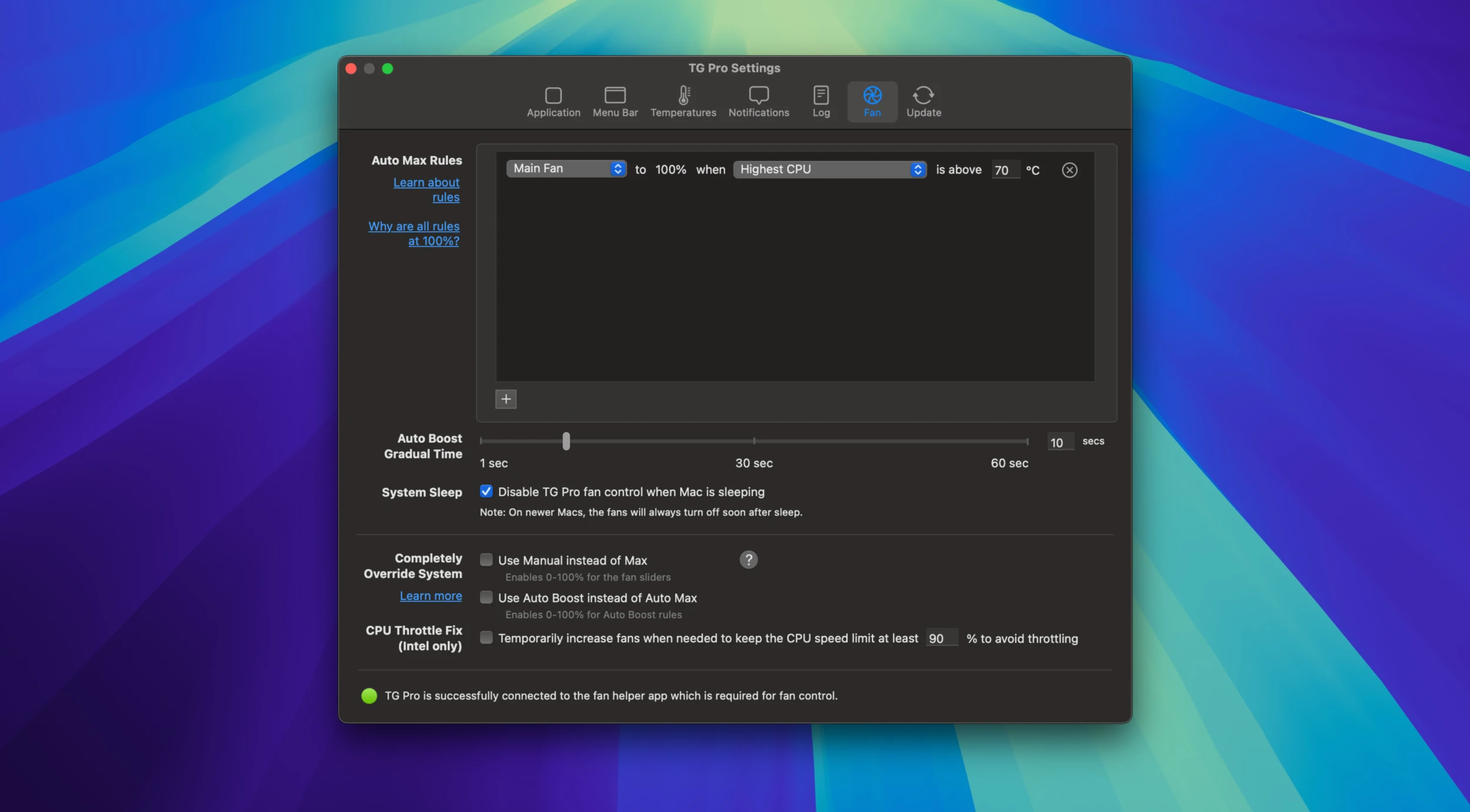
Set up custom rules for automatic fan speed adjustment based on various temperature sensors, including CPU, GPU, and drives. Create a personalized fan curve to meet your specific cooling requirements. With tg pro mac managing your thermal environment, you can stay focused on your important tasks.
Tailor your cooling approach using the Manual and Max options, the availability of which depends on your Mac model and its specific settings. For older Intel-based Mac computers, the Manual option is already available right away. On newer Intel and Apple Silicon models, the Max option is enabled by default, while Manual becomes accessible once it is activated in the TG Pro fan settings panel.
Discover a new level of awareness regarding the thermal characteristics of your Mac with TG Pro. Receive real-time information about a broad spectrum of components to ensure optimal and efficient performance at all times.
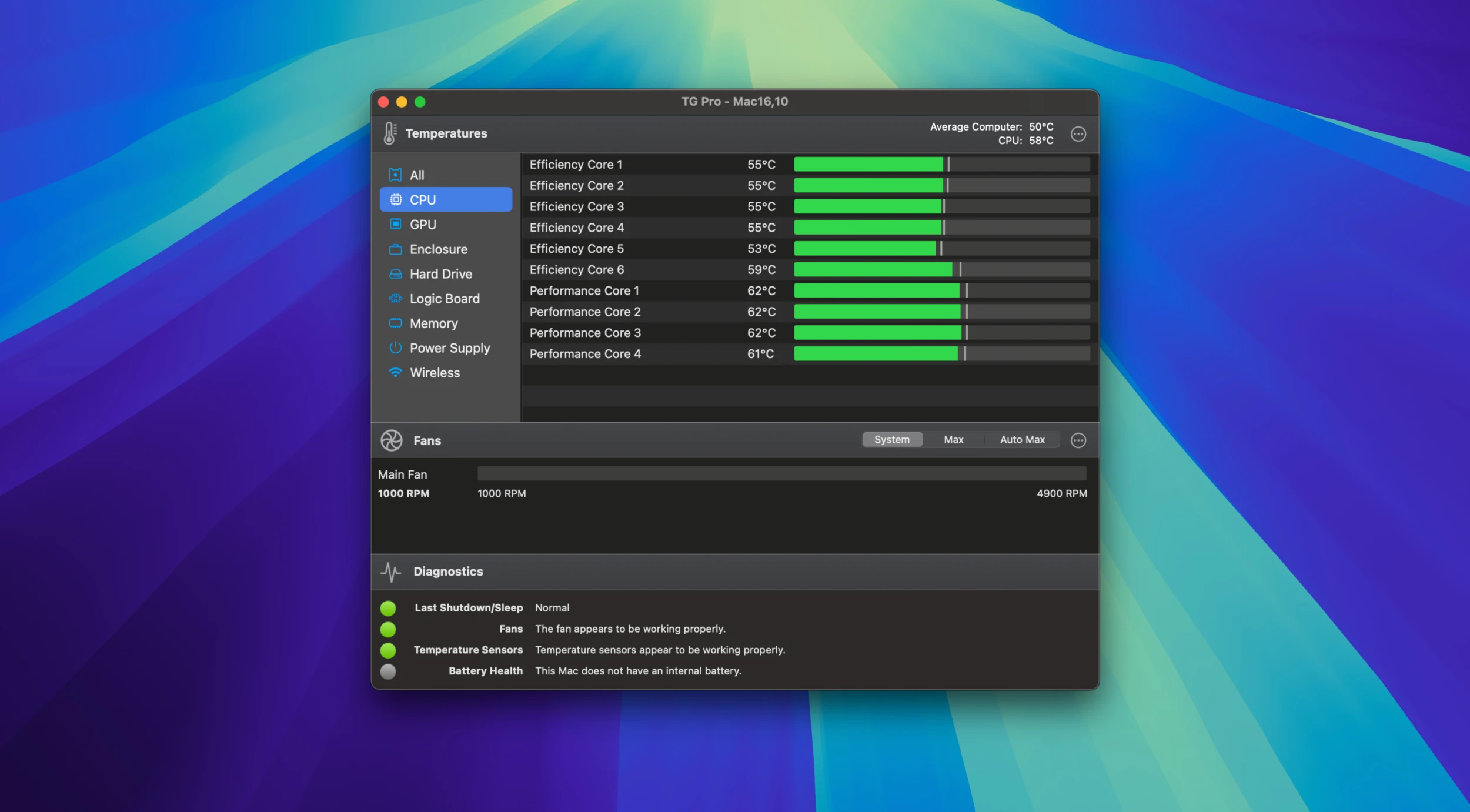
Monitor CPU temperatures across all Mac models for a comprehensive overview of your system's overall health. For Apple Silicon-based Mac computers, take advantage of the additional benefit of viewing temperatures for each individual CPU core. TG Pro also logs the maximum temperature reached for every sensor, giving you a clear historical picture.
Built for every Mac — TG Pro supports all Mac models running macOS 10.13 or higher, including Intel-based Macs (with or without the T2 security chip) and the full range of Apple Silicon models. This includes M1, M1 Pro, M1 Max, M1 Ultra, M2, M2 Pro, M2 Max, M2 Ultra, as well as the latest M3, M3 Pro, M3 Max, M4, M4 Pro, and M4 Max. TG Pro intelligently adapts to each model, offering more temperature sensor data than any other application available. Hackintosh models are also supported through an easily enabled preference toggle switch.
This tg pro free utility runs silently in the background, consuming minimal CPU resources. Quickly access key information and controls through the convenient drop-down menu bar, which displays fan speeds, temperature data, and quick fan control parameters. For a more detailed view, the main window provides additional diagnostics alongside the same comprehensive fan and temperature data readings.
Stay one step ahead of potential problems with real-time alerts and built-in diagnostics. TG Pro offers numerous ways to keep you thoroughly informed: from local notifications and email alerts triggered by anomalous events or when temperatures exceed your established threshold values, all the way to comprehensive logging and full system diagnostics capabilities.
Reviews & Comments
No comments yet. Be the first to share your experience.