

Description
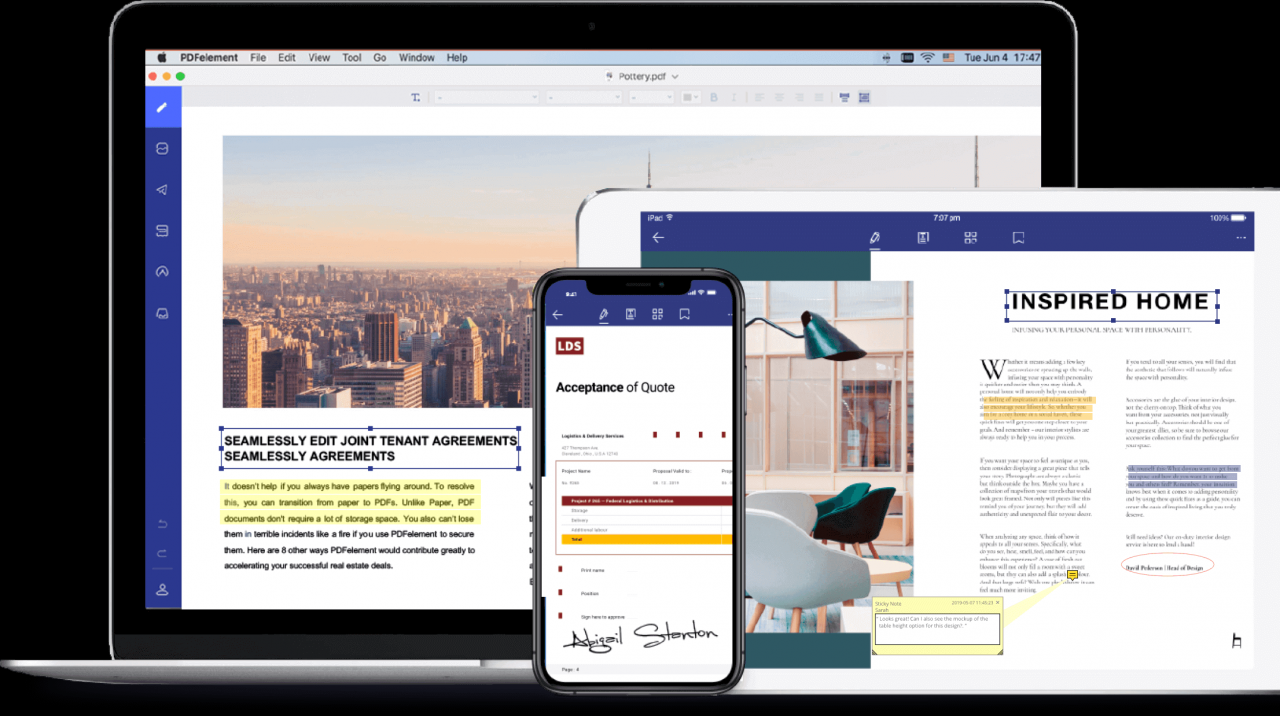
Wondershare PDFelement Pro is a powerful PDF editor for Mac that allows you to read, edit, scan, annotate, convert, sign, merge, encrypt, and print PDF documents with ease. By using the wondershare pdfelement pro app on your Mac, you will become a true expert in handling all aspects of PDF workflows and document management.
PDFelement Standard compared to PDFelement Pro:
*PDFelement Standard = PDF Editor + PDF Annotator + PDF Converter + PDF Reader + PDF Creator + Form Filler
*PDFelement Pro = All PDFelement Standard Features + OCR + Batch Operations + PDF/A Support + Form Creator + Support for Additional Output Formats
**AI Mode**
- Artificial Intelligence Commands: Text Summarization, Translation, Ask PDF, Summarize, Explain
- AI Chat
*** PDFelement Standard ***
√ PDF Editor
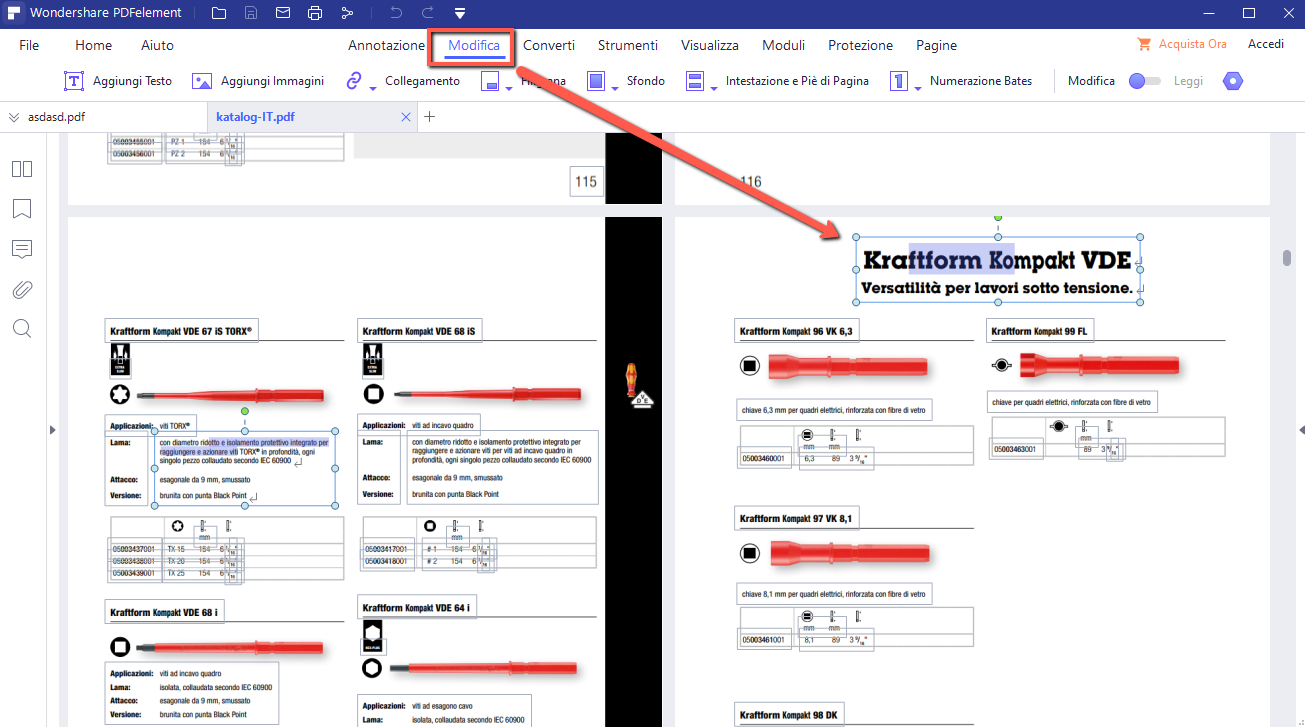
- Edit texts, images, and links within PDF files on your Mac
- Modify font attributes (type, size, and style, alignment)
- Insert, update, or remove custom watermarks and backgrounds
√ Markup and Annotation of PDF Files
- Add comments, sticky notes, text boxes, text callouts, stamps, add/edit links, and drawn objects
- Highlight, underline, or strikethrough texts in your documents
- Create and manage a library of preset and custom stamps
√ PDF Converter
- Supported output formats: Word, Excel, PPT, and image formats (.docx, .xlsx, .pptx, .jpg, .png, .gif, .bmp)
- Preserve original formatting of texts, images, graphics, fonts, and embedded elements after conversion
√ Form Filling
- Fill out PDF forms directly on your Mac
- Access a library of ready-made customizable fillable forms
- Support for creating exclusive electronic signatures/eSign
√ PDF Creation
- Supported input formats: pdf/html/webarchive/rtf/txt/jpeg/jpg/png/bmp/gif
√ Page Management
- Manage pages within a document (reorder, insert, extract, crop, rotate, and delete pages)
√ PDF Protection and Collaboration
*** PDFelement Pro ***
√ Equipped with all PDFelement Standard features
√ Text Recognition
- OCR (Optical Character Recognition) enables text recognition and allows you to convert texts in scanned PDF files or images on Mac
- Support for text recognition across 29 languages
√ Form Creation and Signing
- Create fillable PDF forms from interactive field objects such as buttons, checkboxes, radio buttons, and dropdown lists
- Support for adding a digital signature to forms
√ Merging PDF Files
- Combine files of various formats into a single new PDF file
√ PDF/A
- Ability to save PDF files in PDF/A format in compliance with ISO standards for long-term archival storage
√ Batch Processing of PDF Files
- Support for processing PDF files in batch mode on your Mac
- Add backgrounds, watermarks, headers, and footers in batch mode
√ Bates Numbering
- Apply Bates numbering with advanced formatting capabilities
√ PDF Redaction
- Redact sensitive information and images within PDF documents
When you wondershare pdfelement pro download the wondershare pdfelement pro full version for Mac, the following trial limitations are unlocked upon purchasing through the application:
- No trial watermark is added when saving or printing documents.
- No page count limitations when converting PDF files on your Mac
- Full support for the text recognition (OCR) feature is enabled
Reviews & Comments
No comments yet. Be the first to share your experience.