

Description
Download videos, audio, and playlists from more than 10,000 websites on your Mac, convert video files to MP4, MOV, AAC, WAV, and many other popular formats with ease.
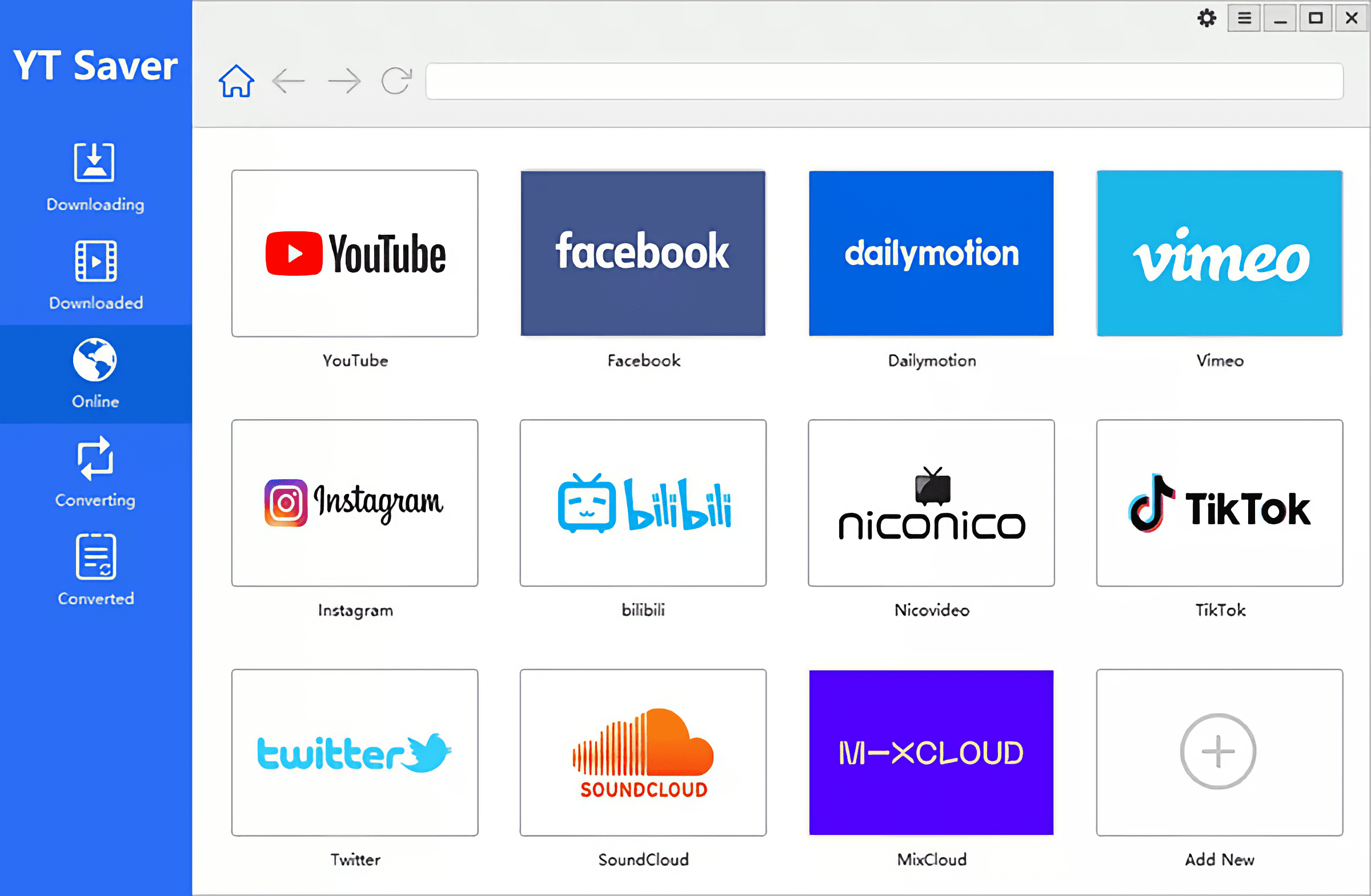
Video Downloading with Built-in Browser The yt saver video downloader & converter comes equipped with a built-in web browser that allows you to effortlessly browse video and audio sharing sites and download video content directly from websites right on your Mac.
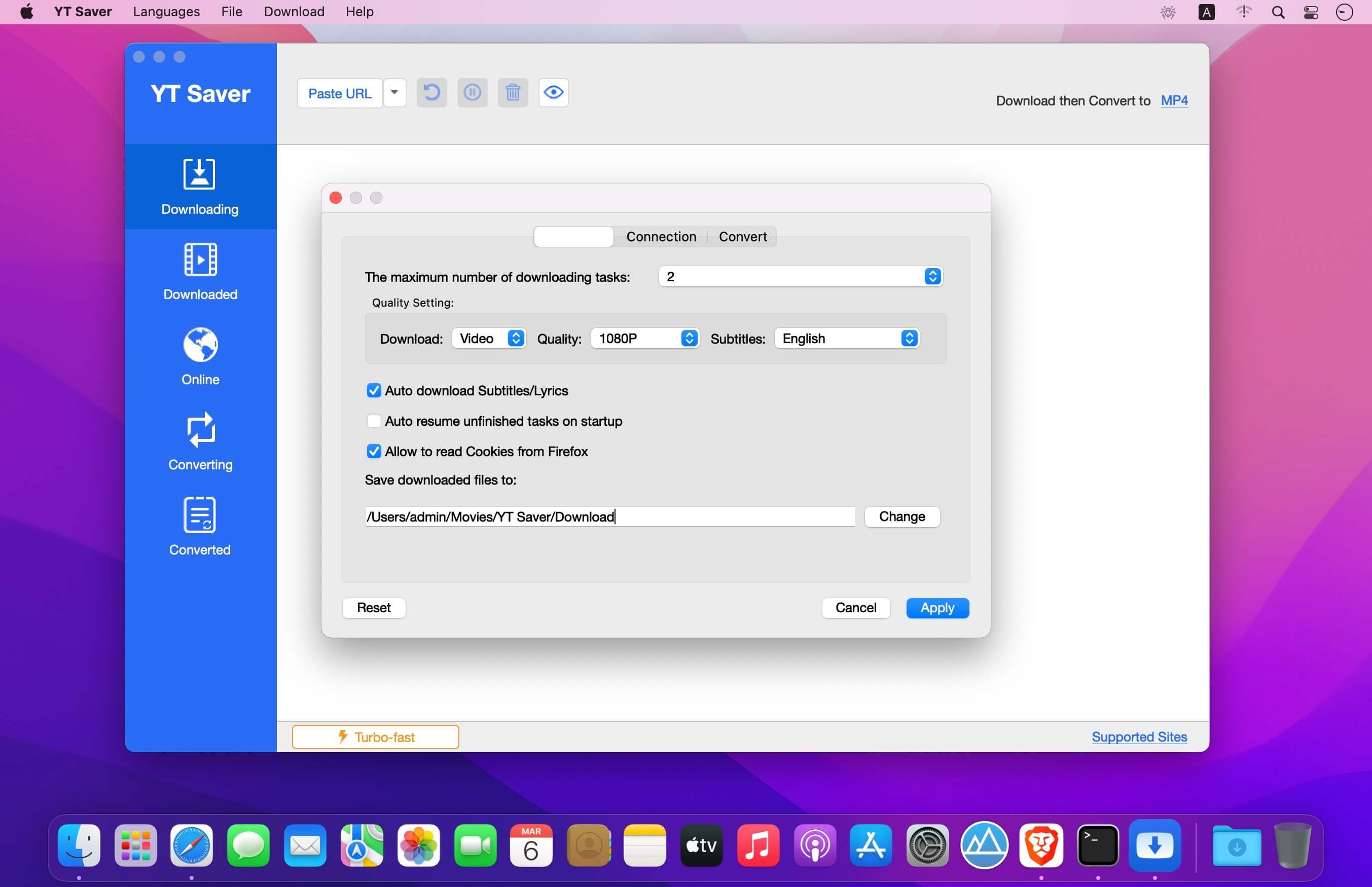
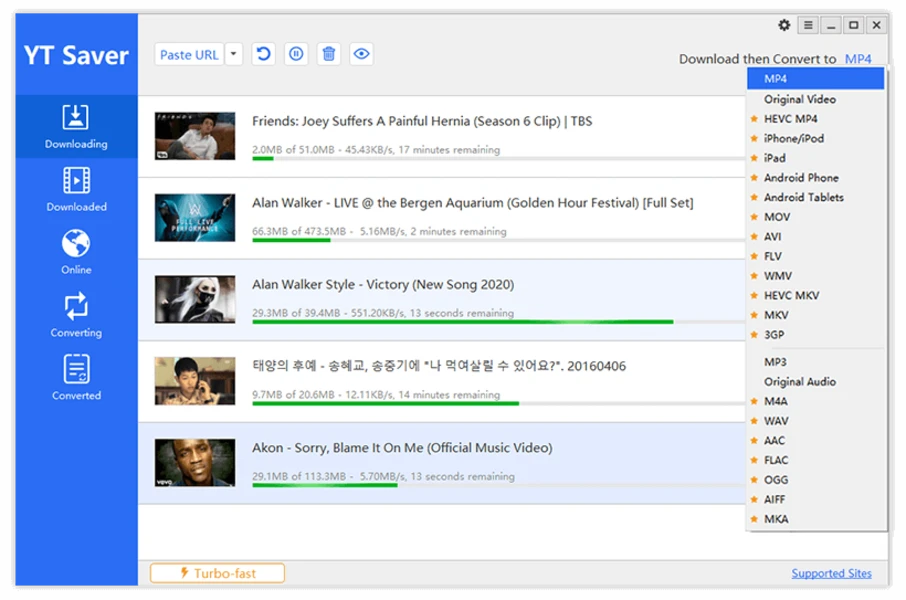
Unlimited Downloads With the yt saver video downloader and converter, you can download an unlimited number of videos and entire playlists from streaming sites on your Mac and access your saved videos offline anytime you want, as well as download multiple videos simultaneously for maximum efficiency.
Ultra-Fast Video Downloading Speed The yt saver video downloader & converter app for Mac delivers up to 10x faster video downloading speeds, enabling you to grab videos at ultra-fast rates and achieve the highest possible conversion speed on your Mac machine.
Protect the Privacy of Your Downloaded Videos To keep your videos and audio files safe from prying eyes and prevent inappropriate viewing by children, YT Saver offers a dedicated private mode that stores all your downloaded content in a password-protected folder on your Mac.
Supported Input Formats Video: MP4, M4V, 3GP, MPEG, DAT, AVI, ASF, WMV, VOB, MKV, FLV, 3GS, 3G2, F4V, WEBM, TS, RMVB, MOV Audio: AAC, AC3, FLAC, M4A, WAV, WMA, AMR, MKA, MP2, AIF, AU, AIFF, CAF, OGG, RAM, RA, M4B, M4R, APE, OPUS, WEBM
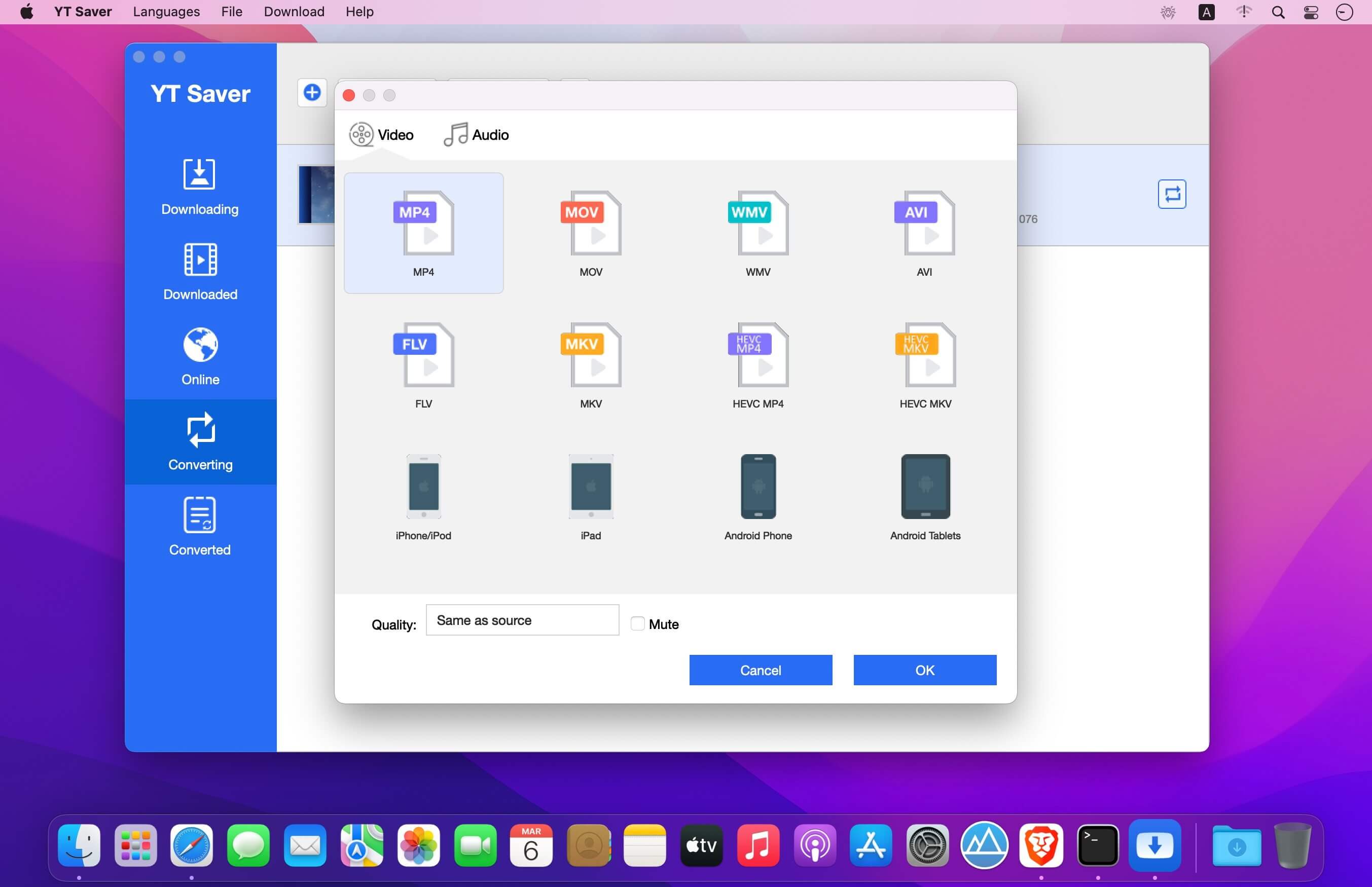
Supported Output Formats Video: MP4, MOV, WMV, AVI, FLV, MKV, HEVC MP4, HEVC MKV, 3GP, iPhone/iPod, iPad, Android Phones, Android Tablets Audio: M4A, MKA, WAV, AAC, FLAC, AIFF, OGG
Reviews & Comments
No comments yet. Be the first to share your experience.